
Digital scams often depend on speed, confusion, and a victim acting before a warning can interrupt the sequence. Google’s latest Android defenses place more friction around suspicious texts, calls, pages, apps, and verification codes. Here are six protections designed to surface danger before credentials or money leave an account.
1. Android: One-Time Codes Stay Hidden From Apps

Android 17 can hide one-time verification codes from most apps for three hours. The restriction targets a crucial handoff in account theft: a malicious app may already know a password but still need the temporary code delivered to the phone. Keeping that code out of broad app access makes automated interception harder during the window when it is useful.
The protection does not make every code safe or prevent a person from voluntarily sharing one with a scammer. Social engineering can still bypass technical barriers by persuading an account holder to read the digits aloud or type them into a false page. The feature is best understood as one layer that reduces silent collection in the background. It buys time and removes an easy path, while careful handling of unexpected code requests remains essential.
2. Google Messages: Suspicious Conversations Trigger Warnings
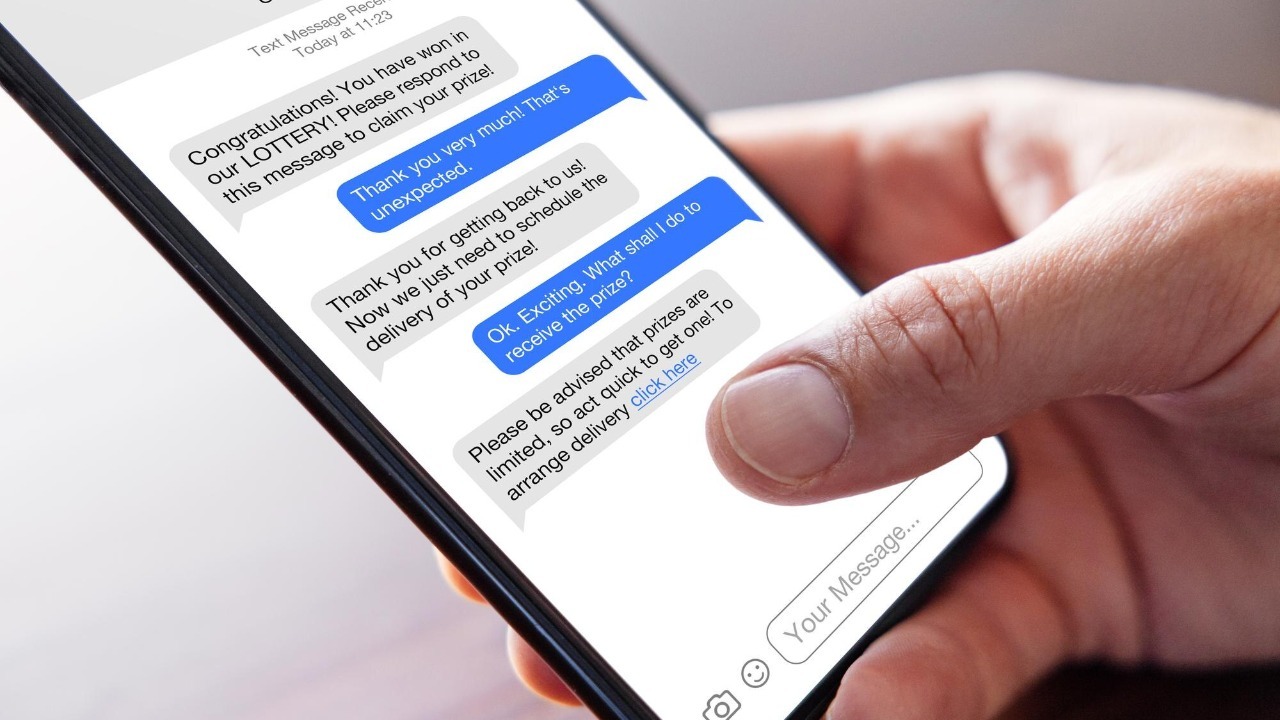
Google Messages uses spam protection to identify suspicious conversations and can warn before a scam develops further. That timing matters because many fraud attempts begin with a harmless-looking greeting and escalate toward urgency, secrecy, payment, or account access. An alert or filtered thread can interrupt momentum before the recipient treats an unfamiliar sender as trustworthy.
A warning is a signal to stop and verify, not proof that every unflagged message is legitimate. Scammers can change language, numbers, and tactics faster than automated detection catches every variation. The safer follow-up is to contact the claimed organization through an independently obtained channel rather than replying or using a link in the thread. Messages adds friction at the moment of persuasion, when a pause can prevent a false story from turning into a payment.
3. Phone by Google: Caller Warnings Arrive Before Pickup
Phone by Google uses caller ID and spam protection to flag suspected unwanted calls before or while the phone rings. Voice scams often rely on authority, fear, or manufactured urgency to keep someone from checking the story elsewhere. A visible warning creates a reason to pause before answering or following instructions involving transfers, passwords, gift cards, or remote access.
The alert cannot evaluate every caller perfectly, and the absence of a warning does not authenticate a voice on the line. Caller identification can be spoofed, while convincing scripts can imitate banks, agencies, relatives, or technical support. The practical value is interruption: ending the call and contacting the organization through a known number breaks the scammer’s control over the conversation. The feature supports that safer decision before the requested action becomes difficult to reverse.
4. Google Search: Circle to Search Adds a Verification Step
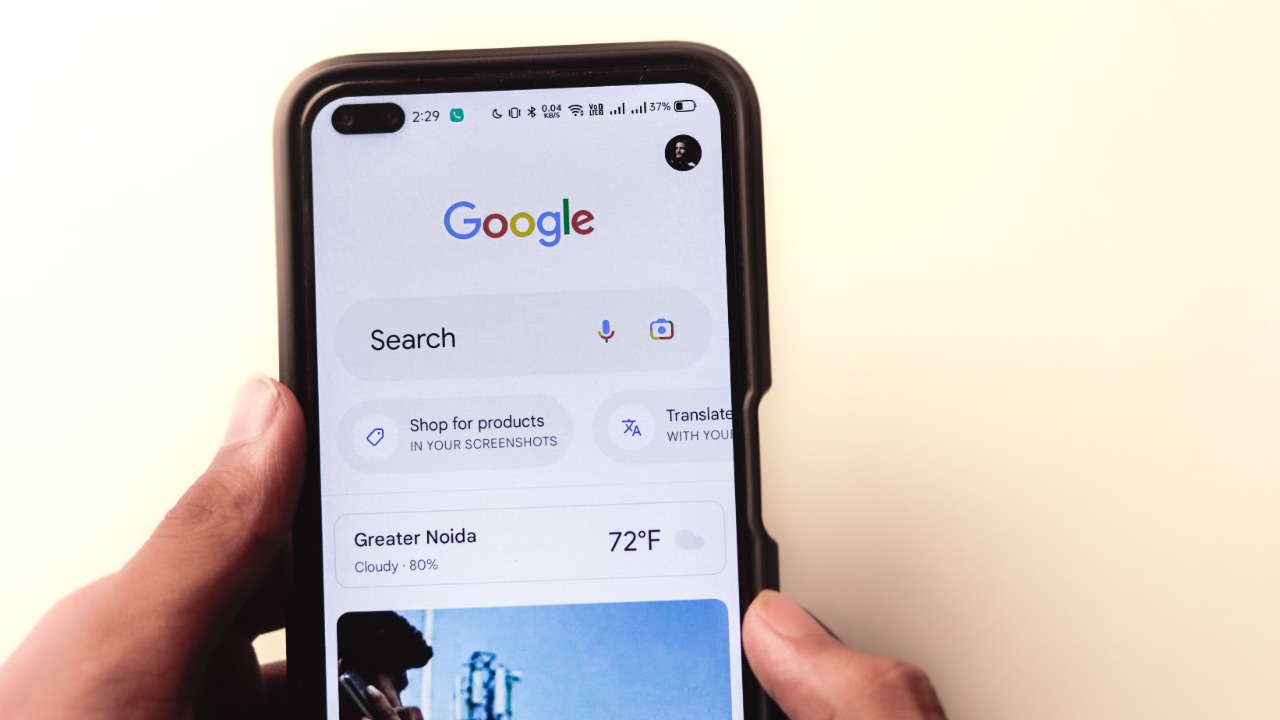
Google Search tools, including Circle to Search, can help inspect suspicious information without immediately acting on it. A phone number, message fragment, image, or claim can become the subject of a separate search rather than remaining inside the scammer’s chosen context. That shift matters because fraud works best when the target accepts the supplied identity and deadline without independent verification.
Search results still require judgment. A copied logo, sponsored result, or lookalike page can appear convincing, and scammers may seed false information across multiple sites. Search is most useful as a starting point for comparison, not a final authenticity verdict. Official contact pages, account apps opened separately, and trusted government warnings remain stronger confirmation. The feature adds a low-friction pause between seeing a claim and responding, which is exactly where many rushed scams can be stopped.
5. Google Chrome: Dangerous Pages and Downloads Get Flagged
Google Chrome’s unsafe-site warnings flag dangerous pages and downloads before a visit turns into credential theft or malicious software. The interstitial can interrupt a link opened from a text, email, advertisement, or search result. That creates a decision point before a false login page captures information or a risky file gains access to the device.
Bypassing the warning removes that protection and should not be treated as a routine way to reach a page that merely looks familiar. No detection service finds every new site immediately, so a clean browser screen is not proof that a request is legitimate. Checking the address, navigating through a saved app or bookmark, and refusing unexpected downloads remain important. Chrome’s defense is strongest when the alert changes behavior instead of becoming another prompt dismissed automatically.
6. Google Play: Play Protect Scans Apps Before They Settle In

Google Play Protect can scan apps for harmful behavior before or after installation, including software obtained outside the Play Store. That matters because scammers often direct a target to install an app from a link or file, then request accessibility, screen-sharing, financial, or messaging permissions. A warning can interrupt that sequence before the app gains the access needed to steal information or guide a transfer.
A clean scan does not certify that every app is trustworthy, and social engineering can still make ordinary permissions dangerous. Device owners need to question why an unexpected caller or message demands an off-store installation, especially when the software asks to view the screen or control other apps. Play Protect adds an inspection layer, while refusing unsolicited installation instructions remains the stronger defense against a scam designed to turn the phone into a remote-control tool.
