
Some new vehicles turn phone pairing into a frustrating maze of menus, while others connect in seconds and stay simple to use every day after. The models below stand out for touchscreens that respond quickly, wireless CarPlay and Android Auto that pair without fuss, and controls that make sense on the first try. Here are eleven vehicles owners and reviewers single out for the easiest phone and screen setup.
1. Ram 1500: Big Screen, Easy Pairing
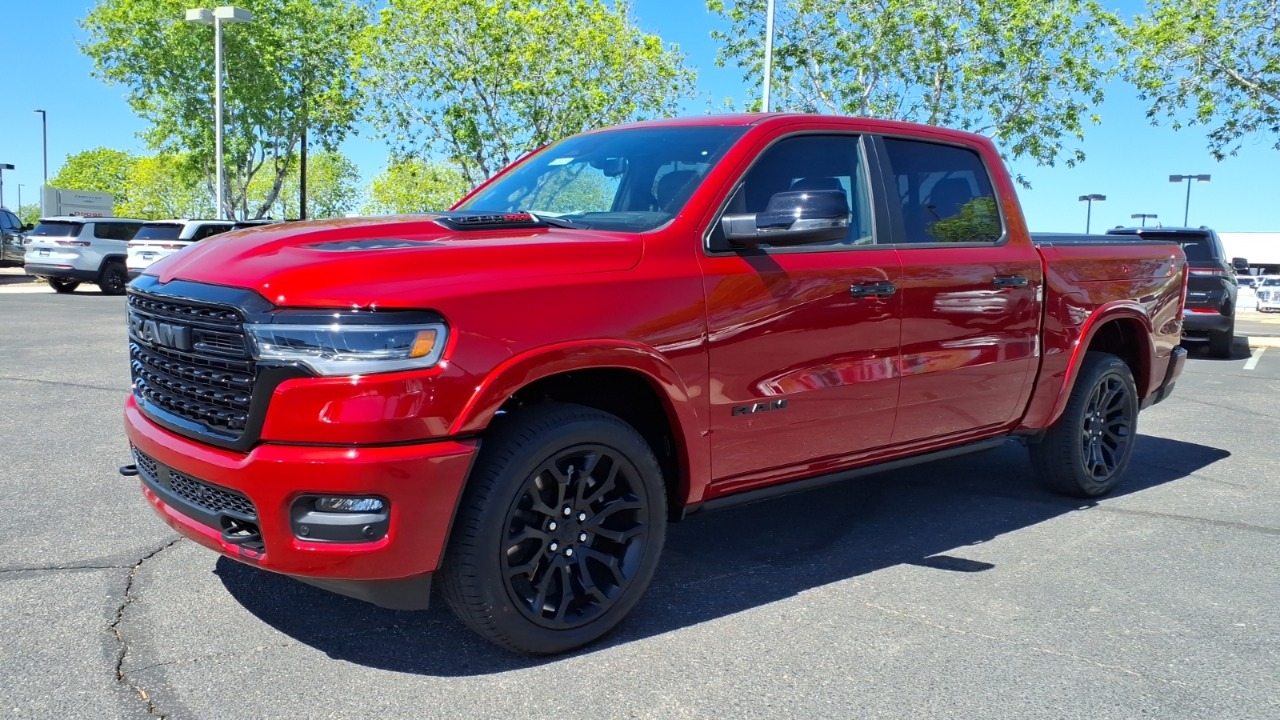
The cabin of the Ram 1500 pickup centers on a wide, high-resolution touchscreen that responds quickly to taps and swipes, and a phone typically pairs in a handful of steps rather than a long setup process. Wireless Apple CarPlay and Android Auto connect automatically once a phone has been linked the first time, so a new driver rarely needs to dig through settings menus again.
Owners moving up from an older truck often note the screen’s size makes icons easy to hit at a glance, cutting down on the fumbling that smaller, cluttered displays tend to cause.
2. Hyundai Sonata: Wireless Setup That Just Works
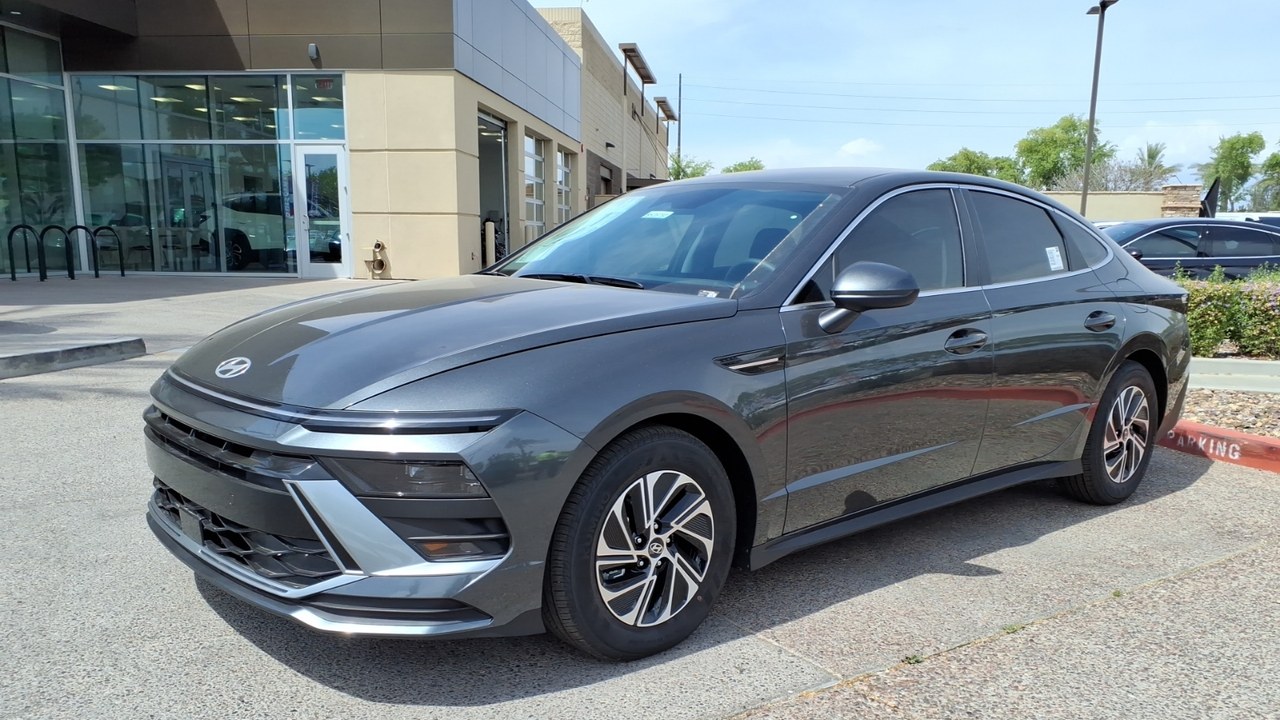
The Hyundai Sonata’s infotainment layout keeps its most-used functions on a single home screen instead of burying them in submenus, and wireless smartphone support means a phone reconnects automatically after the first pairing. Text stays large enough to read at a glance, and the volume and tuning knobs sit exactly where a driver expects them.
That simplicity tends to matter most for a household sharing one car among multiple drivers, since nobody has to relearn the system before pulling out of the driveway.
3. Kia Telluride: Clear Menus, No Guesswork
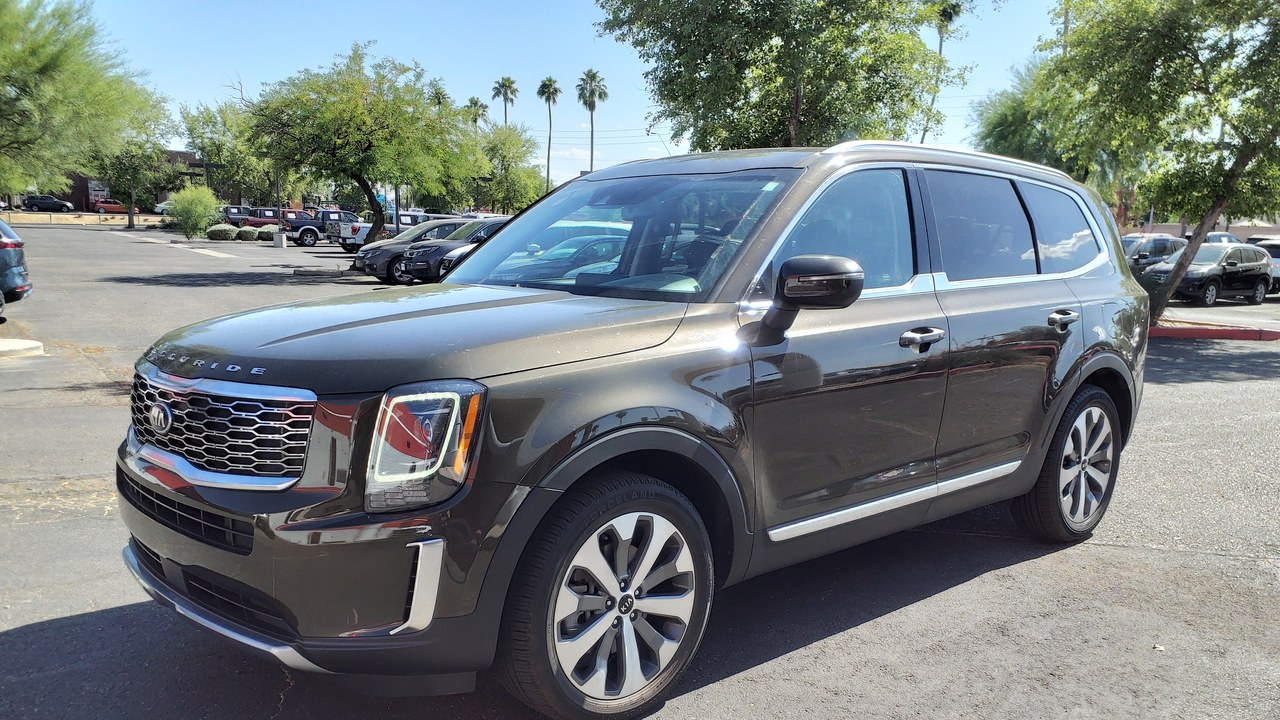
Reviewers of the Kia Telluride regularly point to a menu structure that groups climate, audio, and navigation controls into clearly labeled tabs rather than nesting them several layers deep. Both Apple CarPlay and Android Auto connect through a straightforward on-screen prompt, and physical shortcut buttons sit below the screen for the functions used most.
For a family SUV that often gets driven by more than one person, that combination of clear labeling and physical backup controls means less time spent staring at the dashboard instead of the road.
4. Mazda3: One Dial, No Touchscreen Hunting
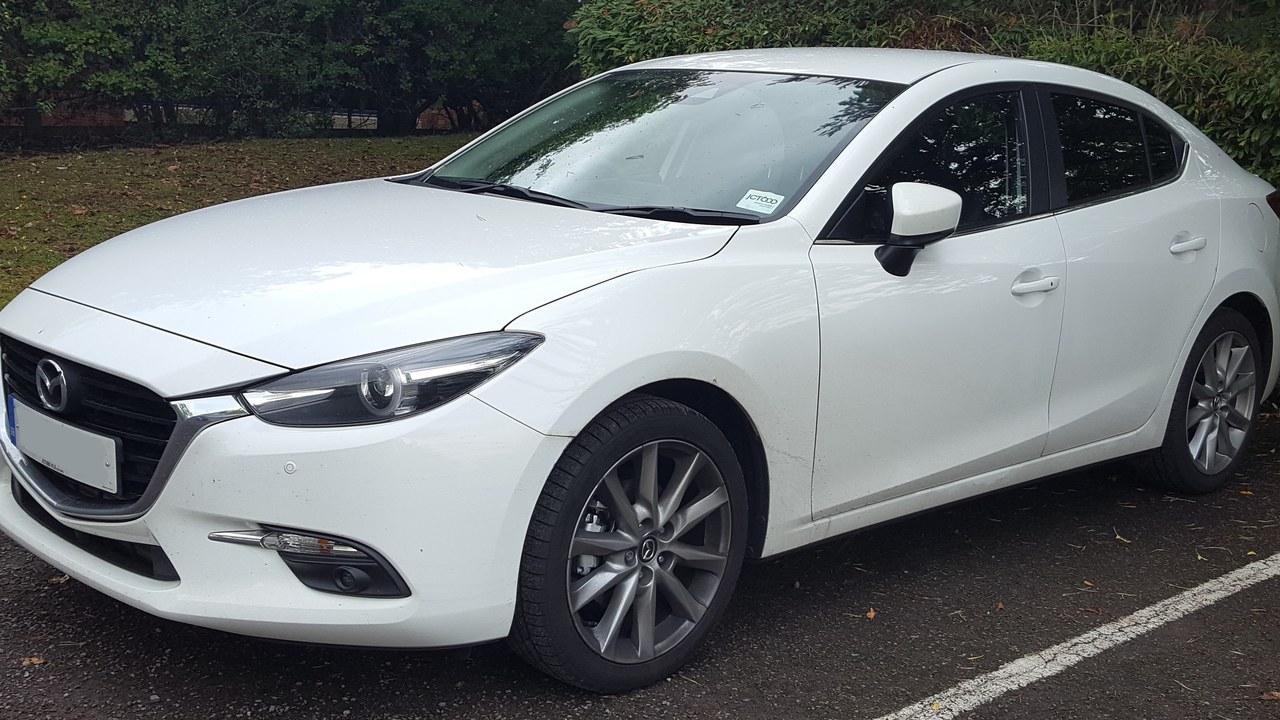
Instead of a touchscreen a driver has to reach for and jab at while moving, the Mazda3’s interface is controlled largely by a single rotary dial mounted near the shifter, letting a driver scroll through a clean, uncluttered menu by feel. The layout keeps phone connection, audio, and trip settings in a short, predictable list rather than scattering them across tiles.
Owners switching from a touchscreen-only rival often describe the dial as faster to use once memorized, since it avoids the mis-taps that come with reaching for a glossy screen over a bump.
5. Ford F-150: A SYNC System That Explains Itself
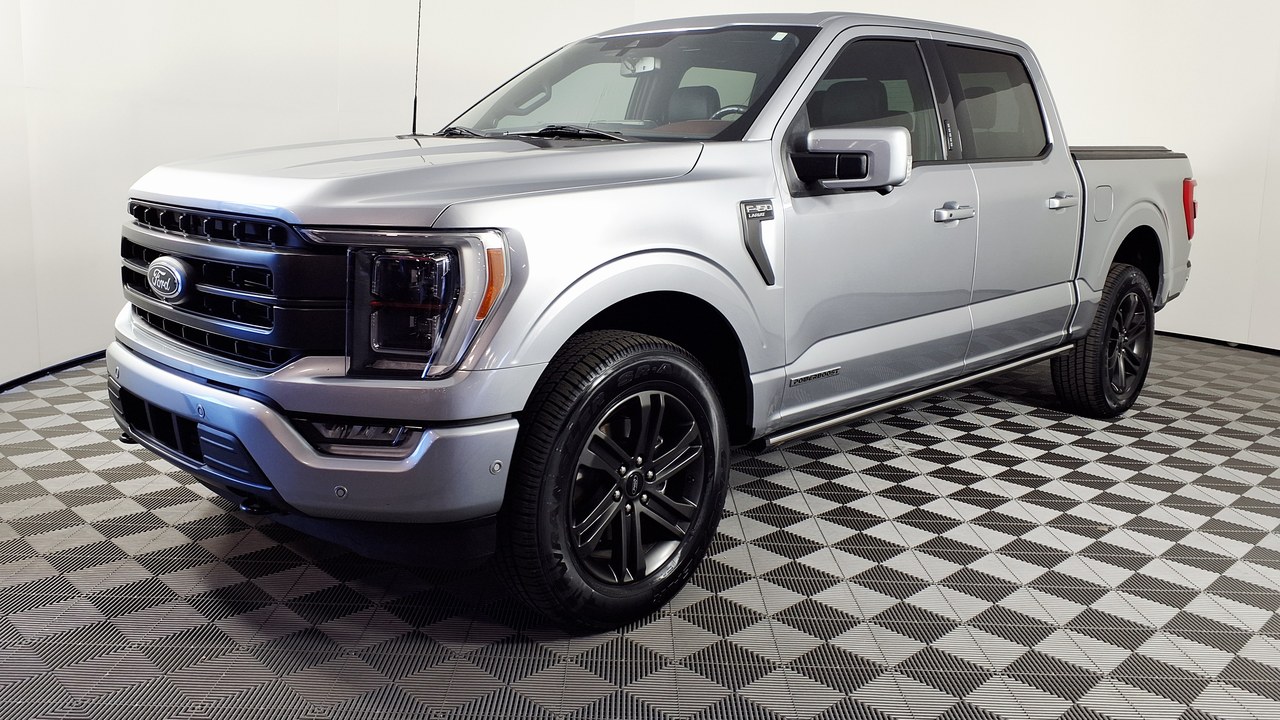
The Ford F-150’s SYNC system runs on a large screen with big, clearly labeled icons, and its setup wizard walks a new driver through phone pairing step by step the first time the truck starts. Voice commands can handle basic tasks like changing the temperature or placing a call, cutting down on how much a driver needs to touch the screen at all.
Because the underlying layout has stayed consistent across recent model years, a driver who learns it once tends to find it just as familiar the next time they’re behind the wheel.
6. Chevrolet Silverado: Built-In Google, Kept Simple
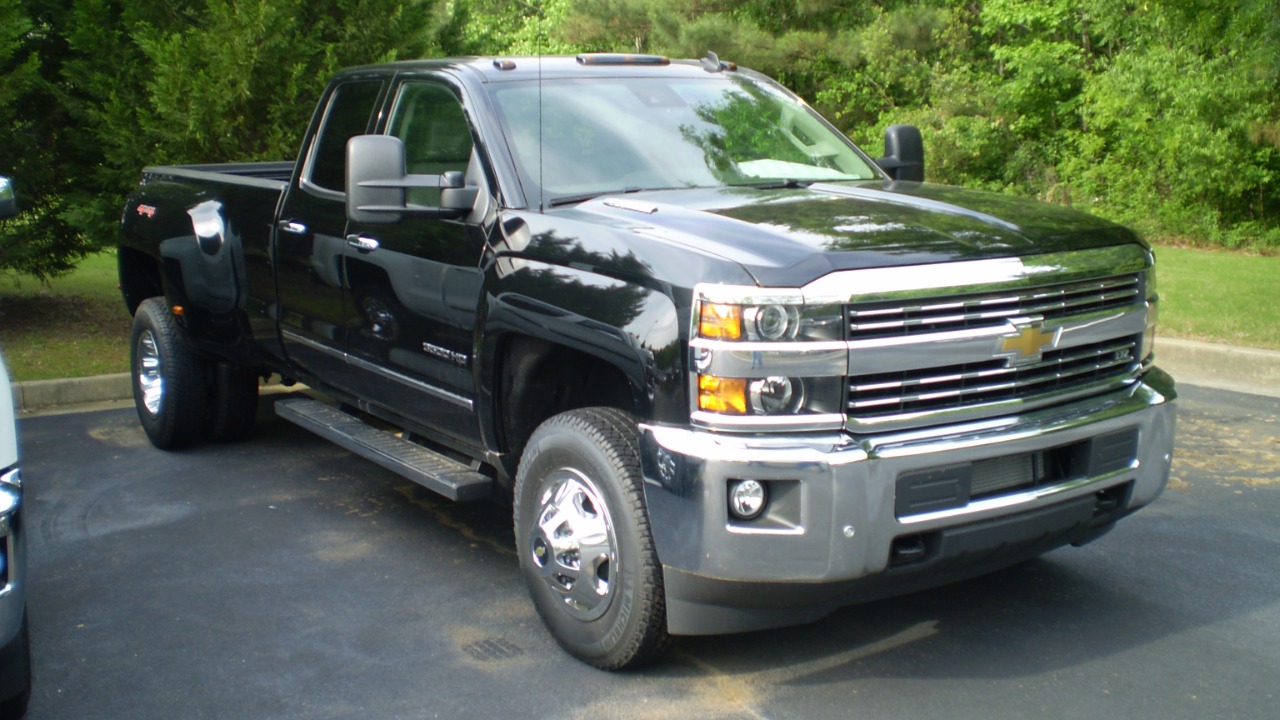
The Chevrolet Silverado’s infotainment system runs Google-built software with familiar apps and a search bar built directly into the home screen, so a driver can find navigation, music, or phone settings without hunting through unfamiliar menus. Wireless phone projection is available for those who prefer their own phone’s interface instead.
Because the layout mirrors software many drivers already use on a phone or tablet, the learning curve is shorter than on a system built entirely from scratch by the automaker.
7. Honda Accord: Dashboard Controls That Make Sense
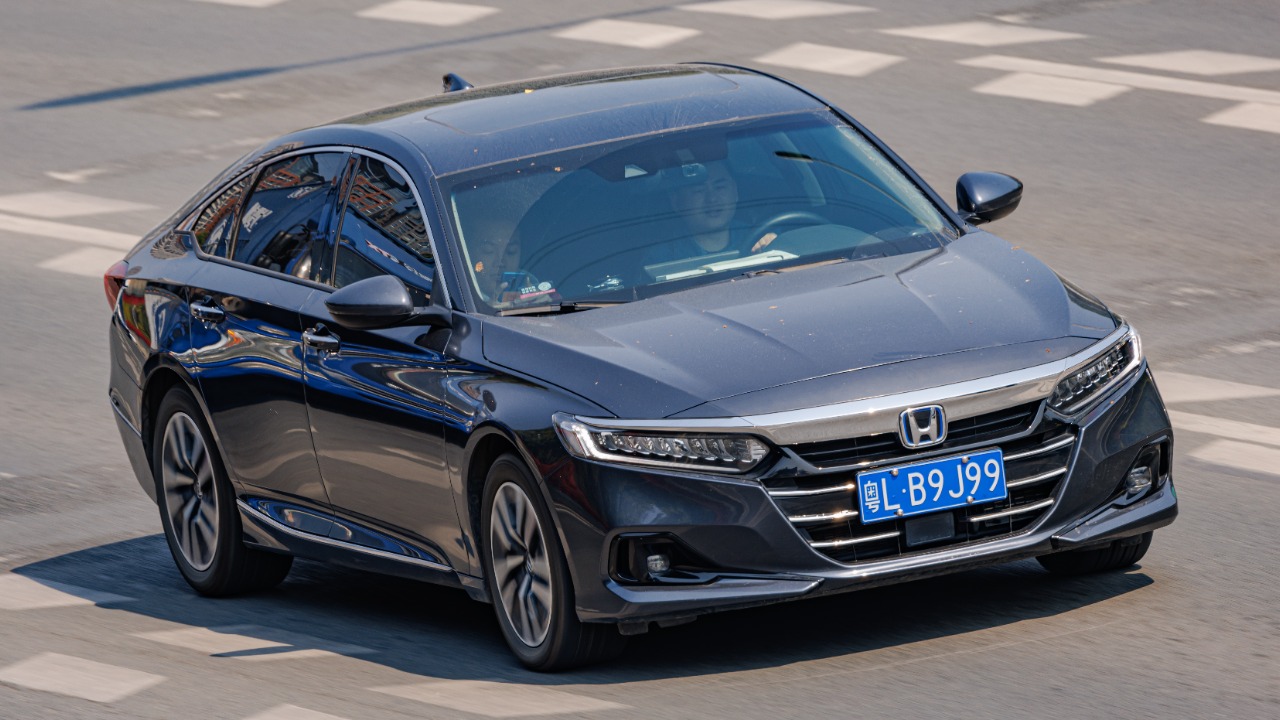
The Honda Accord’s dashboard pairs its touchscreen with a row of physical buttons for volume and tuning, so a driver isn’t forced to hunt for an on-screen slider while merging onto a highway. Menu items are grouped logically, with phone and audio settings kept close together instead of split across separate screens.
That blend of physical and digital controls is often cited as the reason a rental or loaner Accord feels usable within minutes, even for a driver who has never sat in one before.
8. Hyundai Palisade: Two Screens, Still Simple
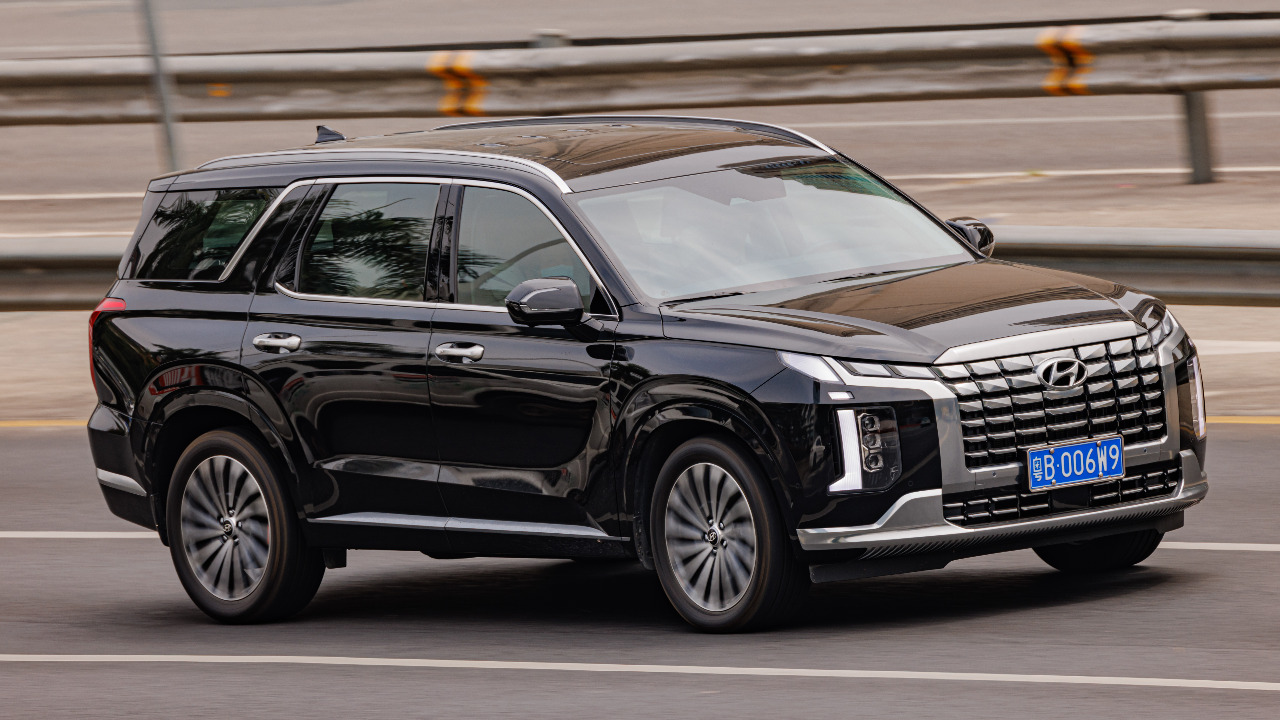
The Hyundai Palisade splits its dashboard into a digital gauge cluster and a separate infotainment display, yet keeps the two working together instead of competing for attention. Navigation prompts and phone status appear on both screens at once, so a driver never has to glance away from the road for long to check a route or an incoming call.
Families who use the Palisade for long trips often point to that dual-screen setup as the reason a phone stays connected and legible even with several passengers and devices in the cabin.
9. Kia K5: Quick Wireless Reconnects
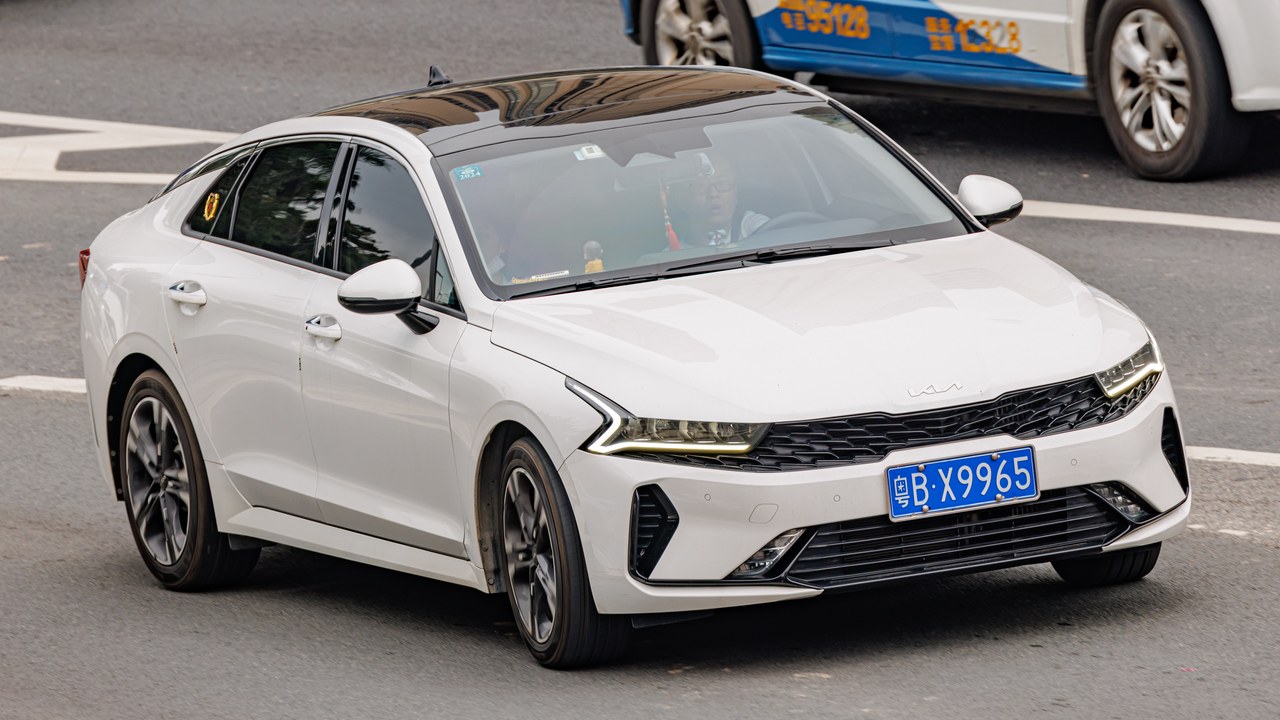
The Kia K5’s infotainment system remembers a paired phone and reconnects wirelessly within seconds of the engine starting, skipping the cable-and-menu routine some rivals still require. The home screen keeps navigation, audio, and phone icons in a single row, so switching between them takes one tap rather than several.
That quick reconnect matters most for a daily commuter, where a system that takes even thirty extra seconds to link up every morning becomes a small but real annoyance over time.
10. Genesis GV70: Luxury Screens, Fast Response
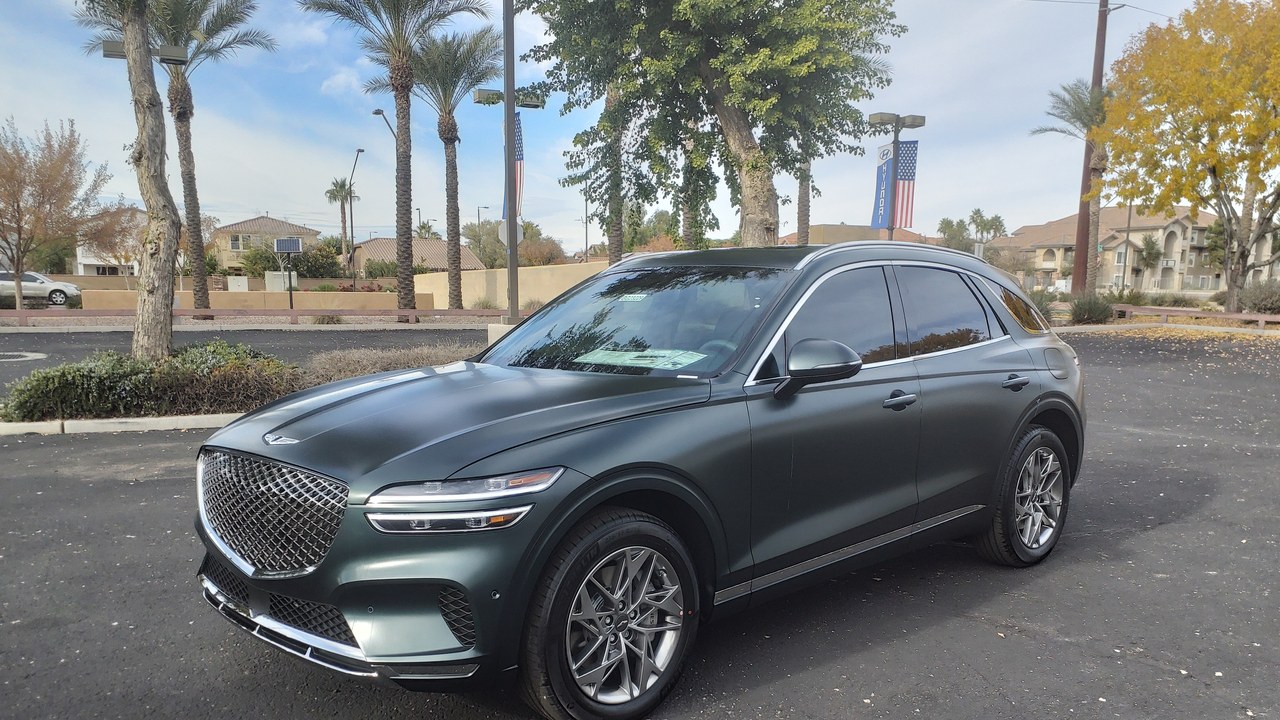
The Genesis GV70’s cabin is built around a widescreen display and a rotary controller on the center console, and both the graphics and the touch response are noticeably quicker than in many rivals at a similar price. Phone pairing is handled through a short guided prompt the first time a device connects.
Reviewers frequently note that the lack of lag when switching between navigation, media, and phone screens makes the whole system feel more polished than a typical mainstream setup.
11. Toyota Camry: A Simpler Toyota Interface
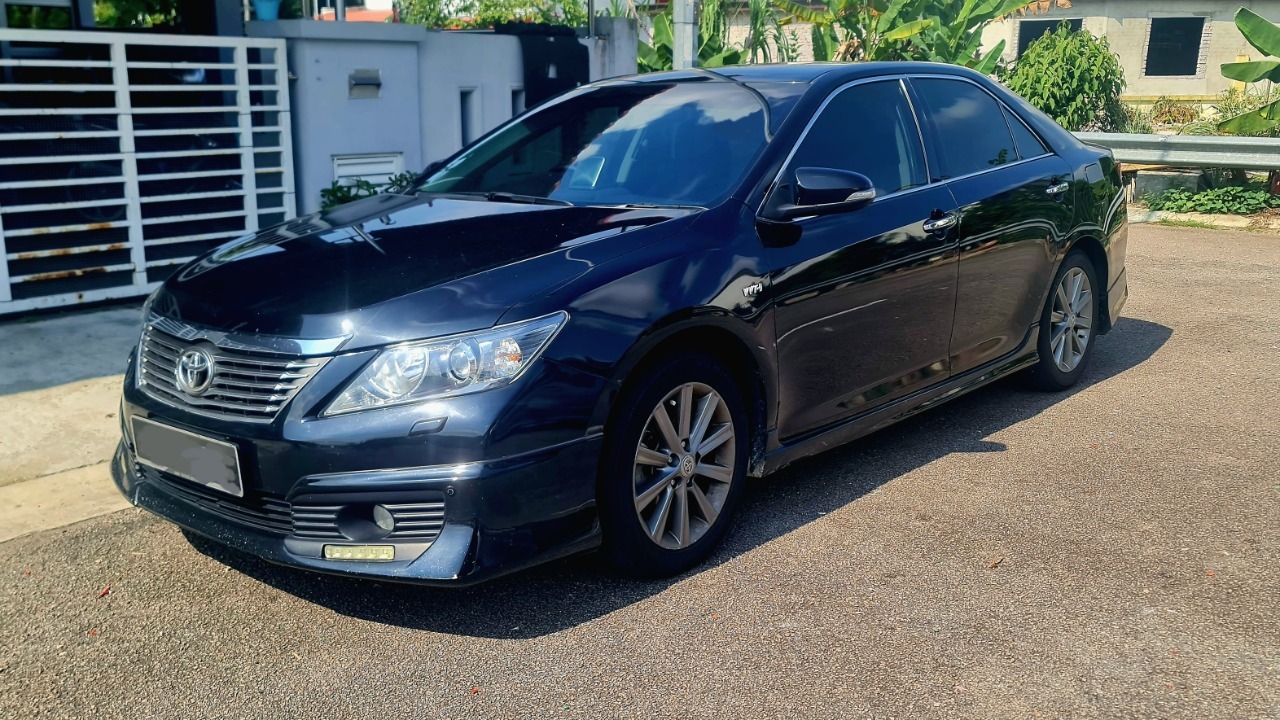
The redesigned Toyota Camry infotainment system replaced Toyota’s older, more cumbersome software with a cleaner layout that puts phone projection, climate, and audio shortcuts within easy reach on the home screen. Wireless Apple CarPlay and Android Auto connect without needing a cable plugged in first.
Longtime Toyota owners upgrading from an older Camry or Corolla often say the newer system finally matches how simple the rest of the car is to live with day to day.
More from Morning Overview
