
Modern homes are filled with speakers, displays, cameras, and remotes that stay quietly ready to hear a name or a command. Most of that listening is intentional and disclosed, built around a wake word or a push-to-talk button rather than constant recording. From kitchen speakers to bedroom displays, these ten gadgets show how normal always-on listening has become in daily life.
1. Amazon Echo: A Speaker That’s Always Sampling
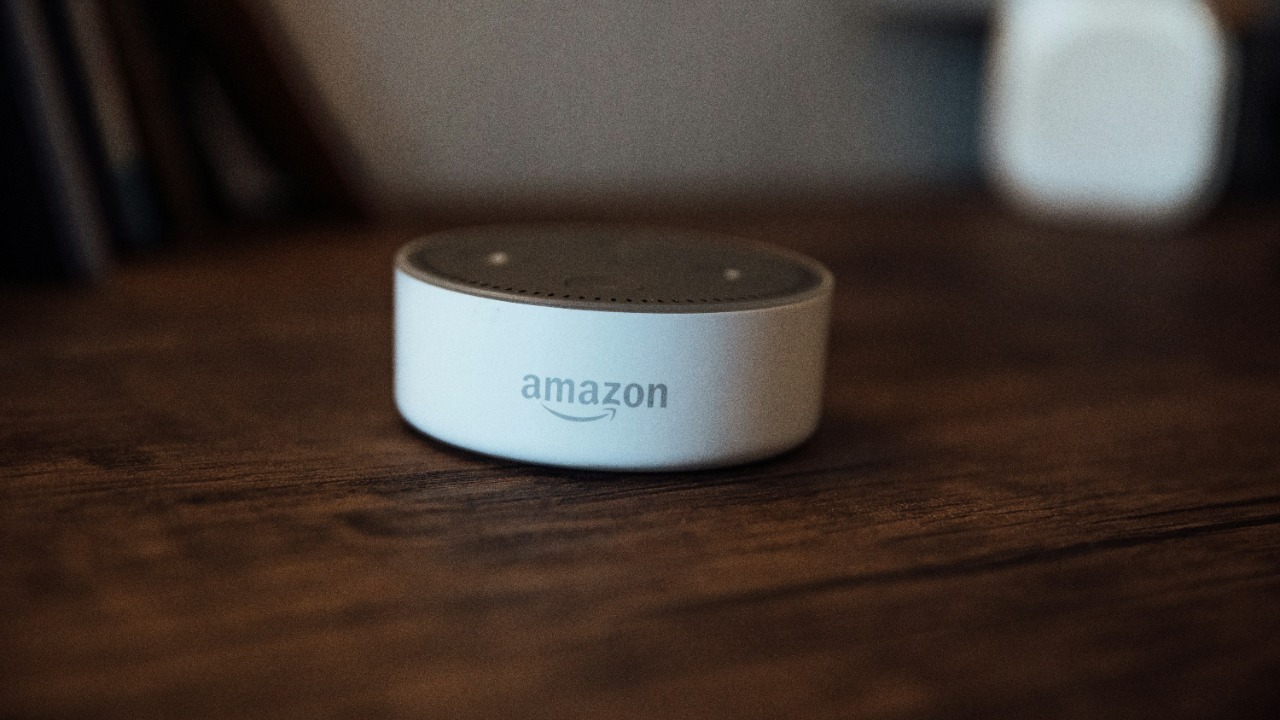
Amazon’s flagship smart speaker runs a small onboard model that constantly samples nearby sound for the trigger phrase Alexa, discarding audio locally until that wake word is detected. Once triggered, the device streams several seconds of the following speech to Amazon’s servers, where a voice assistant team processes the request and stores a recording in the account’s voice history by default.
Users can review, delete, or auto-expire those recordings in the Alexa app, and a physical mute button cuts power to the microphones entirely, though few owners realize the setting is off by default.
2. Google Nest Mini: Listening Quietly For Its Cue
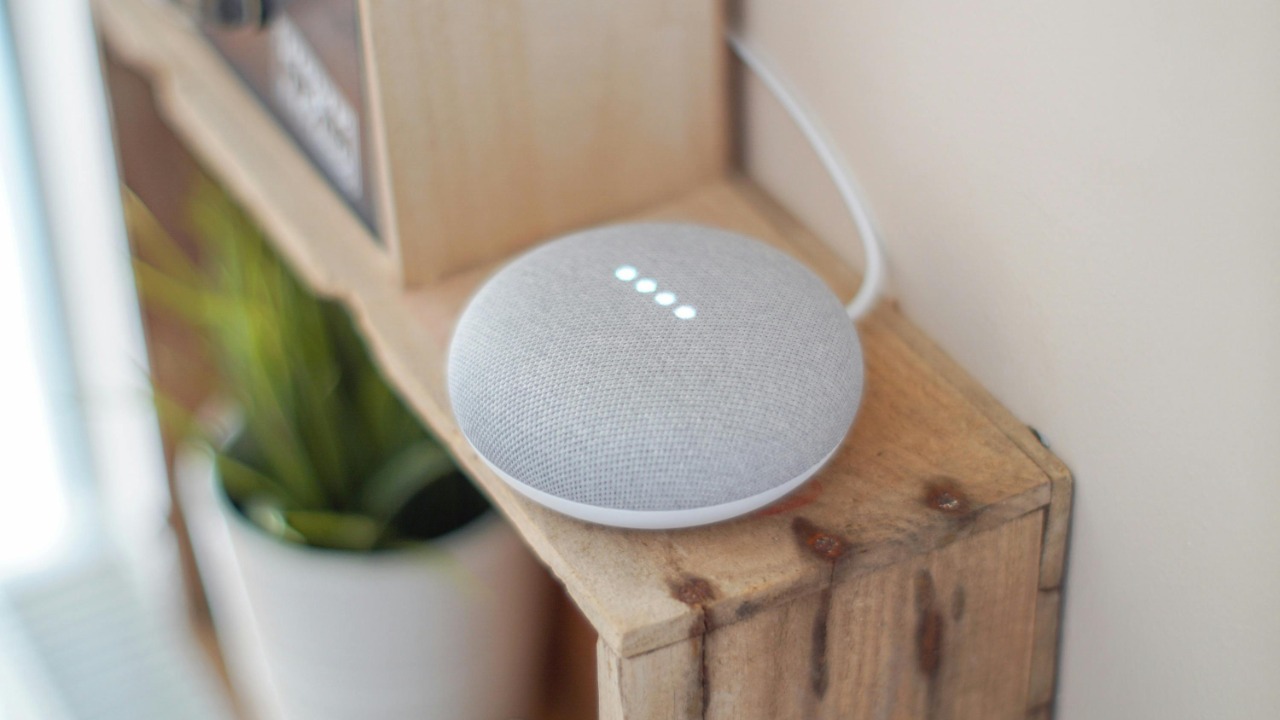
Google’s compact smart speaker line keeps its microphones active at all times, scanning ambient sound for the phrase Hey Google before it begins recording a request. That local screening happens on the device itself, and only the audio captured after the wake phrase is sent to Google’s servers for interpretation and response.
Those interactions appear in a Google account’s activity history, where saved audio clips can be played back, and owners can turn on auto-delete or mute the microphone with a hardware switch on top of the unit.
3. Apple HomePod: Siri Waits Beneath A Mesh Shell
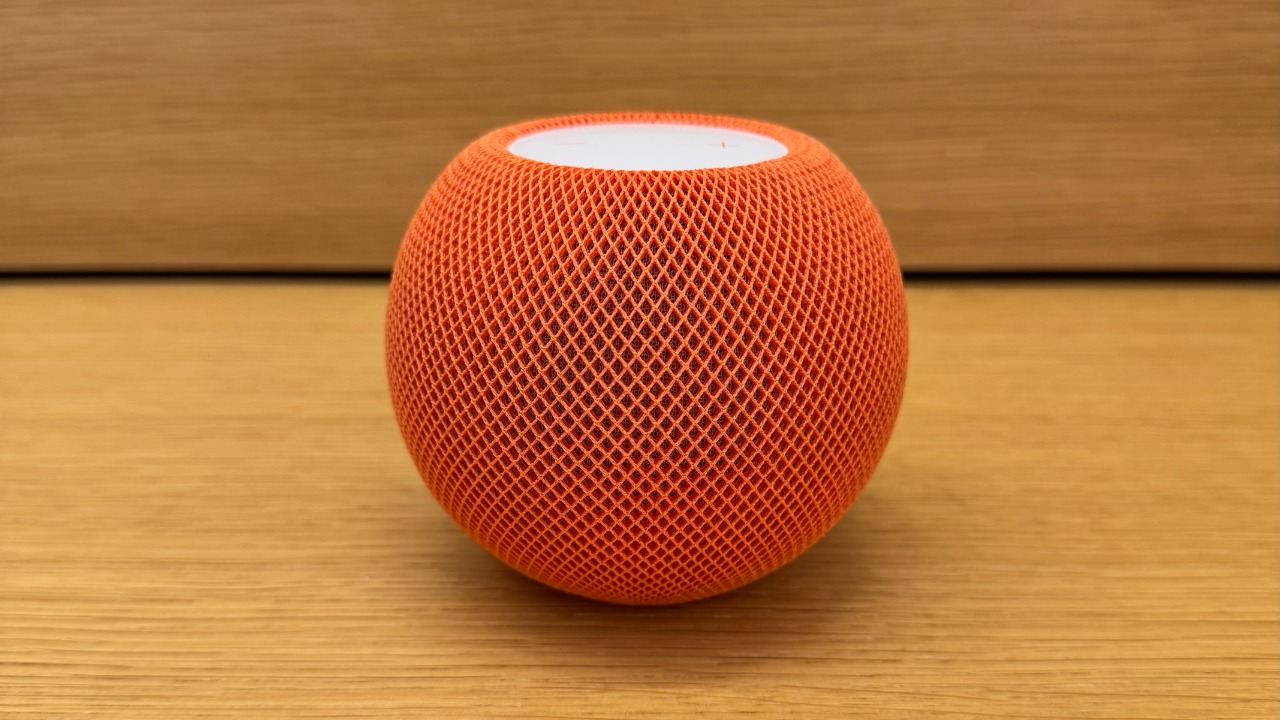
Apple’s speaker keeps a low-power listening chip running so it can recognize the phrase Hey Siri without sending anything to Apple until that cue is heard, at which point the request is encrypted and relayed to Apple’s servers for processing. Apple states that a randomized identifier, not an account name, is attached to each request.
Owners can review or delete the voice history tied to that identifier in device settings, and a mute control on the top surface disables the microphones without powering down the speaker.
4. Ring Doorbell: A Camera With An Open Mic
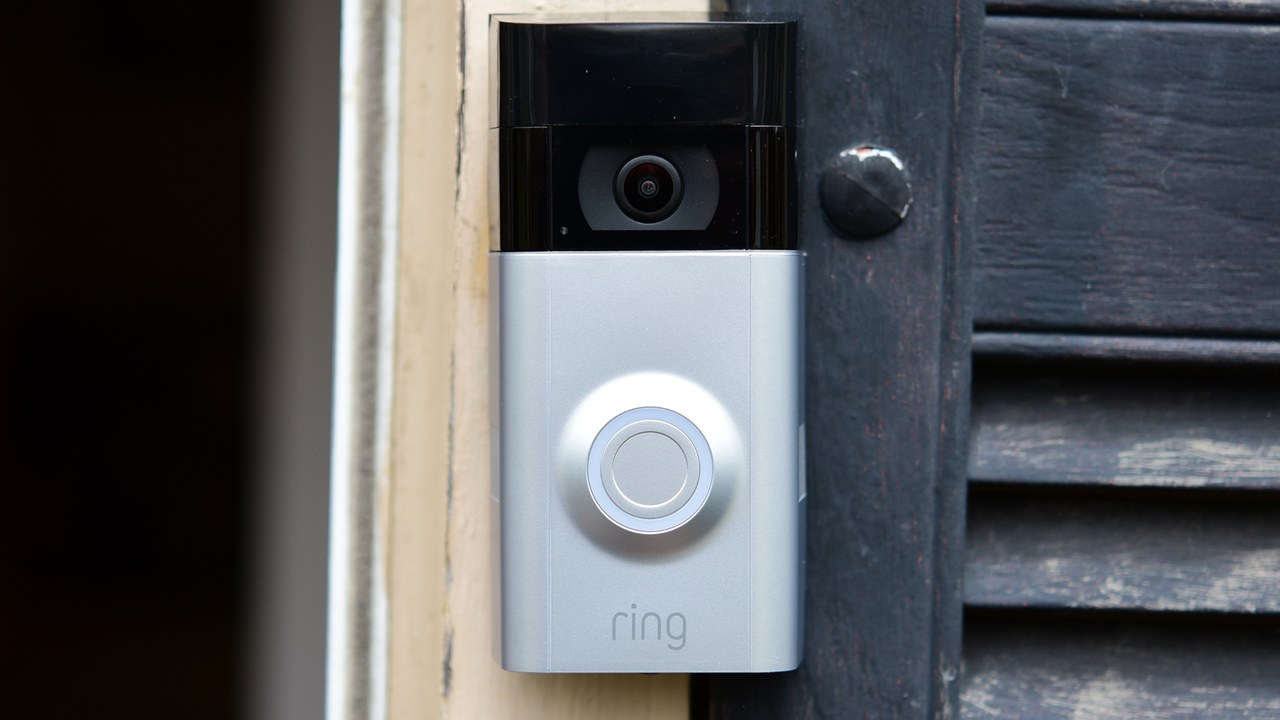
Ring’s video doorbells pair a camera with a built-in microphone that activates whenever motion is detected or a visitor presses the button, capturing audio and video that upload to the owner’s cloud account. In many jurisdictions the recorded audio can include conversations on a sidewalk or porch well beyond the person actually being greeted.
Ring lets owners toggle audio recording off in the app settings, review clips for a limited retention window, and share footage with local police only when the owner opts in to a request.
5. Amazon Echo Show: A Kitchen Assistant With Eyes And Ears

The screen-equipped member of Amazon’s speaker family adds a built-in camera to the same always-listening microphone array, so a kitchen or living room unit can be woken by voice or, on newer models, by simply looking at the display. A shutter can physically cover the lens, but the microphones stay active unless separately muted.
Video and audio clips route through the same Alexa app history as other Echo devices, where a caregiver or family member sharing the account can also see what the camera has recorded.
6. Sonos One: Mesh Grille Hides A Live Mic
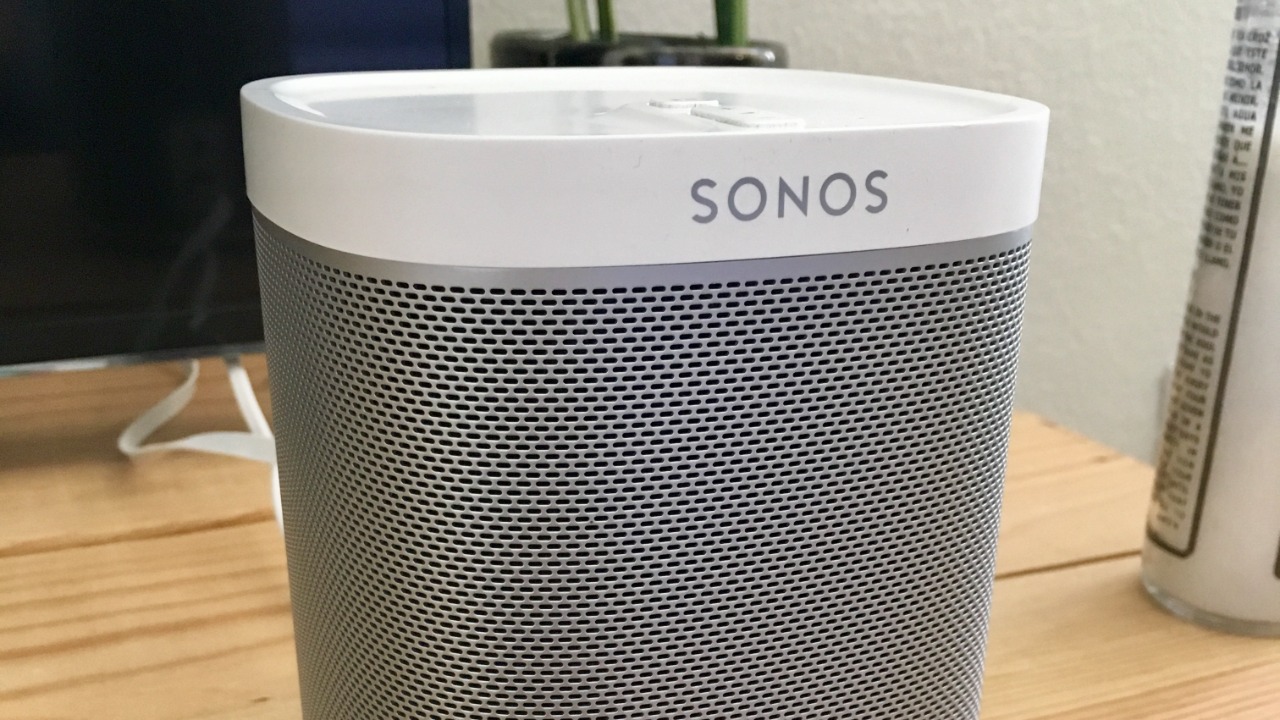
Sonos built its voice-enabled speaker with microphones that stay on to catch a wake word for whichever assistant, Amazon’s or Google’s, the owner has enabled through the Sonos app, and the device can run both simultaneously on separate wake words. Sound played from the speaker itself is filtered out so it does not trigger a false wake.
A physical switch on the top panel disconnects the microphones from power, and Sonos says no audio leaves the speaker until the chosen assistant’s wake word has actually been recognized.
7. Samsung SmartThings: One Hub Ties Every Device Together

Samsung’s smart-home platform links door sensors, cameras, plugs, and voice-capable speakers under a single hub, and many of the connected devices that report to it carry their own always-on microphones or motion sensors that feed status updates back to the SmartThings app around the clock. The hub itself mainly relays that activity rather than recording sound directly.
Homeowners can audit which linked devices have microphone or camera access inside the app’s device list and revoke individual permissions without disabling the rest of the connected system.
8. Google Nest Hub: A Display That’s Never Fully Off
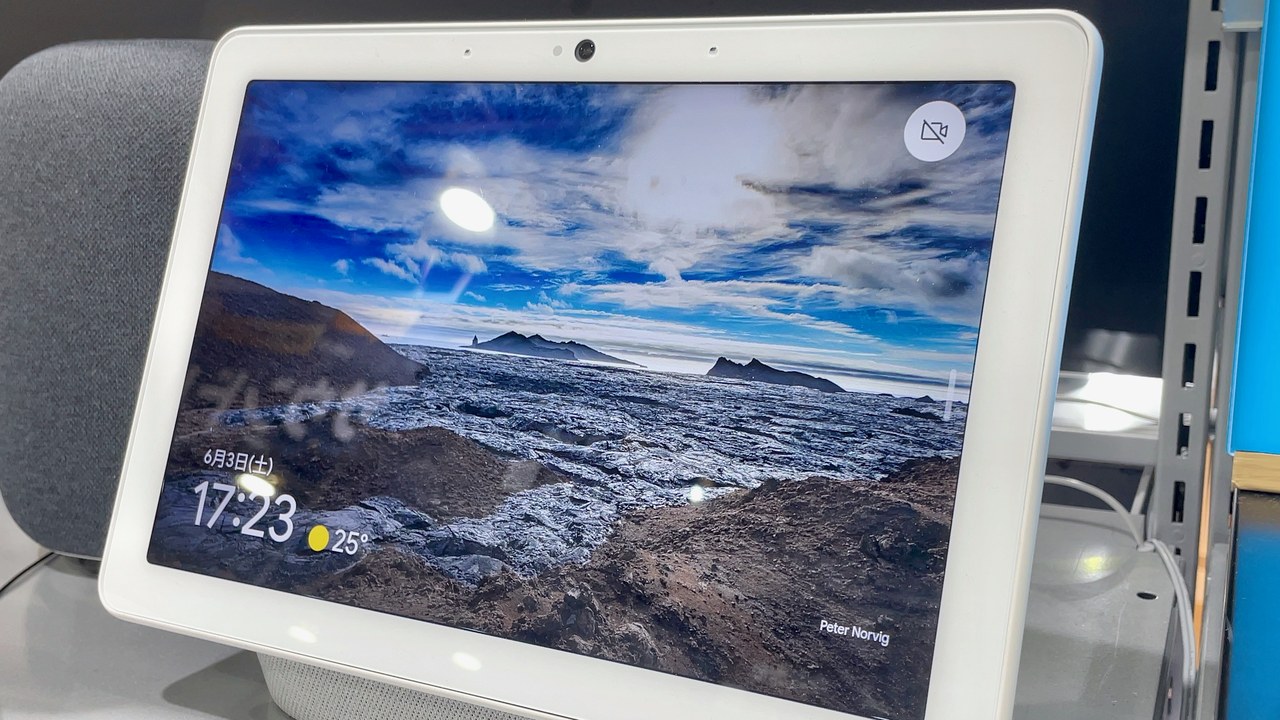
Google’s smart display sits on a counter or nightstand with its microphones live for the Hey Google prompt, and select models add a small radar sensor that can detect motion and breathing patterns in the room without a camera. Audio is processed locally to catch the wake phrase before anything is transmitted.
Recordings tied to a Google account can be reviewed or deleted in the same activity dashboard used across Nest and Assistant devices, and a physical switch cuts the microphones independent of software settings.
9. Roku streaming remote: A Handheld Mic For Search

Roku’s voice remote includes a small microphone that activates when a user presses and holds the dedicated voice button, sending the spoken search or command to Roku’s servers for interpretation before the results appear on screen. Unlike an always-on smart speaker, the microphone in this remote is push-to-talk rather than continuously listening.
Roku’s privacy policy notes those voice clips can be stored to improve recognition accuracy, and a setting in the mobile app lets owners review or clear their voice search history.
10. Amazon Fire TV: Voice Search Built Into The Remote
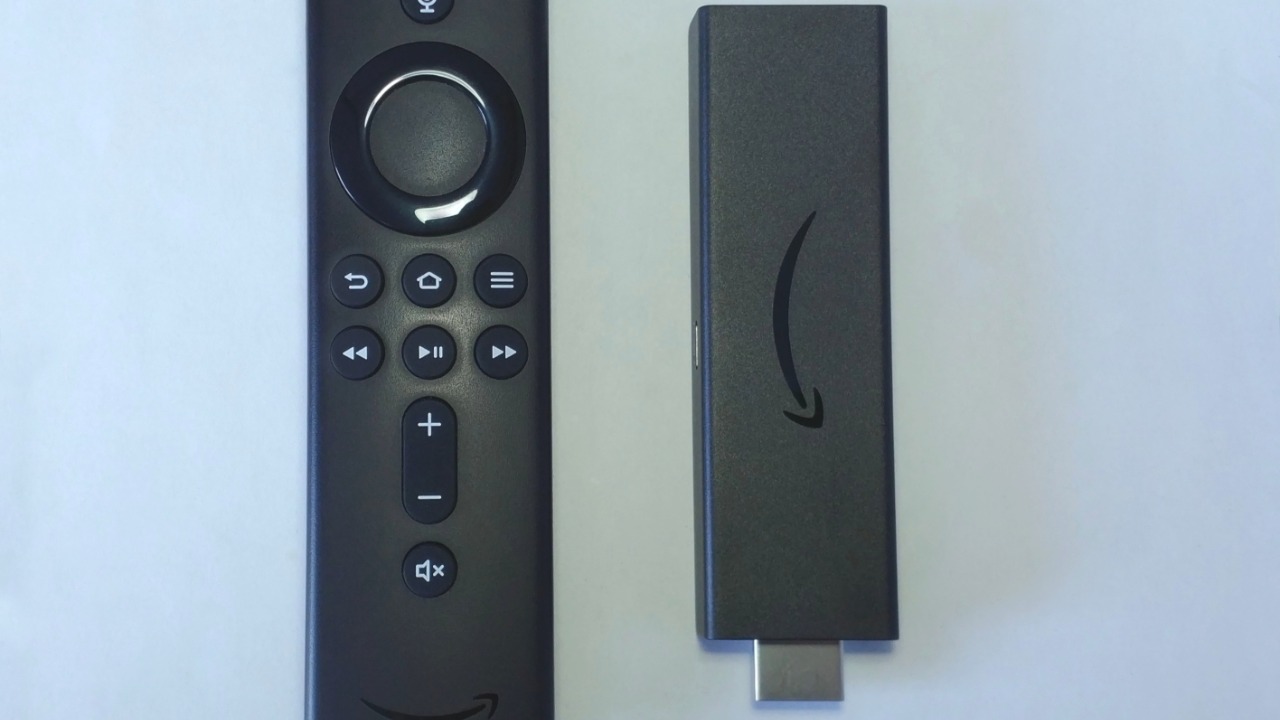
Amazon’s streaming device ships with a remote whose microphone opens only while the voice button is held, letting a viewer search for a show or ask Alexa a question through the connected speaker system. Some Fire TV remotes also support hands-free wake-word listening when that feature is enabled in settings, extending the always-on behavior seen on Echo speakers.
Voice requests are logged in the same Alexa account history as other Amazon devices, where owners can delete recordings individually or turn on automatic deletion after a set number of months.
More from Morning Overview
- The FTC is warning about a scam quietly draining thousands from victims
- The NSA is again telling phone owners to switch off one location setting
- A handful of car transmissions are so tough mechanics say they almost never fail
- A handful of SUVs keep hitting 300,000 miles, and they share one engine trait
