
A device that looks switched off is often still drawing a trickle of electricity to keep a clock, a remote receiver or a standby light alive. The effect is small for any single gadget, but the habit is built into a surprising range of everyday equipment. Here are twelve household devices that can use electricity while sitting idle.
1. Desktop computer: Sleep Mode Never Sleeps
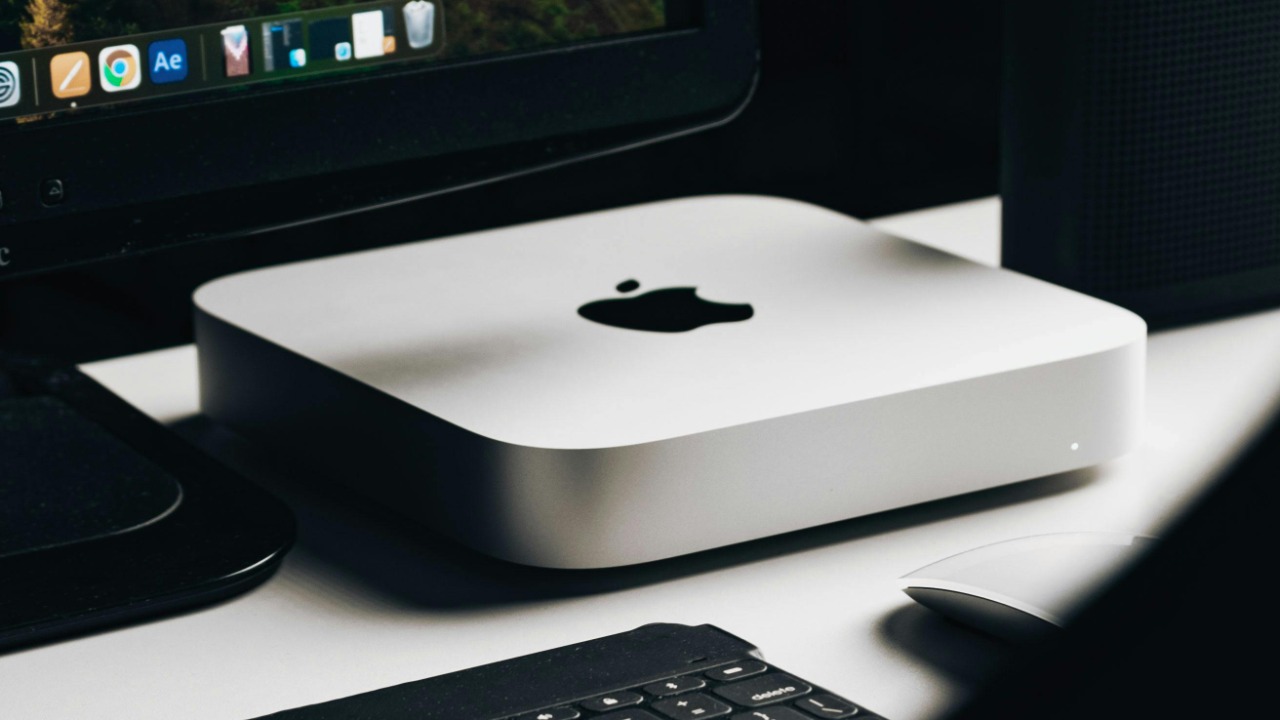
Desktop computers appear in federal low-standby-power guidance, a sign that idle consumption is a recognized issue for the category. Actual idle draw depends on the model and settings.
Anyone curious about a home setup can check power-management options rather than assume the worst. This is a mechanism list, not a wattage estimate, so no single figure applies to every machine in a household. Power-management menus are a good place to look.
2. Laptop: Low-Power Modes Count
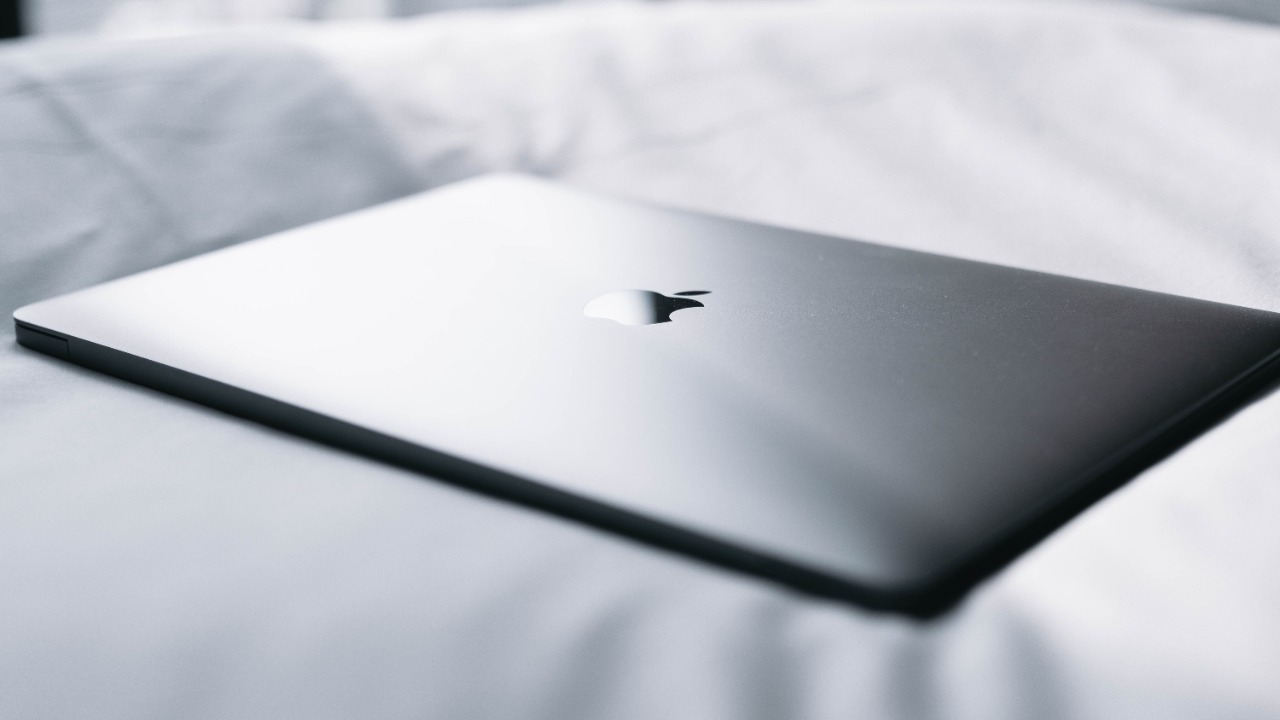
Notebook computers have low-power modes covered by federal standby guidance, which treats them as products where idle behavior matters. Portable as they are, they still draw power when parked.
A laptop left plugged in and asleep is a typical example. The point is the mechanism, not a precise cost, since results differ from one model and setting to the next, and some charging behavior serves a useful purpose. Checking the settings menu usually reveals which options apply.
3. Computer monitor: Dark Screen, Live Circuit
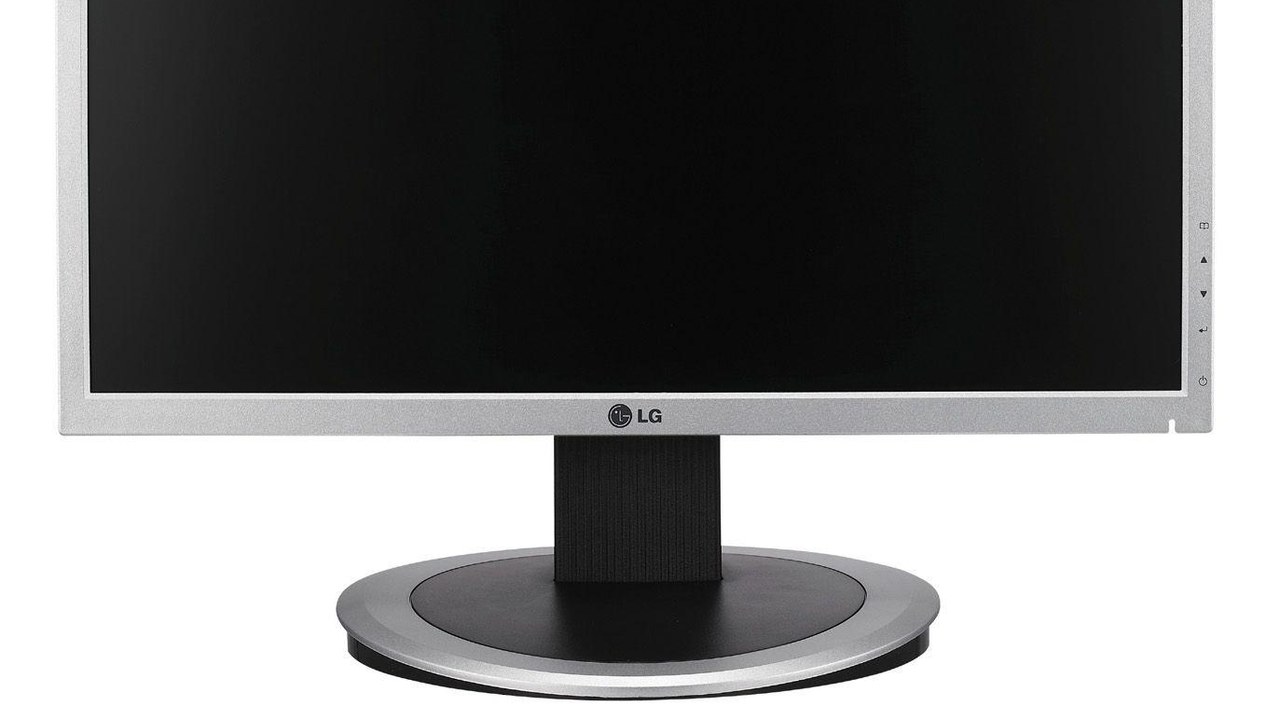
Displays are included in federal standby-power purchasing guidance, reflecting that a monitor which looks off can still be partly awake. Standby circuitry waits for a signal to return.
Desk setups with several screens make the idea easy to picture. The list entry describes how monitors are treated in guidance rather than quantifying savings, and settings on the display itself can change the behavior. Treating the set as always partly on is the useful mental model, and the convenience is part of why it is built that way.
4. Television: Always Listening for the Remote
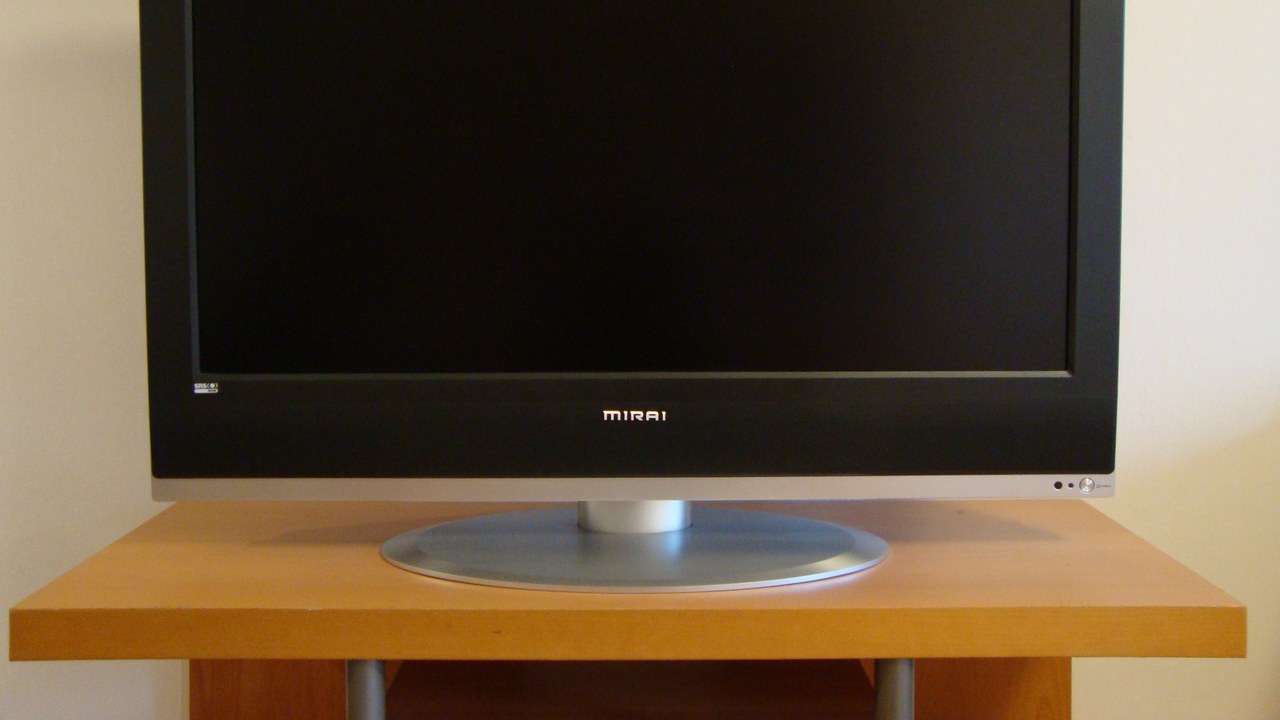
Televisions appear in federal low-standby-power guidance, and remote-control receivers and other functions can remain powered. A dark screen therefore does not mean the set is truly inactive.
Living rooms often hold the most such equipment, so televisions are a natural starting point for curiosity. This is a mechanism, not a savings promise, and the convenience of instant response is part of the trade. Checking which functions stay active on a given set is a sensible first step.
5. AC adapter: Warm Brick on the Wall
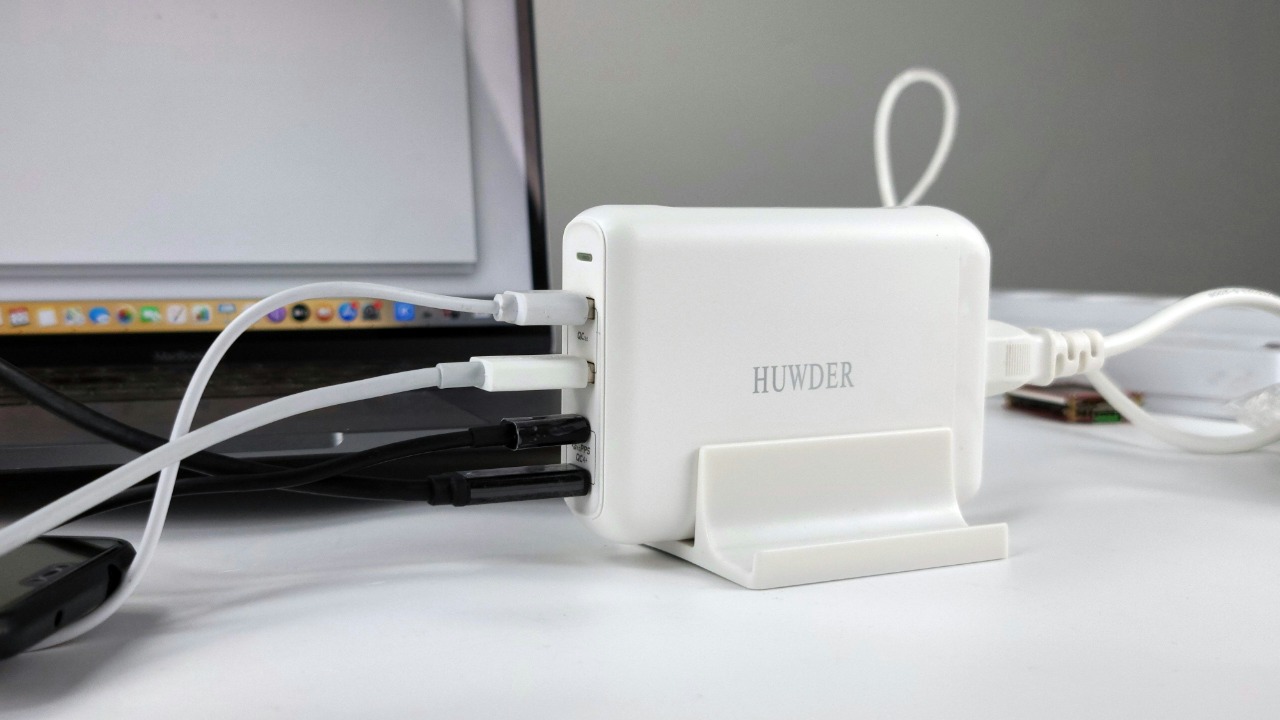
An adapter can consume power while plugged in even when its connected device is switched off, as the standby power overview explains. The small box left in the outlet keeps working quietly.
Drawers and power strips are full of these, many attached to nothing. Touching a warm adapter hints at the effect, though the article describes the mechanism rather than a current wattage for any specific model. Unplugging an unused adapter is the simple way to stop the effect.
6. Uninterruptible power supply: Backup Power That Stays On
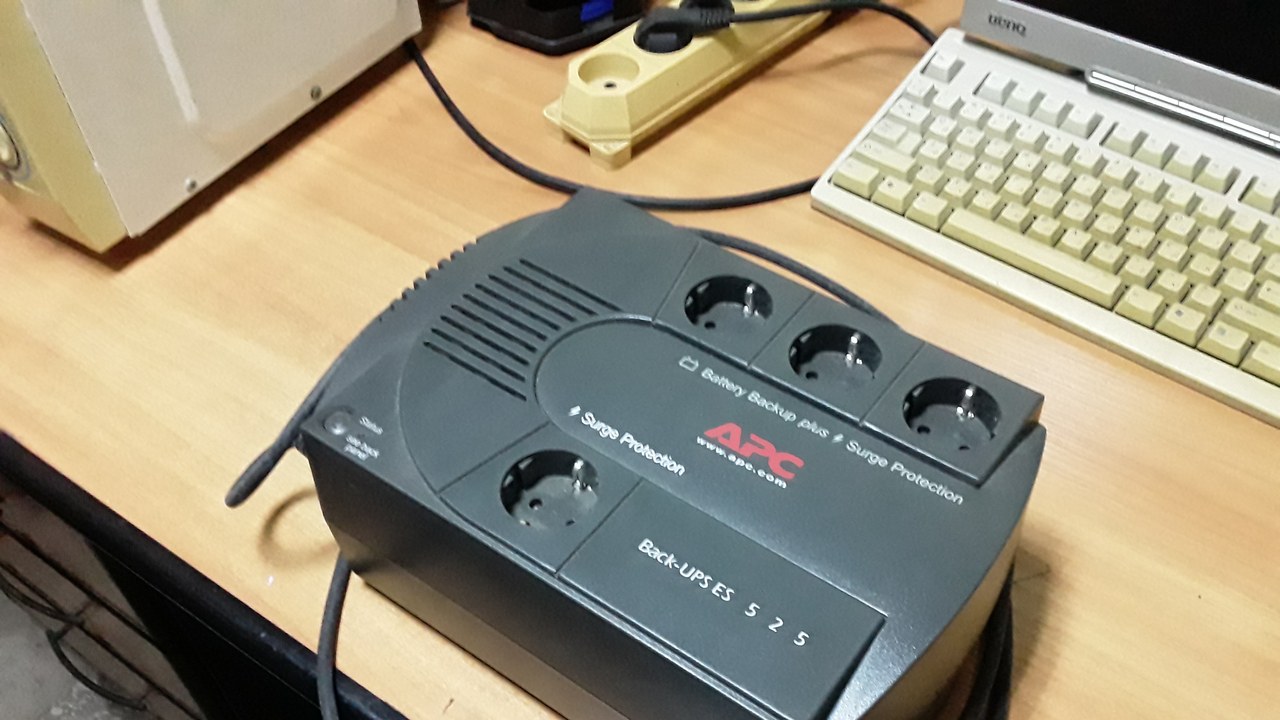
A UPS can remain energized while the computer it protects is off, according to the standby power overview. Its job is to stand ready, which means some circuitry never rests.
This one comes with a caveat, because the standby readiness is the very function that protects equipment. Safety-related devices should not be unplugged on a hunch, and the entry describes the mechanism only. Pairing a UPS with a computer is common, which is why its standby role is easy to forget.
7. Stereo system: Hi-Fi on Standby
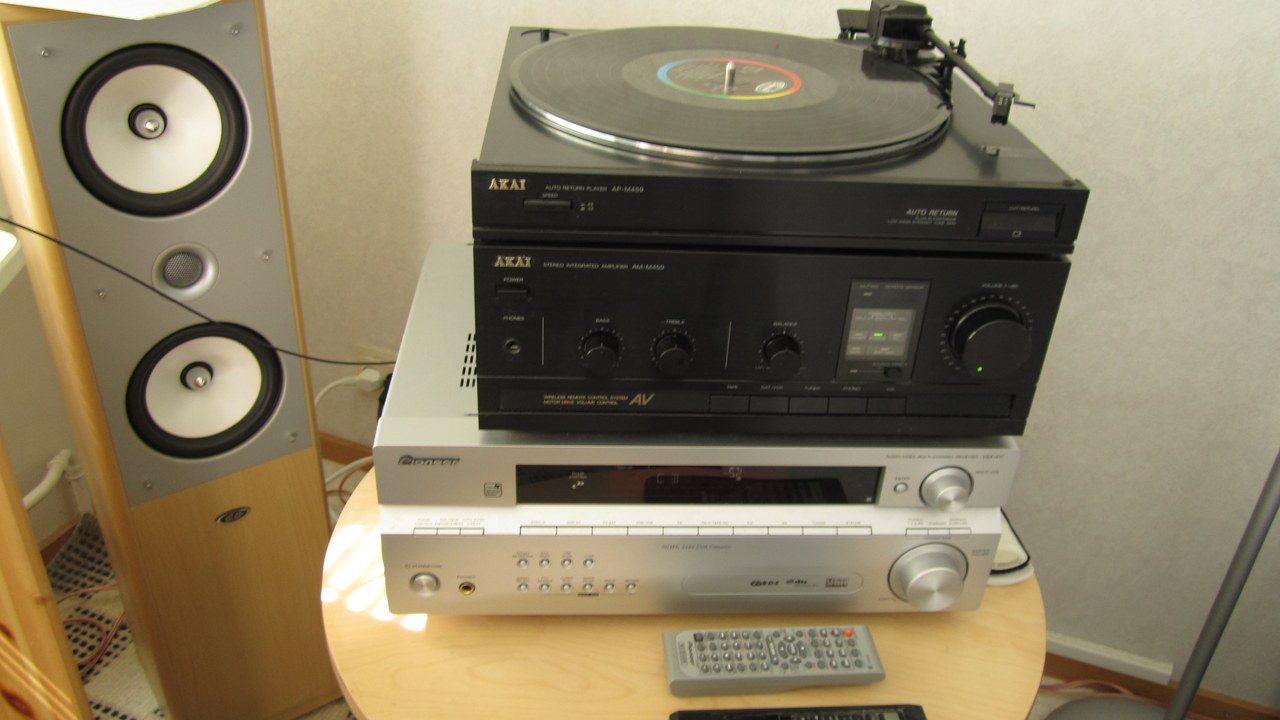
Stereo equipment is among the electronics described as drawing power while its main listening function is switched off, per the standby power overview. Receivers and amplifiers often keep standby circuits live.
Older audio racks may be the best illustration of the idea. The article offers a general mechanism, not a measurement, and the convenience of a quick start is why makers include it. Readers can treat it as a prompt to notice which indicator lights stay lit.
8. Videocassette recorder: Tape Machine, Still Drawing
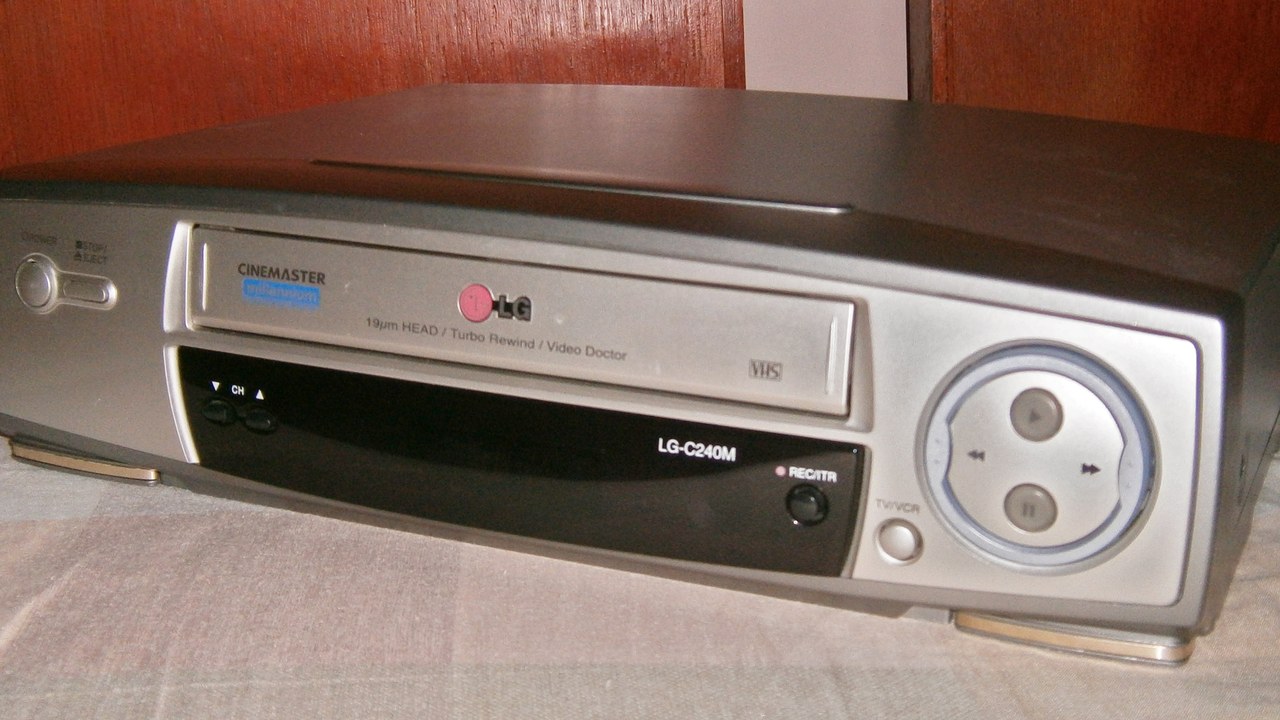
VCRs are among the familiar electronics described as drawing power while switched off, as the standby power overview notes. Many homes still keep one in a cabinet or closet.
The entry doubles as a reminder that outdated gear can quietly keep consuming electricity. Nothing here amounts to a wattage estimate, only a description of how the equipment behaves when idle. Not every VCR behaves identically, so the category is a general guide.
9. Microwave oven: Display Between Meals
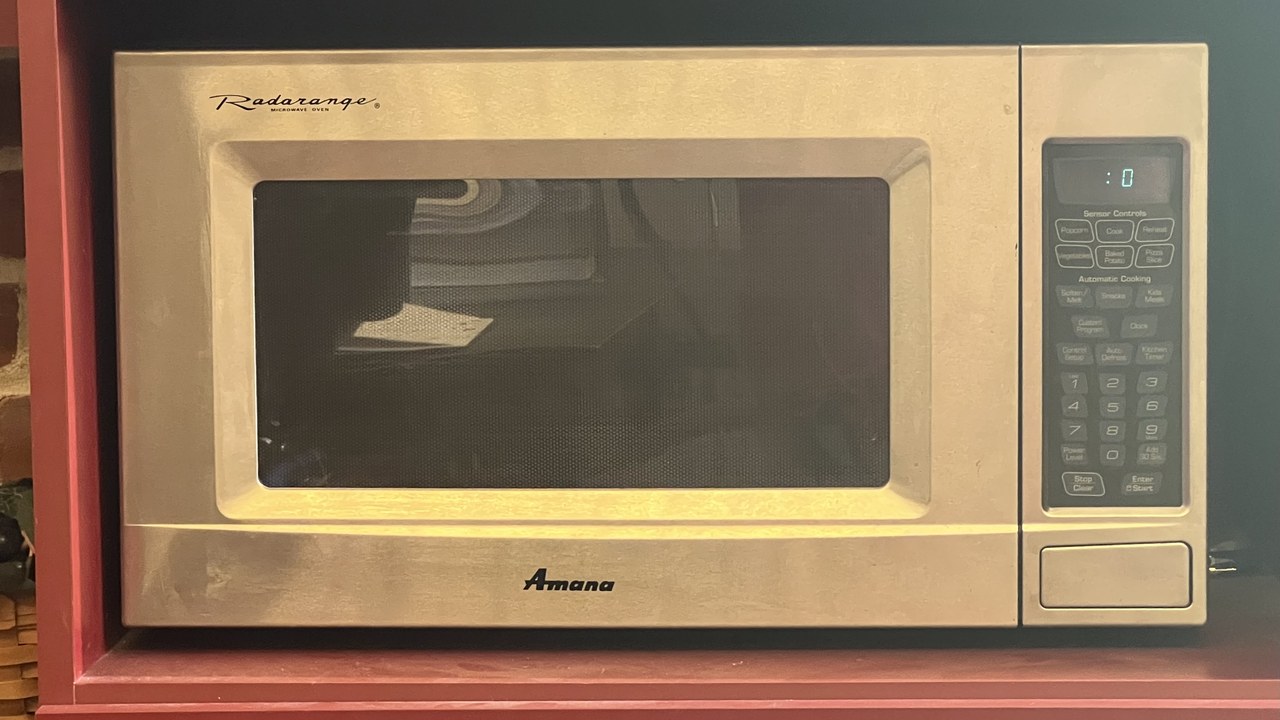
A microwave can keep consuming power for its display or other standby functions between uses, according to Cornell’s explanation of vampire appliances. The glowing clock is a visible sign of the load.
Kitchen counters are full of such small conveniences. The explanation describes how it works rather than a current cost, and a clock is a perfectly reasonable thing to want. Appliances with a lit display or clock are the easiest to spot.
10. Garage door opener: Waiting for the Signal
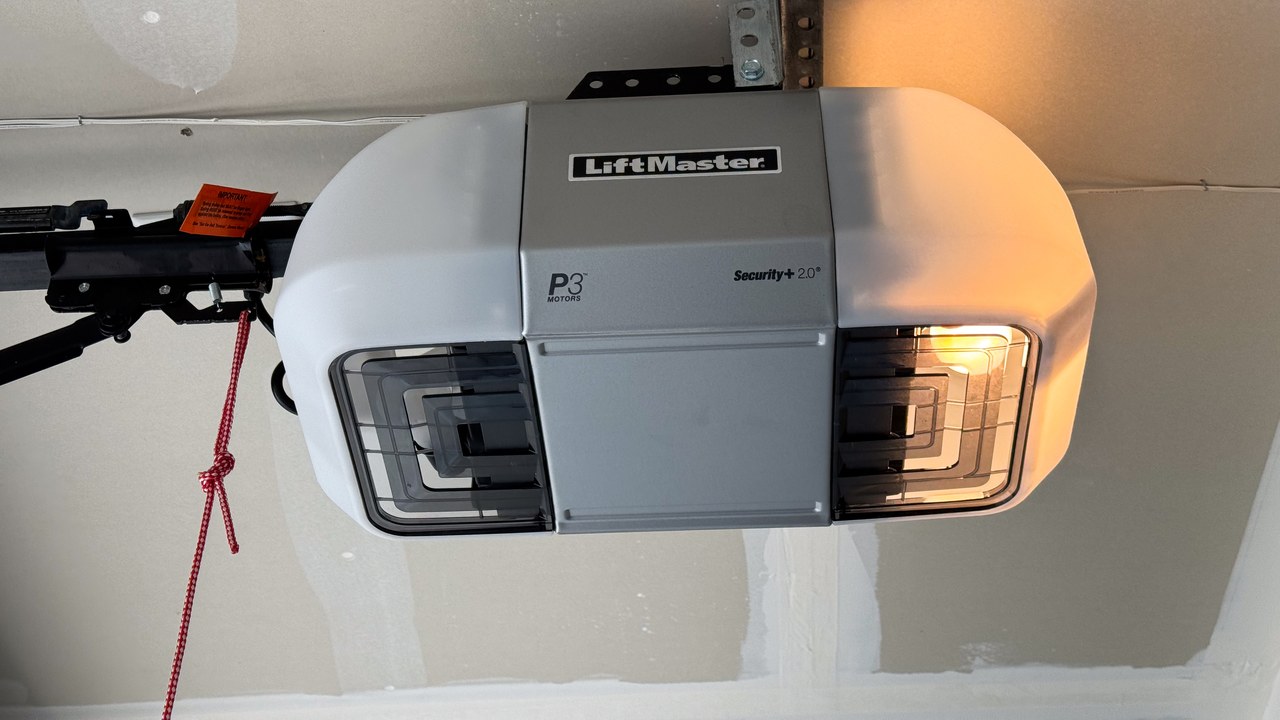
Garage-door openers are among the idle power users identified in Cornell’s vampire-appliance explainer. They must stay ready to respond to a remote, so a quiet draw is built in.
Because the opener is part of a home’s access and safety setup, unplugging it as a saving tactic is not advised. The entry is a mechanism example, not a cost calculation. It is a good example of idle power that serves a purpose rather than simply being wasted.
11. Clock radio: Alarm Clock Load
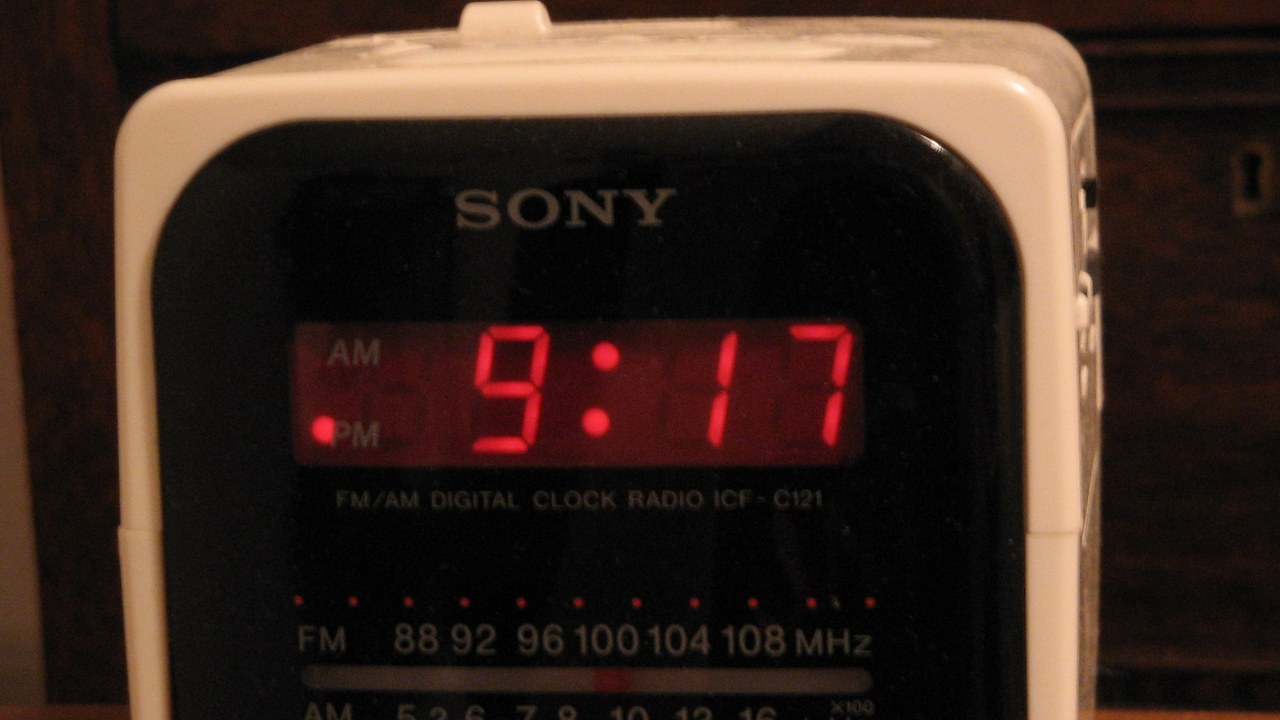
A clock radio remains an electrical load even when no radio program is playing, as Cornell’s explanation of idle appliances points out. Keeping time and standing by for an alarm requires constant power.
Bedside tables are a common home for this kind of gentle drain. The point is the mechanism, not a measured cost, and the wake-up function is the reason the load exists. Readers can treat the list as a prompt for a room-by-room look.
12. DVD player: Disc Player in Waiting
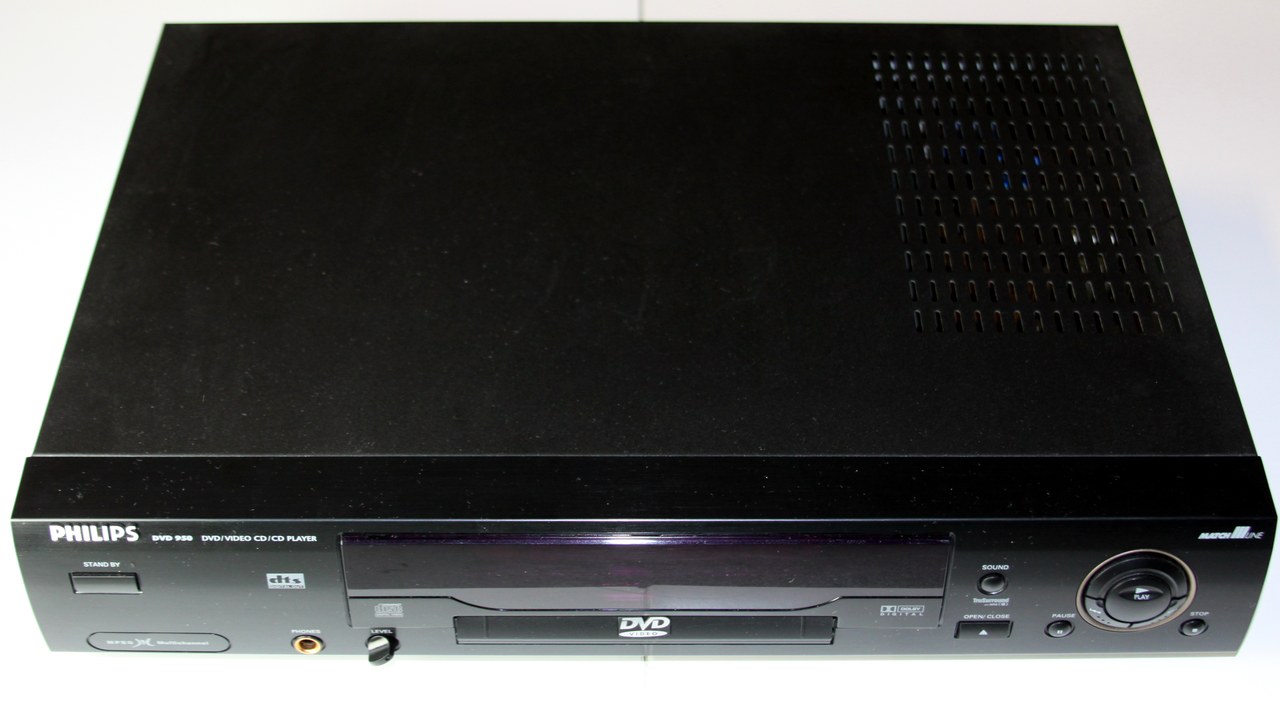
DVD players are among the standby power users identified in the Cornell standby explanation. When the disc stops spinning, internal circuits and the remote receiver may still be live.
Entertainment cabinets often hold several devices behaving this way at once. The entry describes how standby works in general and does not supply a wattage or savings figure. Equipment that is rarely used offers the clearest chance to think about the habit.
More from Morning Overview
- NOAA now gives this winter a 75% chance of the strongest El Nino since 1950
- Doctors warn a silent liver disease now affects one in three American adults
- The FBI told the rest of ShinyHunters to surrender after a 24-year-old was arrested
- Two passengers died at an Ohio toll plaza, and the NTSB now wants the cash lanes shut
