Most household electronics now ship with a radio, a network stack and firmware that rarely gets updated after the box is opened. Security researchers keep finding the same weaknesses in them: factory passwords, aging encryption and services left switched on by default. Here are eight everyday devices whose known weak points deserve a second look.
1. Wi-Fi router: The Front Door Nobody Locks
<p>Image by Freepik</p>
A home router sits between every connected device and the wider internet, which makes its administrative account the most valuable one in the house. Manufacturers ship consumer wireless routers with a printed default administrator password and a factory network name, and many are never changed after installation. Older units also still offer retired encryption modes such as WEP, which is no longer considered secure, and firmware updates stop arriving once a model leaves support.
Changing the administrator password, retiring WEP-era encryption in favor of the current WPA generation, and checking whether the manufacturer still issues firmware for the model closes most of that gap. A router past its support window is worth replacing rather than patching.
2. Baby monitor: A Nursery on an Open Channel
Image Credit: Freepik
Two designs share the name, and they fail differently. Analog baby monitor units transmit audio and video on shared consumer radio bands without encryption, so any compatible receiver within range picks up the same signal the parent unit does. Wi-Fi models avoid that but move the feed onto the home network and, in many cases, onto a manufacturer’s cloud service, where the only barrier is the strength of one account password.
Digital encrypted models close the eavesdropping problem at the radio layer, and a unique password plus two-factor authentication on the vendor account closes it at the other end. Placement matters too: a camera aimed away from doors and desks limits what an intercepted feed reveals.
3. Smart lock: When the Key Becomes Data
Image Credit: Maurizio Pesce from Milan, Italia – CC BY 2.0/Wiki Commons
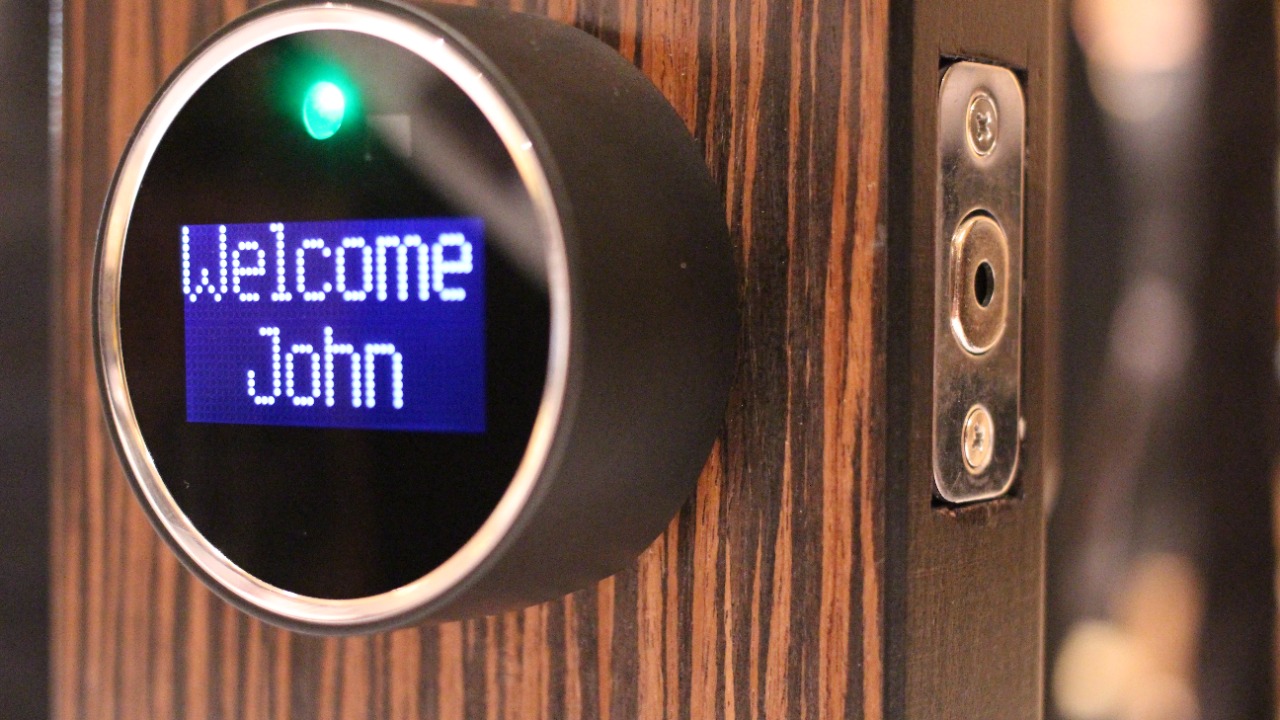
Replacing a metal key with a credential sent over Bluetooth, Wi-Fi or Z-Wave changes what an attacker needs. A connected door lock depends on the strength of its radio protocol, the phone holding the credential, and the vendor’s servers when remote unlocking is offered; a weakness in any of the three reaches the deadbolt. Most models also keep a physical cylinder or emergency key slot, which means the mechanical lock’s own quality still sets a floor.
Owners get the most from a model that receives firmware updates, supports revoking guest codes individually, and does not rely on a single shared PIN. Checking whether the manufacturer publishes a security contact and update history separates maintained products from abandoned ones.
4. Wireless printer: The Overlooked Network Computer
Image Credit: Smartway777 – CC BY-SA 3.0/Wiki Commons
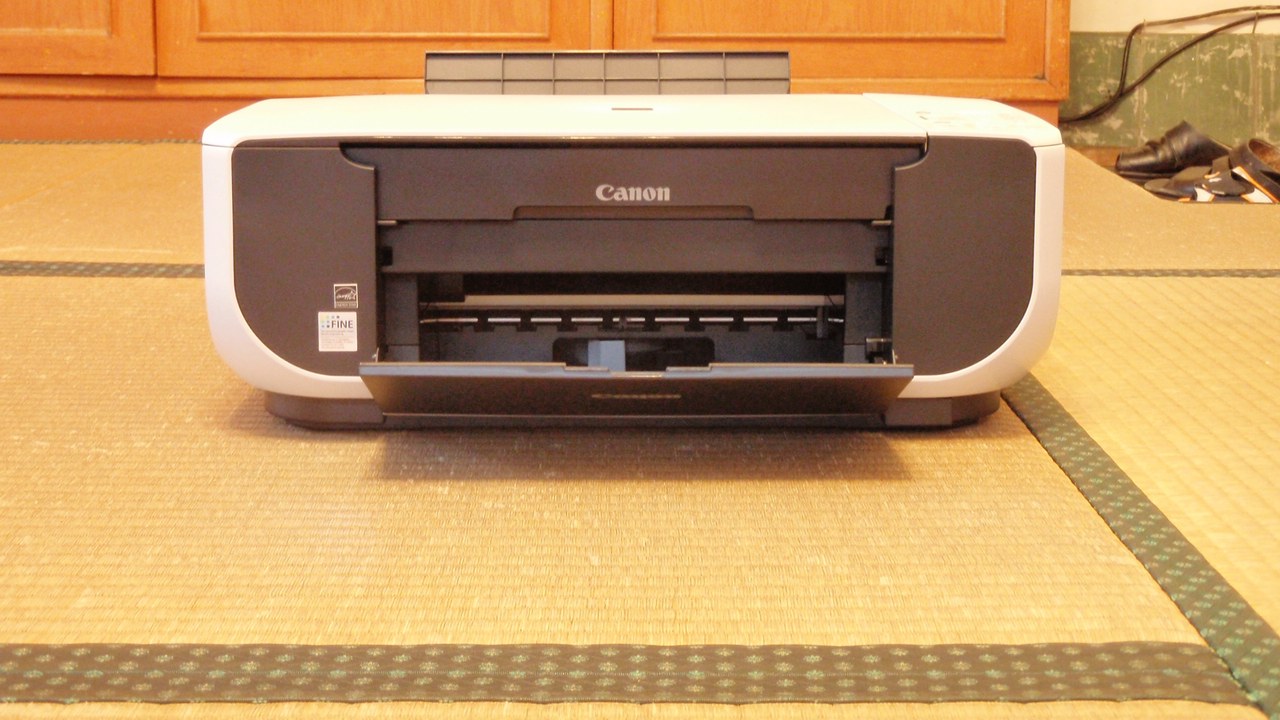
Modern office and home printers are full network devices with their own processor, storage and web-based administration page, and they are shared across a household or office by design. Because a network-connected printer is treated as an appliance rather than a computer, its admin page often keeps factory credentials, its firmware goes years without an update, and jobs sitting in its spool or internal storage retain document contents long after printing.
Putting the printer behind the router rather than exposing its services to the internet, setting an administrator password on its web interface, and clearing stored jobs on shared machines removes the easy paths. Disused printers should have their storage wiped before disposal, since scanned material can survive on the device.
5. Smart TV: An App Store Above the Fireplace
Image Credit: Karolina Grabowska
A television that streams runs an operating system, an app store and a network stack, and it stays on the home network whenever it is plugged in. Manufacturers of internet-connected televisions stop shipping platform updates years before the panel wears out, leaving known flaws in place on a device nobody thinks to patch. Some sets also carry microphones for voice control, and a few models have included cameras, adding sensors to a device that already reports viewing activity.
Disabling voice features and automatic content recognition in the settings menu, removing unused apps, and keeping the set on a guest network limits data collection and lateral movement. A streaming stick that still receives updates is a cheaper fix than replacing the panel.
6. Webcam: The Light That Should Be On
Image Credit: Freepik
Remote activation of a camera by malicious software is common enough to have its own name, camfecting, and it depends on the same access any other program on the machine has. Most desktop and laptop cameras are wired to an indicator light, but the assurance that gives depends on the hardware design rather than the software, and the microphone alongside the lens carries no indicator at all on many machines.
A sliding cover or a piece of tape defeats the camera regardless of what runs on the computer, which is why the accessory sells at all. Keeping the operating system patched, reviewing which applications hold camera permission, and using an external camera that can be unplugged handle the rest.
7. Car key fob: A Signal Worth Repeating
Image Credit: Amar Preciado/Pexels
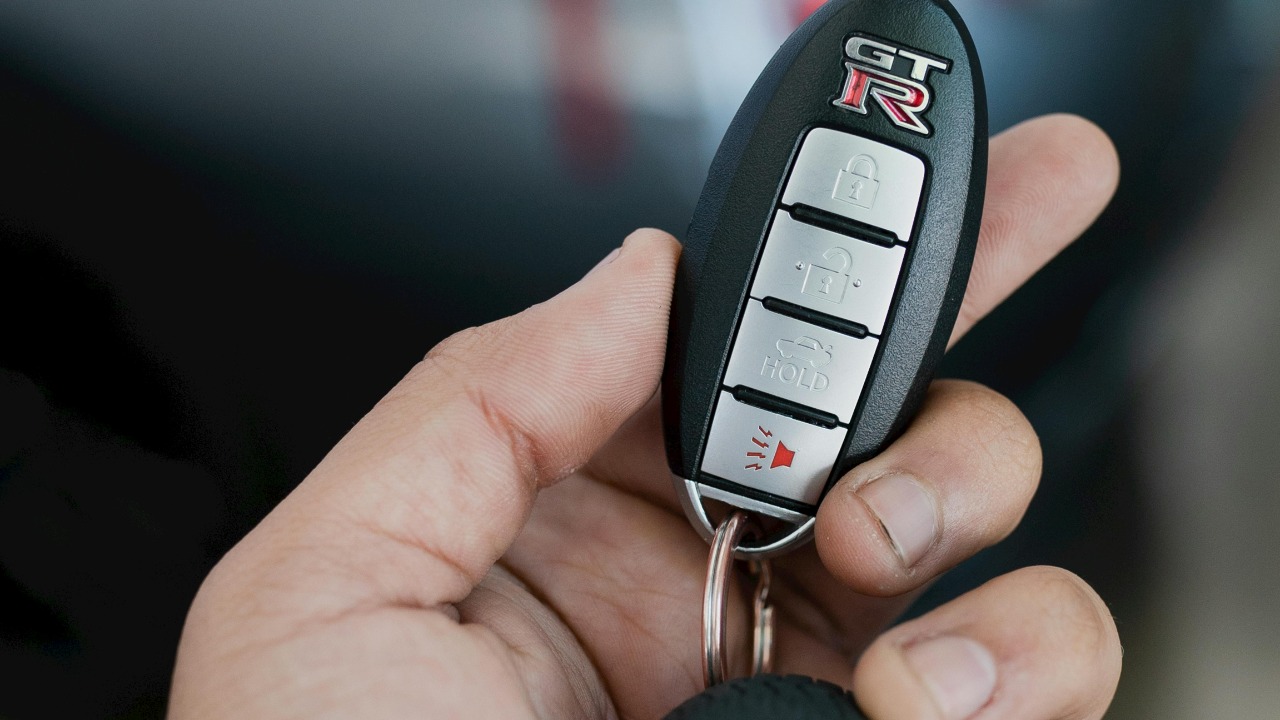
Keyless entry replaced a mechanical cut with a radio exchange, and rolling codes were added specifically because early fixed-code fobs could be recorded and replayed. Relay attacks work around that: equipment placed near the house and near the vehicle extends the range of a remote keyless system so the car behaves as though a fob sitting on a hall table were standing beside the door. The code is never broken, only carried further than intended.
Storing the fob in a signal-blocking pouch or a closed metal container while at home ends the relay path, and several manufacturers now ship fobs that stop transmitting after a period without motion. Parking within view and using a visible steering lock remain effective against the same class of theft.
8. USB flash drive: Small Enough to Be Trusted
Image Credit: Freepik
The threat here is social rather than technical: a drive found in a parking lot or handed over at a conference gets plugged in because someone wants to know what is on it. A USB flash drive mounts as removable storage the moment it is connected, and firmware-level attacks go further by making the device present itself as a keyboard, a class of problem that no antivirus scan of the files will catch.
Treating unknown drives as unopened mail is the whole defense, and the safe move is to hand one to an IT department or discard it. For drives in regular use, hardware encryption protects the contents when the drive is lost, which is the far more common outcome.
More from Morning Overview
Morning Overview is reader-supported. Some links in our articles are affiliate links, and we may earn a commission at no extra cost to you. As an Amazon Associate I earn from qualifying purchases. Full disclosure.