
Camera and microphone permissions are granted once and then rarely revisited. Most popular apps ask for that access to make an obvious feature work, and the grant quietly stays active between uses. Here are eight widely installed apps that request camera or microphone access, and what that standing permission actually allows.
1. Facebook: One Grant, Many Features

Facebook’s mobile app requests camera and microphone permissions to power features many accounts rarely touch: recording video posts, uploading Stories, and placing voice or video calls. Because the flagship social network bundles messaging, publishing and live video into one install, a single approval covers every one of those tools at once, and it stays in force afterward.
Neither permission means background recording, and current iOS and Android releases show an indicator dot whenever a camera or mic actually activates. The real exposure is duration — an approval granted for one video years earlier remains live until it is revoked in system settings.
2. Instagram: Access That Outlasts The Story
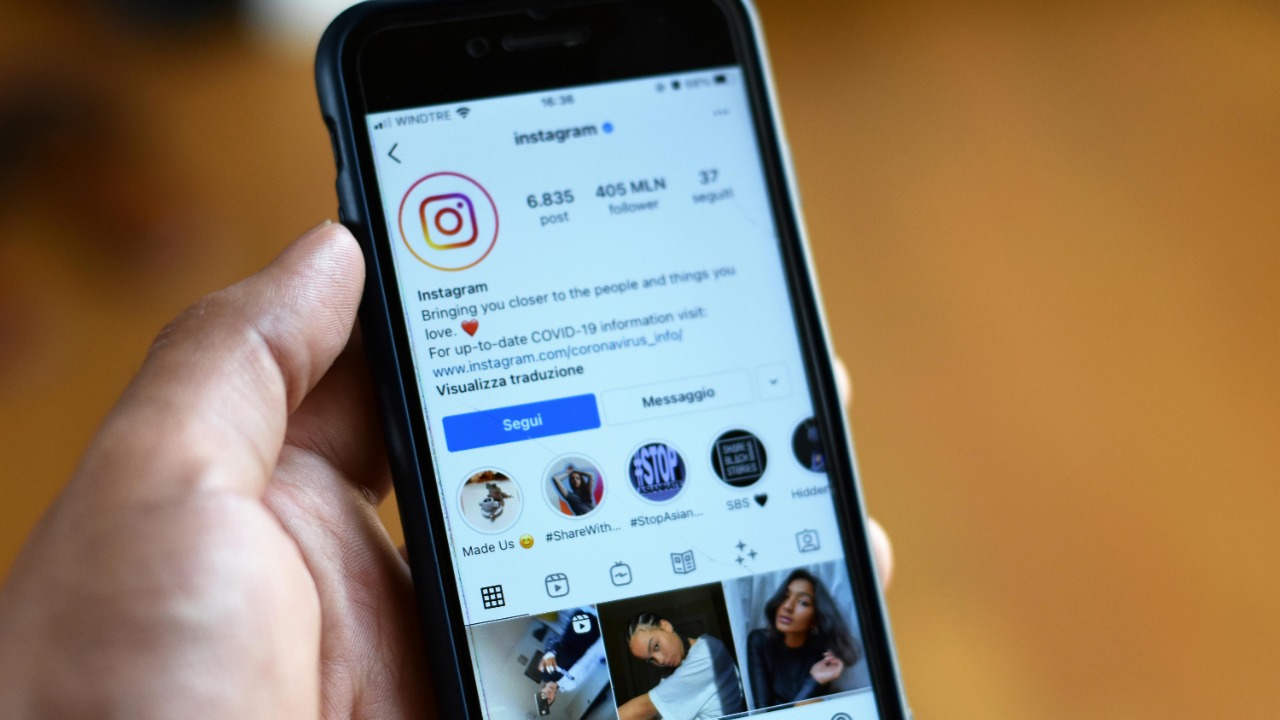
Posting a single Instagram Story requires handing the photo-sharing app both camera and microphone access, and the operating system treats that as a persistent grant rather than a one-off. The permission remains enabled after the Story expires, after the account goes quiet, and through every subsequent app update, unless it is manually switched off.
Instagram also blends camera use across Reels, direct messages and video calls, so revoking access disables several features simultaneously. Reviewing the grant matters most on older phones, where permissions approved during the first setup were often never examined again.
3. TikTok: Wide Access For The Feed
TikTok is built around in-app capture, so the short-video platform asks for camera and microphone permissions early and requests wide device access to support recording, effects and sound. Viewers who never film anything can decline both and still watch the feed normally, but the prompts appear often enough that many accounts approve them during setup and forget.
Scrutiny of TikTok’s data practices has been heavier than for most apps, which makes the standing grant worth a periodic check. Turning the permissions off does not delete an account or its history; it only forces a fresh prompt the next time recording begins.
4. Snapchat: Camera-First By Design

Snapchat opens directly into a live camera view, the clearest example on this list of an app whose core design depends on always-ready capture. The camera-first messaging app requests microphone access alongside it for video snaps and calls, and refusing either permission leaves the main screen effectively unusable rather than merely limited.
That design makes the trade-off unusually explicit: the permission is the product, not an optional extra. Users who keep the app mainly for messages can restrict access and rely on the gallery upload path, accepting fewer features in exchange for a narrower grant.
5. Messenger: Permissions For Calls Rarely Placed

Messenger separates chat from Facebook’s main app but carries the same permission set, requesting microphone and camera access for voice and video calling. Plenty of installs use the standalone messaging app purely for text, yet the calling permissions are typically approved once during onboarding and then kept indefinitely, whether or not a call is ever placed.
Because the app runs constantly in the background to deliver notifications, the grant is easy to overlook in a permissions audit. Declining it leaves messaging, photo sending and read receipts intact, and the prompt simply returns if a call is later attempted.
6. WhatsApp: Standing Access For Voice And Video
Voice notes, video calls and in-chat photo capture all require device permissions, so the encrypted messaging service asks for camera and microphone access as standard. End-to-end encryption protects the contents of a conversation in transit, but it has no bearing on which sensors the app is allowed to reach on the handset itself.
Those are separate layers, and conflating them is common. A subscriber can hold an encrypted account while still tightening the underlying permissions, since voice notes and calls will simply prompt again the next time one of those features is opened.
7. Zoom: Held Between Meetings
A meeting client needs camera and microphone access by definition, and the video conferencing platform retains those permissions between calls so a scheduled session can begin without a fresh prompt. The convenience is real, but it means the grant sits active on the device for the days and weeks between meetings rather than only while a call is in progress.
Operating-system indicators, not the app’s own controls, remain the reliable signal that a camera or microphone is genuinely live. Accounts that meet only occasionally lose little by revoking access afterward, since the next scheduled call re-issues the prompt automatically.
8. Google Assistant: Waiting On A Wake Word
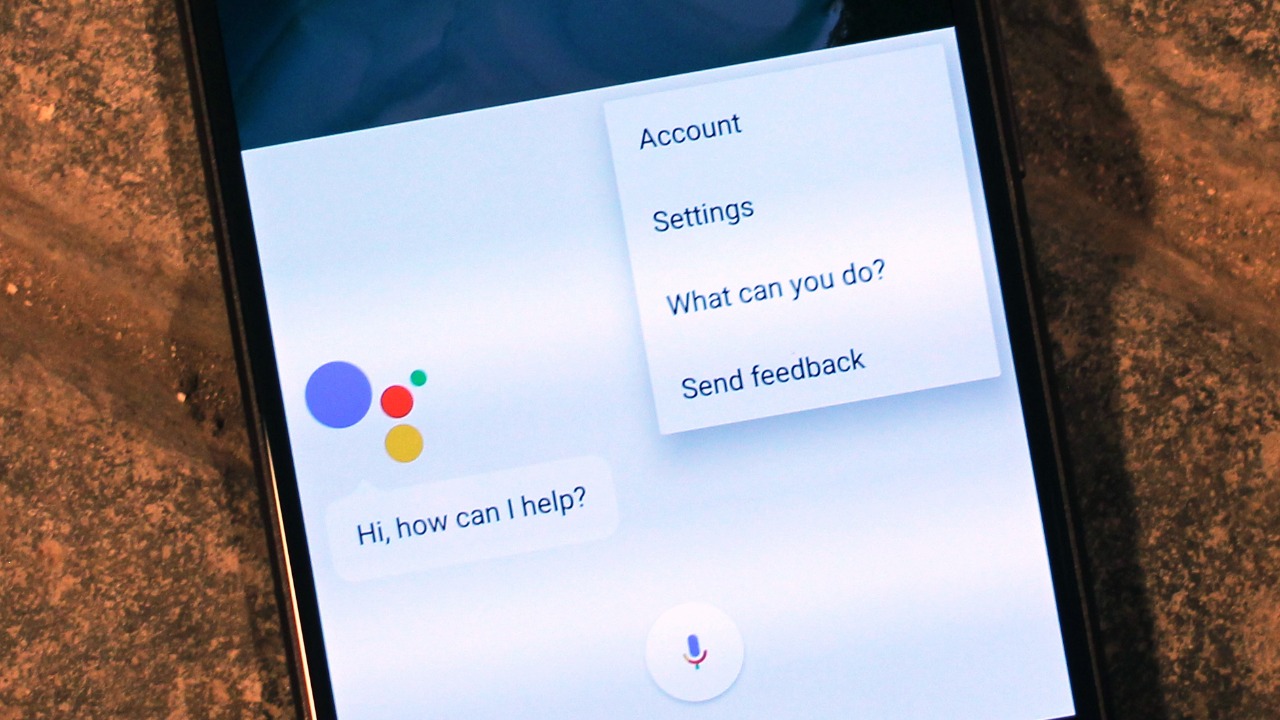
Hotword detection is the one case on this list where continuous microphone listening is the documented design: the voice assistant monitors audio locally for its wake phrase and only streams to Google’s servers once the phrase is detected. That local listening is what makes hands-free activation possible, and it is enabled by default on most Android handsets and smart speakers.
Misfires are the practical complication, since a similar-sounding phrase can trigger a recording that was never intended. Activity history is viewable and deletable in a Google account, and hotword detection itself can be switched off, leaving the assistant reachable only by button or on-screen tap.
More from Morning Overview
- The FTC is warning about a scam quietly draining thousands from victims
- The NSA is again telling phone owners to switch off one location setting
- A handful of car transmissions are so tough mechanics say they almost never fail
- A handful of SUVs keep hitting 300,000 miles, and they share one engine trait
