
Home networks now carry far more than laptops and phones. Every connected device on them widens the surface an intruder can probe, and the weakest one usually decides how secure the rest are. Here are eight connected gadgets that routinely give attackers a way onto a home Wi-Fi network, and what owners can change on each.
1. Wireless router: The Network’s Front Door
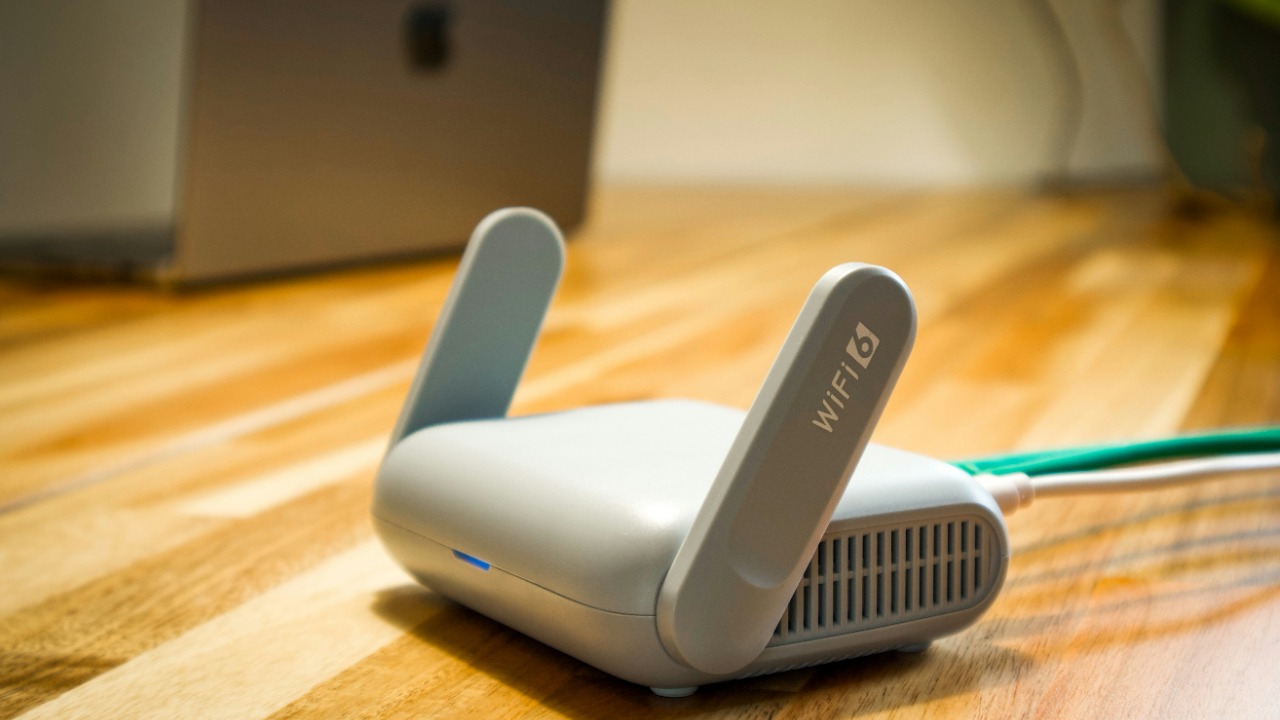
Everything else on the network passes through it. A wireless router combines a router, a wireless access point and usually a switch and firewall in one box, which means whoever controls it controls name resolution, traffic routing and the network’s outer edge. Because the same firmware ships across millions of identical units, an unpatched flaw in one model is a flaw in every household running it.
Router firmware is also the piece households update least often, and many units stop receiving vendor patches years before they stop working. Replacing the administrator password, disabling remote management from the internet side and checking whether the model still receives updates cover most of the exposure.
2. IP camera: Factory Settings, Public Feeds
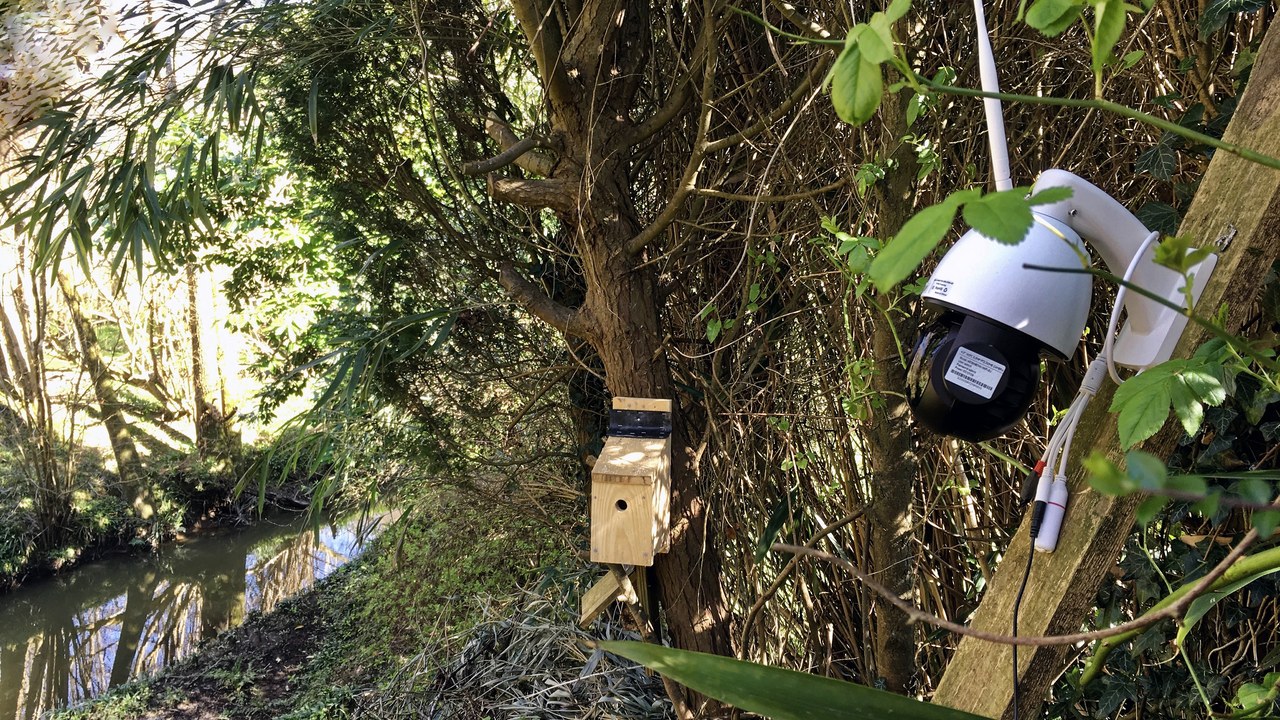
Unlike a closed-circuit camera wired to a dedicated recorder, an internet protocol camera sends video over the same network as everything else and is frequently reachable from outside it. Budget models have shipped with shared administrator credentials baked into the firmware and remote access switched on by default, so a device bought for security becomes a listening post the moment it is plugged in and left as configured.
Large botnets have been assembled almost entirely from cameras left on factory settings, then rented out for attacks that have nothing to do with the household. Changing the credential at setup, keeping firmware current and refusing to expose the camera directly to the internet remove nearly all of that risk.
3. Smart TV: The Screen That Talks Back

Modern television sets run a full operating system, keep a permanent network connection and carry microphones, cameras and app stores that few owners ever audit. A smart television platform is built by the panel manufacturer rather than a software company, and support windows are short: sets sold as premium hardware often stop receiving security updates while the picture is still perfect. Old apps and abandoned services keep running anyway.
A television also sits inside the trusted side of the firewall, which makes it a useful foothold rather than a target in itself. Disabling features that are never used, removing unused apps and treating an unsupported set as an offline display are the practical defences.
4. Baby monitor: Strangers In The Nursery

Few categories have produced as many documented intrusions. A Wi-Fi video baby monitor streams audio and video to a phone through the manufacturer’s cloud service, and that convenience replaces the short, closed radio link of an analogue unit with an account that can be reached from anywhere. Reports of strangers speaking through nursery cameras have recurred across several brands, almost always tracing back to reused passwords or an unpatched cloud service rather than anything exotic.
The trade-off is worth naming plainly: cloud access is what makes remote viewing possible and what makes remote intrusion possible. A unique password, two-factor authentication on the vendor account and prompt firmware updates close the gap for a monitor that is kept online.
5. Smart doorbell: A Camera Facing The Street
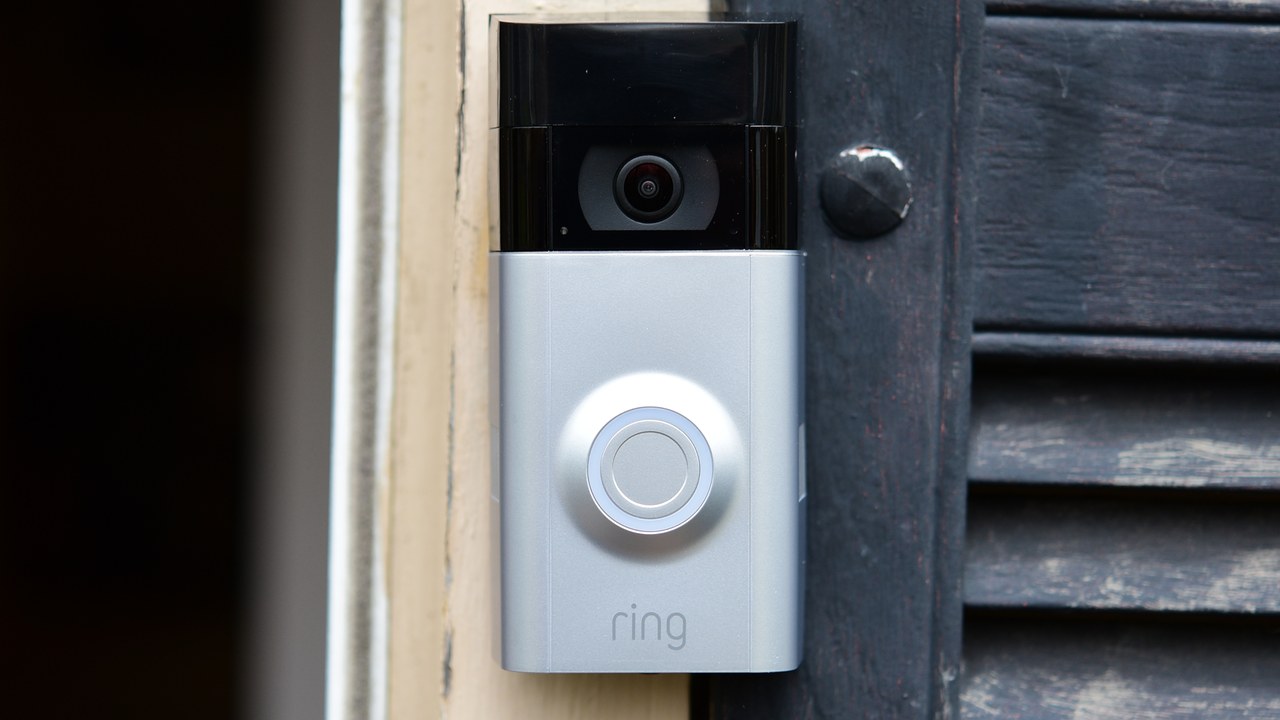
Doorbell cameras sit outdoors, stay powered continuously and hold footage of everyone who approaches the house. A smart doorbell pairs to home Wi-Fi and a vendor account, so the recordings live on someone else’s servers and the account credential is the only thing standing between them and a stranger. Researchers have repeatedly found weak pairing and account-protection flaws in low-cost models sold under many different brand names but built on the same hardware.
Physical access matters too, since a unit mounted at chest height can be removed in seconds. Choosing a brand with a public security-update policy, enabling two-factor authentication and checking that the device still receives firmware are the meaningful steps.
6. Network-attached storage: The Household Archive
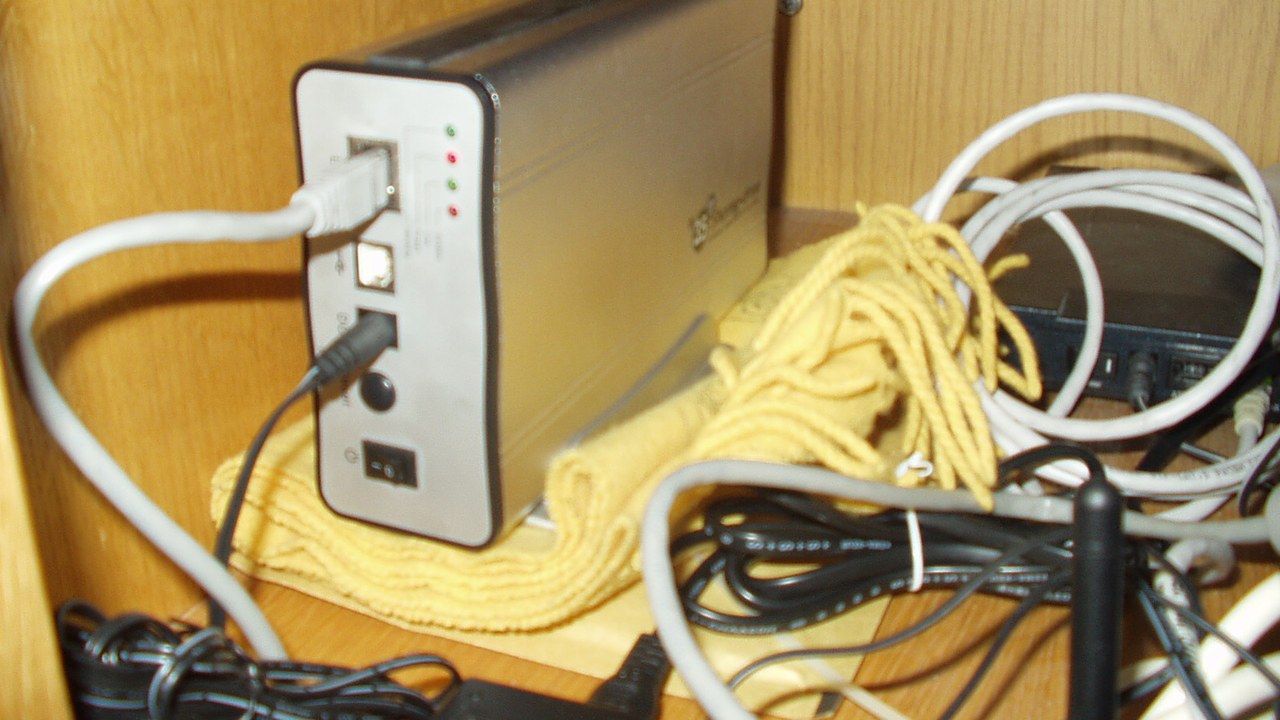
This is the device with the most to lose. Network-attached storage is a dedicated file server holding photographs, backups and tax records for an entire household, and many units are deliberately exposed to the internet so files can be reached while away. That combination of a full Linux system, valuable data and a public address has made NAS boxes a favourite target of ransomware campaigns aimed squarely at consumers.
Because a NAS is often the backup destination as well, an intrusion can take the original files and the copies in one pass. Keeping remote access behind a VPN, applying vendor patches quickly and holding one backup offline restore the separation the design assumes.
7. Smart lock: When The Deadbolt Has Firmware
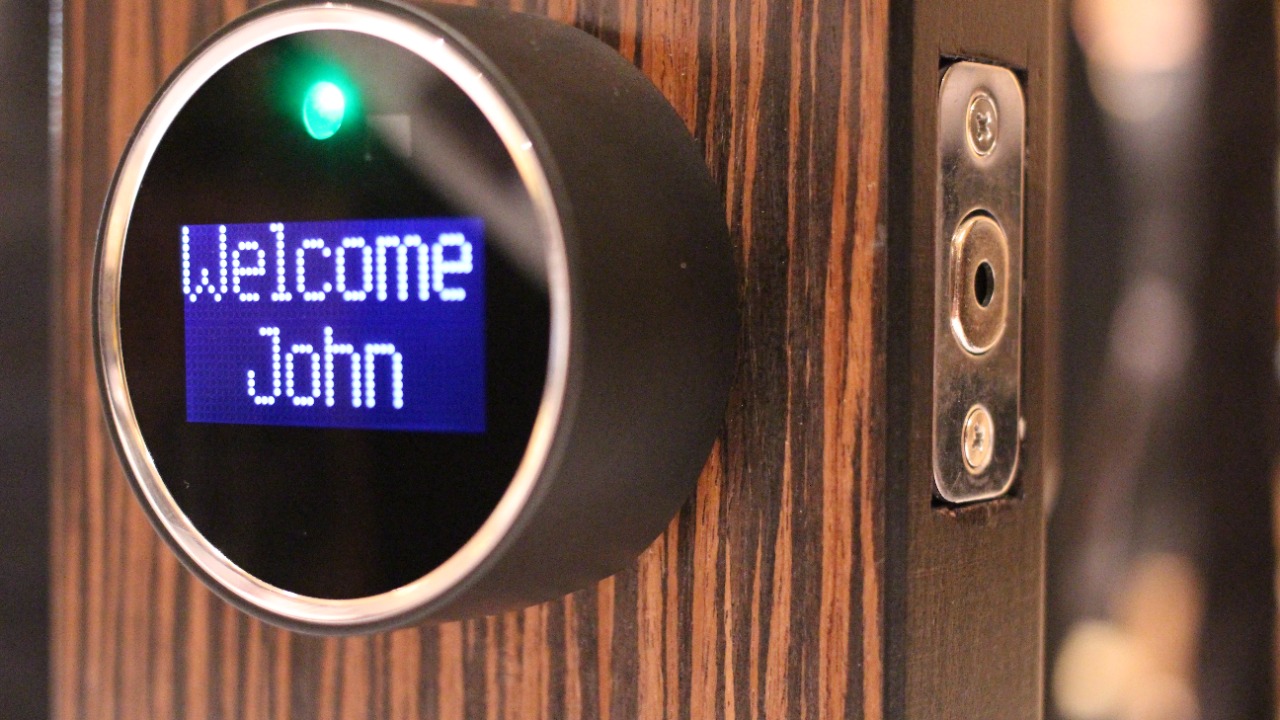
Replacing a key with a credential moves the lock’s weakest point from the cylinder to the software. A smart lock opens on a signal from a phone, keypad or hub over Bluetooth, Wi-Fi or a low-power mesh protocol, and each of those paths has its own history of implementation errors. Security researchers have demonstrated flaws in consumer models ranging from unencrypted pairing traffic to companion apps that leak access tokens.
Most consumer smart locks retain a mechanical key override, so the physical standard of the deadbolt still matters as much as the firmware behind it. Selecting a model with a documented security record, keeping the companion app updated and revoking guest codes after use address the digital half.
8. Smart speaker: An Always-On Microphone
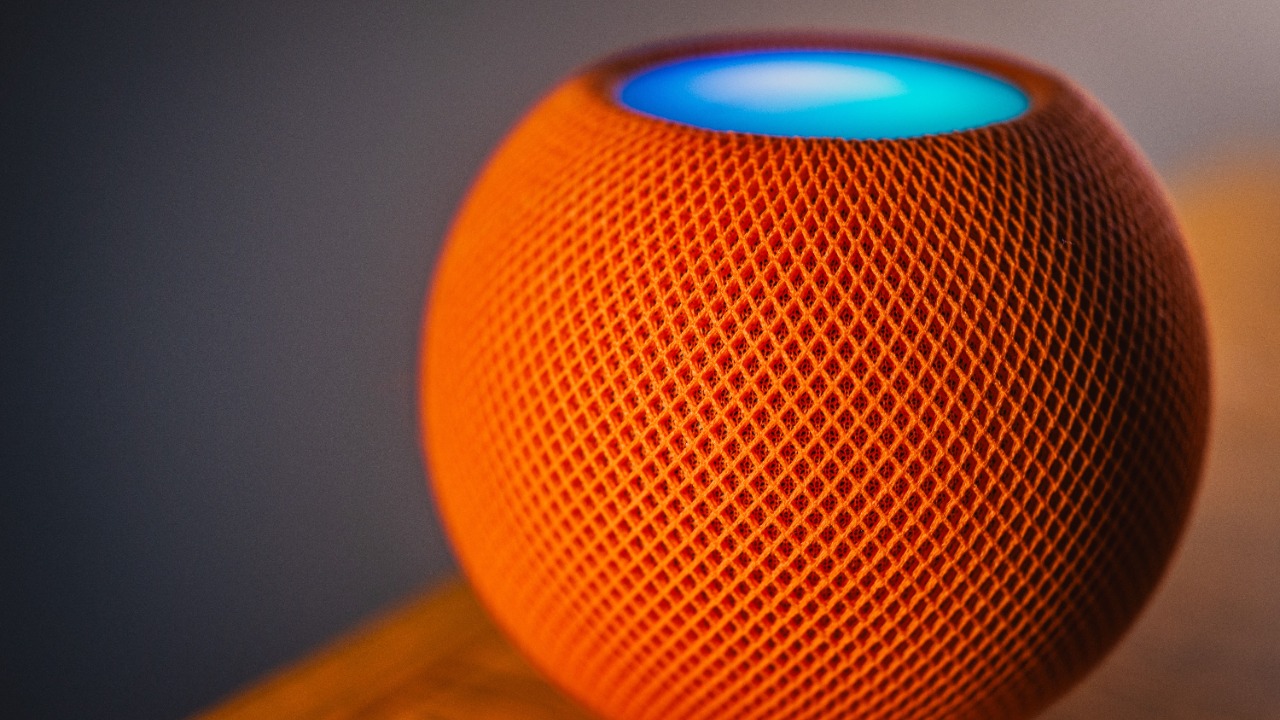
A smart speaker keeps a microphone array active at all times so it can detect its wake word, and audio captured after that word is processed on the vendor’s servers rather than in the room. The same device often doubles as a hub for lights, locks and thermostats, which means a compromised speaker account can reach far beyond music. Accidental activations that record and transmit ordinary conversation are a documented side effect of the design.
Vendors publish controls that cover most of this: a mute switch that cuts power to the microphone, a review-and-delete page for stored recordings and settings that stop voice purchases. Reviewing which linked accounts and smart-home devices a speaker can control limits what any single compromise reaches.
More from Morning Overview
- The FTC is warning about a scam quietly draining thousands from victims
- The NSA is again telling phone owners to switch off one location setting
- A handful of car transmissions are so tough mechanics say they almost never fail
- A handful of SUVs keep hitting 300,000 miles, and they share one engine trait
