
Smart speakers, video doorbells, televisions, and even smoke detectors now carry microphones designed to catch a spoken command instantly. Manufacturers describe these microphones in technical support pages and privacy supplements, often burying details about what gets recorded, stored, or shared. Here are thirteen everyday devices that keep at least one ear open at all times.
1. Amazon Echo and Echo Dot: Named To The Account That Owns It
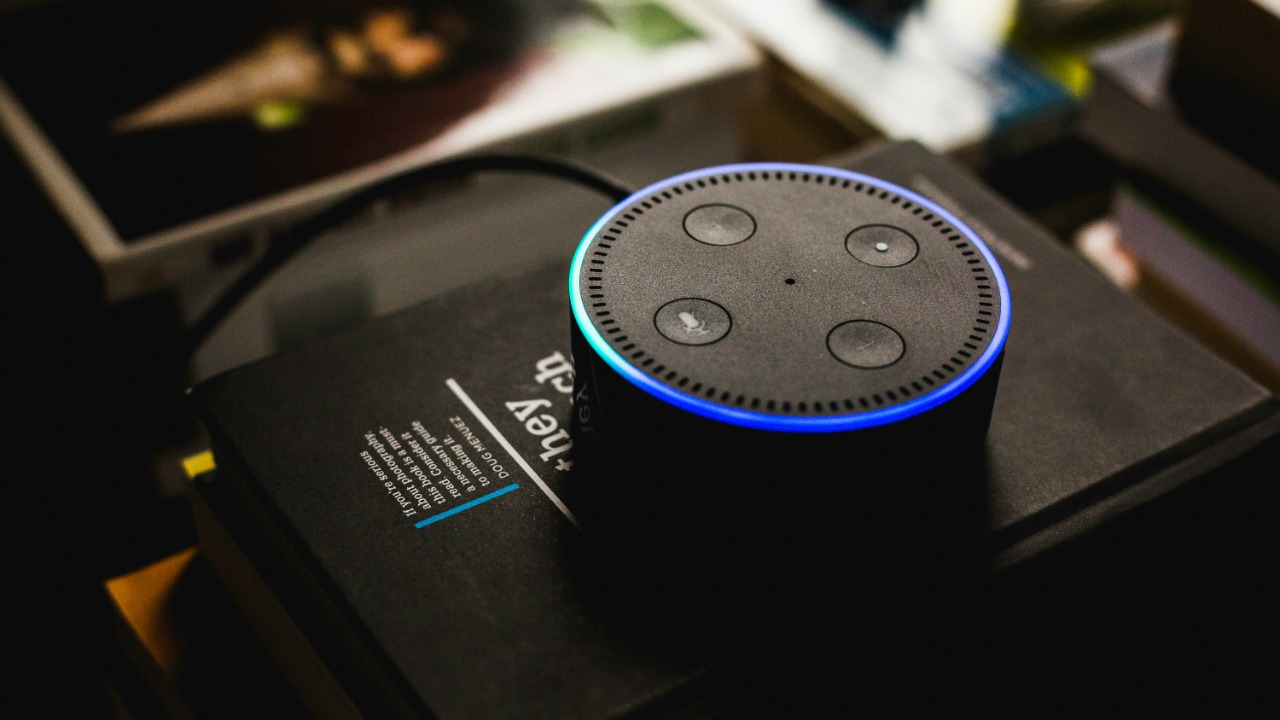
Mozilla Foundation’s privacy assessment of smart speakers found that Alexa stays in a constant listening state, though it only begins processing audio after it detects the wake word. Once triggered, the resulting recording is tied directly to the owner’s Amazon account name, creating a permanent link between a voice and an identity.
Auto-deletion is not the default behavior; recordings persist unless a person actively sets Alexa to auto-delete clips after three or eighteen months. Without that setting enabled, the audio simply accumulates in account history indefinitely.
2. Google Nest Mini: An Occupancy Sensor In Disguise
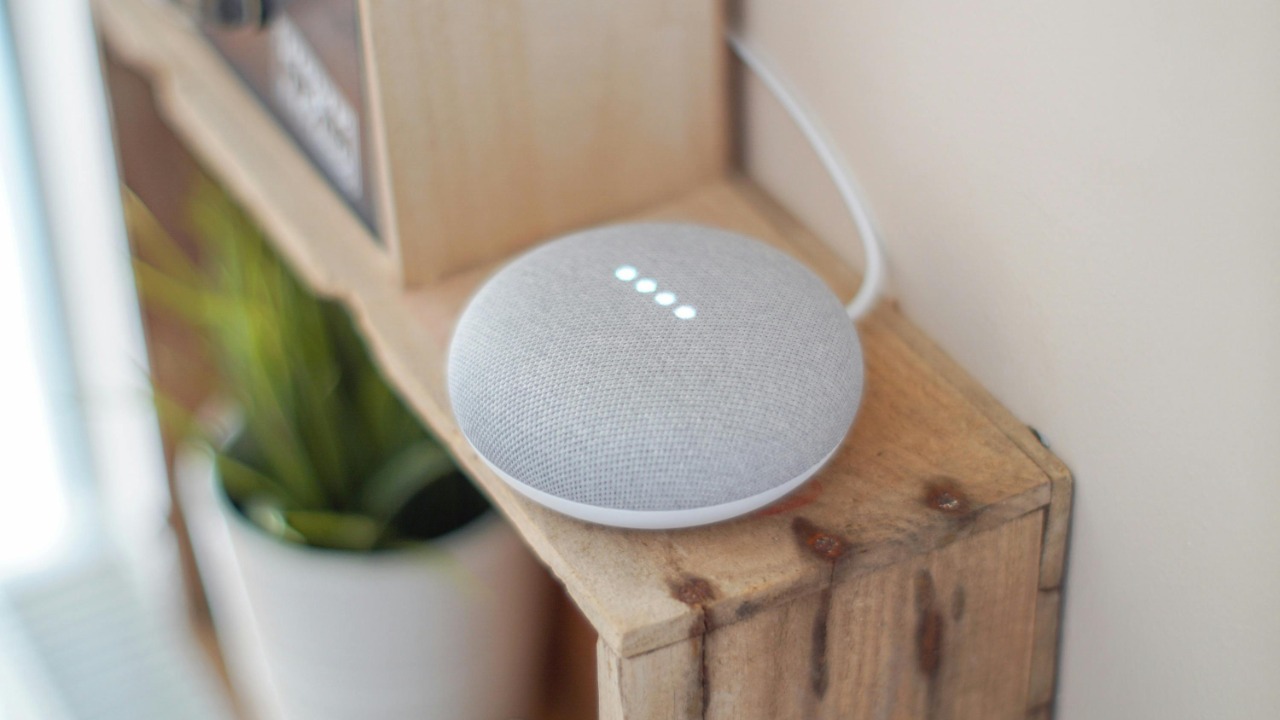
Google’s own sensors in Google smart devices guide lists the microphone inside Nest Mini, Nest Audio and Google Home speakers as doing double duty: beyond hearing spoken commands, it feeds an occupancy signal used to trigger home automation routines.
In practice that means the device is sensing presence, not merely capturing words – a signal used for automations like adjusting lights when someone walks into a room. The same sensor category can also flag sounds such as a smoke alarm or breaking glass, functions that require an active, always-ready microphone.
3. Google Nest Hub Max: Answers Before Anyone Says A Word
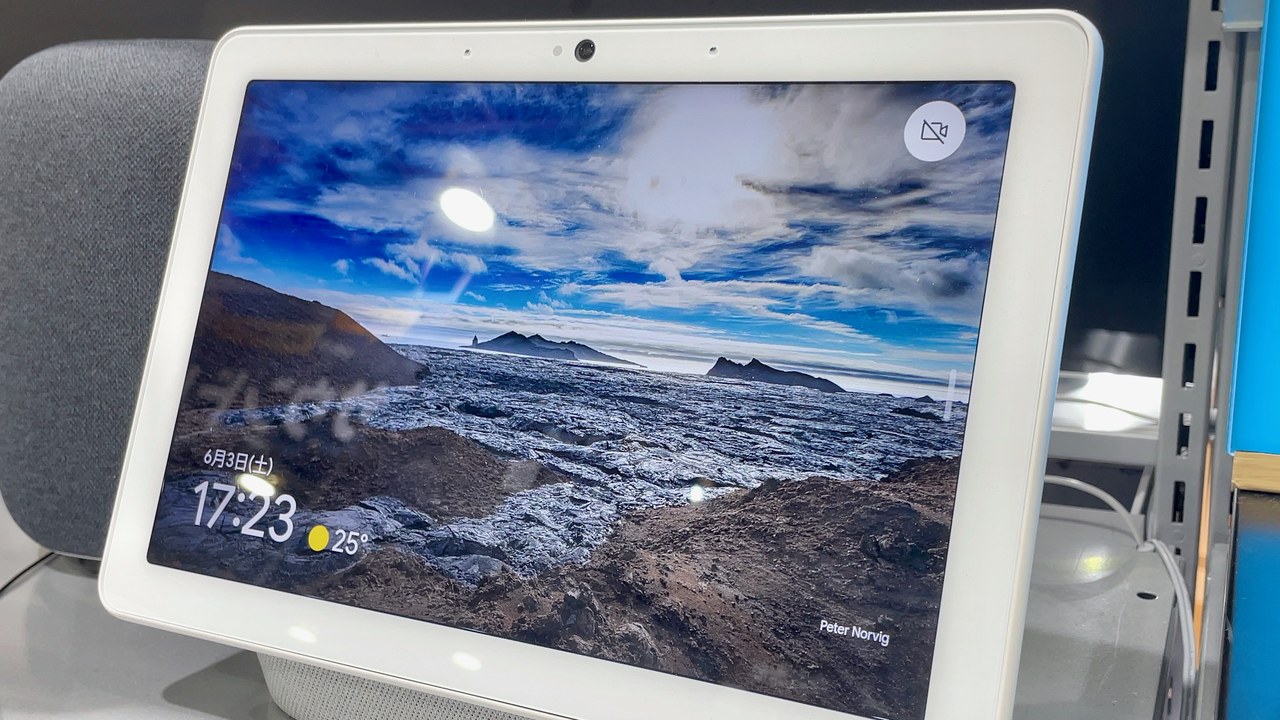
Standing within five feet of a Nest Hub Max and simply looking at the screen is enough to get a response, according to Google’s Look and Talk support page; the phrase “Hey Google” is not required at all. The feature relies on camera-based Face Match and Voice Match to confirm who is speaking.
Because there is no start or end sound, the device gives no audible cue that it has begun listening or recording a request. That silence is deliberate design, meant to make the interaction feel conversational rather than command-based.
4. Google Nest Wifi Point: A Microphone Hiding In The Router
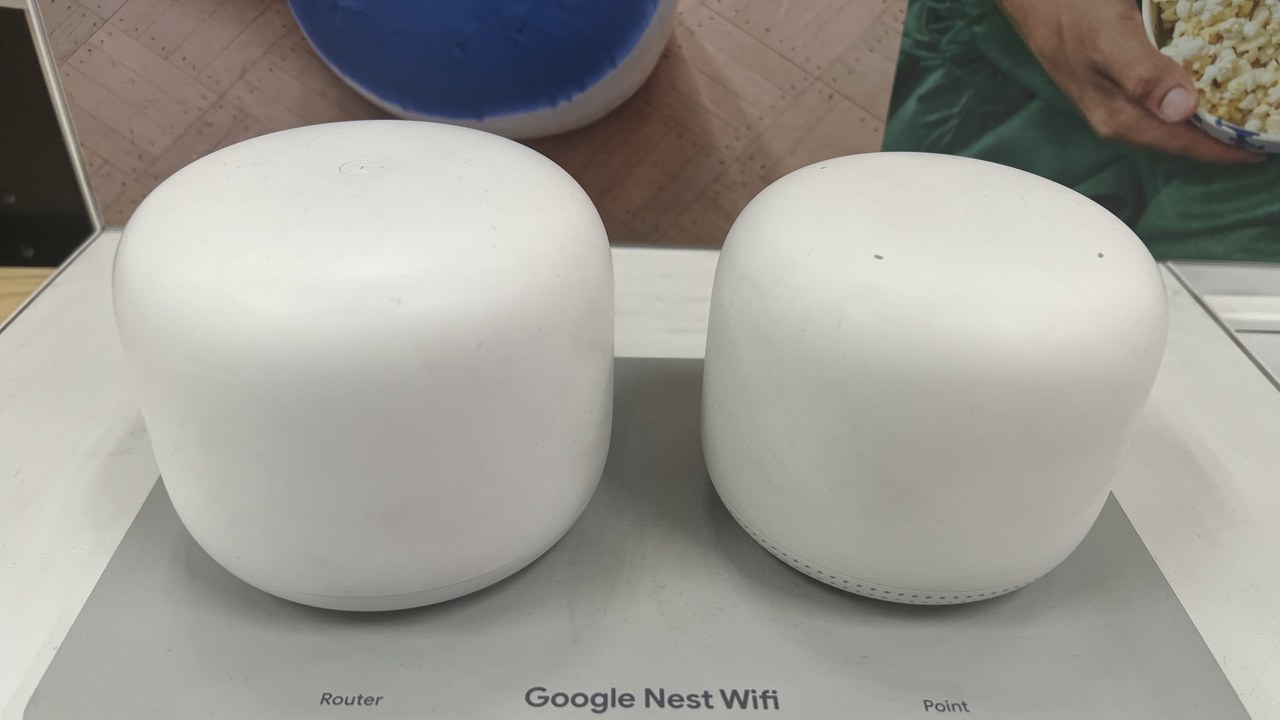
The router plugged into a wall outlet carries a microphone too: Google’s device sensor documentation lists the Nest Wifi point among devices built with one, used both for talking to the assistant and for detecting occupancy in the room.
That occupancy detection only activates once a person enables presence-based automation, but the hardware capability exists on every unit regardless of whether the feature is switched on. A networking device, in other words, is also a listening device.
5. Chromecast Voice Remote: The Microphone Is On The Couch, Not The TV

It is easy to assume a smart TV’s microphone lives inside the console under the screen, but Google’s smart device sensor guide places it in the remote itself – the Chromecast Voice Remote and Google TV Streamer Voice Remote both carry one, used to search, navigate apps and give voice input.
That placement means the listening device sits at arm’s reach on a couch or coffee table rather than mounted on a wall, closer to conversation than to the screen it controls.
6. Nest Protect: A Microphone Bolted To The Ceiling
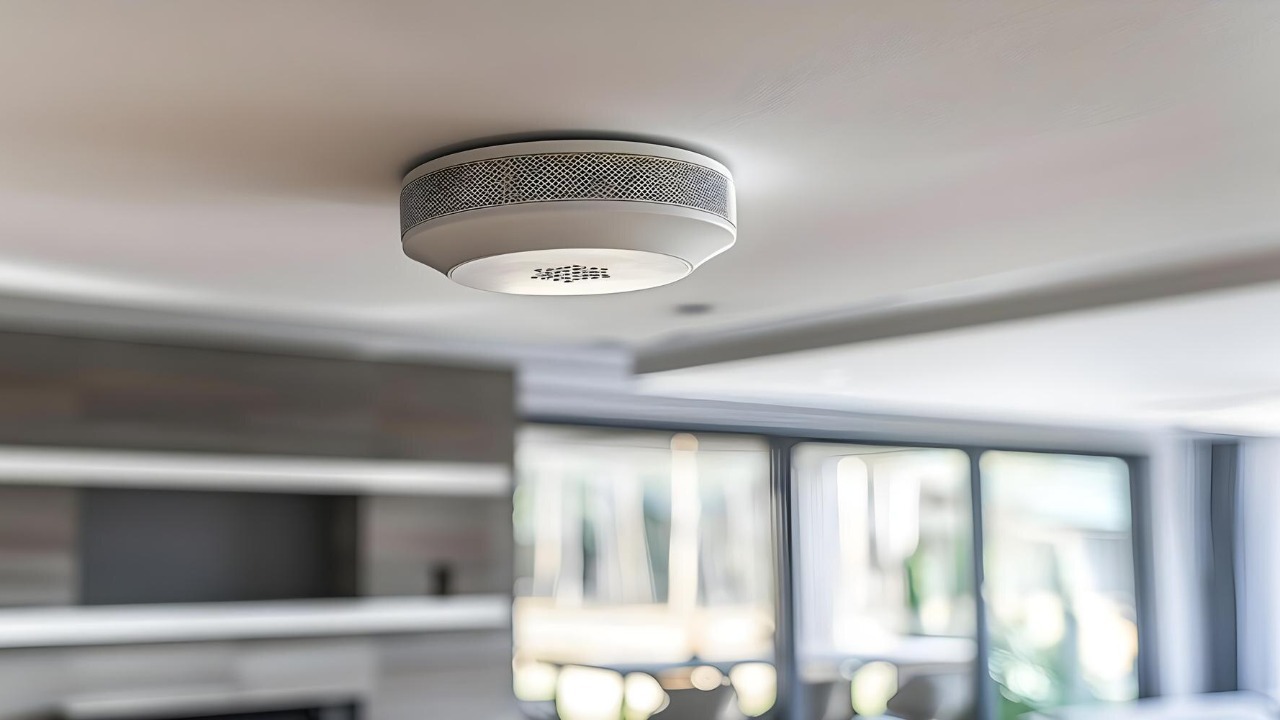
The smoke alarm mounted overhead contains a microphone as well, though Google’s sensor reference page describes its role narrowly: the Nest Protect uses it for Sound Check and Safety Checkup features that confirm the speaker and alarm horn are functioning.
Outside of those two functional tests, Google states the microphone is off and is not used for any other purpose, a narrower scope than the always-listening speakers elsewhere in the same house.
7. Google Nest Hub (2nd Gen): Listening For Coughs Beside The Bed
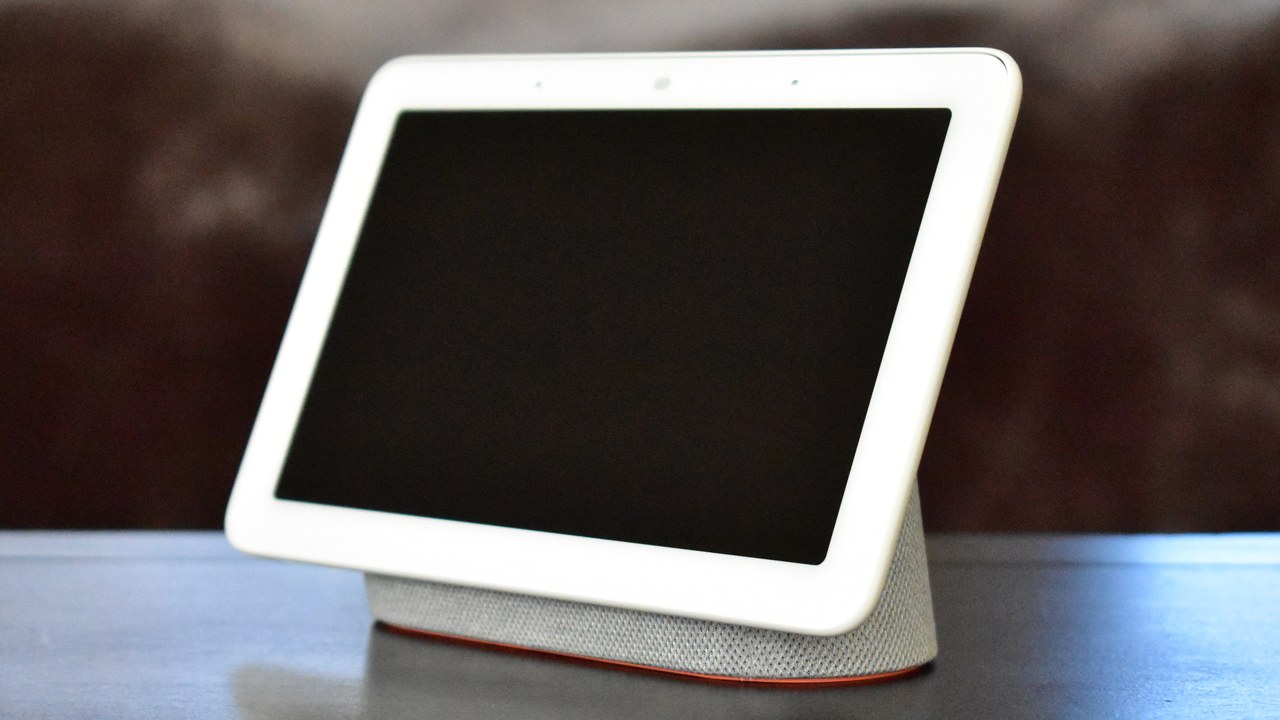
Set on a nightstand, the second-generation Nest Hub can listen through the night once Sleep Sensing is turned on; Google’s published sensor list notes it picks up nearby sounds such as coughing and snoring that might disturb rest.
The same listing notes that Nest Hub, Nest Mini and Nest Wifi point also emit ultrasonic pulses from their speakers to sense how close a person is standing, layering a second detection method onto the microphone.
8. Ring Video Doorbell: Audio Recording Is A Setting, Not A Given
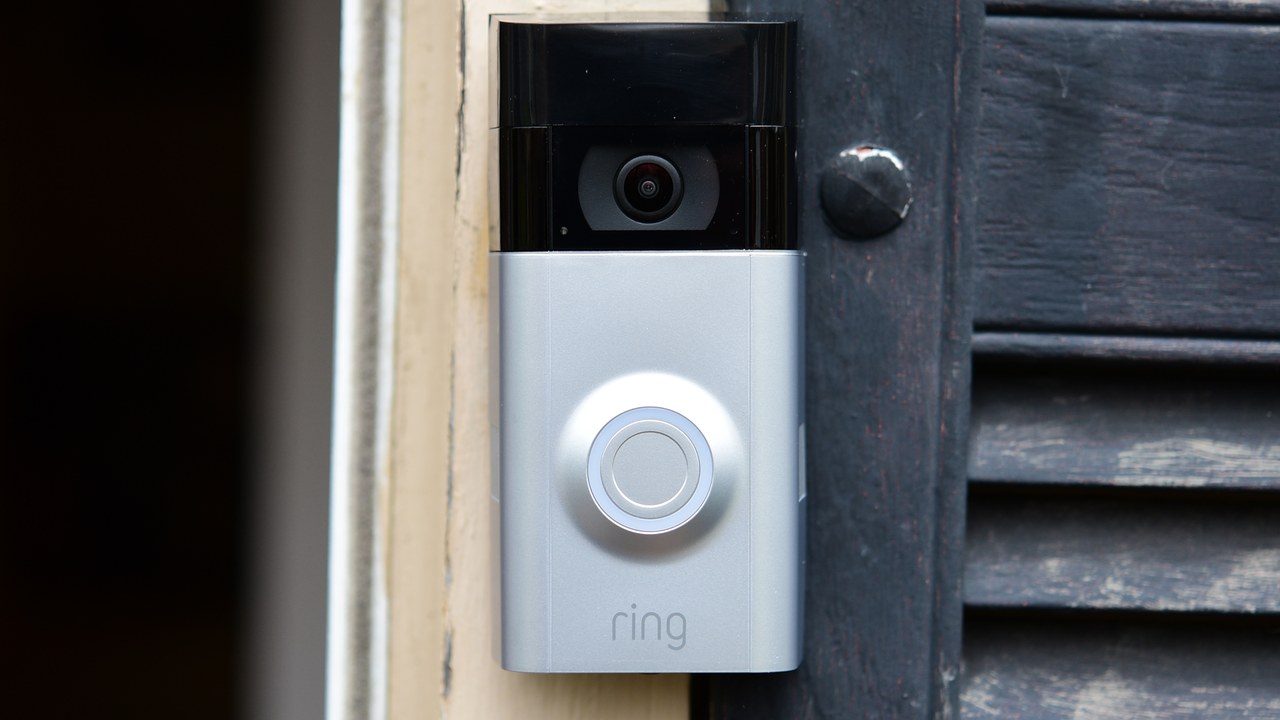
Ring’s privacy features support article confirms that audio streaming and recording can be switched off so that sound is neither streamed nor recorded during a motion or ring event – but turning it off is not free.
Disabling audio streaming and recording requires a compatible Ring subscription plan, meaning the default configuration keeps sound capture active. Privacy Zones can mask a section of video, but motion is still detected in the blocked-out area.
9. Samsung Smart TV: Spoken Commands Routed To A Third Party

Samsung’s own SmartTV privacy supplement discloses that when Voice Recognition is active, spoken commands – along with device identifiers – may be transmitted to a third-party provider, currently named as Nuance Communications, which converts the audio into text.
That means a command spoken at a television travels outside Samsung entirely before it becomes searchable text, adding a second company to the chain of who handles the recording before any response appears on screen.
10. Samsung Smart TV Settings Menu: What Was Heard, Kept Next To What Was Said

The same Samsung voice data disclosure explains that the company may collect not just the spoken command but the resulting text version of it, storing the two together to evaluate and improve the Voice Recognition feature. Collection is tied to specific search requests triggered by pressing an activation button.
The collection can be switched off entirely through the settings menu, but that control sits several menus deep and is not part of the initial television setup, which leaves it active for anyone who never goes looking for it.
11. Apple HomePod: Two Years Of Transcripts, Sometimes Longer
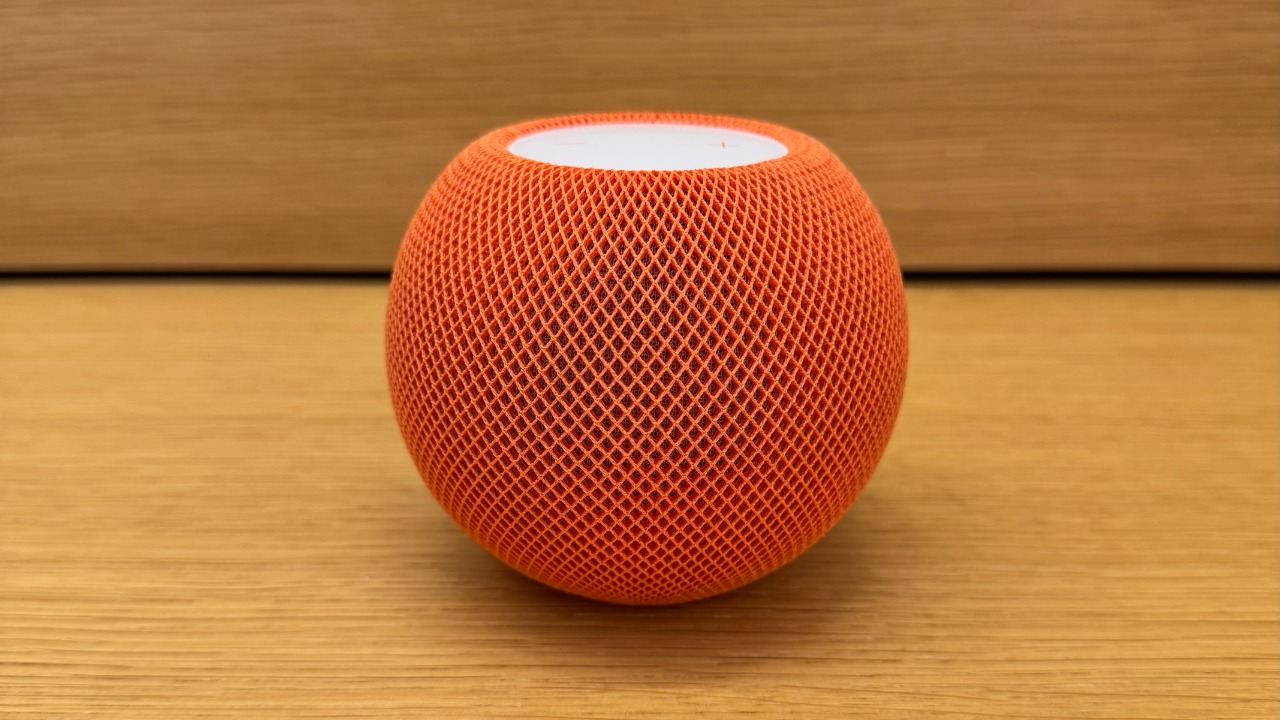
Apple’s Siri and Dictation privacy page confirms that transcripts of Siri interactions are stored and that the company may retain that data for up to two years, tied to a random device identifier that rotates multiple times an hour rather than to a name.
A subset of those interactions is also reviewed by human graders to improve the assistant, and Apple states that reviewed subset may be kept even longer than the standard two-year window.
12. Google Assistant Speaker: Triggered By A Sound That Merely Resembles Its Name
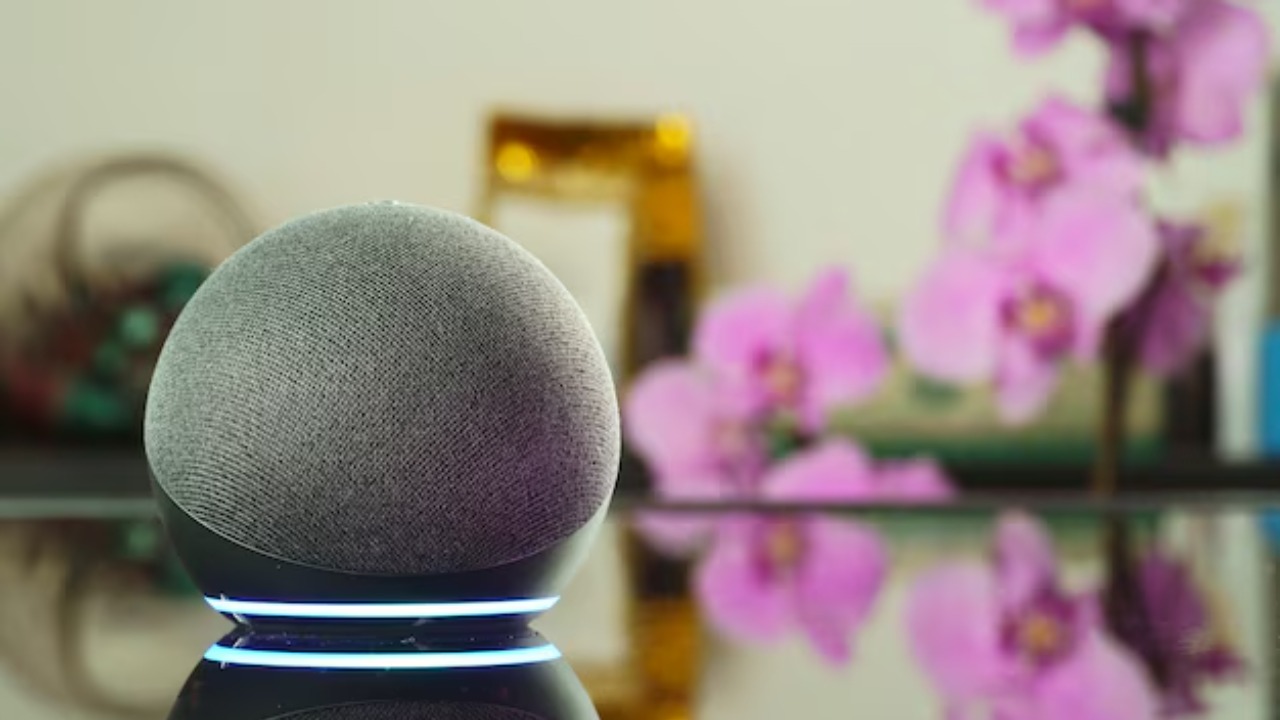
A misheard word is sometimes enough to trigger it: Google’s Assistant data security explainer admits the always-on microphone can misfire, since a nearby noise that merely sounds like “Hey Google,” or an accidental manual press, is enough to exit standby and start sending audio to Google’s servers.
Before that trigger point the device only processes a few seconds of audio locally to check for an activation cue; after it, the recording leaves the house entirely, whether or not the wake word was actually spoken.
13. Google Home Speaker: Anyone Standing Nearby Can Ask It Anything
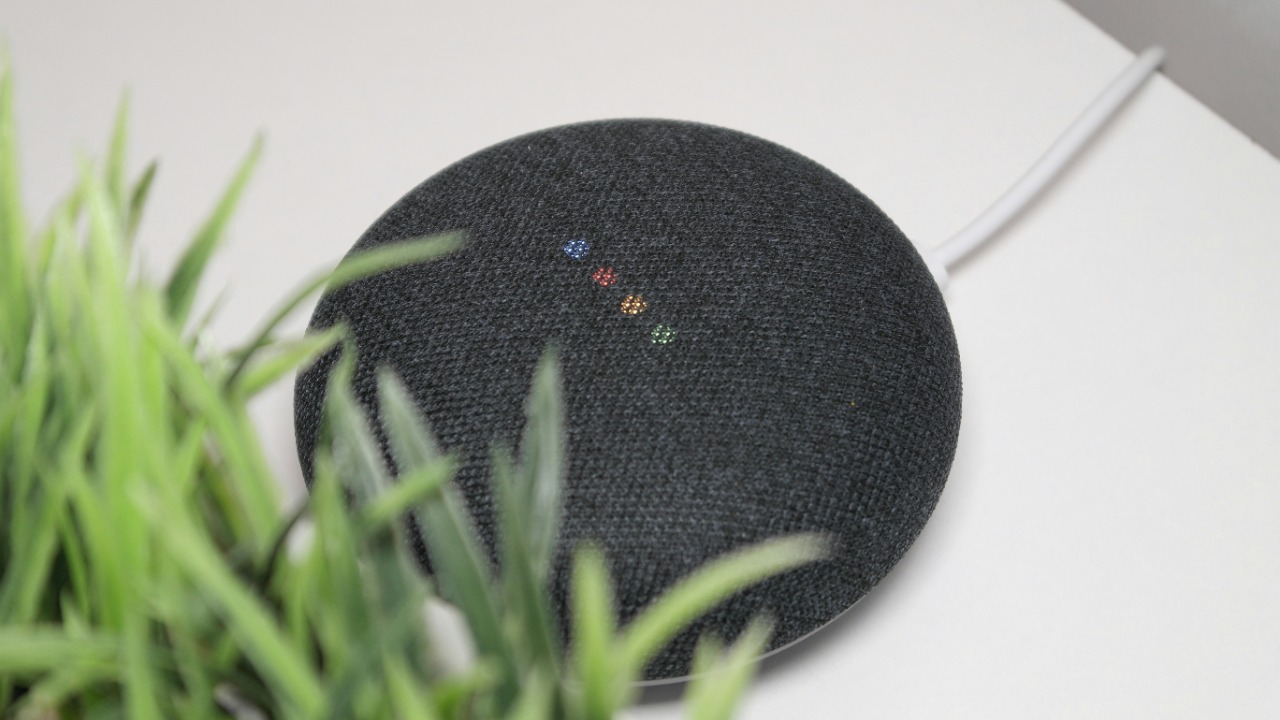
Proximity alone grants access: Google’s device access explainer states plainly that anyone physically near a Google speaker or display can request information from it, and if calendars, Gmail or other personal data have been connected, a stranger in the room could ask the device about that information too.
The same page states that Google employees and trusted third parties can also access stored conversation history, and that voice-interaction text may inform ad personalization – two more parties beyond the household who can end up reviewing what the device overheard.
