
Home gadgets are built to be convenient, and that convenience gives hackers and stalkers a way in. The warning signs are usually small, such as an odd setting, an unfamiliar login or a phone alert. Here are ten smart devices that can be turned against their owners, each paired with the sign worth acting on.
1. Android TV streaming box: Boxes That Promise Free Content
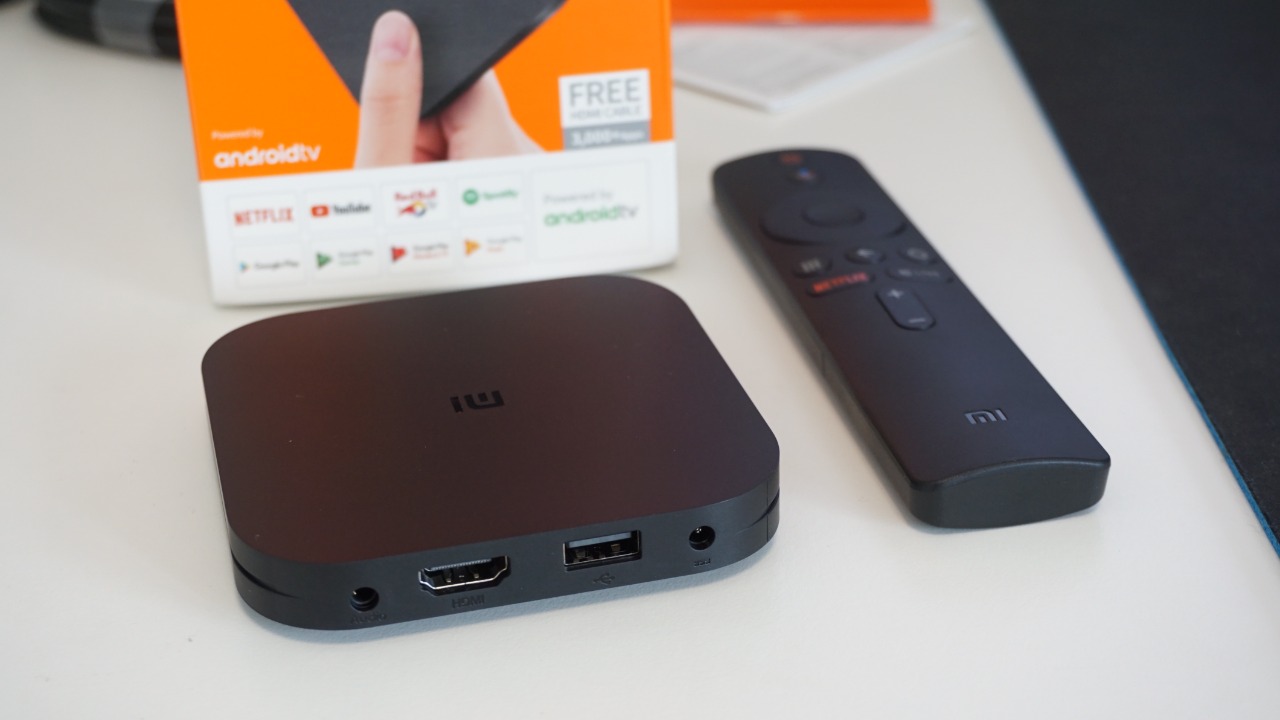
The FBI’s June 2025 warning ties cheap Android TV boxes to BADBOX 2.0, a botnet it describes as made up of “millions of infected devices.” The agency’s tell is marketing: boxes “advertised as unlocked or capable of accessing free content” are the ones to distrust. The malware arrives preinstalled or through a download, so the box can be compromised before it ever reaches a living room.
Owners of such a box lend their home internet connection to strangers, who can use it for fraud and traffic abuse. A reputable brand with certified software is the safer buy, and any box already showing the warning signs is better unplugged than trusted.
2. Digital projector: Settings That Switch Off Protection
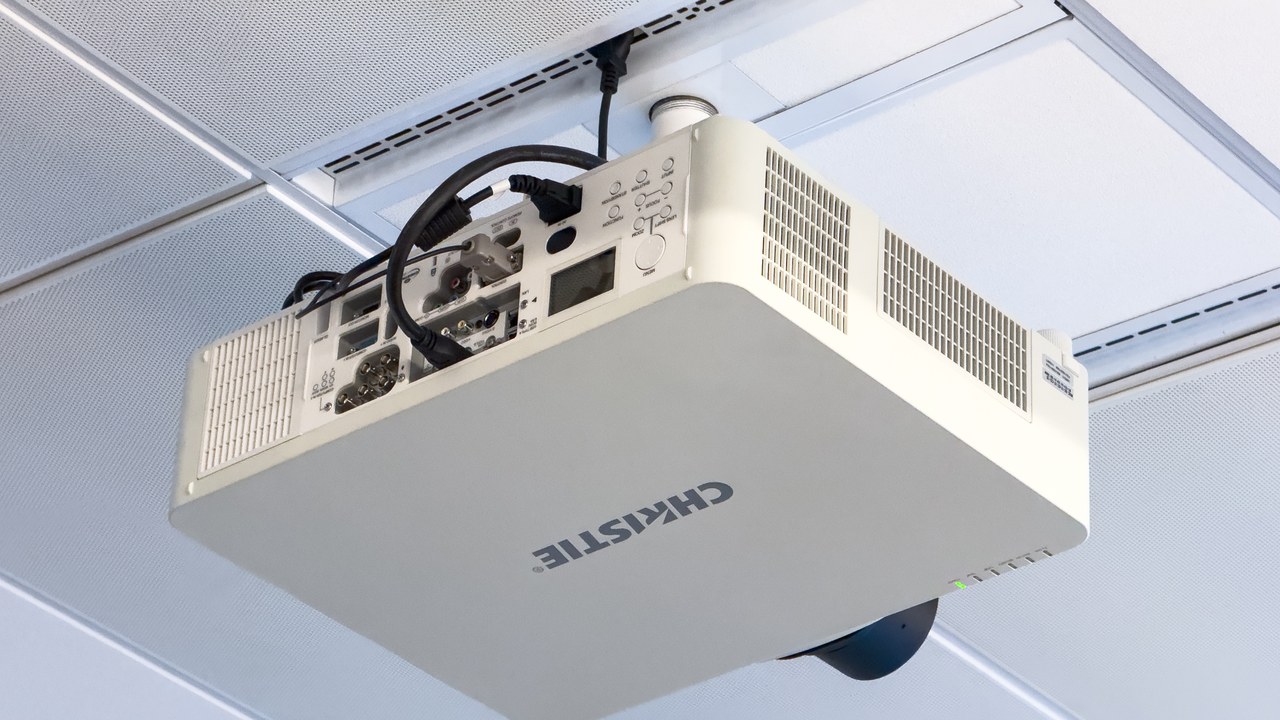
Digital projectors sit on the FBI’s list of devices caught up in BADBOX 2.0, the same botnet behind the infected streaming boxes. The warning sign is a setup step: any device “requiring Google Play protect settings to be disabled” is asking the owner to remove the one safeguard that would catch bad software. Projectors are an easy miss because they are treated as displays, not computers.
Many budget models run a full Android system underneath. An owner who is told to turn off protection just to install an app has found the red flag, and the sensible move is to return the unit and choose a certified one.
3. Aftermarket car infotainment system: Head Units Without Certification
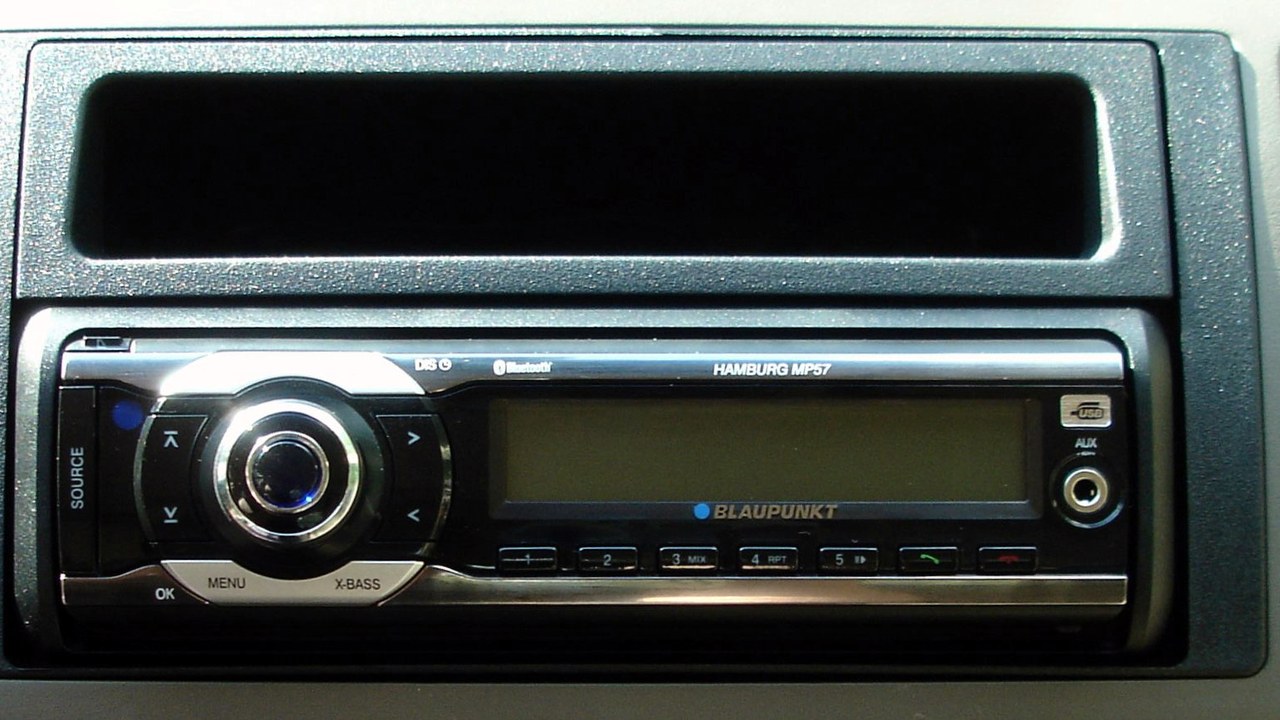
Aftermarket car infotainment systems are named by the FBI among devices tied to BADBOX 2.0. The check it points to is certification: “Android devices that are not Play Protect certified” fall into the high-risk group. A cheap touchscreen head unit from an unknown seller may run uncertified Android, and nothing about its glossy menu reveals what is running beneath.
The risk follows the driver, since the unit sits on the car’s connection and listens for its commands. Buyers can look for the certified label or choose a known audio brand, and anything already installed that fails the check deserves replacing.
4. Digital picture frame: Frames From Brands Nobody Knows
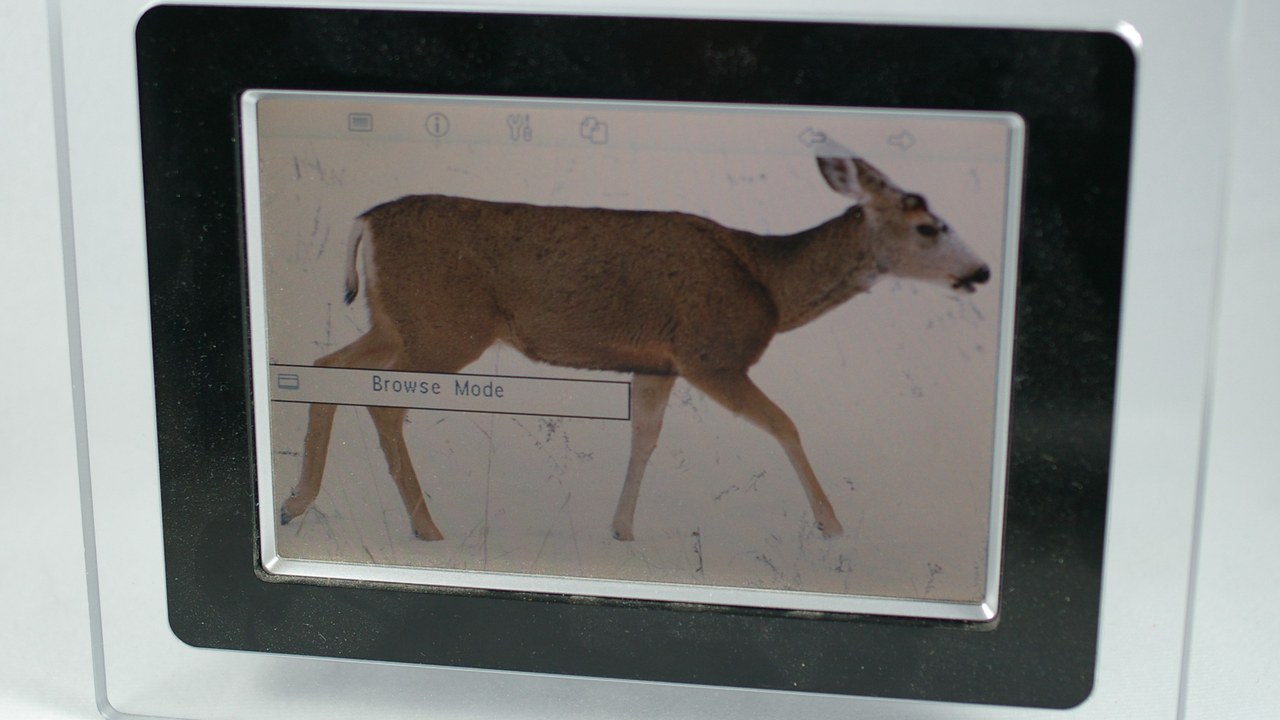
Digital picture frames are another category the FBI lists as touched by BADBOX 2.0. The clue is the seller: “IoT devices advertised from unrecognizable brands” are flagged as a warning sign. A frame that arrives from an obscure storefront with a name no one has heard of can ship with malicious code already loaded, and its price is often the only appeal.
A frame feels harmless, which is why it often gets plugged in without a second thought. Owners who bought one from a vague listing can check whether the maker is a real company with support pages, and retire the frame if it is not.
5. Wi-Fi router: Wi-Fi Router: The Hub for Everything
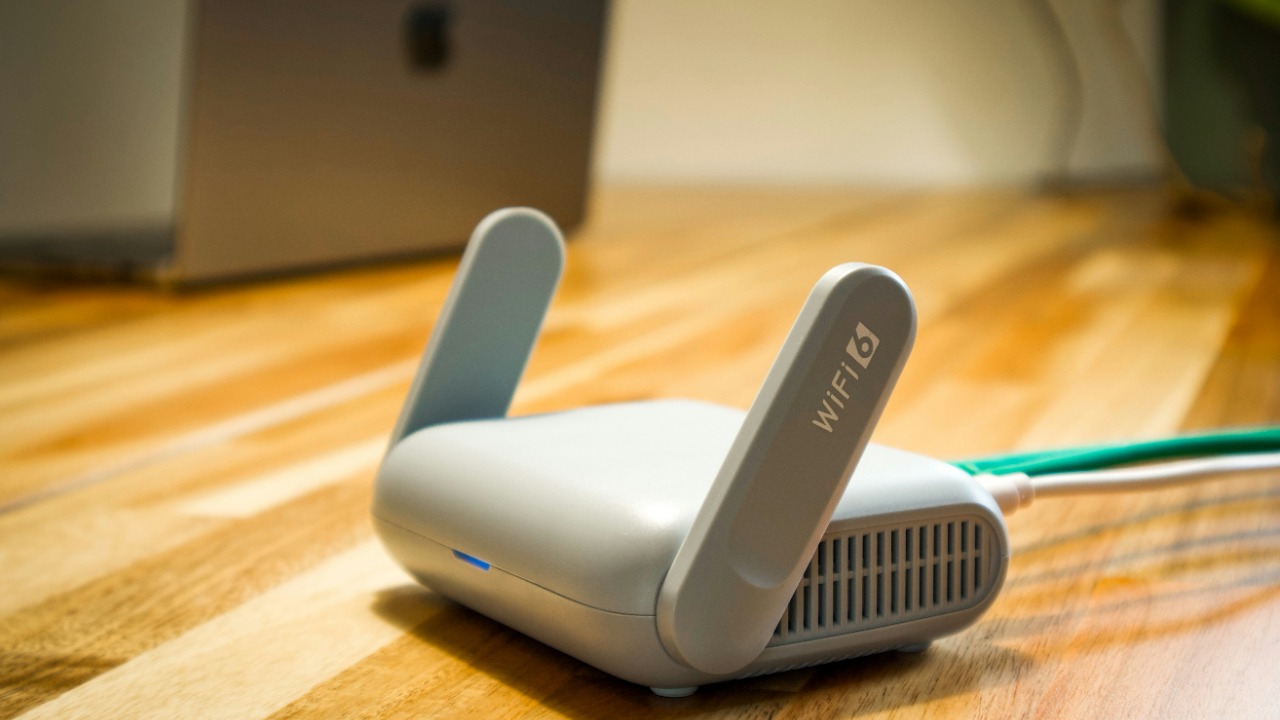
The FTC calls the router the hub that every connected gadget talks through, which makes it the highest-value target in the home. Its warning sign is visible in the admin page: devices that nobody recognizes in the list of connected devices. A stranger sitting on the network can watch traffic or reach cameras and computers that trust the local connection.
Checking the connected-devices list takes a few minutes and can be repeated every month. Changing the default admin password, updating the firmware and renaming known devices make an intruder stand out, and an unfamiliar entry is reason enough to change the Wi-Fi password.
6. Smart TV: Smart TV That Keeps Watching

The FTC warns that smart TVs can gather data about viewing habits even when the set sits idle. That makes the set a data collector as much as a screen, logging what is watched and sometimes more. The practical warning sign is in its own menu: tracking and data-sharing settings that are switched on by default and rarely reviewed after setup.
Owners can open the privacy or advertising menu and turn off the options that sell viewing history. A TV with a built-in microphone or camera deserves the same scrutiny, and a set that cannot be configured sensibly is a fair reason to look at a different model.
7. Home security camera: Cameras Open to Snooping
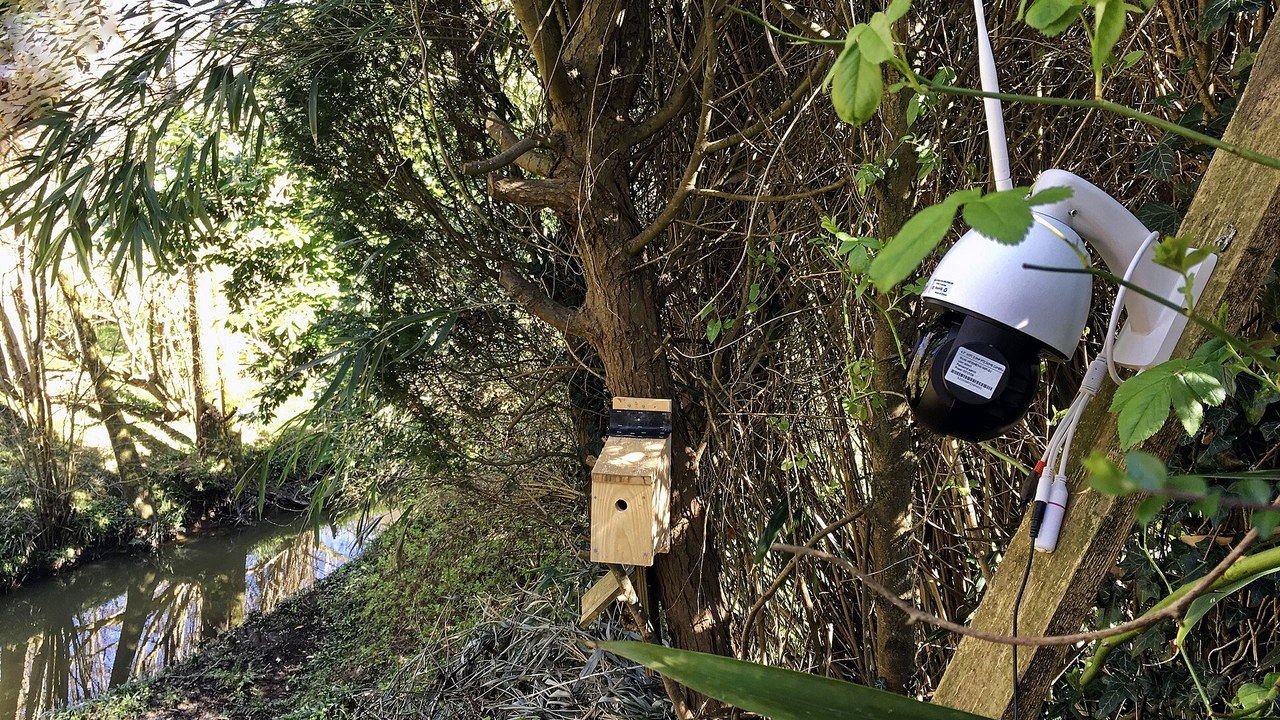
The FTC notes that “many IP cameras are vulnerable to digital snooping,” so the device meant to guard a house can become a window into it. The warning sign lives in the camera’s logs: unrecognized IP addresses or odd access times. A login at three in the morning from an address that belongs to nobody in the household is the entry to act on.
Strong unique passwords, current firmware and two-step verification reduce the exposure. Owners who spot unfamiliar access can reset the camera, change the account password and consider whether a model with weak security belongs in a bedroom or hallway.
8. Baby monitor: Baby Monitor: Unfamiliar Logins
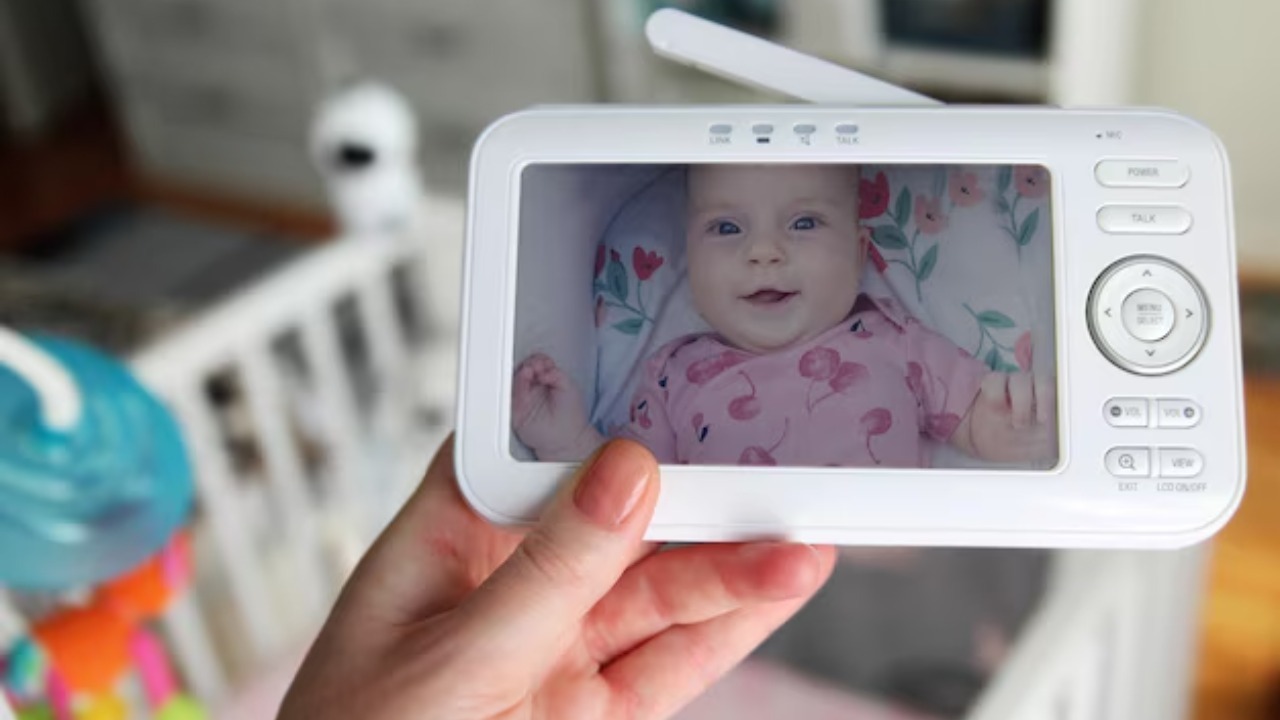
The FTC groups baby cams with other IP cameras that can be snooped on, and the stakes are higher because the lens points into a nursery. The warning sign is unfamiliar logins in the access logs, the same clue that exposes any hijacked camera. A monitor that streams over the internet is reachable from anywhere, which is also what an intruder needs.
Parents can pick a model that supports updates, replace the default password at once and review the log now and then. A monitor that only works over a closed local radio link avoids the internet exposure altogether, and a strange login is the cue to change credentials.
9. Apple AirTag: Tracker Hidden in a Bag
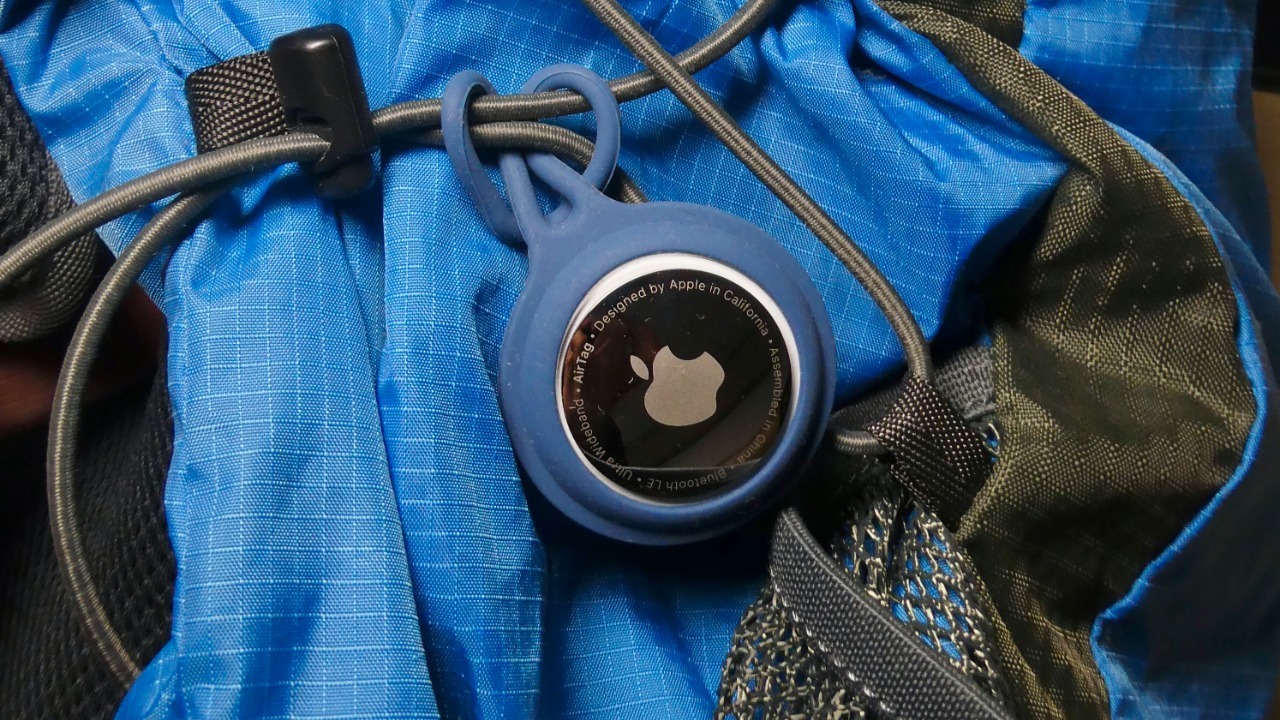
Apple’s safety guidance for unwanted trackers tells iPhone owners to watch for an alert reading “AirTag Found Moving With You.” It means a tag registered to someone else has been traveling alongside the phone over time. Stalkers have slipped such tags into bags, coats and cars, because the item is small, cheap and tied to a network that updates its location without any action by the victim.
A tag that makes a sound or shows an alert can be located and its serial number read. Tracking someone without consent is a crime in many places, so screenshots and a report to local police are the sensible next steps.
10. Apple AirPods: Earbuds That Follow Someone

The same Apple guidance covers AirPods, which can trigger an “AirPods Detected” alert when someone else’s earbuds travel with a person. The detail that surprises people is that turning off Bluetooth does not stop the owner from seeing the location. A case left in a bag or jacket can report where the carrier goes for as long as the earbuds stay nearby.
A person who gets the alert can check pockets, bags and car seats, then follow the on-screen steps to disable the unknown item. Because the alert is easy to dismiss, anyone who feels unsafe is better off contacting local authorities than ignoring it.
More from Morning Overview
- Common allergy, bladder and sleep pills tied to sharply higher dementia odds
- NOAA now gives this winter a 75% chance of the strongest El Nino since 1950
- Doctors warn a silent liver disease now affects one in three American adults
- The FBI told the rest of ShinyHunters to surrender after a 24-year-old was arrested
