
Federal cybersecurity agencies have published detailed guidance on hardening a personal smartphone against everyday snooping and theft. The National Security Agency and the Cybersecurity and Infrastructure Security Agency each maintain checklists built for anyone carrying sensitive information in a pocket. Here are ten settings worth switching off, drawn directly from those two agencies’ own published recommendations.
1. Bluetooth: Off When Idle, Per The NSA
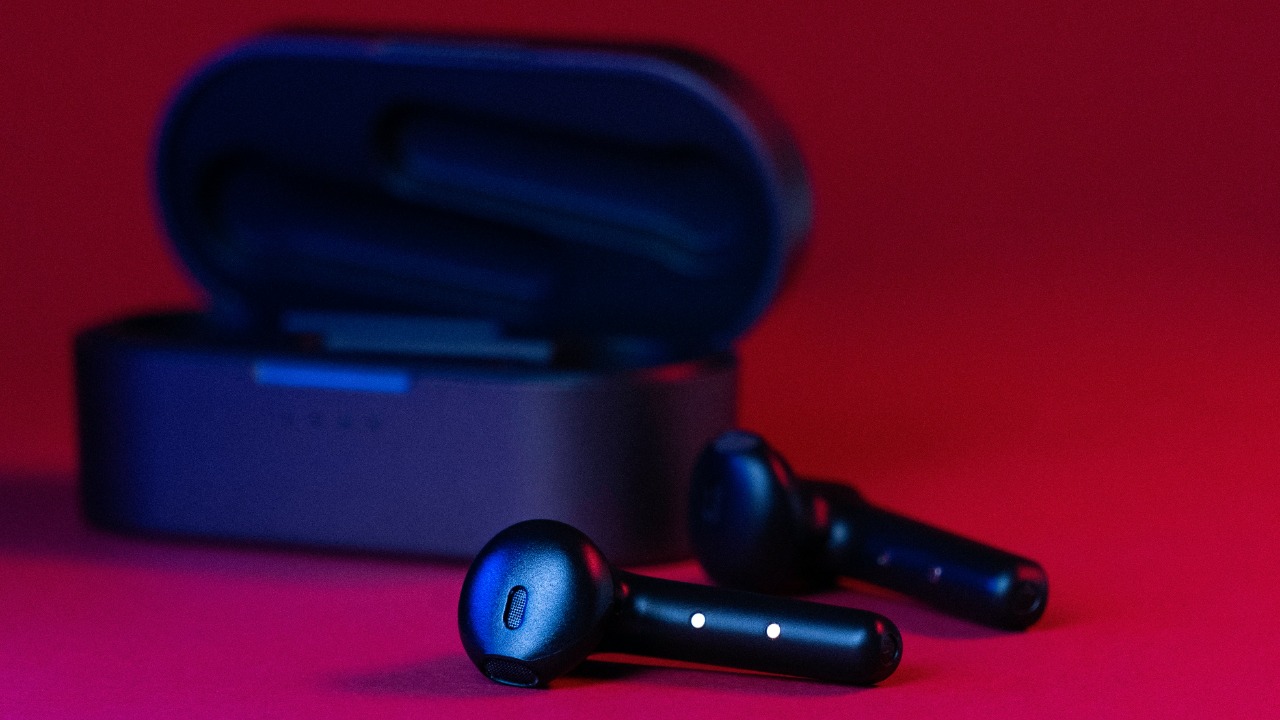
National Security Agency guidance on securing mobile devices states that Bluetooth should be disabled whenever it is not actively in use, listing it alongside Wi-Fi and NFC as a route cyber actors exploit to compromise devices in public settings.
A phone left broadcasting Bluetooth in an airport terminal or conference hall is effectively announcing itself to anyone scanning nearby. Switching the radio off between calls and headphone sessions removes that signal without giving up any everyday function.
2. Wi-Fi: Named First In The Same Warning
The same NSA advisory names Wi-Fi ahead of Bluetooth and NFC, warning that a device left searching for networks exposes itself the moment it starts hunting, and the agency’s guidance on wireless devices in public settings urges disabling it whenever a trusted network is not in reach.
Phones set to auto-join known network names can be tricked by an impostor hotspot broadcasting the same name in a mall or hotel lobby. Leaving the radio off until a specific trusted network is chosen by hand closes that opening entirely.
3. NFC: The Tap-To-Pay Radio Gets Named Too
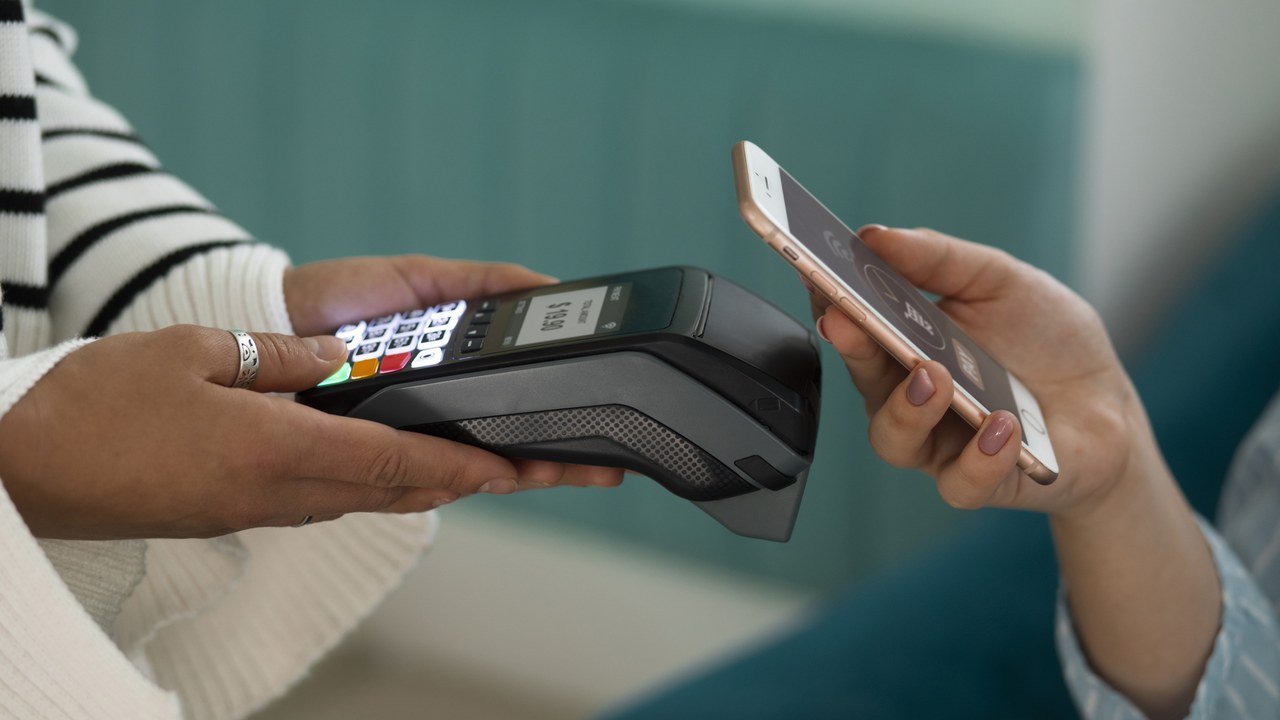
Near-Field Communications rounds out the NSA’s list of three radios to switch off when idle, the agency’s guidance on public wireless use defining NFC as a short-range technology that, left active, still gives nearby attackers a working connection point.
Most tap-to-pay purchases take a couple of seconds, so the radio has no reason to stay live the rest of the day. Leaving NFC off until a payment terminal is actually in front of the phone removes a rarely used attack surface for free.
4. Public Wi-Fi: Skip It, Use A Personal Hotspot Instead
For airport, hotel, and coffee-shop networks, the NSA’s recommendation is blunt: avoid public Wi-Fi altogether and rely on a personal or corporate hotspot with strong authentication and encryption, per the agency’s public wireless security guidance.
When a mobile hotspot is not an option, the same guidance says a virtual private network should encrypt the connection before any browsing begins. Skipping both steps on hotel or terminal Wi-Fi leaves that traffic readable to anyone else on the network.
5. Advertising ID: First Item On CISA’s Own Checklist

CISA’s Project Upskill checklist opens its footprint-reduction section with a single blunt instruction: disable the device’s advertising ID, the identifier apps and ad networks use to stitch together a profile of behavior across different apps.
The setting sits a few taps deep in privacy menus on both major operating systems and does not disable ads themselves, only the tracking identifier behind them. Turning it off breaks the thread advertisers use to link activity from one app to the next.
6. App Permissions: Delete The App, Not Just The Access
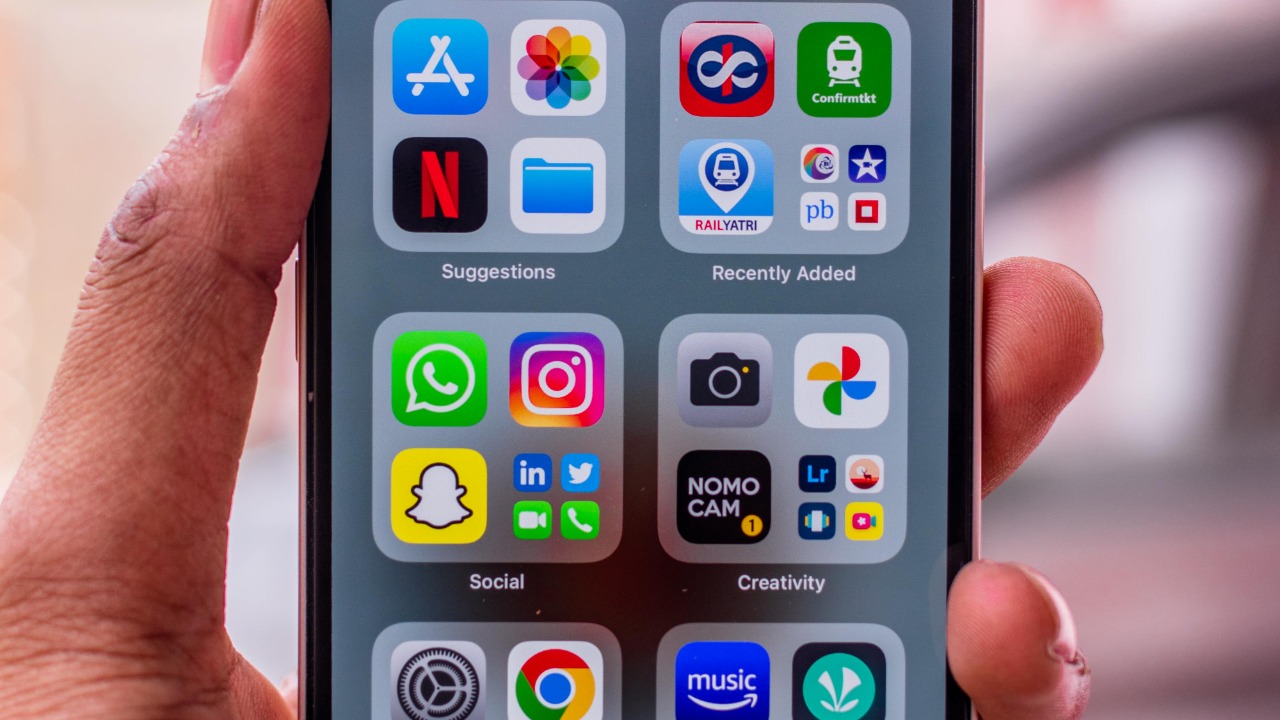
Beyond individual toggles, CISA’s checklist tells users to remove any app that goes unused and, for what remains, to deny permissions the app does not need to function, covering location, microphone, camera, and contacts access.
A flashlight app rarely has any legitimate reason to see a contact list, and a game rarely needs a live microphone feed. An old app forgotten on the home screen is still able to collect data quietly in the background until it is removed.
7. Saved Wi-Fi And Bluetooth Pairings: Old Connections Keep Broadcasting
CISA’s guidance also targets clutter most people never think to clear: it recommends deleting saved Wi-Fi networks and Bluetooth pairings that are no longer used regularly, rather than letting the list grow indefinitely.
Each entry is a standing agreement to reconnect automatically the next time a matching name or address appears nearby, including a spoofed one set up by someone else. A periodic cleanout keeps that list short and keeps a phone from trusting networks it has long since left behind.
8. SMS Two-Factor Codes: Ranked Weakest By CISA Itself
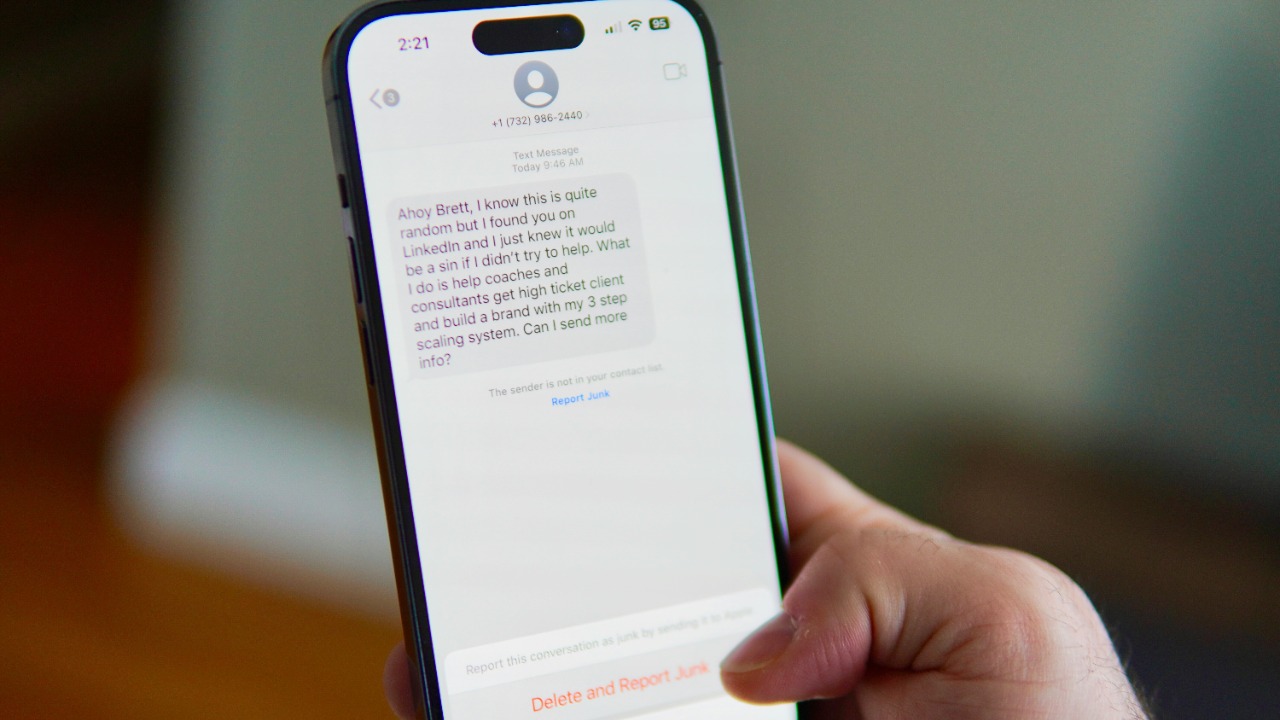
When CISA ranks multi-factor authentication methods from strongest to weakest, SMS text codes finish dead last, well behind physical security keys, biometrics, software tokens, and email one-time passcodes.
Text messages ride the same cellular network as ordinary calls, a channel the agency separately describes as lacking end-to-end encryption, which makes an intercepted code a real risk rather than a theoretical one. Switching sensitive accounts to an authenticator app or a physical key closes the gap the ranking points to.
9. Location Sharing: There Is No Full Off Switch
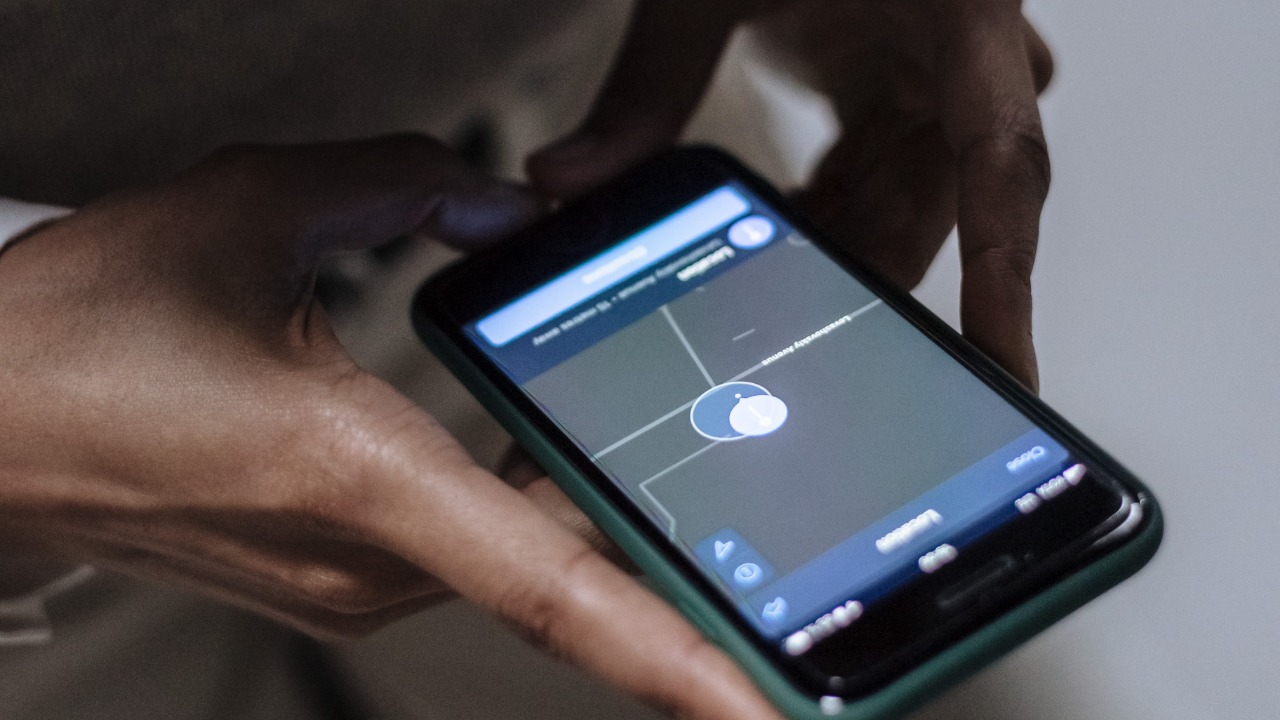
A separate NSA release goes further than a settings tip, stating a phone begins exposing location the moment it is powered on, gathered through GPS, Wi-Fi, and Bluetooth connections whether or not the owner or the carrier consents.
The agency’s own guidance is candid that no setting fully mitigates a device from being located, so the goal becomes limiting exposure rather than eliminating it: turning off location services for apps that do not need them, and disabling the radios covered above when they are not required.
10. Unencrypted Texts And Calls: 5G On Screen Does Not Mean 5G In Use
CISA’s mobile-security training warns that ordinary text messages and voice calls are vulnerable to interception because cellular protocols do not provide end-to-end encryption for either one.
The same training notes a phone displaying a 5G icon can still be routing a call or text across older 2G or 3G infrastructure behind the scenes, networks with weaker protections built decades earlier. An encrypted messaging app closes that gap for anything sensitive that would otherwise ride the open cellular channel.
