
Computing escaped the desk through devices that put information, software, sensors, and interactive media into homes, pockets, and even a person’s field of view. Each product changed where a digital task could happen, even when its individual commercial story was complicated. Here are five devices that moved everyday computing out of the office.
1. Google Glass: A Computer Entered the Wearer’s Field of View
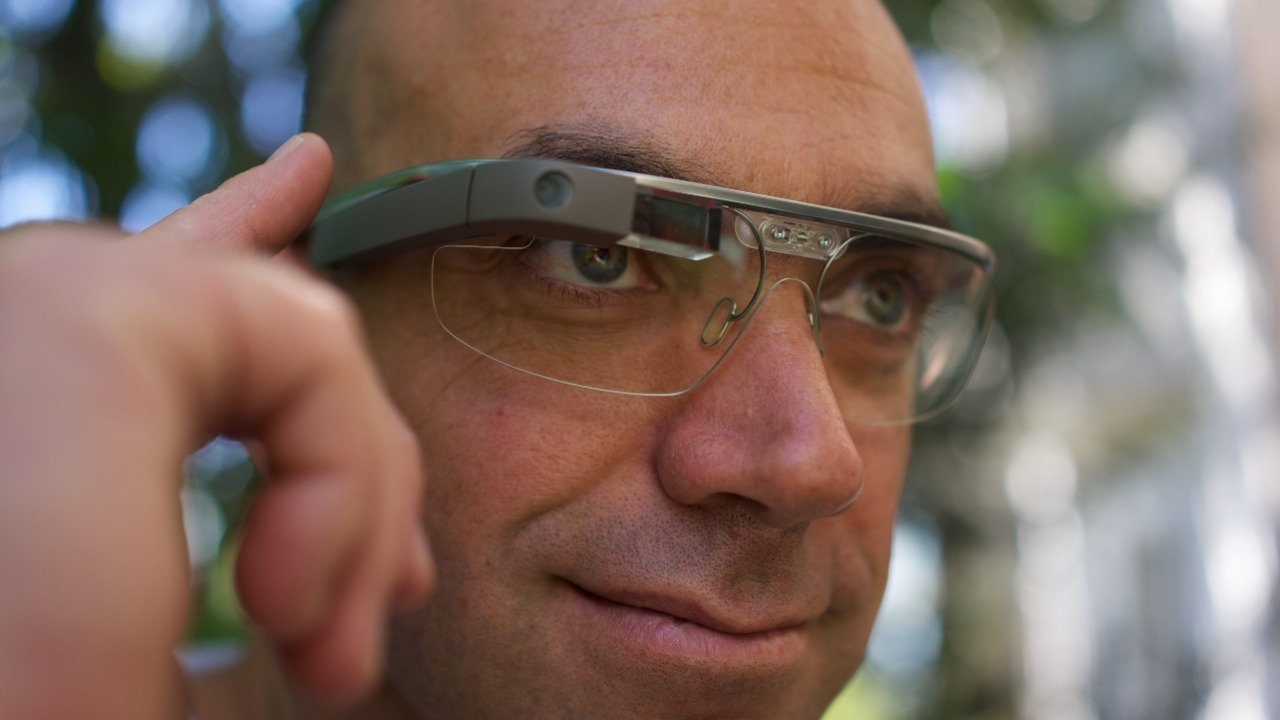
Google Glass placed a small display, camera, microphone, and network-connected software on a lightweight headset, turning computing into something that could accompany a person without occupying either hand. The wearable computer’s history traces a product built around voice commands, captured images, directions, and brief information rather than a conventional keyboard-and-monitor session. That design made field work, travel, and other mobile settings part of the computing environment.
The consumer version never became an everyday replacement for the phone, and its visible camera prompted serious privacy concerns. Its larger influence came from demonstrating both the appeal and the social friction of information displayed directly in front of an eye. Later smart-glasses projects inherited the same challenge: useful digital assistance must remain glanceable without distracting the wearer or making people nearby feel constantly recorded. Glass moved the interface beyond the office, even as public reaction exposed the limits of that move.
2. Amazon Echo and Echo Dot: Voice Commands Turned the Home Into an Interface
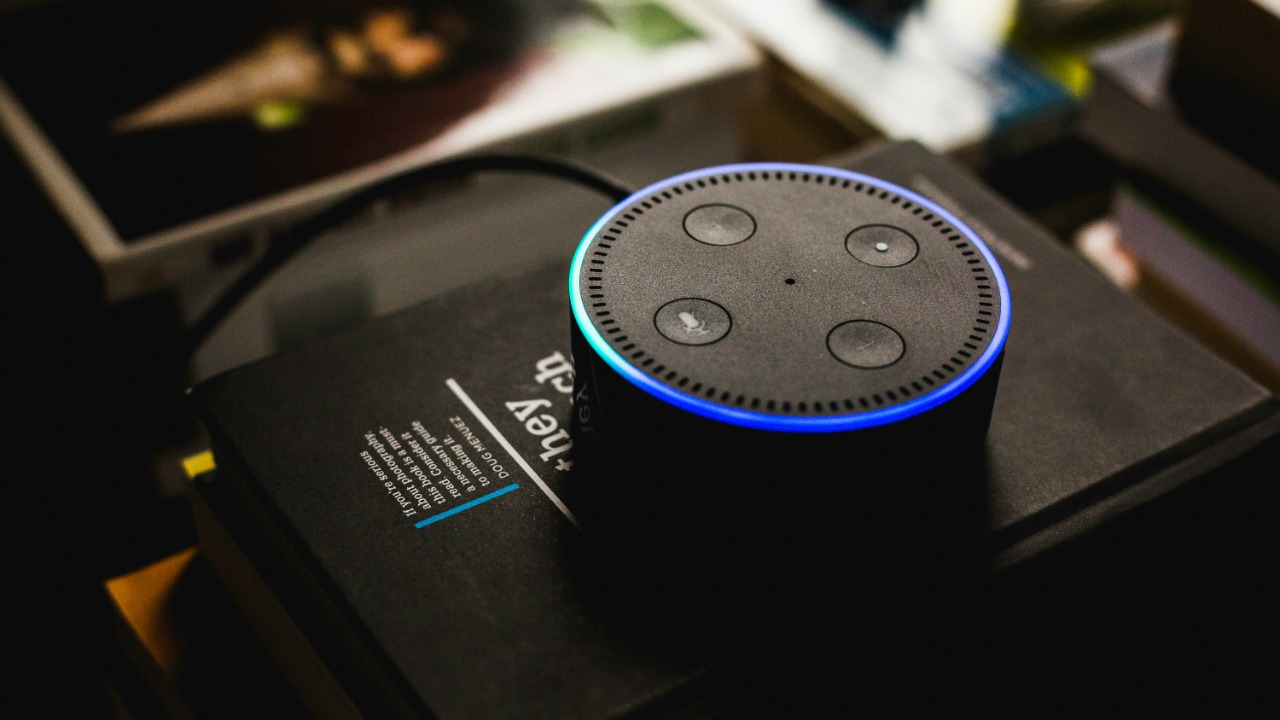
Amazon Echo and Echo Dot moved common digital requests into kitchens, bedrooms, and living rooms by making spoken language the primary interface. A person could ask for timers, weather, music, reminders, or connected-home controls without opening a laptop or touching a screen. Mozilla’s smart-speaker privacy review also shows the unavoidable second half of that shift: a microphone-equipped household computer raises questions about recordings, account settings, and the data produced by routine commands.
The devices made computing ambient rather than scheduled. Short interactions could happen while cooking or moving through a room, which broadened the places where software felt useful. Their convenience depends on cloud services and linked accounts, so privacy controls and microphone indicators deserve the same attention as the assistant’s features. Echo’s importance lies in turning a room into an input surface while making the costs of always-available voice computing visible.
3. Ring video doorbells and cameras: Networked Vision Reached the Front Door
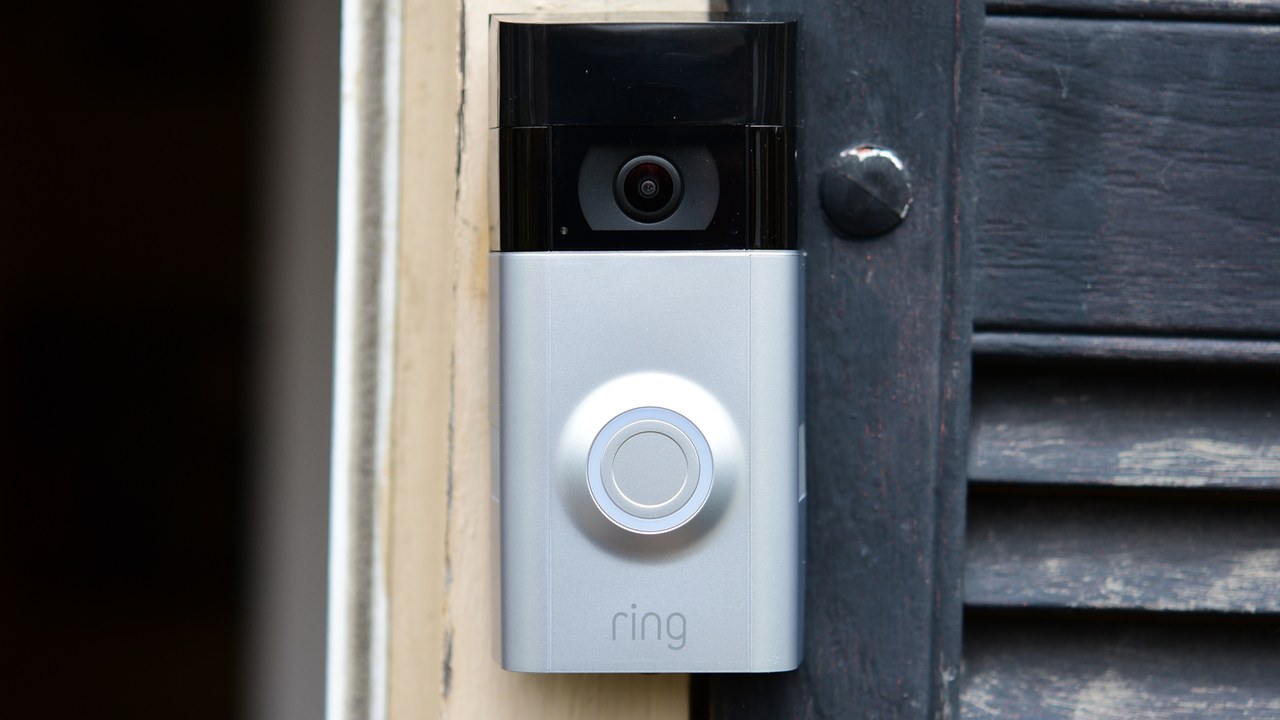
Ring video doorbells and cameras relocated computing tasks to the home’s perimeter. Motion detection, video capture, alerts, two-way audio, and remote viewing turned the doorway into a networked point that could be checked from an app rather than an office monitor. Ring’s privacy-controls guide describes settings for managing what the cameras monitor and record, underscoring that the system combines household security with software permissions and data choices.
That combination made camera-based computing accessible to households without a dedicated surveillance room or specialized operator. A delivery, visitor, or movement event could produce an immediate digital notification wherever the account holder happened to be. The same reach makes placement, recording zones, shared access, and account security consequential because a camera can capture neighbors and public space as well as a private entrance. Ring brought automated vision outside the office, but it also made responsible configuration part of ordinary home maintenance.
4. PalmPilot: Personal Information Slipped Into a Pocket
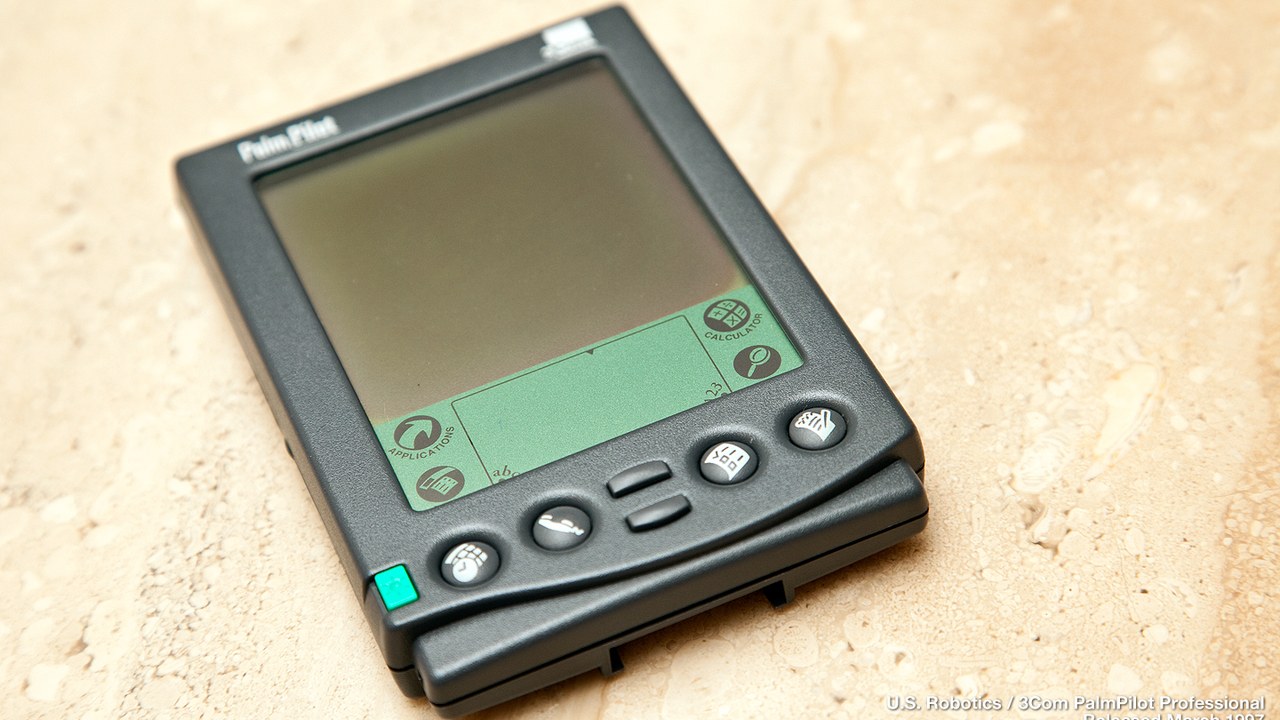
PalmPilot handhelds carried calendars, contacts, notes, and task lists away from the desktop at a time when those records were still commonly managed on a larger personal computer. The original PalmPilot product line centered on a compact touch screen, stylus input, and synchronization with desktop software. That combination let information leave the office without requiring a notebook computer, previewing the pocket-centered interactions that later became routine on smartphones.
Its capabilities appear narrow beside a modern handset, yet the limits encouraged a fast interface built around information needed throughout the day. Owners could carry an address book and schedule, make changes in the field, and synchronize those updates after returning to a computer. PalmPilot demonstrated that useful computing could happen in short bursts while standing, traveling, or meeting someone. Its influence rests less on processing power than on proving that personal data belonged with the person rather than on a desk.
5. Game Boy: Interactive Software Became Truly Portable
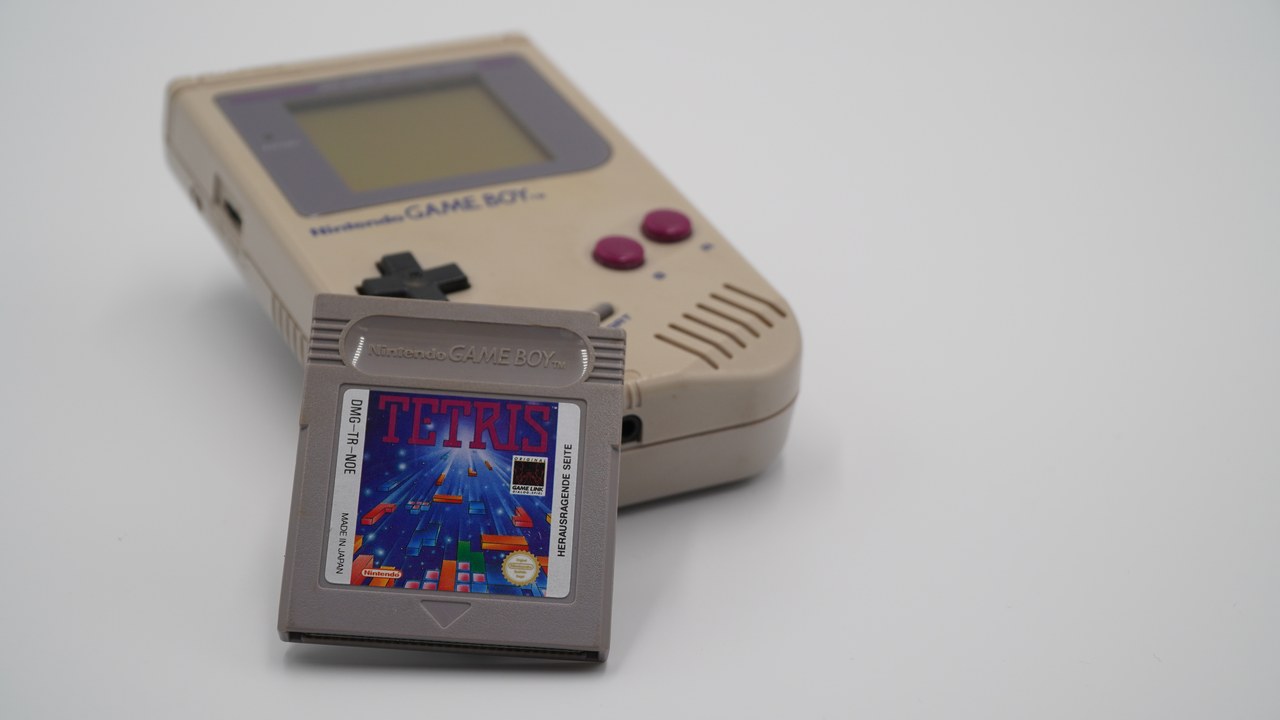
Game Boy moved a familiar form of interactive computing out of bedrooms and arcades by packaging a processor, controls, display, and replaceable software cartridges into a durable handheld. The Nintendo system’s history records a platform designed around portability and a game library rather than desktop-style productivity. Its modest monochrome hardware still delivered complete software experiences on buses, in waiting rooms, and anywhere batteries could power the device.
That success broadened the meaning of personal computing beyond work documents and fixed screens. Software became something carried for entertainment, exchanged through cartridges, and resumed in spare moments throughout the day. Game Boy also showed that battery life, sturdy construction, clear controls, and compelling programs could matter more to a portable device than premium specifications. The lesson later echoed through handheld consoles and mobile apps: computing outside the office succeeds when the hardware fits ordinary movement and the software rewards short, repeatable sessions.
This article was produced with the assistance of AI and reviewed by Morning Overview editors prior to publication.
More from Morning Overview
- A Colorado wildfire has exploded past 87,000 acres with no containment
- A wildfire near Ouray swelled past 18,000 acres, putting Colorado towns on alert
- The Pentagon’s newest UFO files describe a fish-scaled, potato-shaped object on camera
- Scientists spotted a rare tusked whale alive at sea for the first time, then fired a crossbow at it.
