
Have you ever pressed the power button on your phone, expecting it to shut down, only to find that it merely activates a voice assistant or doesn’t fully turn off? This common frustration highlights a complex issue: the power button’s actual function may not be what you think.
Here, we explore why your phone’s off button might be misleading you and what it truly does when pressed.
The Evolution of the Power Button

The power button on our devices has undergone a significant transformation over the years. Initially, it was a straightforward mechanical switch that physically cut off power to the device. Today, it has evolved into a digital command center, often integrated with touch-sensitive controls. This transition from mechanical to digital has changed not only how we interact with our devices but also how these devices respond to our commands.
Modern smartphones and tablets often override the traditional function of the power button with software features. For example, instead of powering down the device, pressing the power button might activate a voice assistant or trigger emergency modes. This shift reflects a broader trend of prioritizing user convenience and accessibility over the traditional notion of simply turning a device off.
Misleading Power-Off Functions
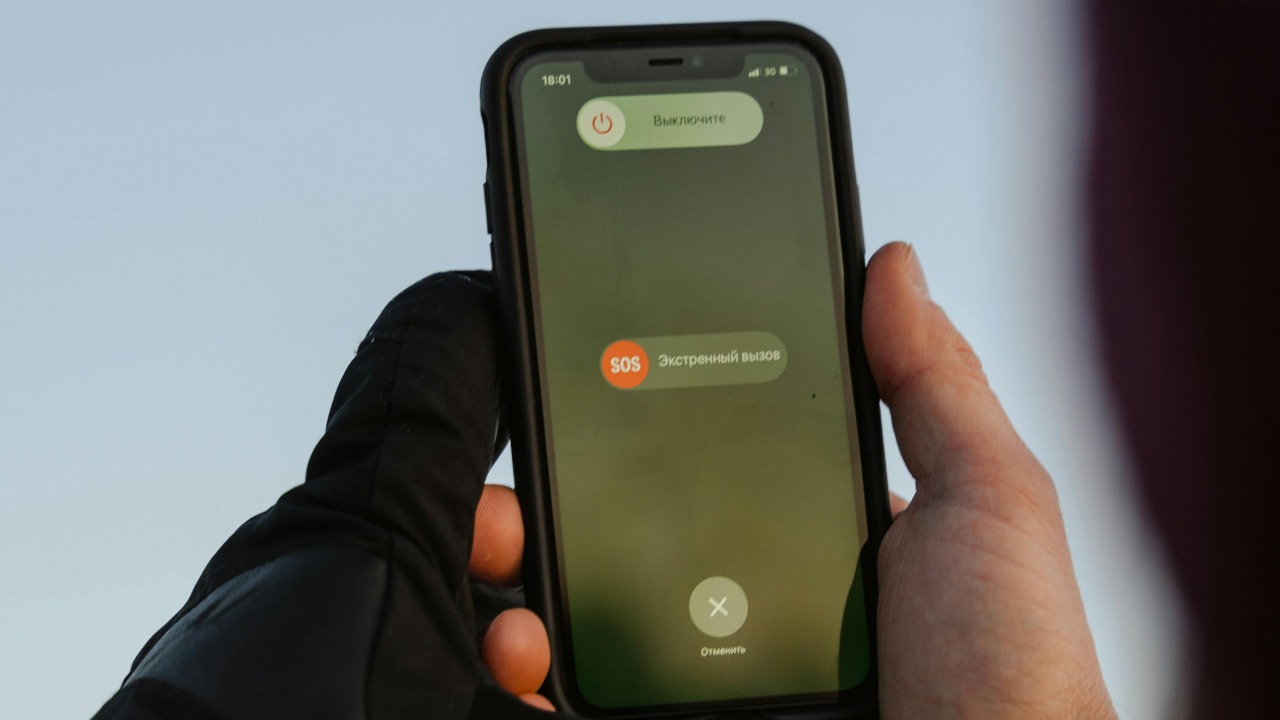
One of the most common misconceptions about the power button is the difference between putting a phone into standby mode versus fully shutting it down. Many users mistakenly believe that pressing the power button turns off the device completely, when it often just places the device in a low-power standby state. This confusion can lead to unexpected battery drain, as background processes may continue to run even when the phone appears to be off.
Even when a phone seems to be turned off, certain background processes can continue to operate. These processes might include data synchronization, software updates, or location tracking, all of which consume battery and data. Understanding this distinction is crucial for users who want to conserve battery life or ensure their device is truly off.
The Role of the Operating System

Different operating systems manage power button functions in varied ways. For instance, iOS and Android might prioritize quick reboots or sleep modes over a full shutdown. This difference in approach can affect how users perceive and use the power button. iOS devices, for example, often prioritize quick access to features like the camera or flashlight, while Android devices might emphasize flexibility in power management.
Design choices made by operating systems to enhance user experience can also impact the power button’s functionality. For example, the integration of voice assistants for quick access is a significant consideration. These choices aim to balance user experience and accessibility, ensuring that devices remain intuitive and user-friendly while also being powerful and feature-rich.
Technical Glitches and User Frustrations

Users often encounter various issues with power buttons, ranging from unresponsive devices to the accidental activation of unwanted features. Such problems can be particularly frustrating, especially when they disrupt daily routines or critical tasks. For instance, a phone that doesn’t respond when the power button is pressed can lead to missed alarms or calls.
Many users turn to online forums and support pages, such as Quora, to find solutions to these issues. Common recommendations include performing a hard reboot or installing software updates to address glitches. These solutions can often help resolve power button issues, restoring the device’s functionality and reliability.
Implications for Privacy and Security

An improperly turned-off phone can leave your data vulnerable to breaches. Understanding the true status of your device is essential for maintaining privacy and security. A device that is not fully shut down may still be transmitting data, potentially exposing sensitive information to unauthorized access.
Security features, like biometric locks, can also affect the power button’s function. These features often prioritize security over ease of use, sometimes complicating the process of turning off the device. Users must balance these security considerations with their need for usability to ensure that their devices are both secure and functional.
