The Transportation Security Administration (TSA) is urging iPhone users to immediately disable a dangerous setting that allows wired accessories to connect to locked devices, as it poses significant security risks at airport checkpoints. This warning highlights vulnerabilities that could enable unauthorized access to personal data during travel screenings. Reports on this issue emerged starting September 17, 2025, with further details provided on October 6, 2025 (Forbes; BGR).
The TSA’s Specific Warning to iPhone Users

The TSA has issued a specific advisory targeting iPhone users traveling through U.S. airports, emphasizing the need to stop using the setting that permits wired accessory connections on locked iPhones. This measure is crucial to prevent data breaches during security checks. The warning was initially issued on September 17, 2025, as a direct alert to mitigate risks from potentially malicious wired devices at TSA checkpoints (Forbes).
Further reporting on October 6, 2025, reinforced the TSA’s call to disable the wired accessories setting for enhanced device security. This follow-up emphasized the ongoing risks and the importance of taking immediate action to protect personal data from unauthorized access during travel (BGR).
The TSA’s advisory is part of a broader effort to enhance security protocols at airports, recognizing the increasing sophistication of cyber threats. The agency has been working closely with cybersecurity experts to identify potential vulnerabilities that could be exploited during routine security checks. By focusing on the wired accessories setting, the TSA aims to prevent scenarios where malicious actors might use seemingly innocuous devices to extract data from travelers’ phones without their knowledge. This proactive approach is intended to safeguard not only personal information but also national security, as compromised devices could potentially be used to facilitate more significant security breaches (Forbes).
Moreover, the TSA’s warning is a reminder of the evolving nature of digital threats in public spaces. As technology becomes more integrated into daily life, the potential for exploitation increases, necessitating constant vigilance and adaptation of security measures. The TSA’s focus on this specific iPhone setting underscores the importance of user awareness and the need for individuals to take personal responsibility for their digital security, especially in high-risk environments like airports. This initiative is part of a larger campaign to educate the public about cybersecurity risks and encourage proactive measures to protect personal devices (BGR).
Understanding the Dangerous Setting
The iPhone setting in question enables wired accessories, such as USB devices, to access the phone even when it is locked. This feature, if active, allows connections without requiring a passcode entry, thereby increasing the device’s vulnerability to data extraction attempts. This setting is particularly concerning because it can be exploited by malicious actors to gain unauthorized access to sensitive information (BGR).
Disabling this setting activates iOS security features that protect against unauthorized wired access. This is a critical step for users to ensure their devices remain secure, especially in environments like airports where the risk of exploitation is higher. The TSA’s warning underscores the importance of understanding and managing this setting to safeguard personal data (Forbes).
Security Risks Highlighted by the TSA
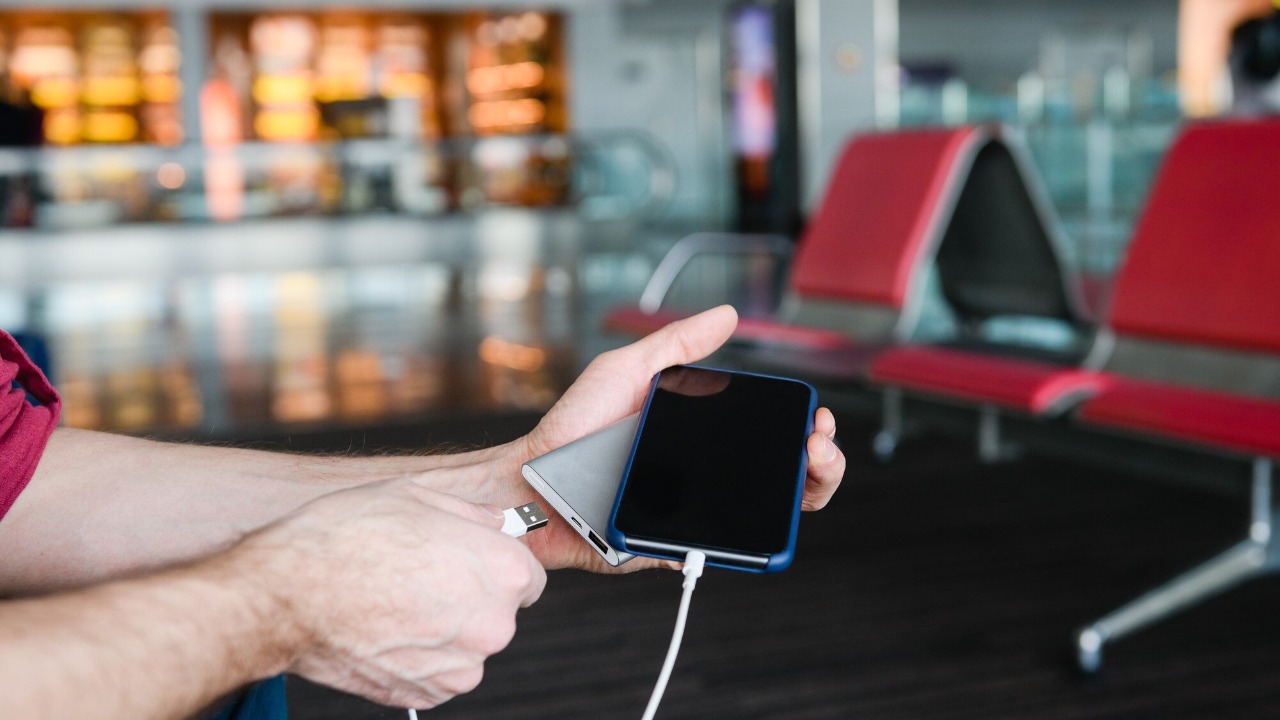
The primary risk identified by the TSA involves hackers or unauthorized parties using wired accessories to bypass iPhone locks and steal sensitive information such as contacts, photos, or passwords. This threat is particularly pronounced at public venues like airports, where travelers may be less vigilant about their device security. Real-world scenarios have shown how this setting could be exploited during TSA screenings, leading to potential data compromises for travelers (Forbes).
The broader implications of this vulnerability extend beyond travel, affecting iPhone models running recent iOS versions. The risk is not confined to airports; it can also impact users in various public and private settings. The October 6, 2025, report highlights these concerns, urging users to take proactive measures to protect their devices from unauthorized access (BGR).
Steps to Disable the Setting and Protect Your Device
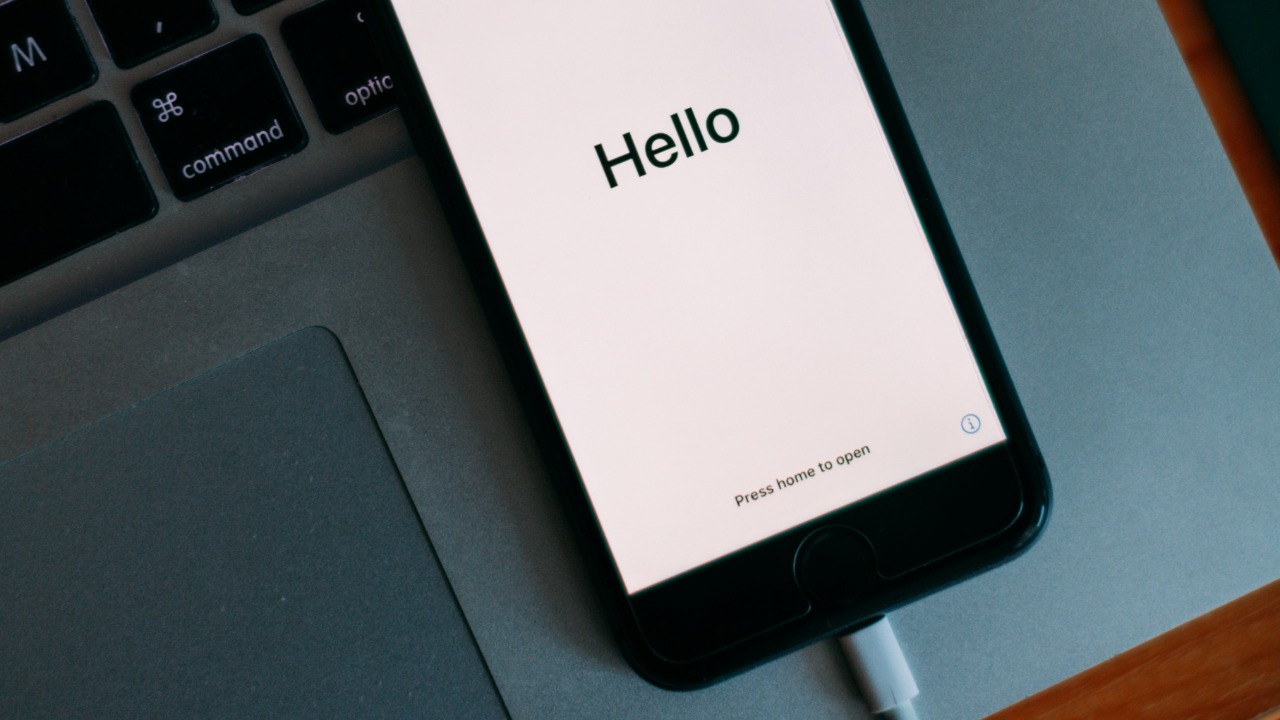
To disable the wired accessories setting, users should navigate to the iPhone’s Face ID & Passcode or Touch ID & Passcode menu. Here, they can enable USB Restricted Mode, which requires a passcode entry for any wired connection after one hour of inactivity. This change is recommended in the TSA warning as an immediate step to enhance device security (Forbes).
Disabling this setting has immediate effects, such as preventing unauthorized access through wired connections. Users are advised to verify the change and maintain device security by following guidance provided on October 6, 2025. This includes avoiding common pitfalls during setup and ensuring that the device remains protected against potential threats (BGR).
In addition to enabling USB Restricted Mode, users are encouraged to regularly update their iOS to the latest version, as Apple frequently releases security patches that address known vulnerabilities. Keeping the operating system up-to-date ensures that users benefit from the latest security enhancements and protections against newly discovered threats. The TSA’s guidance also suggests that users familiarize themselves with other security settings available on their devices, such as enabling two-factor authentication and using strong, unique passwords for their Apple ID and other critical accounts (Forbes).
Furthermore, travelers should be cautious about the physical security of their devices. This includes being mindful of where they charge their phones, as public charging stations can sometimes be compromised to facilitate data theft. Using personal charging equipment and avoiding connections to unknown devices can significantly reduce the risk of unauthorized access. The TSA’s recommendations serve as a comprehensive guide for maintaining device security, emphasizing the importance of both digital and physical precautions to protect sensitive information while traveling (BGR).
