
The shift from traditional passwords to passkeys is a significant trend in the digital landscape. Let’s delve into the workings of passkeys, their advantages over passwords, and their real-world implementations.
Understanding the Concept of Passkeys

A passkey, as described in this Dashlane article, is a security mechanism that uses a device or object to identify a user, rather than a string of characters. Unlike passwords, which require users to remember and input a specific sequence of characters, passkeys authenticate users based on something they possess – like a smartphone, a USB key, or a smart card.
Passkeys differ significantly from passwords in several ways. While passwords rely on something you know (the password itself), passkeys depend on something you have (an object or a device). This eliminates the risk of password-related threats like phishing, keystroke logging, and brute force attacks. Moreover, passkeys can also integrate biometric data, adding another layer of security.
The Advantages of Passkeys Over Traditional Passwords
Passkeys provide enhanced security features compared to passwords. Because they are not vulnerable to traditional password attacks, they can significantly reduce the risk of unauthorized access. Additionally, by incorporating biometric data, passkeys can offer multi-factor authentication, which is more secure than single-factor authentication used with passwords.
From a user perspective, passkeys can be more convenient and efficient than passwords. Users don’t need to remember complex passwords, reducing the likelihood of password fatigue or reuse of weak passwords. So, it is clear from the Pivot Point Security analysis that passkeys have distinct advantages over traditional passwords.
Challenges in Transitioning from Passwords to Passkeys

Despite their benefits, passkeys face challenges regarding user adoption and technology implementation. Many users are familiar and comfortable with passwords, making it difficult to transition to a new system. There’s also the issue of accessibility: not all users have the necessary devices (like smartphones or biometric sensors) to use passkeys.
From a technological standpoint, implementing passkeys can be complex. It requires significant changes to existing authentication systems, which can be costly and time-consuming. Moreover, there are also concerns about the security of the devices used for passkey authentication. For example, if a user’s smartphone is stolen, the thief could potentially gain access to all the user’s accounts.
Case Study: Microsoft’s Efforts in Promoting Passkeys
Microsoft has been a pioneer in promoting the use of passkeys. To boost adoption, the company has focused on improving the user experience (UX) design of passkeys. According to a Microsoft security blog, the company made passkeys easy to set up, visually appealing, and easy to use.
Security enhancements have also been a primary focus in Microsoft’s implementation of passkeys. The company uses a combination of device-based passkeys and biometric data to authenticate users, providing a high level of security. With this approach, Microsoft aims to make passkeys not just a more secure alternative to passwords, but also a more user-friendly one.
Current Applications and Uses of Passkeys
Passkeys are currently being used in various industries and sectors. For instance, in the banking sector, many institutions use passkeys for secure transactions. Passkeys are also used in healthcare for patient identification and access control, and in the IT industry for secure remote access to systems and networks.
Going forward, the use of passkeys is expected to increase in several areas. According to a study published on Springer, one potential trend is the integration of passkeys with the Internet of Things (IoT) devices for secure access control. Another trend is the use of blockchain technology for passkey management, which can enhance security and privacy.
How to Create and Use Passkeys
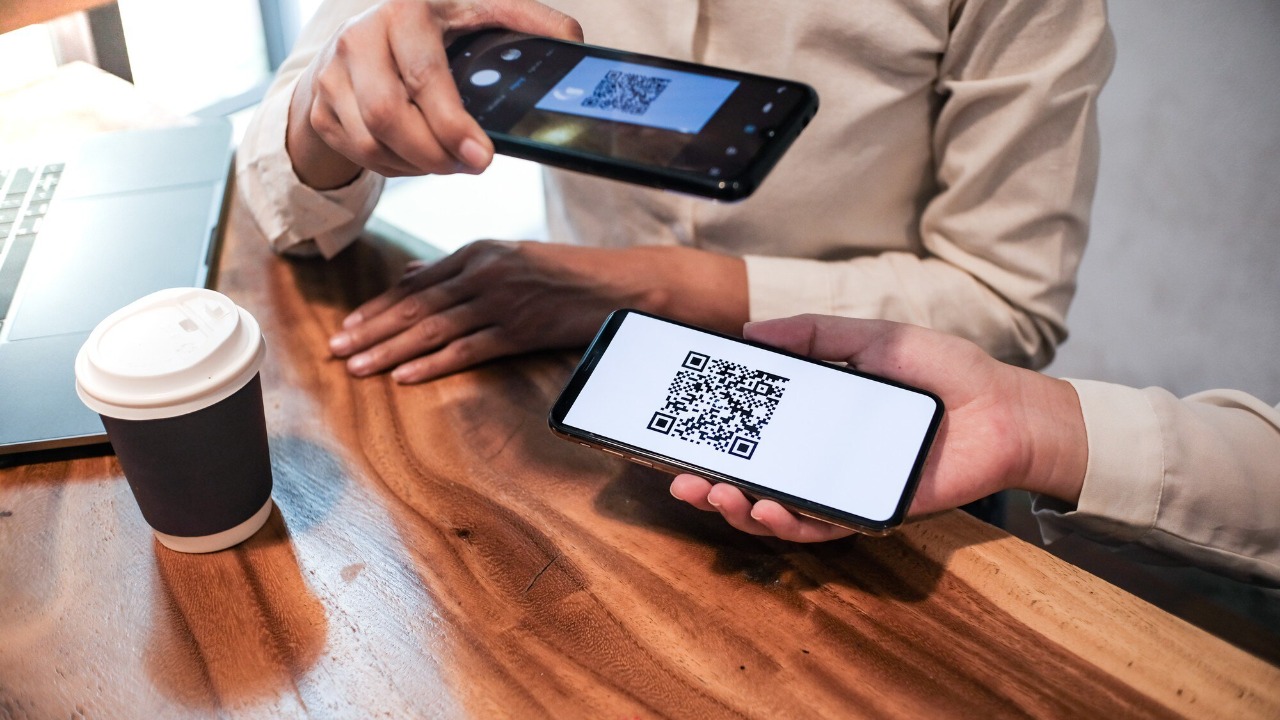
Creating a passkey typically involves registering a device or object with the authentication system. This could be as simple as scanning a QR code with your smartphone, or as complex as setting up a biometric sensor. Once the passkey is set up, it can be used for authentication by presenting the device or object when required.
When using passkeys, it’s important to follow some best practices for security. Always keep your passkey device secure and never share it with others. If your passkey device is lost or stolen, report it immediately to the relevant authorities. Regularly update the software on your passkey device to ensure it has the latest security patches. Finally, if your passkey also uses biometric data, ensure that this data is stored securely and is not accessible to others.
