
Finding the optimal location for your Wi-Fi router can be a game-changer for your internet speed and connection stability. While you may have heard of common tips, experts have identified specific places that can severely compromise your router’s performance. Here are the seven worst places to keep your Wi-Fi router.
Inside a Closed Cabinet
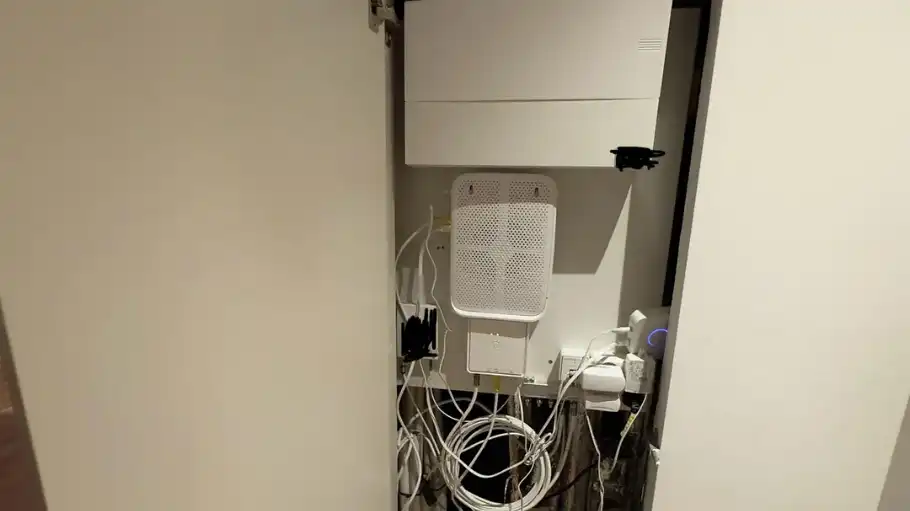
Placing your Wi-Fi router inside a closed cabinet may seem like a neat solution to hide unsightly cables, but it can significantly hinder performance. Cabinets can block the wireless signal, reducing the range and speed of your internet connection. Materials such as wood and glass can absorb and deflect the signal, causing dead spots throughout your home.
Experts suggest keeping your router in an open space for optimal signal dispersion. If aesthetics are a concern, consider placing the router on a decorative shelf or using cable management solutions to create a cleaner look without sacrificing performance.
Near a Microwave Oven
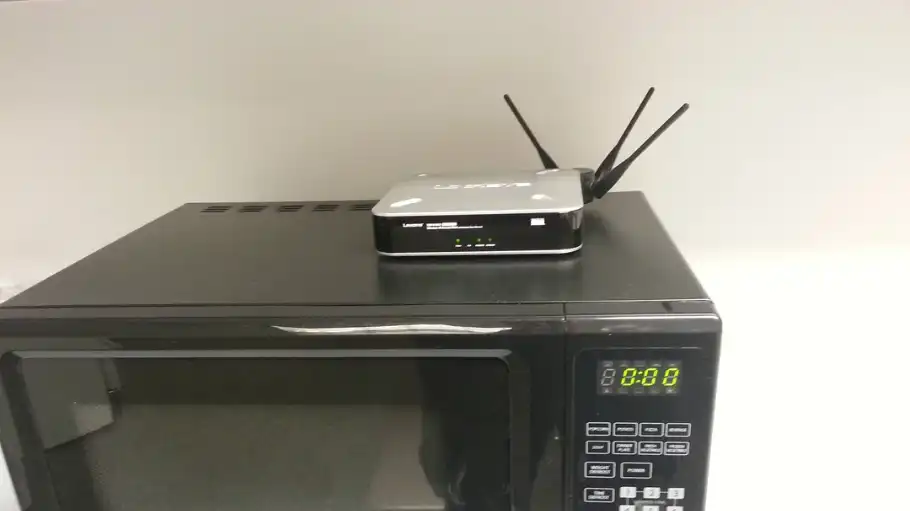
One of the most notorious culprits for Wi-Fi interference is the microwave oven. Operating on the same 2.4 GHz frequency as many routers, microwaves can disrupt your internet connection whenever they’re in use. The interference can lead to sporadic drops in speed and even complete signal loss.
To avoid this, position your router at a considerable distance from kitchen appliances. Moving the router to a different room or using the 5 GHz band can also help minimize interference. Learn more about how to optimize your Wi-Fi setup.
Next to a Fish Tank

Water is another significant barrier to Wi-Fi signals. Placing your router next to a fish tank can severely degrade its performance, as the water absorbs the signal, preventing it from spreading effectively throughout your home. This can lead to weak or inconsistent connections, especially in rooms further away from the tank.
For a more reliable connection, keep your router away from large bodies of water. Find a central location in your home that allows the signal to travel unobstructed. For further reading on Wi-Fi optimization, check out this resource.
On the Floor

Keeping your router on the floor might seem like the easiest place to set it, but it can lead to subpar signal distribution. Wi-Fi signals radiate outward and downward from the router, so placing it on the floor can limit its reach and reduce coverage, especially in multi-story homes.
For optimal performance, position your router on a higher shelf or mount it on a wall. This allows the signal to spread more evenly across the space, improving coverage in every corner of your home.
Close to Metal Objects
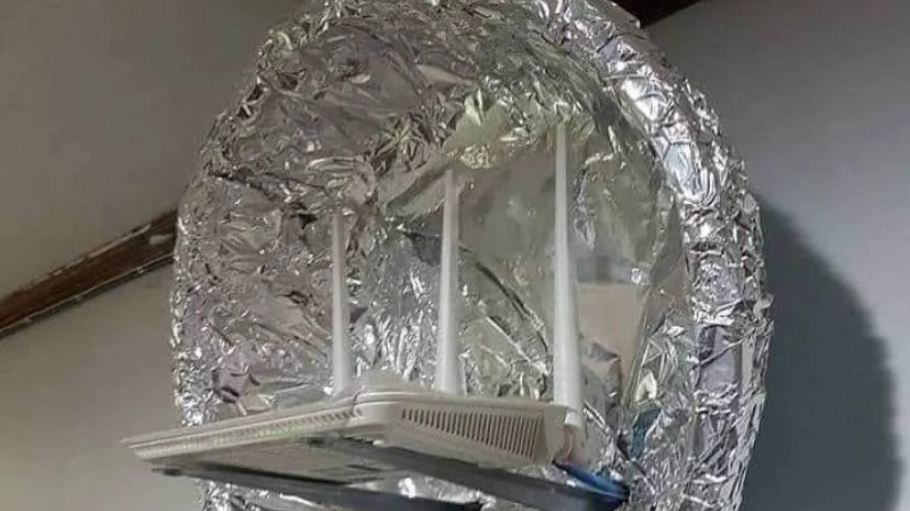
Metal objects act as reflectors and absorbers for Wi-Fi signals, creating interference that can degrade your connection. Placing your router near metal fixtures, appliances, or even metal furniture can disrupt the flow of the wireless signal, leading to reduced speed and coverage.
To avoid this issue, keep your router away from metal objects and opt for open spaces with minimal physical barriers. Check out this study for more insight into how materials affect Wi-Fi performance.
Near Other Wireless Devices
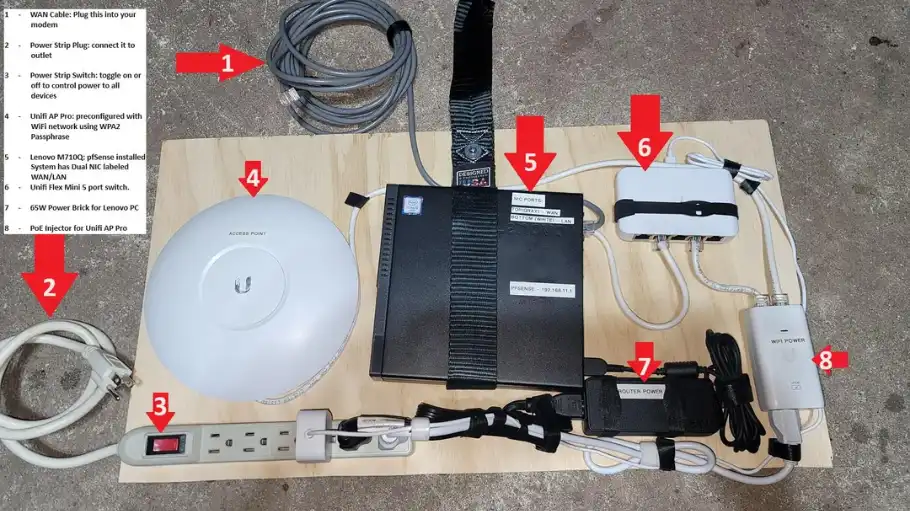
Your home is likely filled with various wireless devices, from smart speakers to Bluetooth headphones. These devices can interfere with your Wi-Fi signal, especially if they’re operating on the same frequency. The resulting interference can cause connectivity issues, lag, and dropped connections.
To mitigate interference, keep your router as isolated as possible from other electronics. Consider switching your router to a different channel or frequency band to reduce the overlap with nearby devices. Explore more on smart solutions for your home.
In a Corner or Behind Furniture
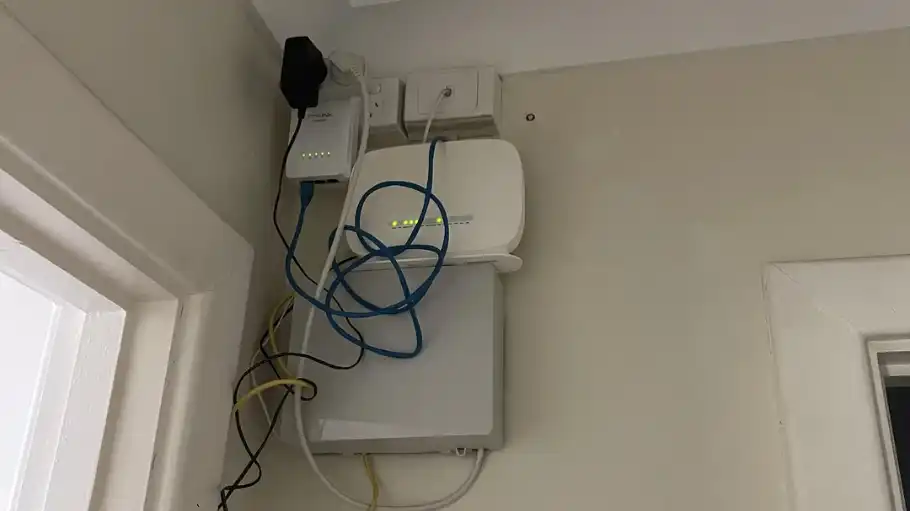
Wi-Fi signals are strongest when they have a clear path to travel. Placing your router in a corner or behind large pieces of furniture can obstruct the signal, limiting its range and creating dead zones within your home. This can be particularly problematic in larger spaces where signals need to travel further.
For the best coverage, position your router in a central, unobstructed area. This will ensure a more even distribution of the Wi-Fi signal, improving connectivity across all areas of your home. Read more about optimizing your home’s layout for better Wi-Fi.
