
Transforming an old smartphone into a security camera is a practical way to make use of outdated technology while enhancing your home security. With just a few apps and some setup, your retired device can keep an eye on your home, providing you with peace of mind. Here’s how you can make the most of your old smartphone by turning it into a reliable security camera.
Setting Up Your Old Smartphone as a Security Camera

Choosing the right app is crucial for converting your old smartphone into a security camera. Popular apps like Alfred, Manything, and IP Webcam offer a range of features that can suit different needs. When selecting an app, consider features such as motion detection, cloud storage, and remote access. These features can significantly enhance the functionality of your security setup. While some apps are free, others come with subscription plans that offer additional features. Weigh the pros and cons of each to decide which option fits your requirements best.
Before you start using your old smartphone as a security camera, it’s important to prepare the device properly. Begin by resetting the smartphone to its factory settings to ensure it runs smoothly and securely. A consistent power supply is essential to keep the phone operational, so consider using a long charging cable or a power bank. Equally important is a stable Wi-Fi connection; if your setup area has weak signal strength, consider moving your router closer or using Wi-Fi extenders to boost the signal.
Optimizing Your Security Camera Setup
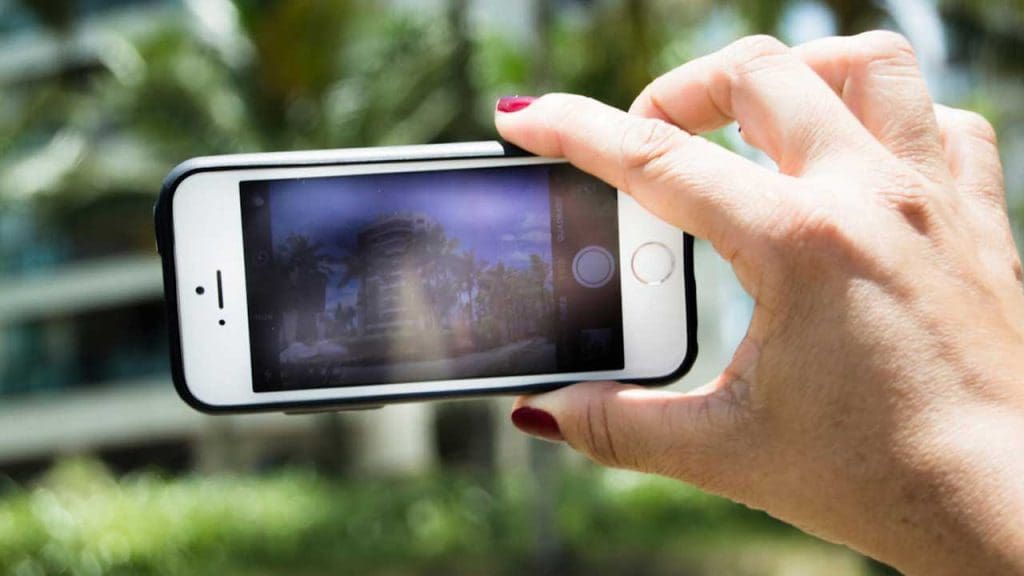
Positioning your smartphone camera strategically can maximize its coverage. Ideal locations include entry points like doors and windows or high traffic areas in your home. Depending on your environment, you may choose different mounting options such as using a tripod, suction mounts, or adhesive strips. Each method has its advantages and can be tailored to fit your specific needs. It’s also important to tackle challenges such as glare from windows or poor lighting by adjusting the camera angle or adding additional lighting if necessary.
Enhancing the security features of your setup can provide an extra layer of protection. Set up a secure password for your app and enable two-factor authentication to prevent unauthorized access. Utilize features like motion detection alerts and set video recording schedules to improve monitoring efficiency. You can also integrate your smartphone camera with other smart home devices to create a comprehensive security system. By doing so, you can monitor your home more effectively and respond quickly to any unusual activity.
Additional Considerations and Troubleshooting
Maintaining the health of your device is essential for its longevity and performance. Regular updates for both the smartphone and the security camera app will ensure that you have the latest features and security patches. To manage heat and battery health, consider using a cooling pad and enabling battery-saving modes. Such measures will help keep your device in optimal condition.
When using an old smartphone as a security camera, you may encounter some common issues. App crashes or connectivity issues can be frustrating, but there are troubleshooting steps you can take. For instance, checking your network settings or reinstalling the app might resolve these problems. If you’re facing video quality issues like pixelation or lag, improving your Wi-Fi connection or adjusting the video settings can often help. For more detailed troubleshooting tips, consider exploring resources like this guide on Quora.
