
Apple has unveiled a new search history clearing feature in iOS 26, allowing users to permanently delete their search data from their devices and associated services. This feature addresses growing concerns over data retention by tech companies, empowering individuals to manage their digital footprints without third-party tools. Recent reports highlight how this feature integrates with broader privacy controls, making it essential for anyone prioritizing personal data security (source).
What Is the iOS 26 Search History Clearing Feature?
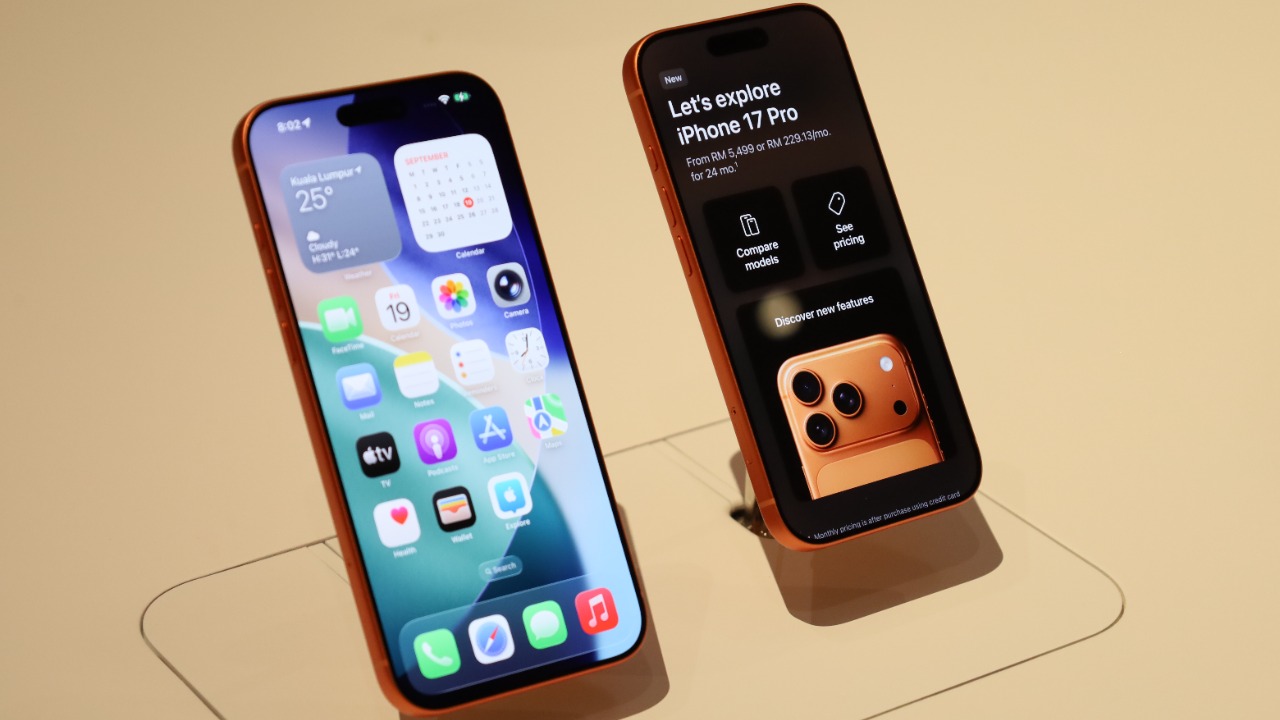
The core functionality of the iOS 26 search history clearing feature enables users to navigate to Settings > Siri & Search > Search History, where they can choose to clear all or specific entries stored since the last backup. This feature marks a significant departure from previous iOS versions by automatically prompting users after 30 days of inactivity on search data, thus preventing indefinite storage. This proactive approach ensures that users are consistently reminded to manage their search data, enhancing privacy protection (source).
Moreover, the feature integrates seamlessly with Safari and Spotlight searches, ensuring that traces of search history are wiped clean, even those that could be accessed via iCloud sync. This integration is crucial for users who rely on multiple Apple devices, as it ensures that search data is consistently managed across all platforms. By offering a comprehensive solution to search data management, Apple reinforces its commitment to user privacy and data security.
Why Stored Search History Poses Privacy Risks
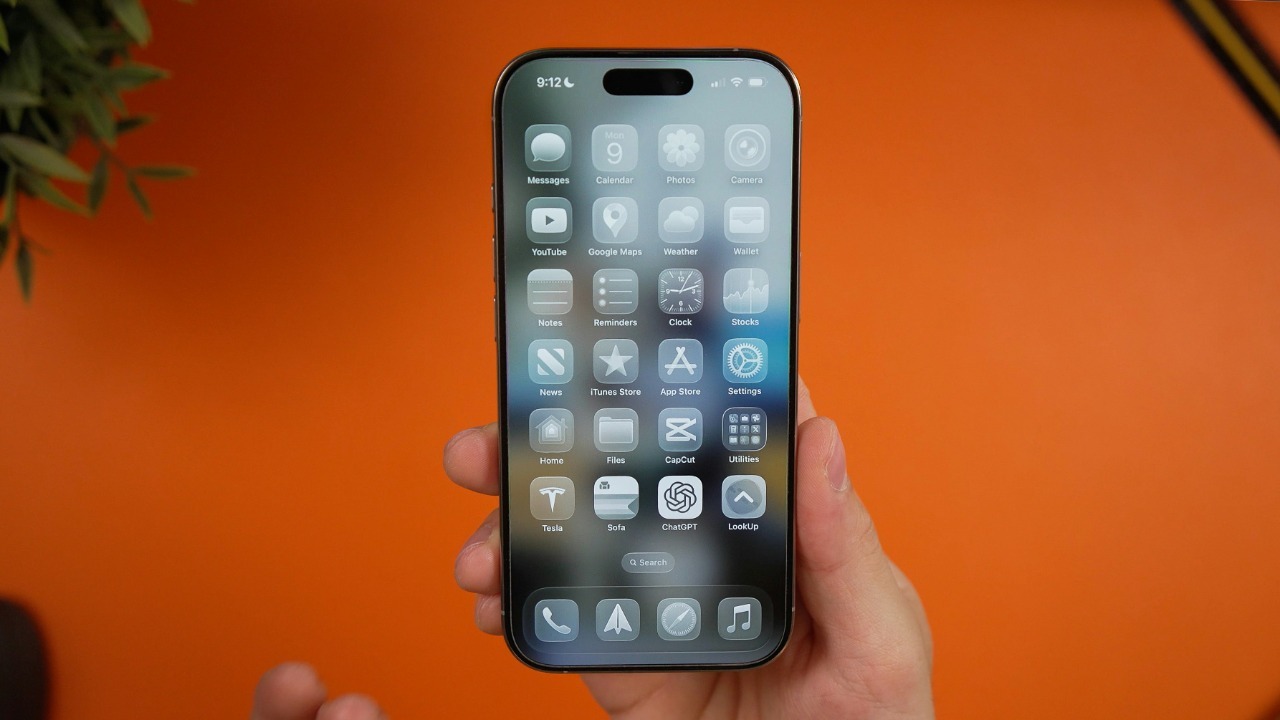
Retained search data can reveal sensitive personal information, such as health queries or location-based searches, potentially exposing users to profiling by apps or advertisers. This risk is particularly concerning in scenarios where uncleared history leads to unintended data leaks, such as family members accessing browsing patterns on shared devices. The implications of such breaches can be significant, affecting personal relationships and exposing individuals to unwanted scrutiny.
Statistics on data breaches involving search logs from major platforms underscore the vulnerabilities associated with stored search history. These breaches highlight the importance of features like iOS 26’s search history clearing, which mitigates these risks by providing users with the tools to manage their data proactively. By addressing these vulnerabilities, Apple not only enhances user privacy but also sets a new standard for data security in the tech industry (source).
How to Enable and Use the Feature Effectively
To enable the search history clearing feature, users should open Settings, navigate to Privacy & Security > Search History, and toggle on automatic clearing. This process ensures that search data is regularly deleted, reducing the risk of data retention. Users can verify the feature’s effectiveness by conducting a test search and confirming its deletion, providing peace of mind that their data is being managed appropriately.
Customization options allow users to set deletion intervals ranging from immediate to monthly, ensuring flexibility in managing search data. It’s important to note that users should disable iCloud backups before clearing search history, as failing to do so could result in restored data. This precaution is essential for maintaining the integrity of the data deletion process and ensuring that search history is permanently removed from all linked Apple devices, including iPhones and iPads (source).
Complementary Privacy Tools in the Apple Ecosystem

The iOS 26 search history clearing feature pairs effectively with other privacy tools within the Apple ecosystem. For instance, Apple Watch users can benefit from hidden settings that disable location sharing in workout apps, preventing unintended data collection during activities. This feature is particularly useful for users who prioritize privacy while engaging in fitness routines, ensuring that their location data remains secure (source).
Additionally, users can enable privacy-focused notifications on Apple Watch, such as muting app requests for microphone access without alerting the user. This subtle approach to privacy management allows users to maintain control over their data without disrupting their daily activities. By integrating these features with iOS 26’s broader controls, Apple provides a comprehensive suite of tools that enhance user privacy across wearables and phones.
iOS 26 also includes app permission audits that flag search-related data sharing, offering users greater transparency and control over their data. This feature is crucial for identifying potential privacy risks and ensuring that users can make informed decisions about app permissions. By providing these tools, Apple reinforces its commitment to user privacy and sets a benchmark for other tech companies to follow.
