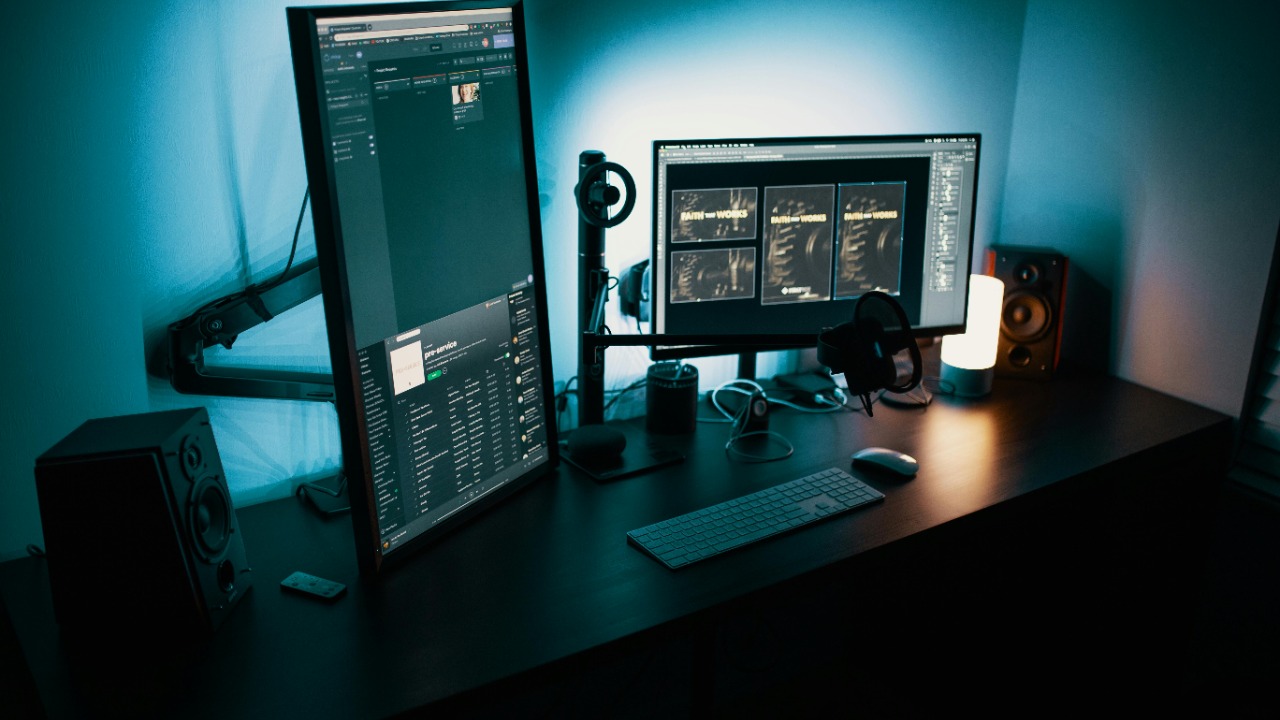

Building your own PC can be both thrilling and challenging, as it requires picking the right components to meet your needs and budget. With various parts to consider, understanding which component to focus on first can simplify the process significantly. Let’s dive into the key component that should be at the top of your list when starting your PC-building journey.
Understanding the Importance of the Motherboard
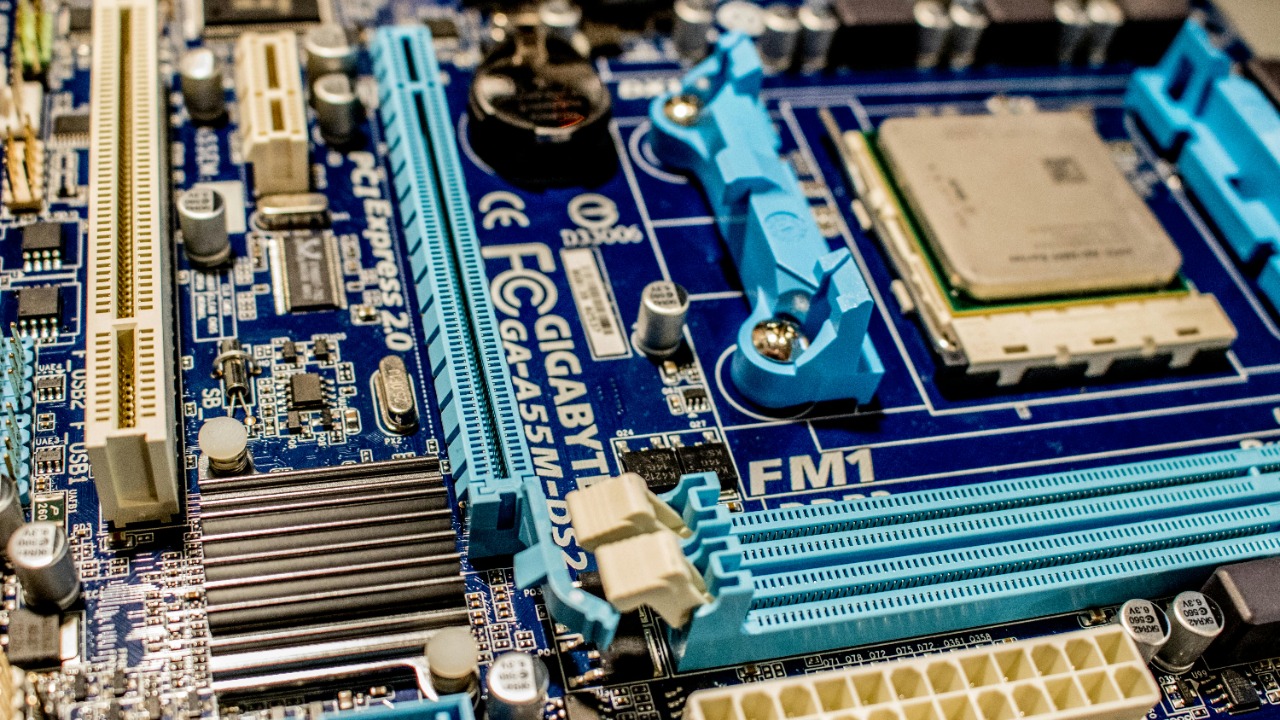
The motherboard is often considered the backbone of your PC, as it determines the compatibility and connectivity with other components like the CPU, RAM, and GPU. Choosing the right motherboard ensures that all your components work seamlessly together and allows for future upgrades. It’s crucial to select a motherboard that offers the necessary connectivity options, such as USB ports, PCIe slots, and support for the latest networking standards.
Another critical aspect is the form factor of the motherboard. Common sizes include ATX, Micro-ATX, and Mini-ITX, each influencing your choice of PC case and the overall system design. An ATX board provides more slots and ports, while a Mini-ITX is compact and ideal for smaller builds. By understanding these differences, you can make an informed choice that aligns with your design preferences and space constraints.
When selecting a motherboard, consider reputable brands known for reliability and performance. Additionally, evaluate key features such as overclocking capabilities, the number of USB ports, and support for high-speed networking. These features can significantly enhance your PC’s functionality and lifespan, making your motherboard a crucial investment in your build.
Why the CPU is Often the Starting Point
The CPU, or central processing unit, is the heart of your PC and has a significant impact on overall system performance. It’s essential to choose a CPU that matches your specific performance needs, whether you’re building a PC for gaming, video editing, or general multitasking. A high-performance CPU ensures smooth operation and responsiveness, especially for demanding applications.
Budget allocation is another reason why the CPU is often the first component to consider. The cost of the CPU typically dictates how you distribute your budget across other components. Balancing cost with performance is crucial to avoid overspending while still achieving your desired performance levels. Investing wisely in a CPU can set a solid foundation for the rest of your build.
Compatibility with the motherboard is paramount when selecting a CPU. Ensure that your chosen CPU is compatible with the motherboard, particularly focusing on the socket type and chipset. This compatibility is essential for the system’s functionality and can save you from potential headaches during the assembly process.
The Role of the GPU in Specialized Builds
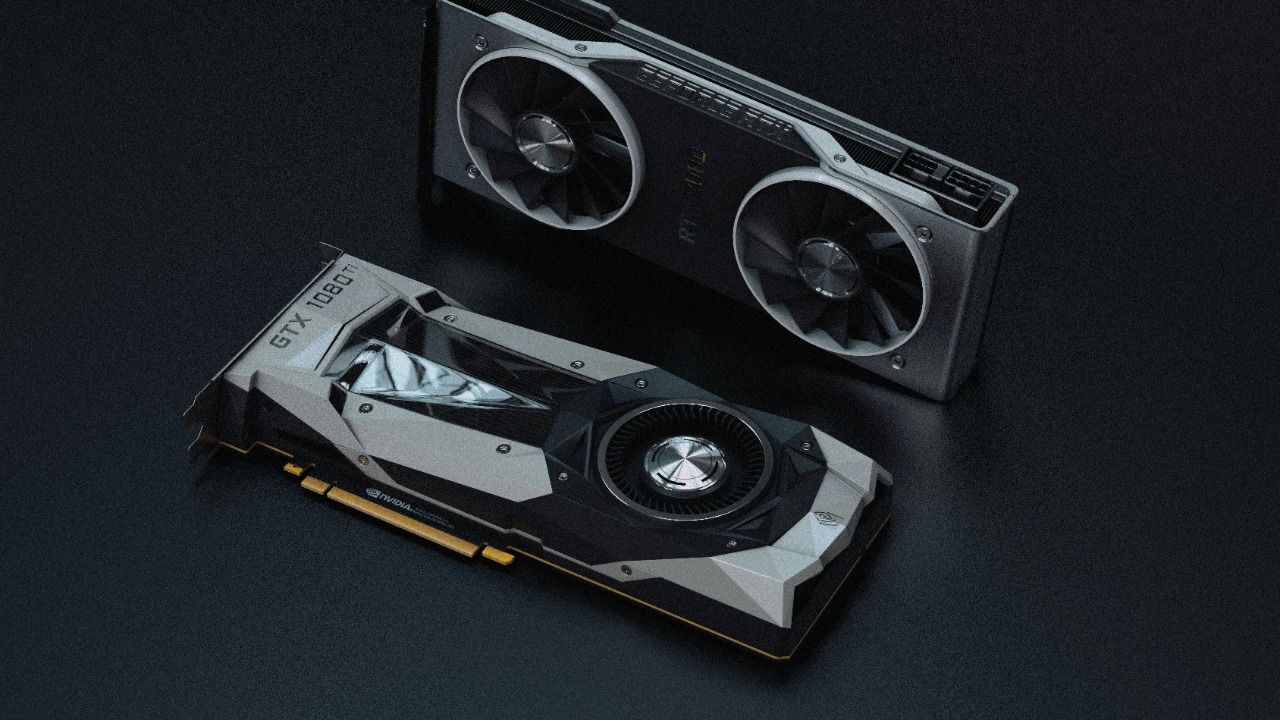
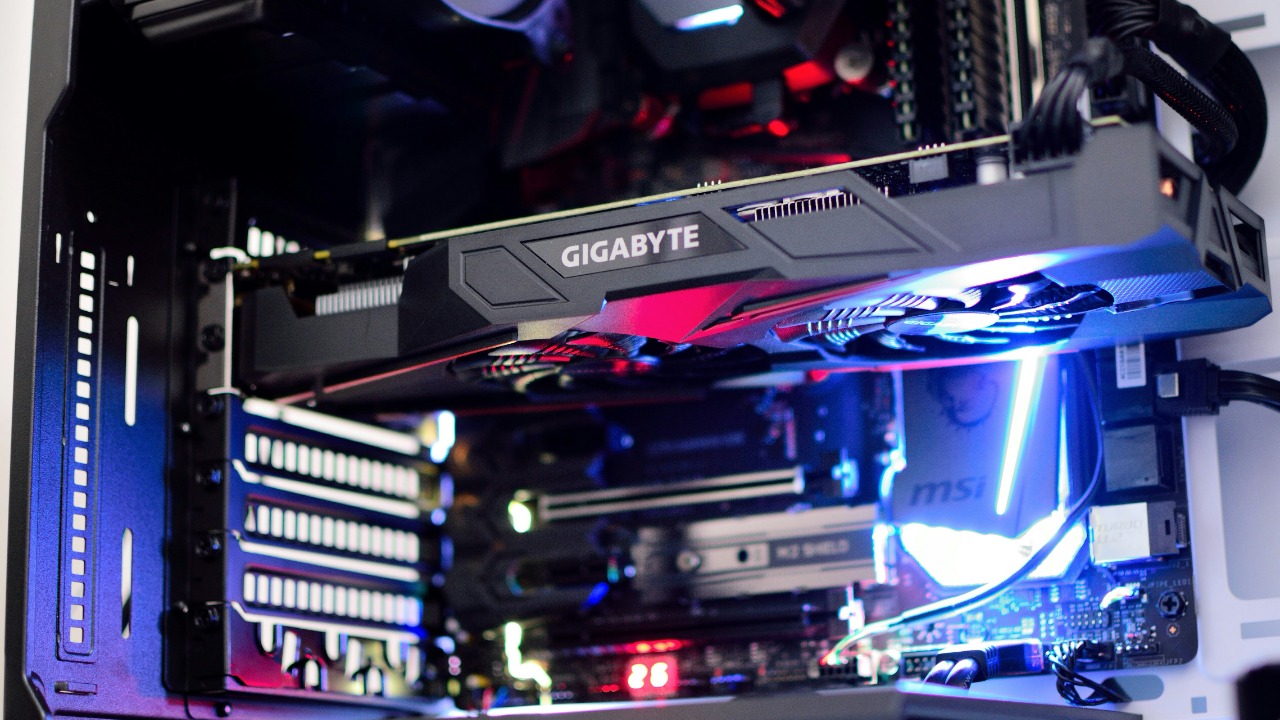
For those focusing on gaming and graphics-intensive tasks, the GPU, or graphics processing unit, is a vital component. Selecting the right GPU can dramatically enhance your gaming experience and ensure that your PC can handle heavy graphics processing tasks. Depending on your needs, the GPU might be the priority in your build, especially for gaming enthusiasts or creative professionals.
Investing in a powerful GPU can also future-proof your build, accommodating future software and gaming demands. As games and applications become more graphically demanding, a robust GPU ensures that your PC remains capable and relevant. This foresight can extend the longevity of your build, making it a smart long-term investment.
The choice of GPU also impacts other components, such as the power supply unit (PSU) and cooling system. A high-performance GPU typically requires more power and efficient cooling to operate effectively. Therefore, it’s crucial to consider these factors when selecting a GPU to ensure that the rest of your system can support its requirements.
Considering RAM and Storage Early On
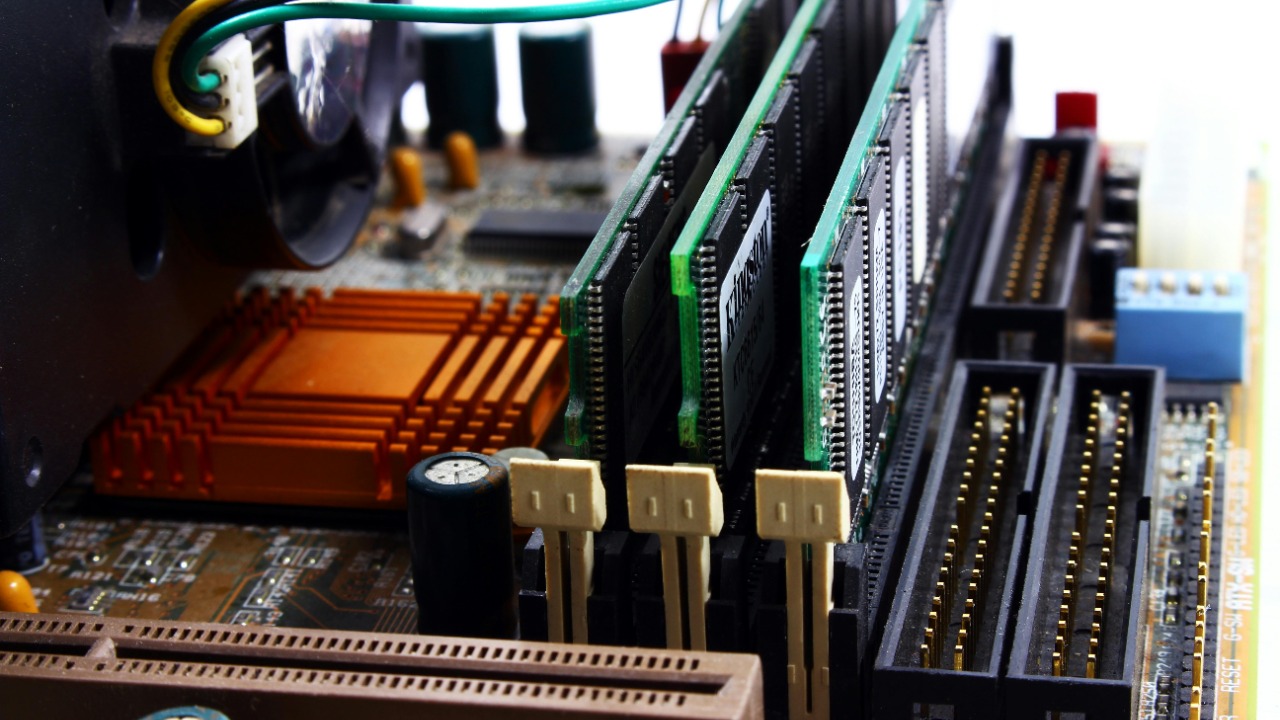
While often overlooked initially, RAM plays a crucial role in your PC’s speed and multitasking capabilities. Choosing the right capacity and speed of RAM is essential to match your specific needs. Whether you’re a gamer or a professional requiring fast data access, adequate RAM ensures smooth performance and efficient multitasking.
Storage options are equally important in determining system performance and boot times. Comparing different types of storage, such as HDDs, SSDs, and NVMe drives, helps you understand their impact on your system. SSDs and NVMe drives offer faster data access and improved boot times, making them preferable for users who prioritize speed.
Balancing storage capacity with speed is vital, especially for those who require fast data access for gaming or professional work. An efficient storage setup can enhance your overall computing experience, ensuring quick access to files and applications without compromising on space.
Essential Tips for First-Time Builders
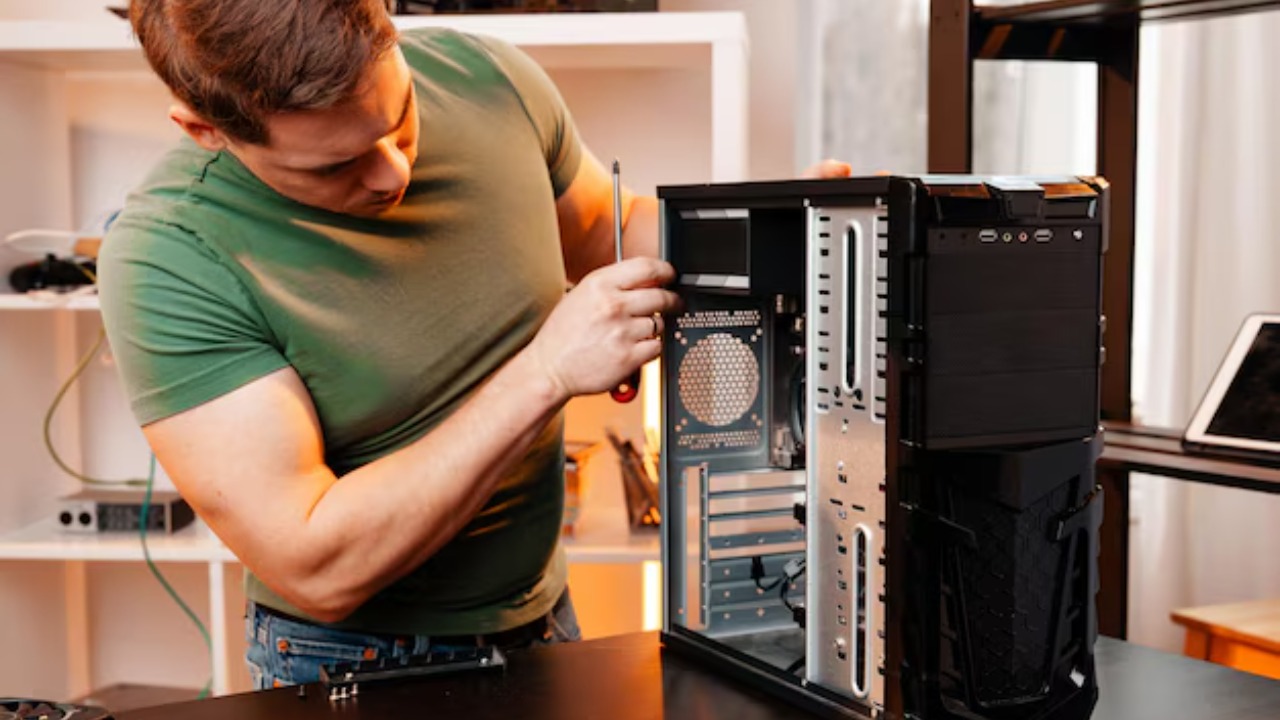
As a first-time builder, thorough research and reading reviews are crucial to making informed decisions about each component. Leveraging insights from experienced builders can guide you through the process and help you avoid common pitfalls. Researching components and understanding their specifications will empower you to make educated choices.
Planning and patience are equally important when building your PC. Taking the time to plan your build meticulously can prevent costly mistakes and ensure a smoother assembly process. Patience during the process allows you to address any issues that arise without rushing, leading to a more satisfying outcome.
Finally, consider joining online forums and communities for advice and troubleshooting tips. These platforms offer valuable knowledge-sharing opportunities, allowing you to benefit from the experiences of others. Engaging with these communities can provide support and guidance, especially when facing challenges during your build.