
In today’s digital age, having a secure Wi-Fi network is essential. If you suspect someone is piggybacking on your connection, you’re not alone. Here are seven simple ways to check if someone is stealing your Wi-Fi, ensuring your network stays safe and sound.
1. Analyze Your Internet Speed
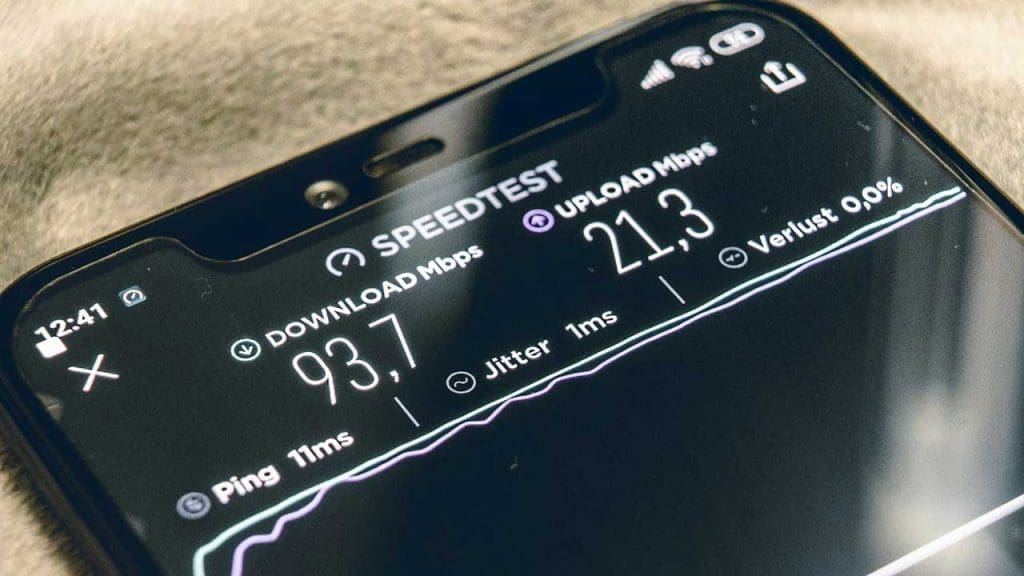
One of the first signs of Wi-Fi theft is a noticeable slowdown in internet speed. If your pages are taking longer to load or your streaming service keeps buffering, it might be time to investigate. Running a speed test can help determine if your connection is slower than what you’re paying for.
Consider reading this guide on detecting Wi-Fi theft to learn more about speed inconsistencies and their causes.
2. Check Router’s Device List

Most modern routers allow you to view a list of connected devices. Access your router’s settings through a web browser to see if there are any unfamiliar devices listed. This can be a quick and easy way to identify unauthorized users on your network.
For more detailed steps, check out this comprehensive article on spotting unknown devices.
3. Use Network Monitoring Apps

Network monitoring apps can provide real-time insights into who is using your network. These apps can alert you to unauthorized access and help you take necessary actions promptly. Many of them are user-friendly and offer detailed reports on network activity.
Learn more about these tools and how they can protect your network in this informative article.
4. Monitor Data Usage

Monitoring your monthly data usage can help identify unusual spikes in consumption. If your data usage is higher than expected, it could be a sign that someone else is using your Wi-Fi without your permission. It’s important to regularly check your usage through your internet service provider’s app or website.
For tips on safeguarding your data, explore this resource on online safety.
5. Change Your Wi-Fi Password

Changing your Wi-Fi password regularly is a simple yet effective way to secure your network. Ensure the new password is strong, using a mix of letters, numbers, and symbols. This can prevent unauthorized access and keep your network safe from intruders.
For more privacy tips, consider visiting CyberGhost VPN’s privacy hub.
6. Check for Unfamiliar Devices

Regularly checking for unfamiliar devices on your network can help you catch intruders early. You should recognize all devices connected to your Wi-Fi. If something seems off, it might be time to investigate further and take action.
Learn how to effectively secure your home with these expert tips.
7. Observe Network Activity Logs

Most routers have a feature that logs network activity. By reviewing these logs, you can spot any unusual activity, such as connections at odd hours or repeated failed login attempts. This information can be crucial in identifying potential Wi-Fi thieves.
Consider reading more about network security in this insightful article.
By taking these steps, you can safeguard your Wi-Fi network from unauthorized access. Regularly monitoring your network and staying informed are key to maintaining a secure and efficient internet connection.
