
Windows 11 has introduced a suite of features that enhance user experience and productivity. While some of these updates are widely recognized, others remain under the radar, offering subtle yet powerful enhancements. Here, I delve into nine lesser-known features that can transform how you interact with your Windows 11 device.
1) Enhanced Virtual Desktops
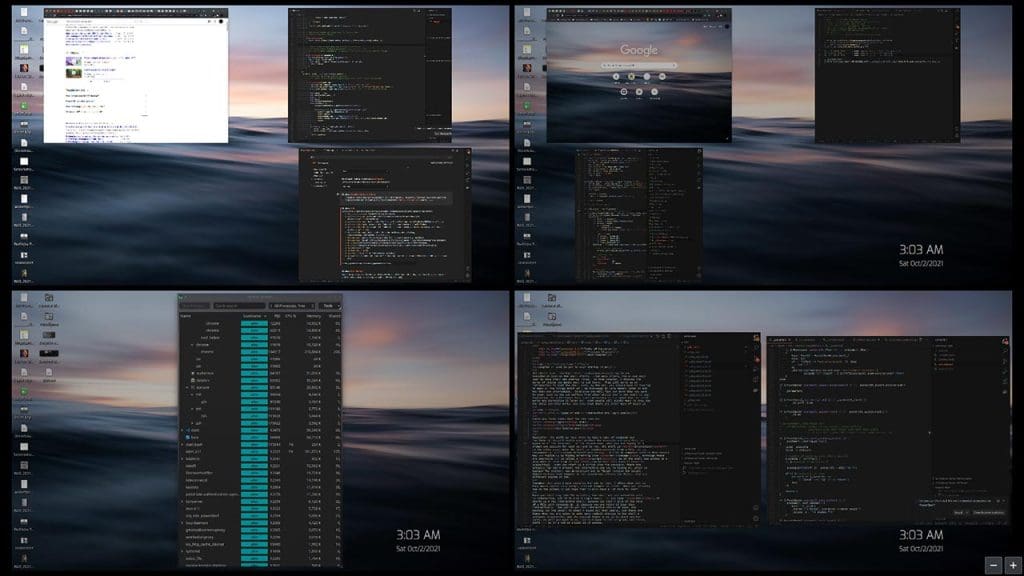
With Windows 11, Virtual Desktops receive a significant boost. You can now customize each desktop with unique wallpaper, allowing for a personalized workspace. Switching between desktops is more intuitive, offering a seamless transition for managing different tasks or projects. Whether you’re a multitasker or someone who prefers a clutter-free environment, the enhanced virtual desktops provide flexibility and organization like never before.
2) Snap Layouts and Snap Groups
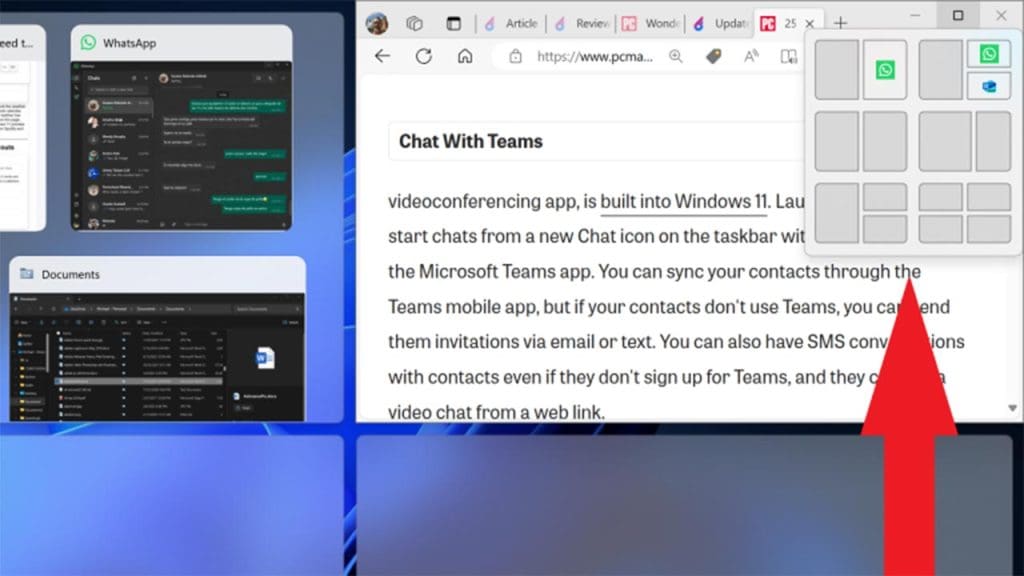
The introduction of Snap Layouts and Snap Groups in Windows 11 is a game-changer for multitasking. Snap Layouts allow you to quickly organize open windows and apps on your screen, improving productivity. Snap Groups take it a step further by saving these customized layouts, so you can return to them easily. This feature is perfect for those who juggle multiple apps and need a streamlined workflow, making it one of the most efficient hidden features available.
3) Dynamic Refresh Rate
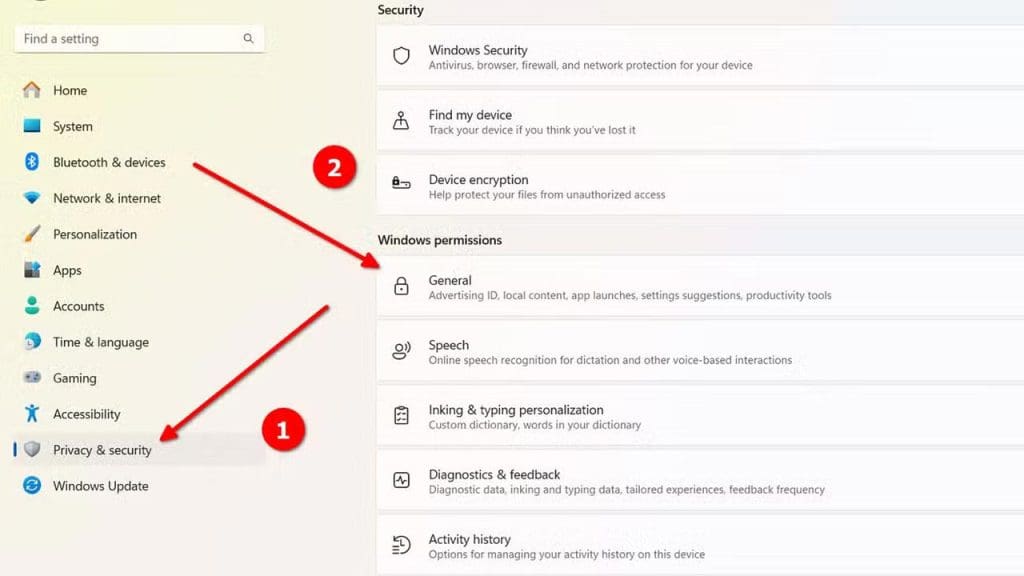
Windows 11’s Dynamic Refresh Rate optimizes performance by adjusting the refresh rate based on activity. This means that your display adapts to what you’re doing, such as switching to a higher refresh rate for gaming or a lower one for document editing. It’s a smart feature that balances performance and battery life, providing a smoother visual experience without unnecessary power drain.
4) Focus Sessions in the Clock App
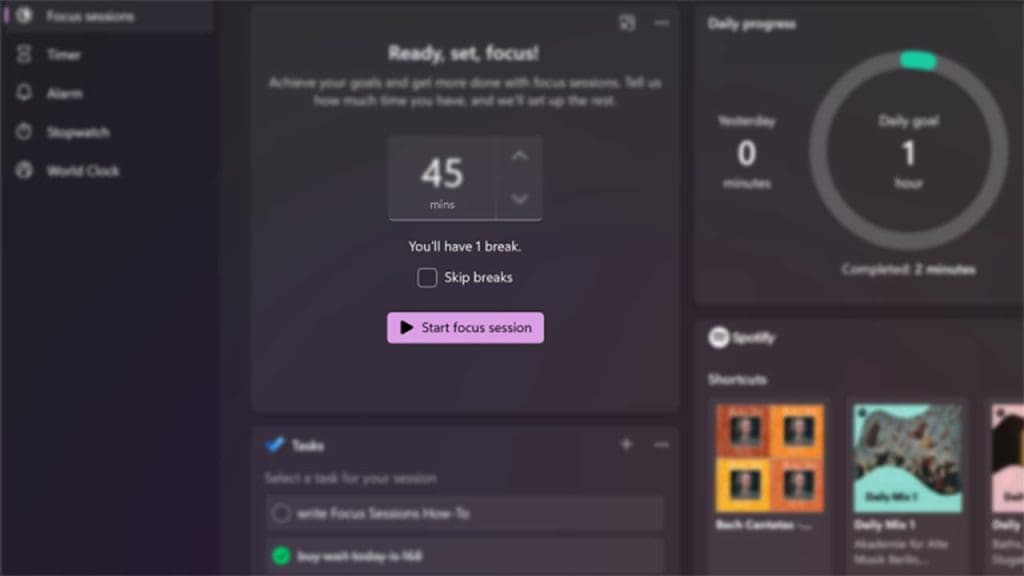
Focus Sessions, integrated into the Clock app, offer a modern approach to productivity. This feature allows you to set dedicated work sessions with breaks, incorporating a timer and music playlists from Spotify. It’s designed to enhance concentration and maintain a healthy work routine. By integrating Focus Sessions, Windows 11 acknowledges the importance of balancing work and rest, making it a valuable tool for anyone looking to boost productivity.
5) Redesigned Microsoft Store
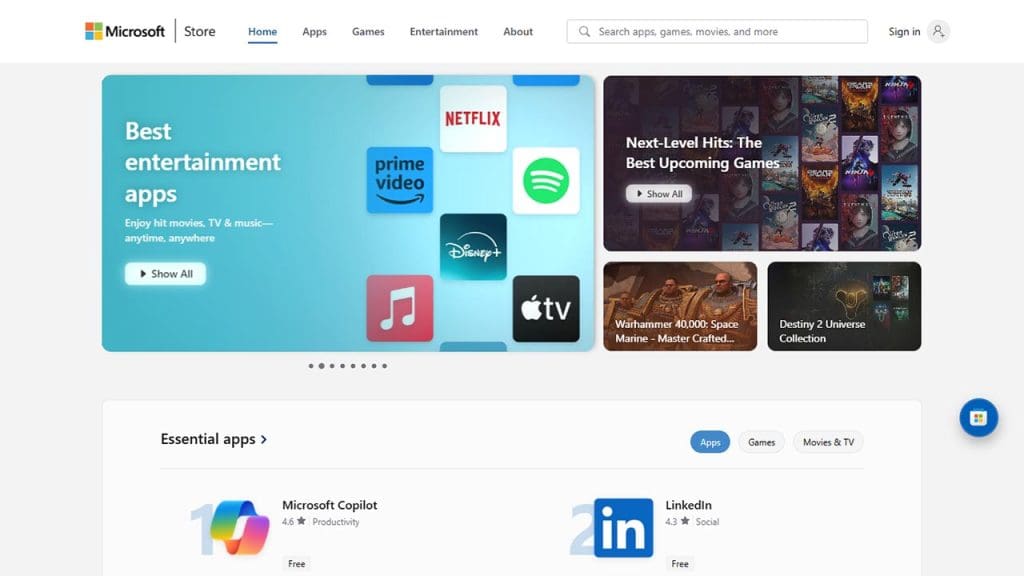
The Microsoft Store has undergone a significant redesign in Windows 11, offering a more user-friendly and visually appealing interface. With improved app discoverability and support for a wider range of apps, including Android apps, the Store is more versatile than ever. This update makes it easier for users to find and install applications, enhancing the overall user experience.
6) Improved Touch Gestures
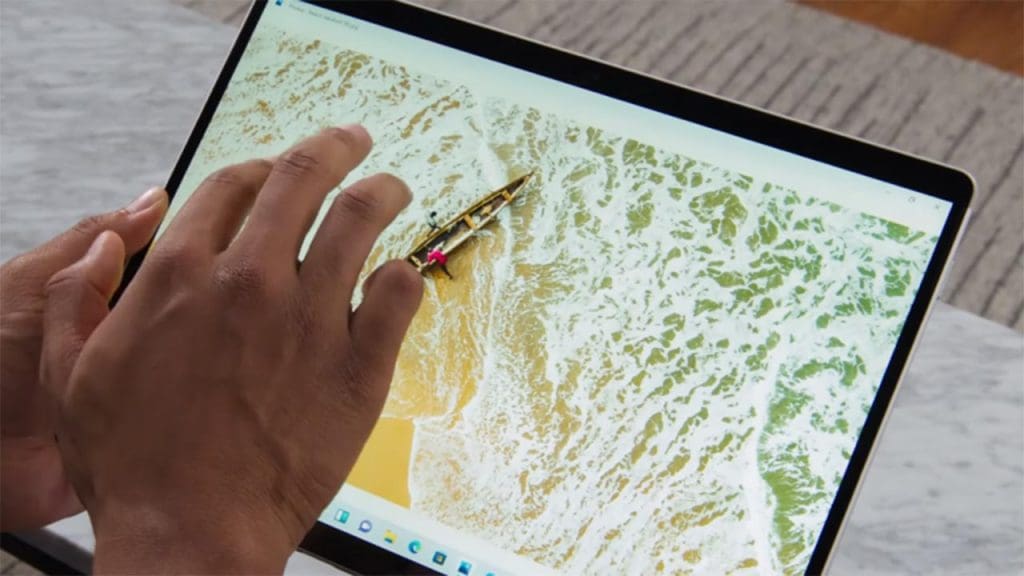
Windows 11 enhances its touch gestures, making navigation smoother and more intuitive on touchscreen devices. The new gestures allow for easier multitasking and window management, mimicking some of the best aspects of mobile operating systems. These improvements cater to tablet users or those with touch-enabled laptops, providing a more fluid and responsive interaction with the operating system.
7) Eco-Friendly Power Mode
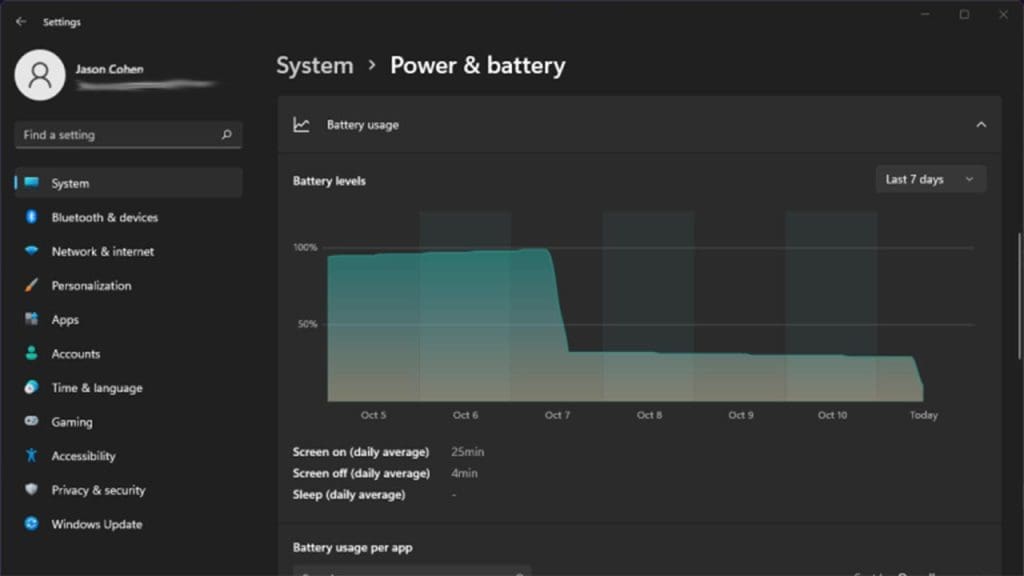
Windows 11 introduces an eco-friendly power mode designed to reduce carbon emissions by optimizing energy use. This feature helps extend the battery life of portable devices while contributing to environmental sustainability. By balancing performance needs and energy consumption, it aligns with the growing demand for greener technology solutions, making it a thoughtful addition to the operating system.
8) Voice Typing and Improved Dictation
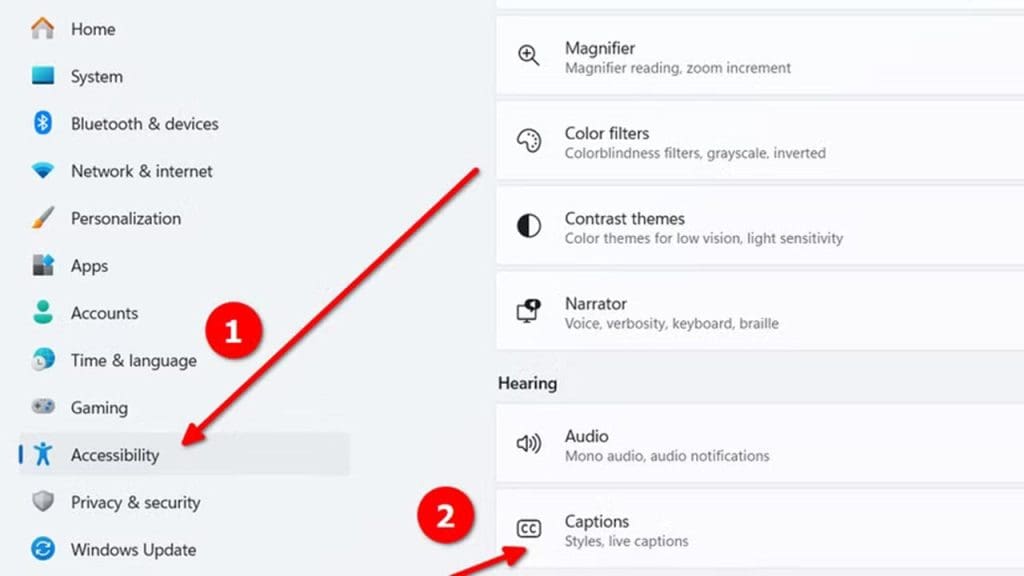
Voice Typing in Windows 11 is more accurate and reliable, with improved dictation features that support a wider range of languages and dialects. This tool is ideal for users who prefer hands-free operation or need assistance with typing. The enhanced voice recognition capabilities ensure that dictation is precise, making it a valuable feature for both casual users and professionals alike.
9) Widgets Panel Customization
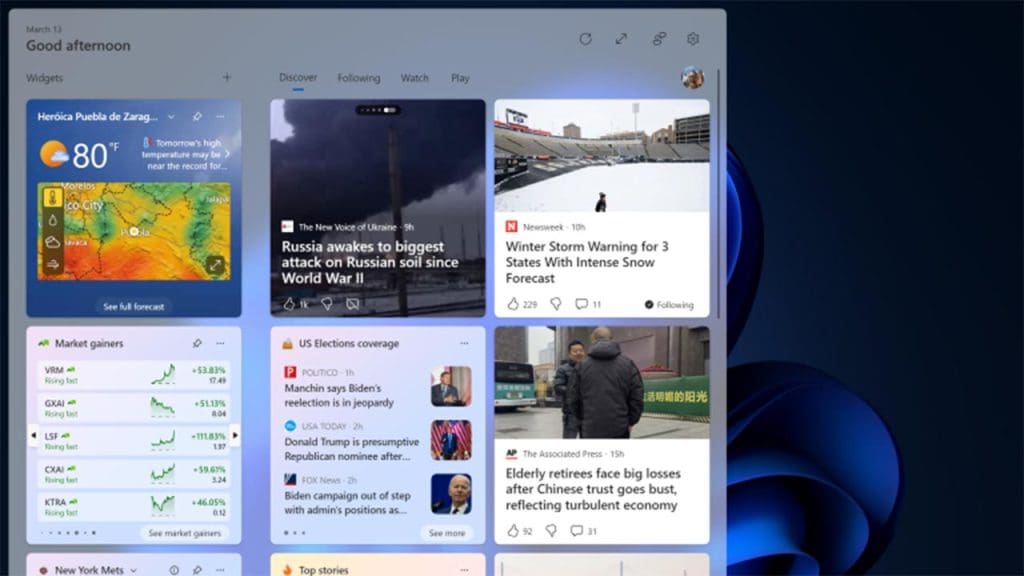
The Widgets Panel in Windows 11 offers more customization options, allowing users to tailor the content they see to their interests. From news updates to personalized calendars, the panel is a one-stop hub for quick information access. This customization makes it easier to stay informed and organized, right from your desktop, enhancing the overall usability of the operating system.
