When choosing a smartphone, the age-old debate of Android vs. iPhone often boils down to personal preference. However, Android users enjoy some features that iPhone enthusiasts might find themselves longing for. From customizable widgets to expandable storage, Android offers a level of personalization and functionality that some iPhone users can only dream of. Let’s explore these nine standout features.
1) Customizable Home Screen Widgets
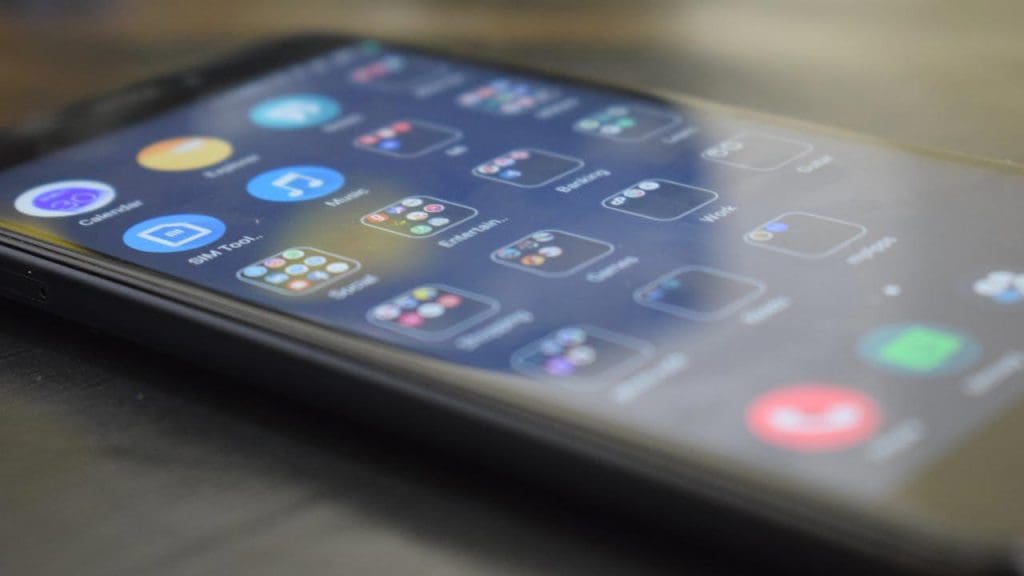
One of the most appealing features of Android is the ability to add customizable home screen widgets. These widgets provide quick access to information and app functionalities right from the home screen. You can have weather updates, calendar events, or even control your music player without having to open the app. This level of customization not only enhances productivity but also allows users to tailor their devices to their lifestyles.
2) App Drawer
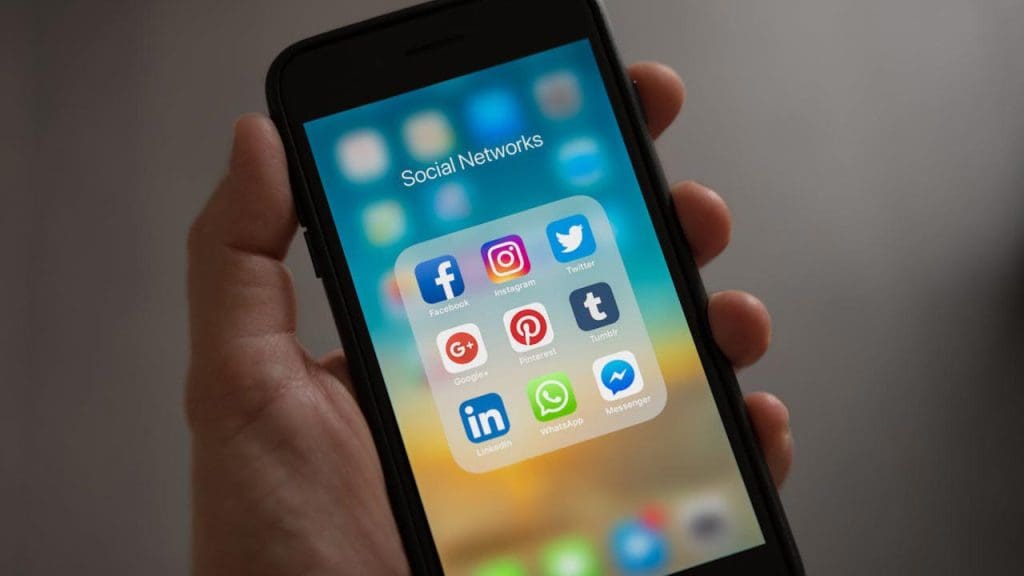
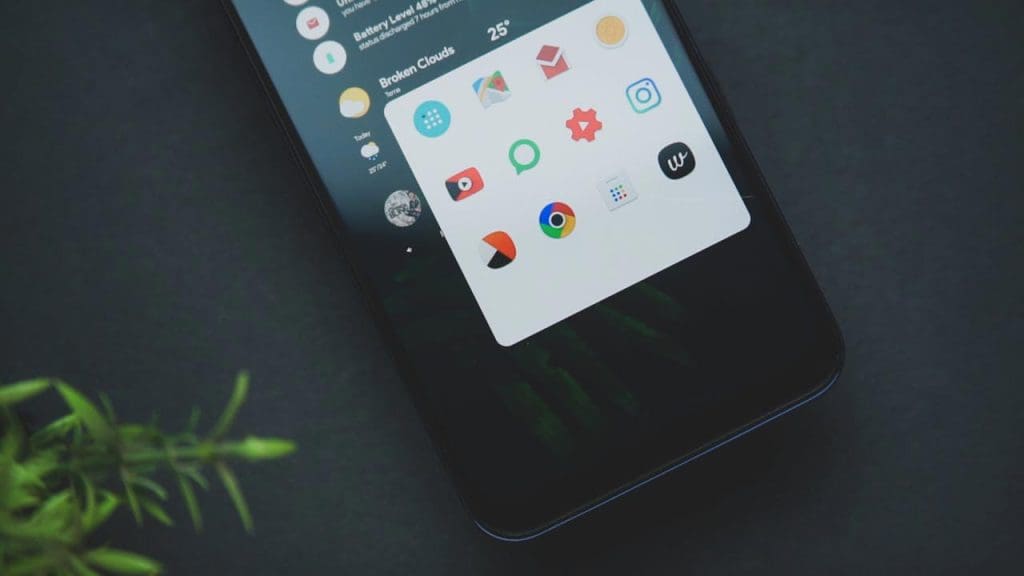
Unlike iPhones, Android devices feature an app drawer that helps keep the home screen clean and organized. This feature allows users to store all installed apps in a separate menu, preventing the clutter that often comes with having all apps displayed on the home screen. For those who prefer a minimalist look, the app drawer is a game-changer, offering a more streamlined and tidy user experience.
3) Multiple User Profiles

Android allows you to create multiple user profiles on the same device, similar to what you would find on a computer. This is particularly useful for families who share a device or for professionals who need to separate work and personal data. Each profile can have its own apps, settings, and data, providing a personalized experience for each user. It’s a feature that adds versatility and convenience to Android devices.
4) Default App Selection
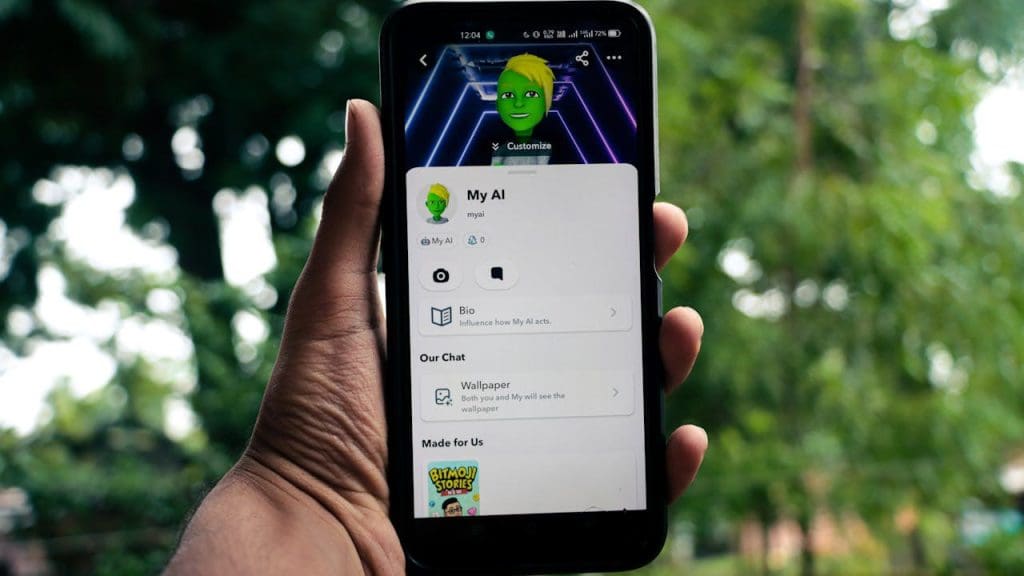
Android users have the flexibility to choose default apps for various actions, such as web browsing, messaging, and email. This means if you prefer a third-party app over the built-in options, you can set it as the default. This freedom allows users to customize their device to better suit their needs and preferences, enhancing the overall user experience.
5) Advanced File Management
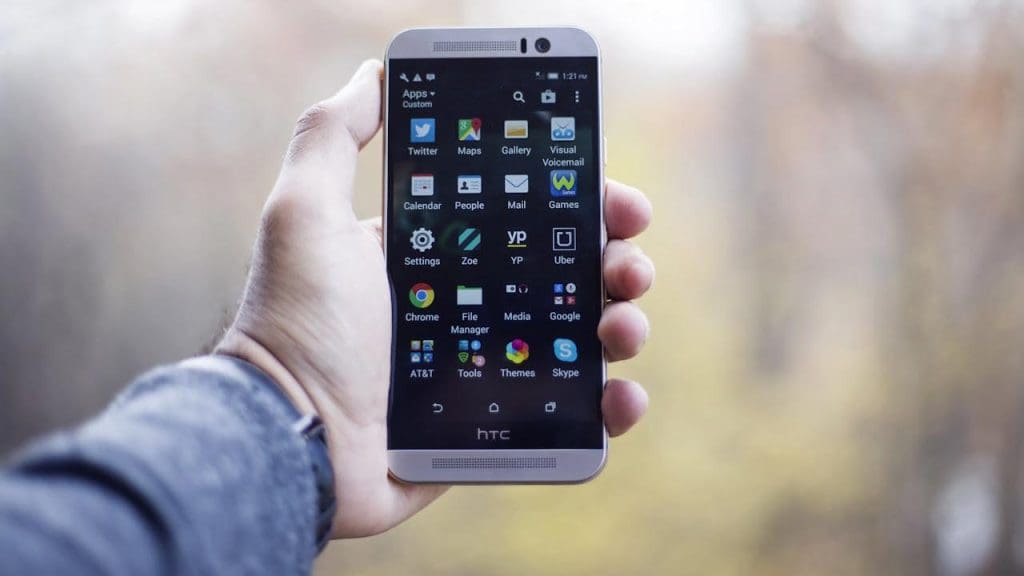
Android devices come with an expansive and advanced file management system. Users can browse files and folders, move data around, and even access files directly from apps, much like a traditional computer. This feature provides greater control over personal data and is invaluable for users who need to manage a large amount of information efficiently.
6) Split-Screen Multitasking
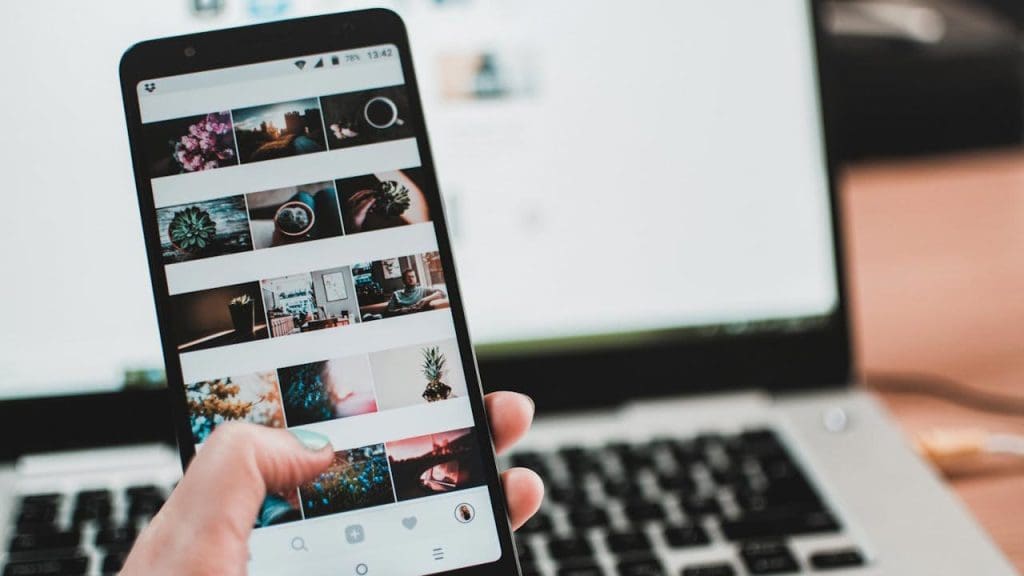
For those who thrive on multitasking, Android’s split-screen feature is a boon. This functionality allows you to run two apps side by side, making it easier to, for instance, watch a video while replying to emails. The ability to multitask seamlessly is a productivity enhancer, especially for users who need to juggle multiple tasks on the go.
7) Expandable Storage
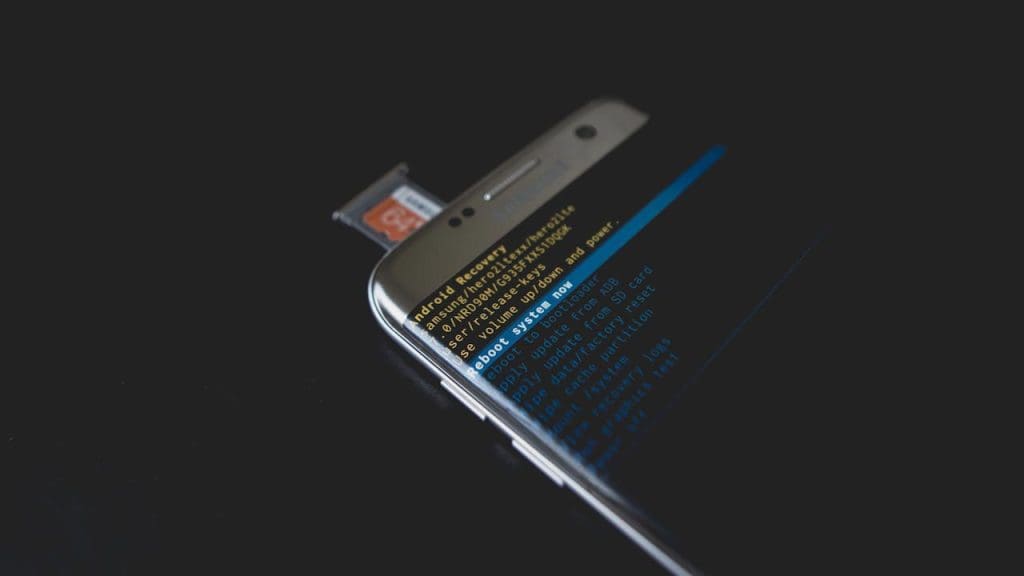
Many Android devices offer expandable storage options via microSD cards, a feature that iPhones lack. This option is ideal for users who need additional space for photos, videos, and apps. With expandable storage, you can easily increase your device’s capacity without having to upgrade to a newer model. It’s a cost-effective solution for managing storage needs.
8) System-Wide Theme Customization
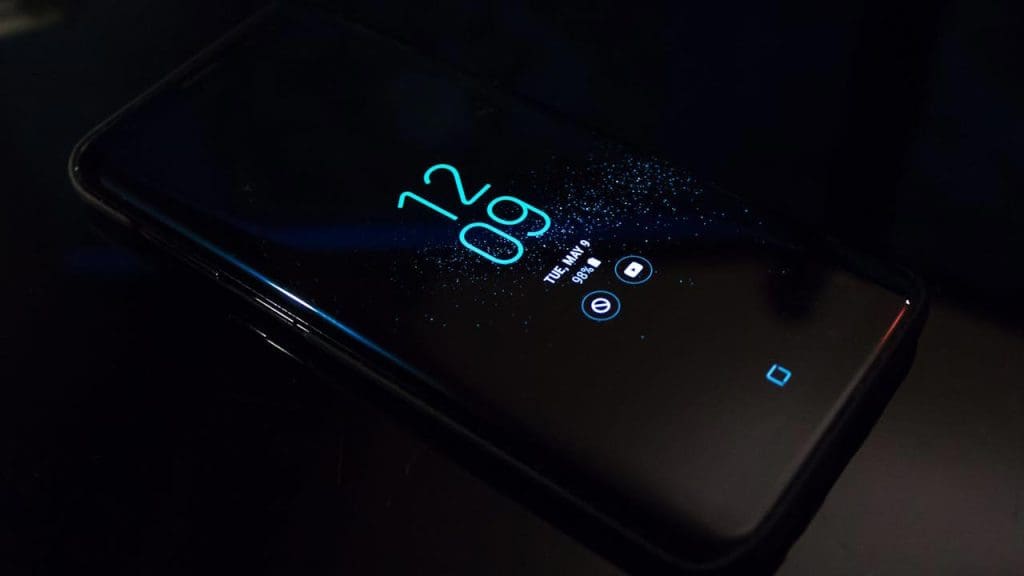
Android’s system-wide theme customization allows users to personalize the entire look of their device. From changing the color scheme to adjusting icon styles, this feature enables a truly personalized experience. Whether you prefer a dark mode for reducing eye strain or vibrant colors to express your style, Android lets you tailor your device to your aesthetic preferences.
9) Gesture-Based Navigation Options
While both platforms offer gesture navigation, Android provides a broader range of gesture-based navigation options. Users can choose from traditional navigation buttons or opt for gestures that allow for a more immersive screen experience. This flexibility appeals to users who appreciate having multiple ways to interact with their device, enhancing both usability and efficiency.
