
Keeping your phone cool is essential to maintaining its performance and extending its lifespan. Overheating can lead to sluggishness and potential damage. Here are eight practical ways to help your phone stay cool and function optimally.
Optimize Background Apps
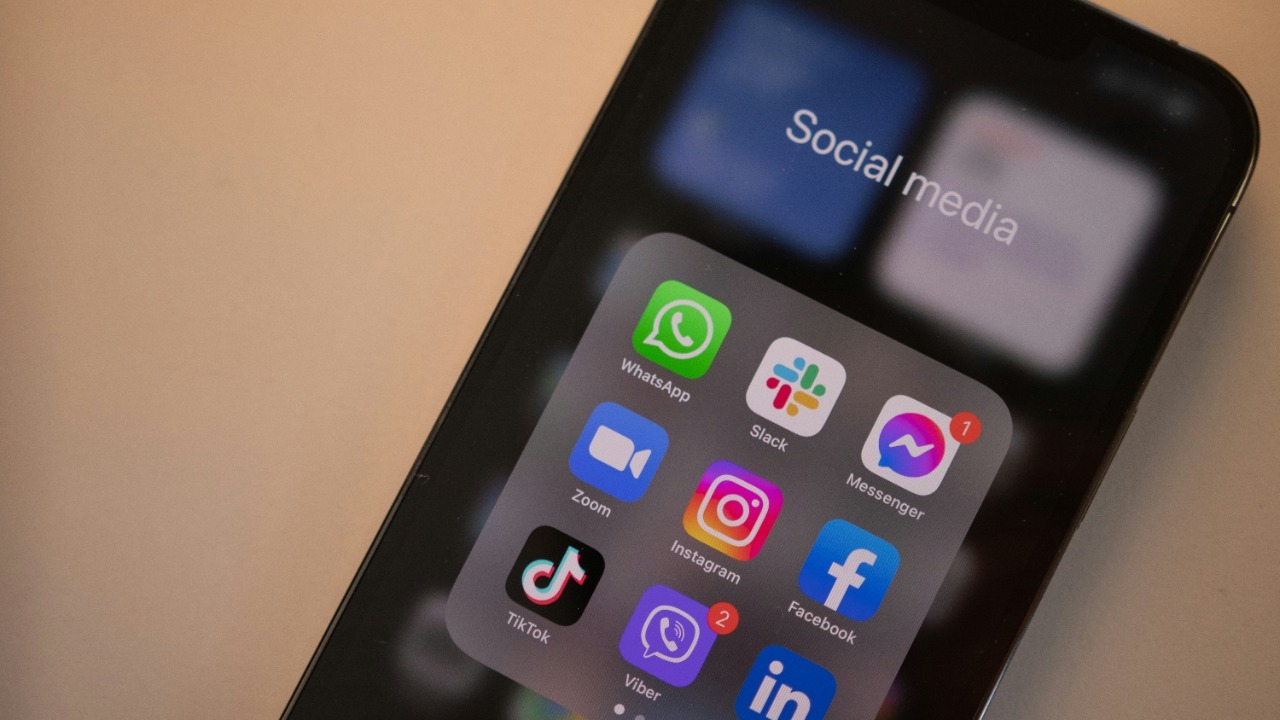
Background apps can significantly contribute to your phone’s temperature. By managing these apps, you can reduce unnecessary processing power and consequently heat production. Start by checking which apps are running in the background and close those that aren’t needed. Both iOS and Android devices offer settings to manage background apps efficiently. Regularly clearing these apps can prevent your phone from working overtime, which, in turn, helps keep it cooler. For more detailed guidance, consider checking out this article on managing background apps.
Adjust Display Settings
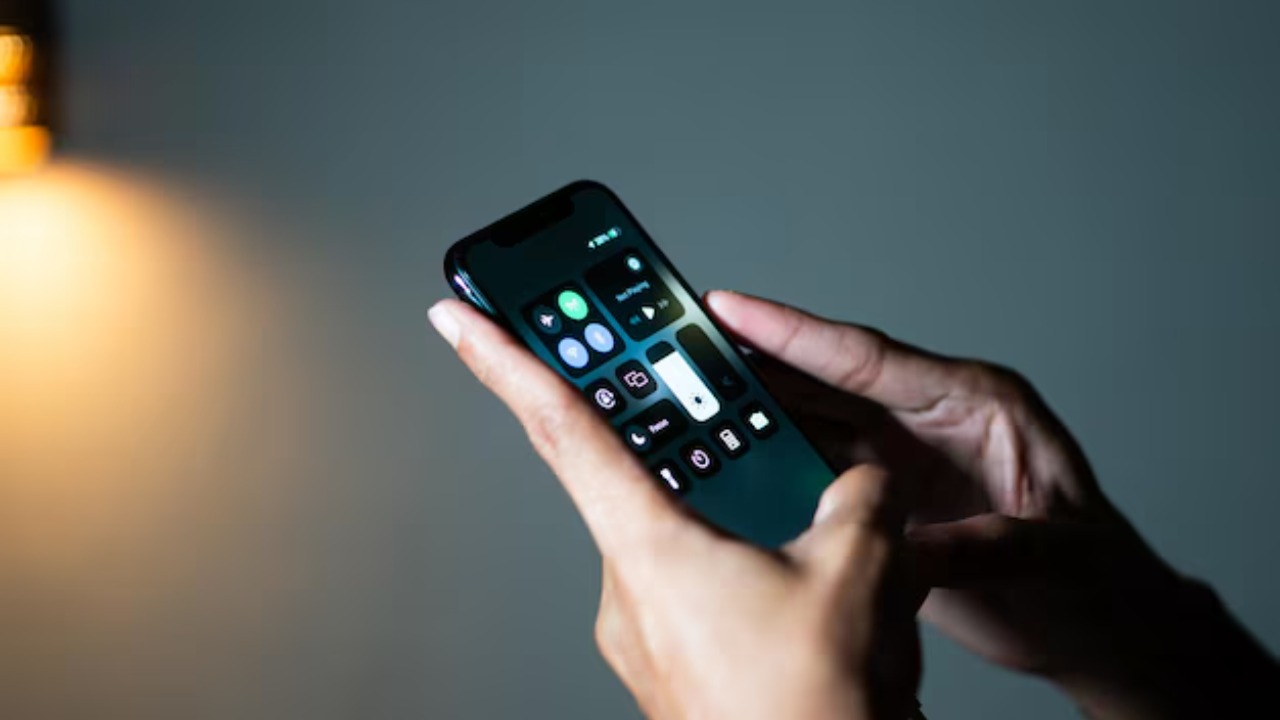
High brightness levels can increase the temperature of your phone. By reducing the brightness and opting for auto-brightness settings, you can ensure your screen uses only the power it needs. You might also want to reduce the screen timeout duration to minimize the time your display stays on when not in use. These small changes can make a significant difference in keeping your phone cooler.
Another option is to choose darker themes or backgrounds, which require less energy from the display. This simple change can have a noticeable impact on heat management. For more tips, explore this summer survival guide.
Update Software Regularly
Software updates often contain optimizations that can help your device run more efficiently. By ensuring your phone’s operating system and apps are up to date, you can benefit from performance improvements and bug fixes that may contribute to overheating. Many updates are specifically designed to enhance energy efficiency and reduce heat generation.
To ensure your phone remains up-to-date, enable automatic updates where possible. This proactive approach can prevent overheating issues related to outdated software. For further reading, consider the insights from this detailed guide.
Manage Battery Usage
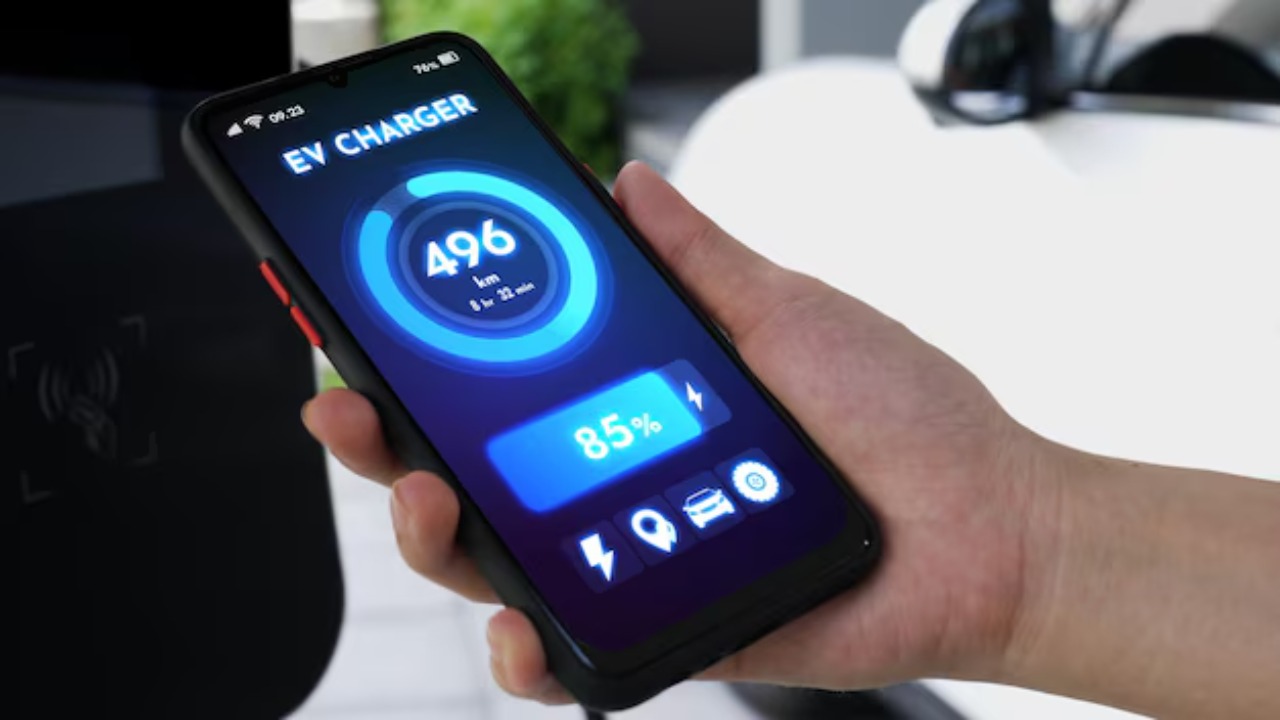
Battery-intensive apps and processes can cause your phone to heat up quickly. To manage battery usage effectively, regularly check the battery settings to see which apps consume the most energy and adjust your usage accordingly. You can also enable battery-saving modes to limit background activity and reduce power consumption.
Keeping your phone’s battery at an optimal charge level (between 20% and 80%) can also help prevent overheating. Avoid charging your phone to 100% or letting it drain completely. For more tips on managing battery usage, visit this resource.
Remove Unnecessary Apps
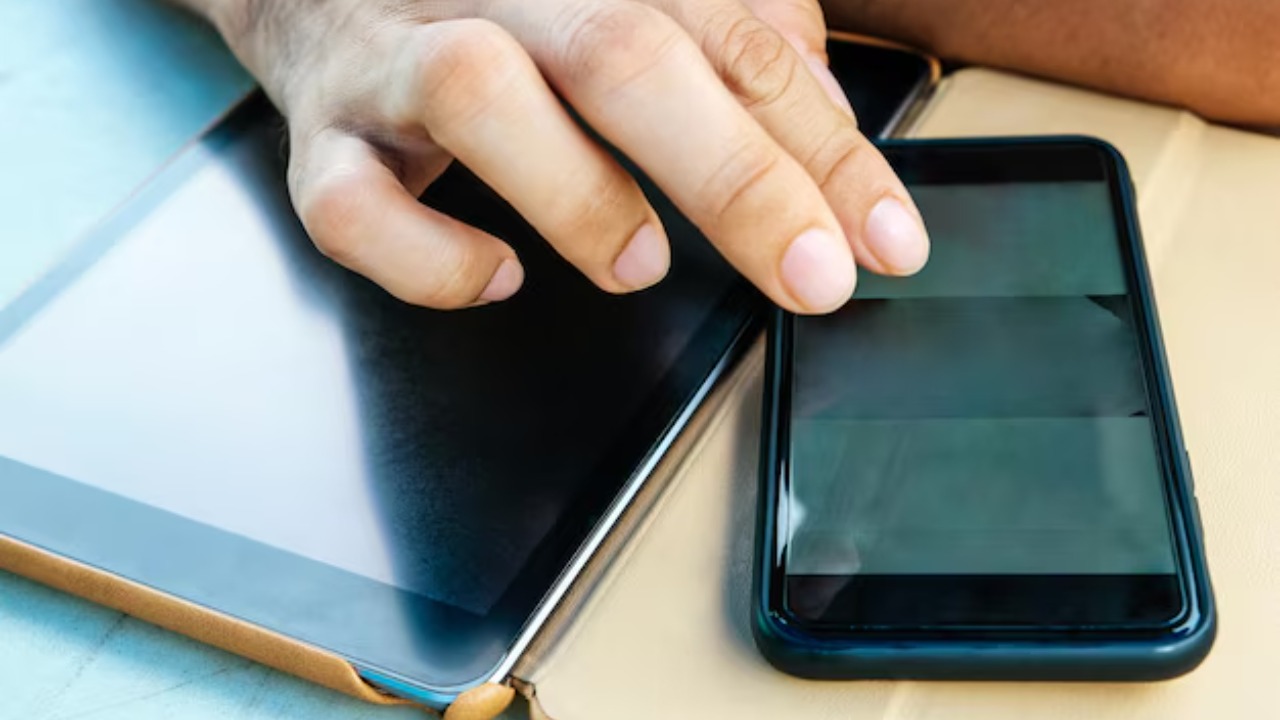
Over time, we all accumulate apps that we no longer use. These unused apps can take up valuable processing power and storage space, contributing to your phone’s heat production. Regularly reviewing your installed apps and removing those you don’t need can help free up resources and keep your phone cooler.
Additionally, removing these apps can improve your phone’s overall performance and responsiveness. It’s a simple yet effective way to manage your device’s temperature.
Clear Cache Files

Cache files can accumulate and consume significant storage space, causing your phone to work harder than necessary. By regularly clearing cache files, you can improve your phone’s efficiency and reduce its operating temperature. Both Android and iOS devices offer straightforward ways to clear cache files in the settings menu.
Clearing the cache not only helps to cool down your phone but can also resolve minor glitches and improve performance. Make it a habit to clear these files periodically for optimal results.
Avoid Direct Sunlight Exposure
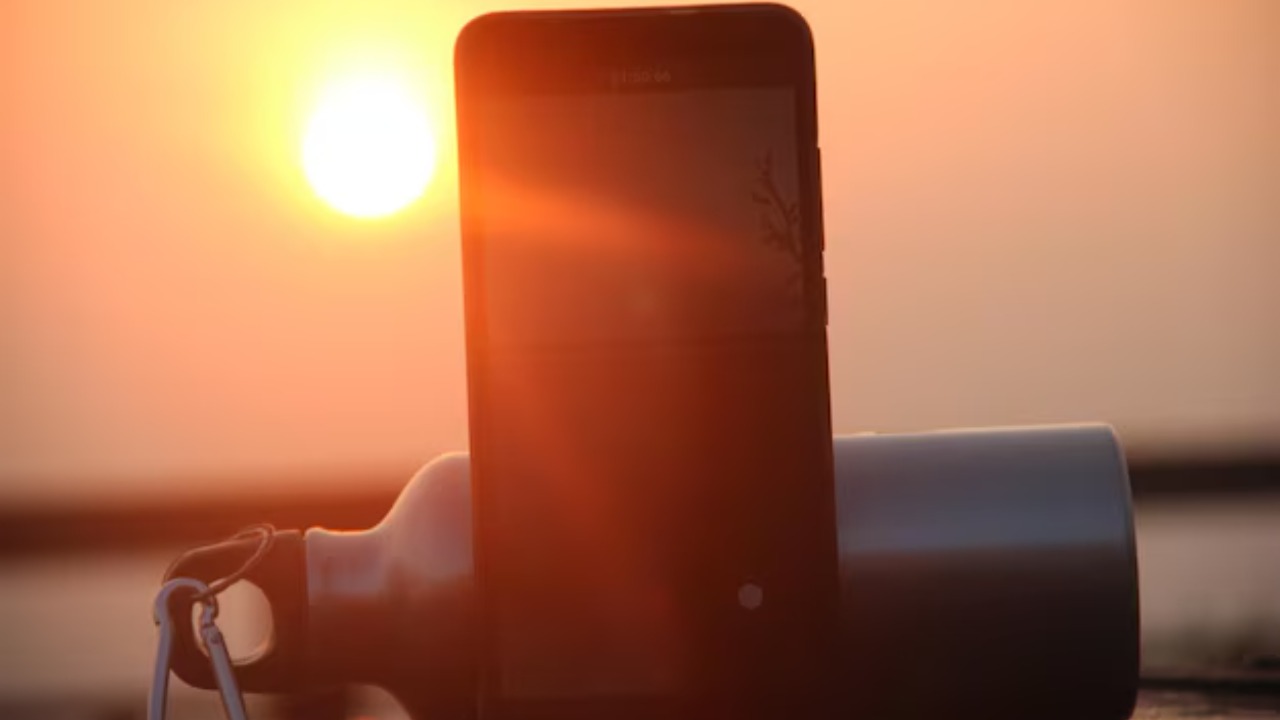
Direct sunlight can quickly raise the temperature of your phone, leading to potential overheating. To keep your phone cool, avoid using it in direct sunlight or leaving it exposed on a sunny surface. If you’re outside, try to keep your phone in a shaded area or use a protective case to shield it from the sun.
Consider investing in a sunshade or similar accessory if you frequently use your phone outdoors. These small precautions can go a long way in maintaining your phone’s temperature.
Use a Phone Cooling App

Phone cooling apps can be a useful tool to manage your device’s temperature. These apps monitor your phone’s temperature and help regulate processes that contribute to overheating. By using a cooling app, you can gain insights into which apps or functions are causing your phone to heat up and take action accordingly.
While not a complete solution, a cooling app can complement other methods in keeping your phone’s temperature in check. For a comprehensive review of cooling systems, check out this detailed review.
