
In today’s digital age, webcams have become an essential tool for communication. However, they can also be a potential security risk if not properly protected. By taking simple precautions, you can ensure that your webcam remains secure from unauthorized access. Here are eight effective ways to keep your webcam safe.
Keep Your Software Updated
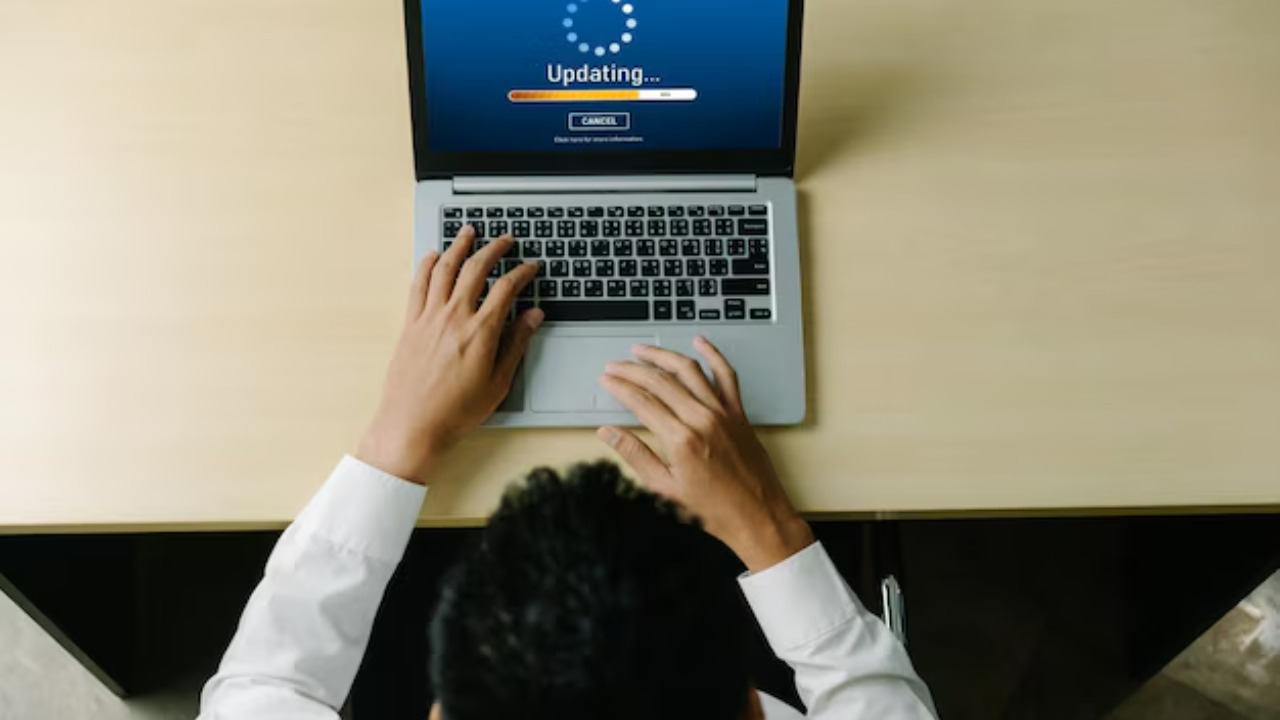
Ensuring that your software is always up to date is crucial in safeguarding your webcam. Software updates often include security patches that address vulnerabilities. By neglecting updates, you may inadvertently leave your system exposed to cyber threats. Set your system to automatically update, or regularly check for updates manually. This simple step can significantly reduce the risk of unauthorized access to your webcam.
Use Strong Passwords
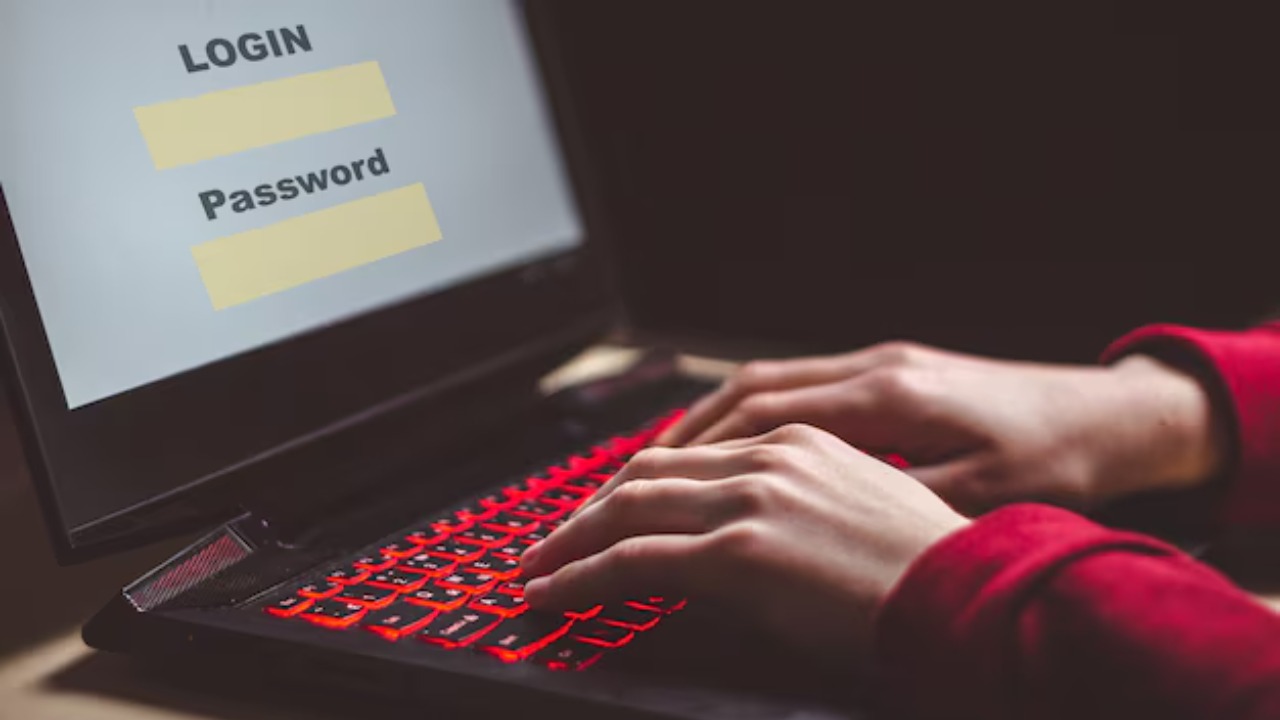
Using strong, unique passwords is a fundamental aspect of online security. A strong password typically contains a mix of letters, numbers, and special characters. Avoid using easily guessed passwords like “123456” or “password.” Consider using a password manager to generate and store complex passwords securely. The more complex your passwords, the more difficult it becomes for hackers to gain access to your webcam.
Enable Two-Factor Authentication
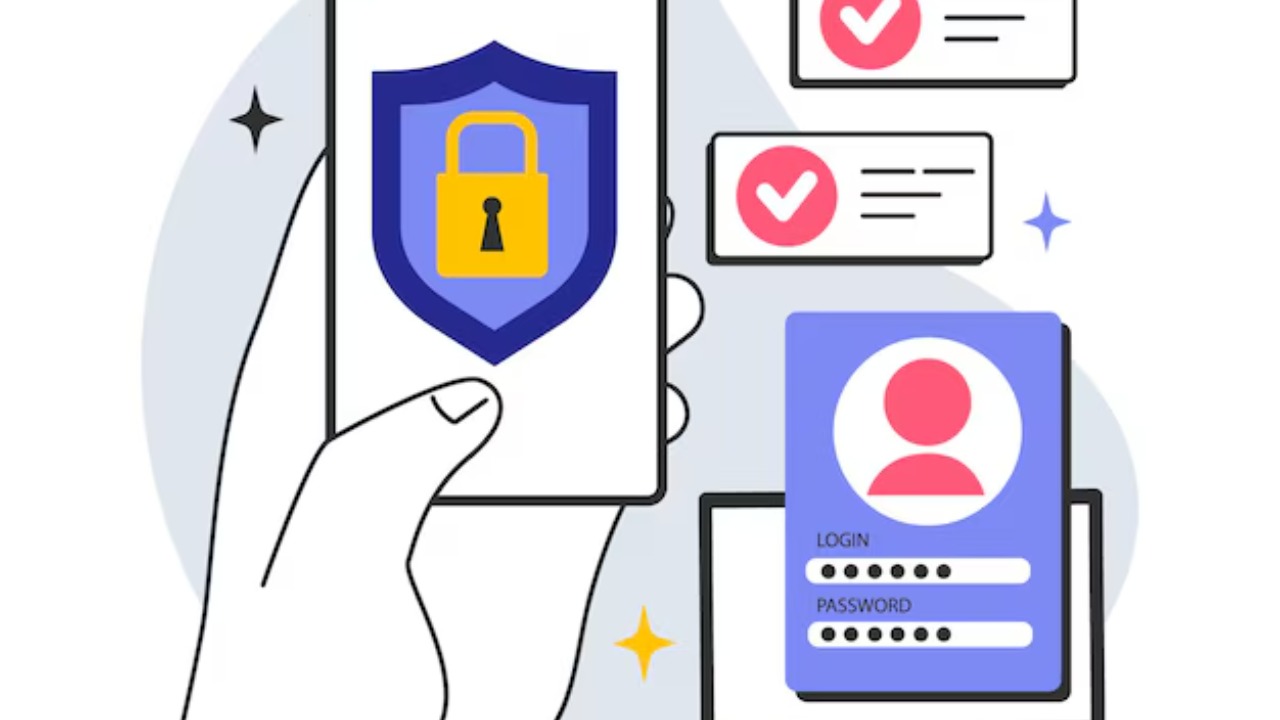
Two-factor authentication (2FA) adds an extra layer of security to your webcam by requiring a second form of verification. This could be a text message, an email, or an authentication app. Even if a hacker manages to crack your password, 2FA makes it significantly harder for them to access your webcam. Many platforms now offer 2FA, so take advantage of this feature to bolster your webcam security.
Cover Your Webcam
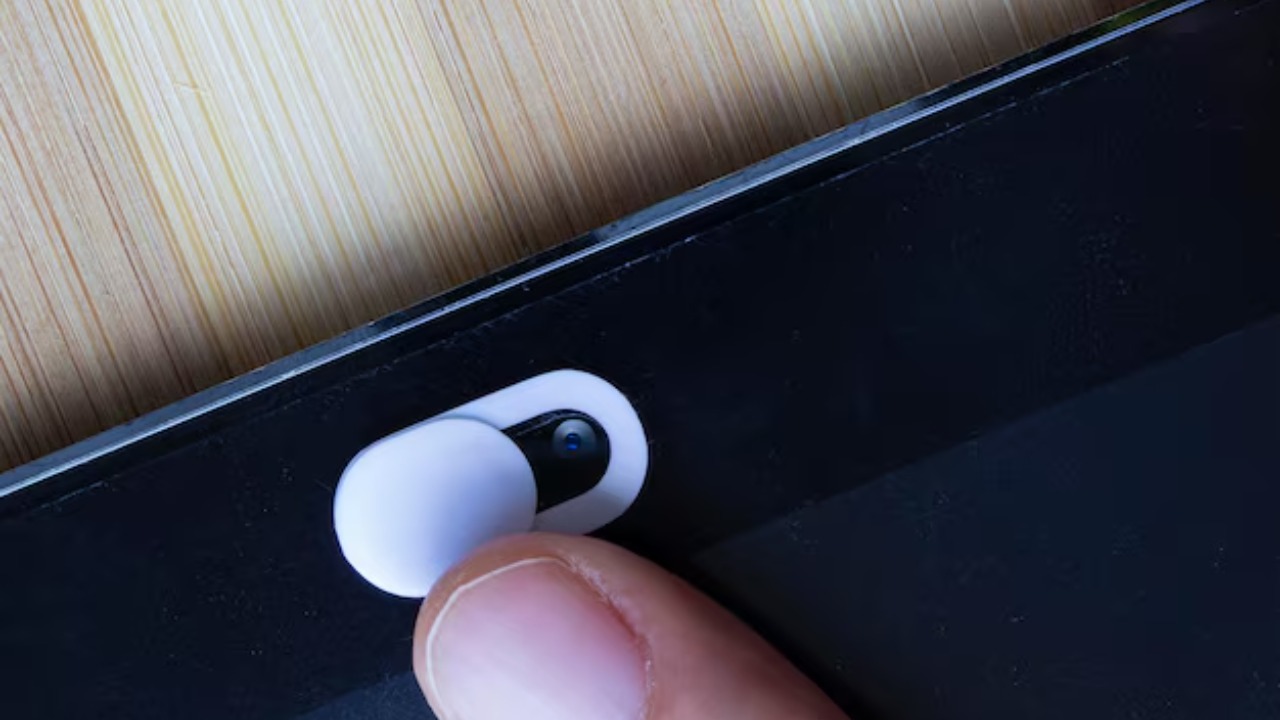
Physically covering your webcam when it is not in use is a simple yet effective security measure. A piece of tape or a dedicated webcam cover can prevent unauthorized peeping. According to a study on webcam covers, this practice is not only cost-effective but also offers peace of mind. By covering your webcam, you ensure that no one can spy on you without your knowledge.
Regularly Scan for Malware
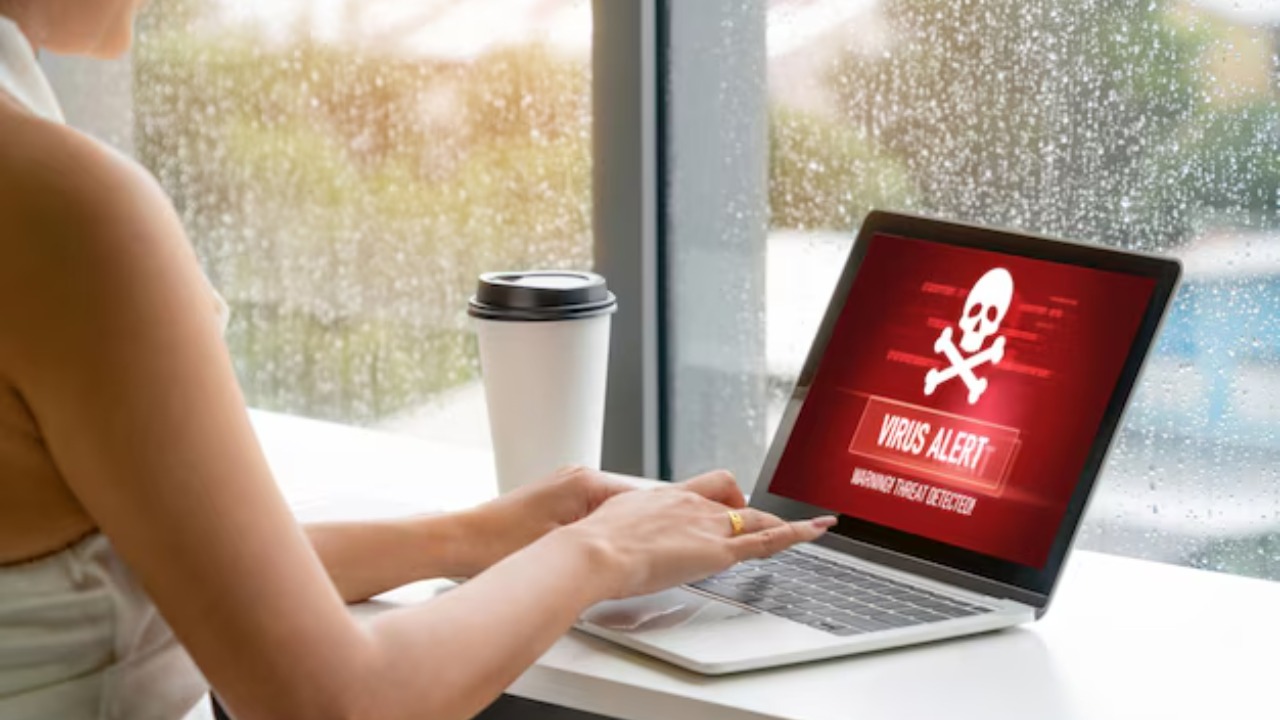
Malware can be used to control your webcam without your consent. Regularly scanning your computer with a reliable anti-malware tool can help detect and remove any malicious software. Schedule regular scans and ensure your anti-malware software is always updated to protect against the latest threats. This proactive approach can prevent unauthorized access to your webcam.
Adjust Webcam Settings
Review your webcam settings to ensure they are configured for optimal security. Disable automatic recording and adjust permissions to limit which applications can access your webcam. Familiarize yourself with your webcam’s privacy settings and customize them according to your needs. By gaining control over your webcam settings, you reduce the risk of it being used without your permission.
Disable the Webcam When Not in Use

Disabling your webcam when it’s not in use is a straightforward way to enhance security. This can often be done through your computer’s device manager or system settings. By keeping your webcam disabled, you eliminate the possibility of it being accessed without your knowledge. This simple practice can protect your privacy and give you greater peace of mind.
Be Wary of Phishing Scams
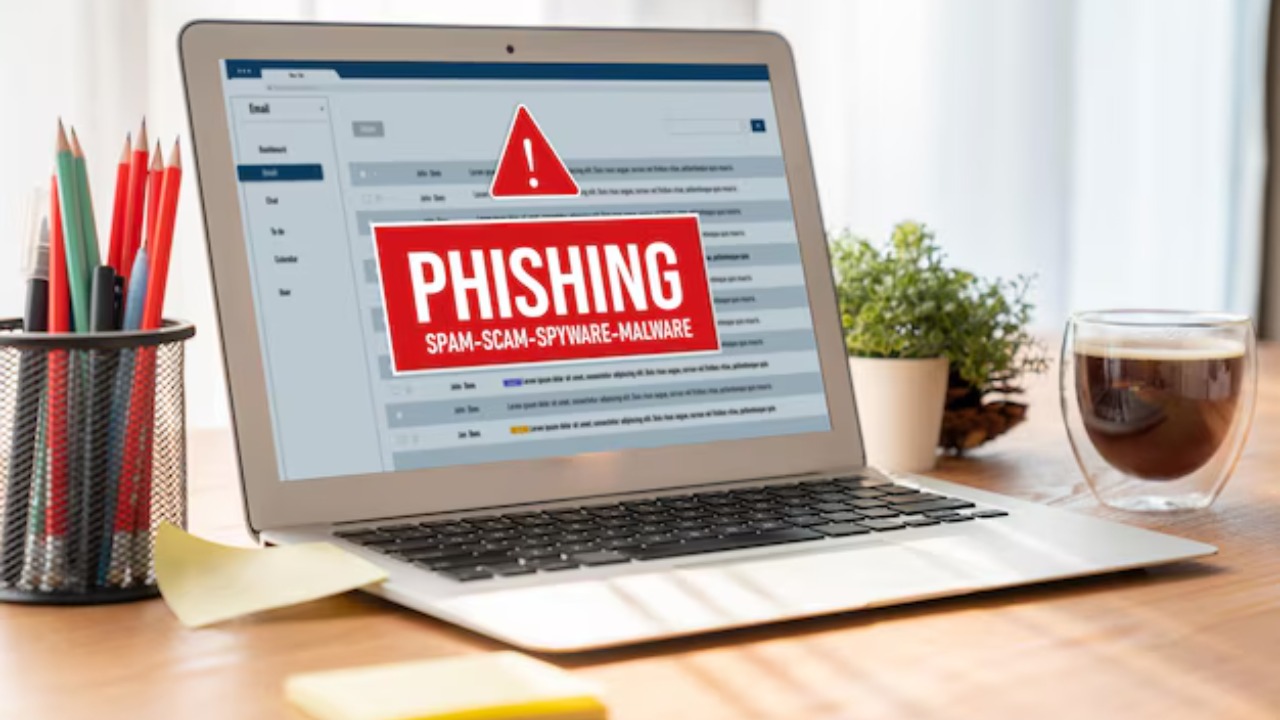
Phishing scams are a common way for hackers to gain access to your webcam. Be cautious of emails or messages asking for personal information or prompting you to click on suspicious links. Always verify the source before providing any details. For more on how phishing can impact webcam security, you can refer to this academic study. By staying vigilant against phishing attempts, you can protect your webcam from unauthorized access.
