
In today’s digital age, it’s crucial to ensure that your smartphone is secure and private. If you suspect that your phone might be tracked, there are several signs to watch out for. Here are seven ways to identify if your phone is being tracked and how you can fix it.
1. Unusual Battery Drain
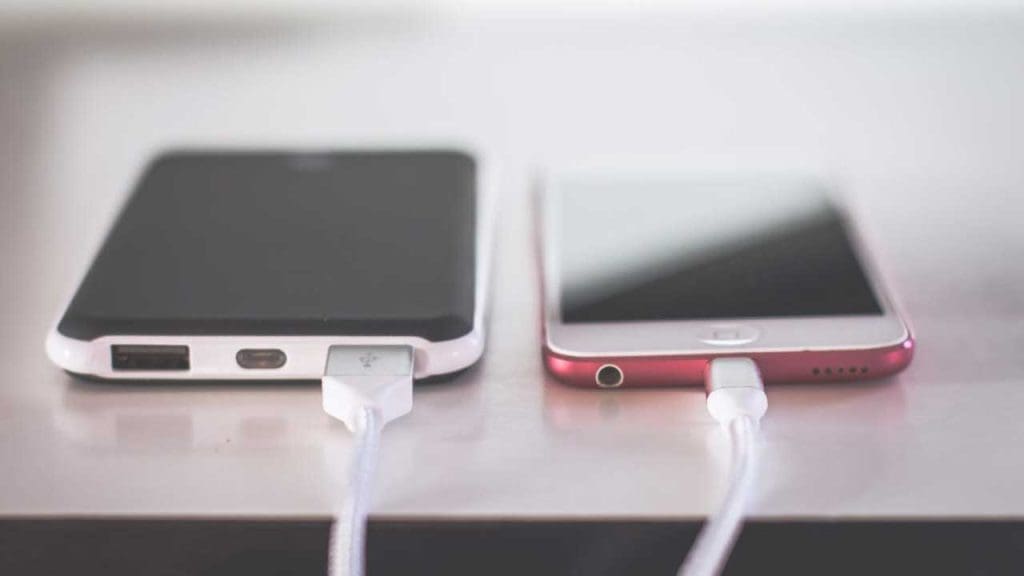
If your phone’s battery is draining faster than usual, it could be a sign of tracking apps running in the background. These apps consume power as they constantly collect and transmit data.
To address this, check your battery usage in settings to identify any suspicious apps. Consider uninstalling or disabling apps that you don’t recognize, as they might be the culprit behind the battery drain.
2. Increased Data Usage

Another telltale sign of tracking is a spike in data usage. Tracking apps often require internet access to send data to their source.
Monitor your data usage closely, and if you notice any unexplained spikes, it might be time to investigate further. Check for apps using excessive data and limit their background activity.
3. Strange Background Noise During Calls

If you hear strange noises, like static or clicking sounds during phone calls, it could indicate that someone is eavesdropping.
Ensure that your network connection is stable and update your phone’s software regularly to mitigate security vulnerabilities. For more insights, read this research study on call security.
4. Unexpected Pop-ups or Ads

Frequent pop-ups or ads can be a sign of malware, which can also track your activities.
Install a reputable antivirus app to scan for malware and remove any detected threats. Additionally, be cautious when downloading apps and avoid clicking on suspicious links or ads.
5. Slow Performance and Apps Crashing

If your phone is sluggish or apps crash unexpectedly, it could be due to malicious software interfering with normal operations.
Regularly update your apps and operating system to patch any security holes. You can also learn more about system vulnerabilities in this academic article.
6. Unfamiliar Apps Installed
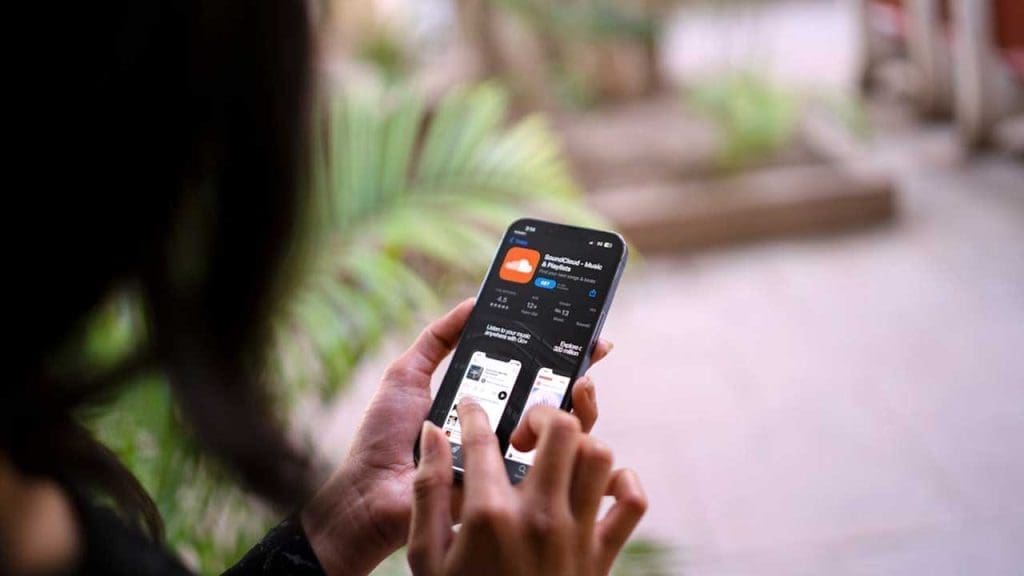
Spotting unfamiliar apps on your device can be alarming, as they might be tracking your data.
Review your installed apps and remove any that you don’t recognize or remember installing. Learn how to manage your apps efficiently on CNET.
7. Phone Overheating
Prolonged phone overheating can be a sign that hidden apps are running excessively in the background.
Close unnecessary background apps and give your phone a break. If overheating persists, consult a professional for further assistance. More tips are available here.
By staying vigilant and proactive, you can protect your phone from unwanted tracking. Regularly updating your software, monitoring app activity, and maintaining security measures are vital steps in safeguarding your privacy.
