
Have you ever felt like someone might be spying on you through your PC’s webcam? It’s a common concern, and for good reason. Hackers are increasingly exploiting webcams to invade privacy. Here are seven signs that may indicate your webcam has been compromised, along with four methods to secure it.
1) Unusual Indicator Light Activity
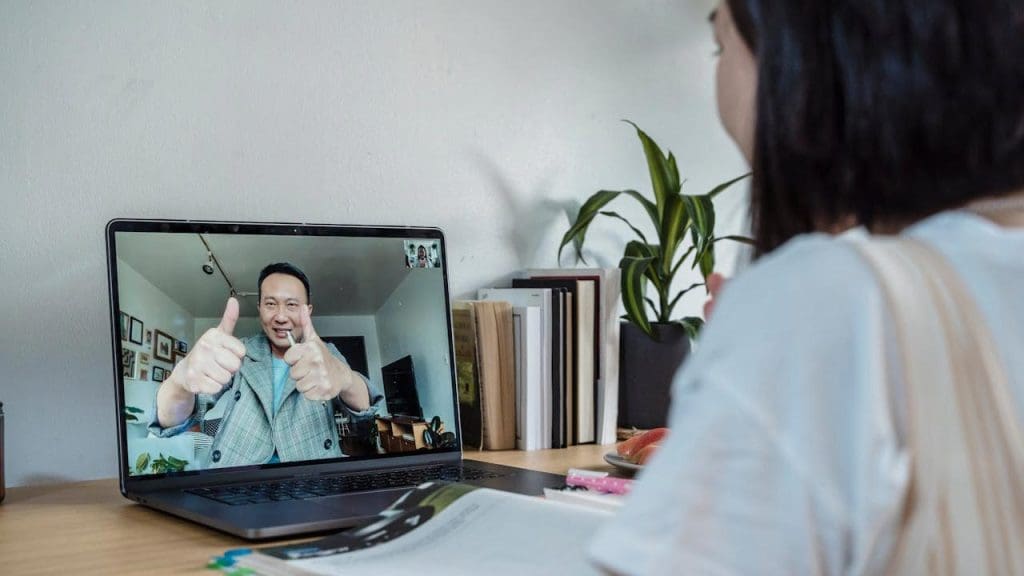
The most obvious sign of a compromised webcam is the indicator light turning on when you’re not using it. If this happens, it could mean someone else is accessing your camera remotely. Hackers can gain control through malware or unauthorized software, so it’s crucial to pay attention to unexpected light activity. For more details on this, visit ExpressVPN.
2) Unexpected Camera App Launches
If your camera application opens without your prompting, it could indicate unauthorized access. Hackers can exploit vulnerabilities in your system to launch the camera app remotely. Always be wary of this behavior, especially if it occurs when you’re not using the computer. To learn more, you can check out NordVPN’s blog.
3) Strange Files or Recordings on Your Computer

Finding unfamiliar video files or recordings on your computer is another red flag. Hackers might record footage from your webcam and store it on your device. Regularly check your video files and media folders for anything suspicious. To dive deeper into this topic, refer to MSN News.
4) Increased Data Usage
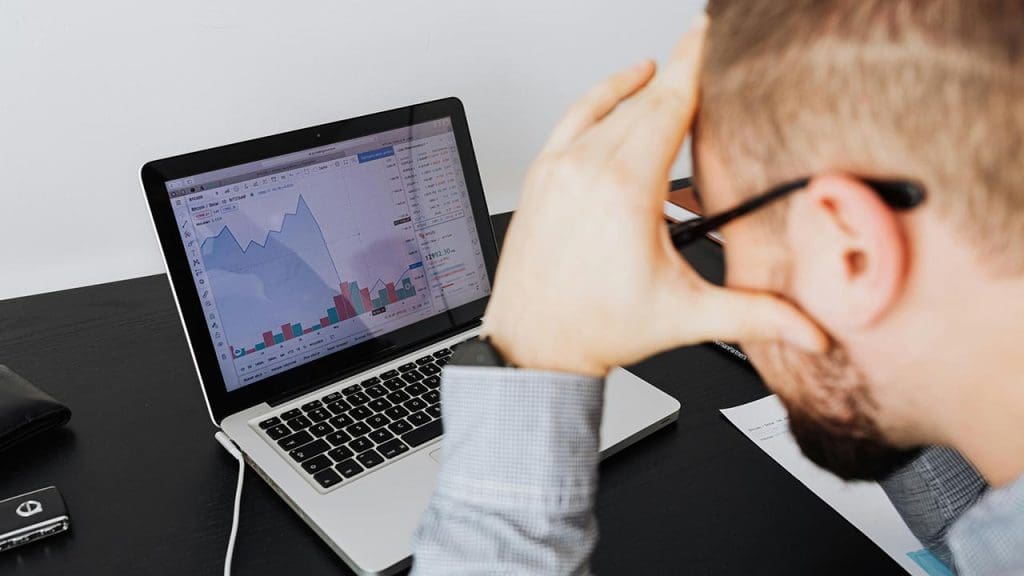
Noticeable spikes in your internet data usage could signify that your webcam is secretly transmitting data. Hackers might stream or upload video without your consent, leading to increased data consumption. Keep an eye on your network activity and investigate any unusual surges. For detailed insights, you can explore this IEEE article.
5) Unfamiliar Software Installed

Hackers often install software to gain control over your webcam. Finding unknown programs on your device should prompt immediate investigation. Ensure you regularly review installed applications and uninstall anything suspicious. For more information on how to spot and remove such software, visit NordVPN’s blog.
6) Webcam Settings Changed Without Permission

If your webcam settings have been altered without your consent, it may indicate unauthorized access. Hackers can change settings to make it easier to spy on you. Routinely check your webcam settings to ensure they match your preferences. For more tips on safeguarding your webcam, refer to ExpressVPN’s guide.
7) Unexplained Computer Slowdowns
Malware that enables webcam hacking can also slow down your computer. If you experience unexplained slowdowns, it might be due to malicious software running in the background. Regularly scan your system for malware to ensure it’s running smoothly. For further insights into computer slowdowns, explore The Washington Post.
