
When it comes to cyber threats, hackers are always finding new ways to hide malicious code. Their tactics are not only creative but also sophisticated, often exploiting unsuspecting parts of a digital environment. Below are seven unexpected places where hackers might conceal their code, creating a challenge for cybersecurity professionals.
Comment Sections

Hackers often stash malicious code in the comment sections of web pages. These sections are infrequently checked by users and developers, making them an ideal spot for hiding harmful scripts. A cursory glance might overlook a cleverly disguised piece of code within a wall of text, allowing it to sit unnoticed.
Developers may ignore comments, especially during rapid development phases or updates. This oversight provides hackers with a golden opportunity to insert code that can execute harmful tasks without drawing attention. Ensuring that comment sections are regularly audited is crucial for maintaining a secure web environment.
Image Metadata
Image files contain metadata that can be exploited to hide code. Since this data is usually invisible to end-users, it serves as a stealthy vehicle for malware. Hackers can encode scripts within this metadata, which can then be activated when the image is processed by a system.
To prevent such exploits, it’s important to strip unnecessary metadata from images before uploading them to a server. This simple practice can thwart attempts to hide malicious scripts and protect both the host and its users.
Obfuscated File Names

Hackers use obfuscated file names to hide their code in plain sight. By disguising a harmful script as a legitimate file, they can trick users and even some security systems into overlooking it. For instance, a script might be named something innocuous, like “report.doc.exe,” with the real extension masked by additional characters.
This tactic takes advantage of the tendency for users to focus on the initial part of a file name or extension. Regular audits and user education about recognizing potentially harmful files can help mitigate this risk.
Unused CSS Classes

Unused CSS classes are another clever spot where hackers can hide malicious code. Since these classes are not actively used in a website’s design, they can remain unnoticed for extended periods. Hackers may embed harmful scripts within these classes, which can then be triggered under specific conditions.
Performing a regular sweep to remove or review unused CSS can help in identifying and eliminating potential threats. Additionally, employing tools that track CSS usage can provide insights into which classes are truly redundant.
URL Parameters
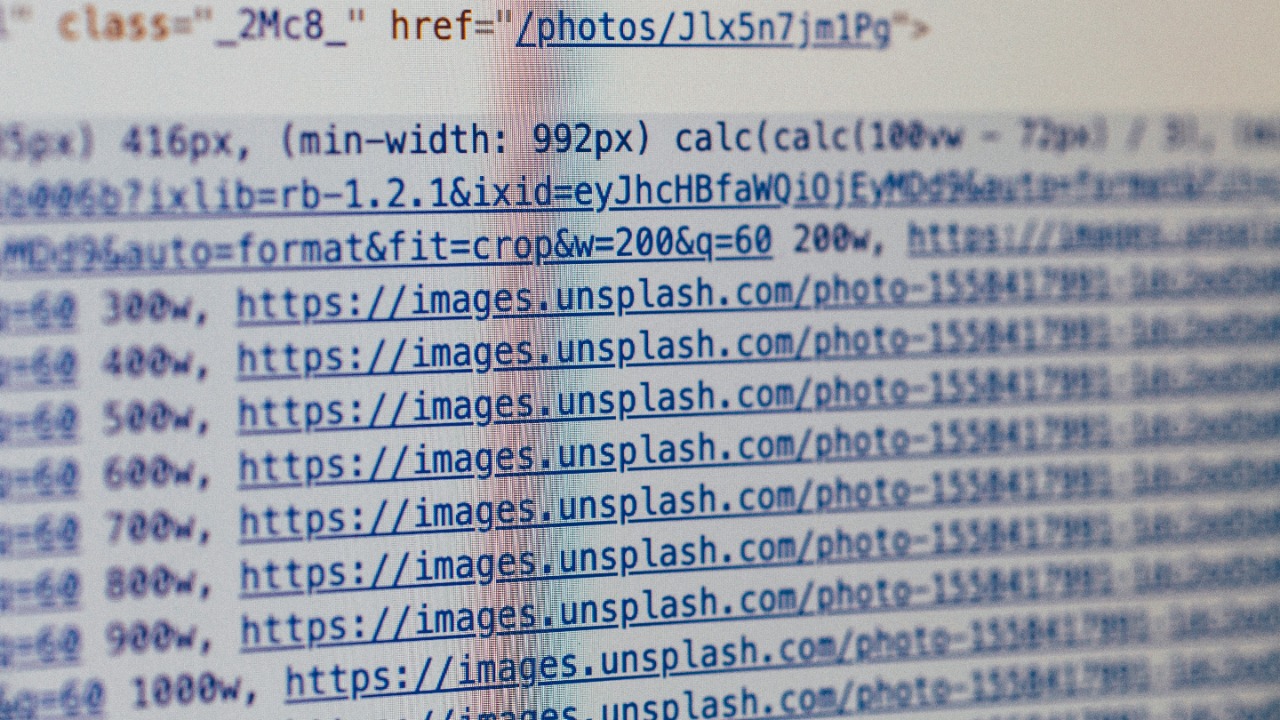
URL parameters offer an unexpected yet effective location for concealing malicious code. Hackers can embed scripts within seemingly innocent parameters, which are then executed when the URL is accessed. This method can be particularly potent in phishing attacks, where a user might click on a link without realizing the hidden danger.
Ensuring that URL parameters are sanitized and validated can prevent injection attacks. As a best practice, developers should scrutinize how their applications handle URL input to safeguard against such threats.
Encrypted Cookies
Encrypting malicious code within cookies is a stealthy way for hackers to bypass security measures. While encryption is typically used to protect user data, it can also be manipulated to hide harmful scripts. These encrypted cookies can then execute once decrypted by the target system.
To combat this, it’s essential to implement robust encryption protocols and regularly monitor and manage cookie data. Employing tools that can decrypt and analyze cookie contents may also help in identifying potential threats.
Embedded Fonts
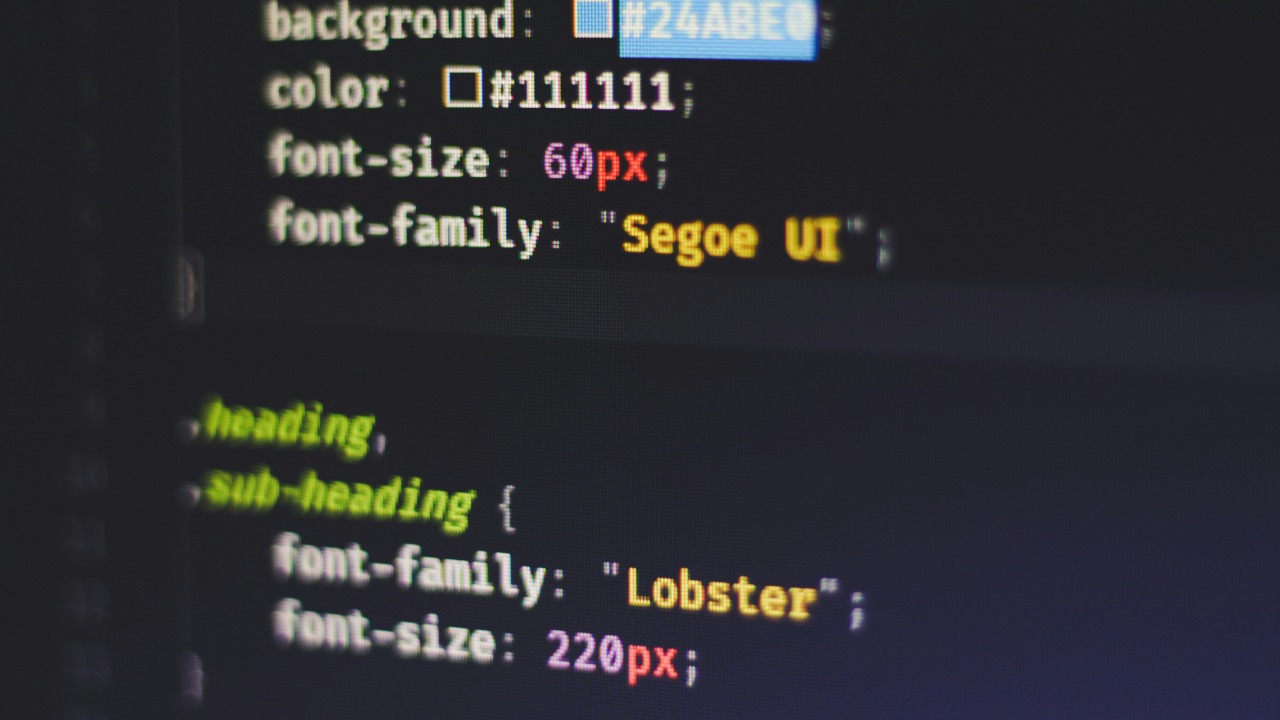
Embedded fonts can be an overlooked vector for hiding malicious code. Hackers can incorporate harmful scripts within font files, which are often trusted by default and not scrutinized as rigorously as other file types. When these fonts are loaded by a browser, the hidden code can be executed.
To mitigate this risk, web developers should verify the source and integrity of any embedded fonts. Implementing security measures such as content security policies can further protect against the execution of untrusted code.
