
Unlocking the full potential of your iPhone isn’t just about downloading the latest apps or updating to the newest iOS. There are hidden codes that can give you deeper insights and control over your device. Whether you’re looking to improve call management or check network details, these codes can be incredibly useful. Here are seven hidden iPhone codes that every user should know.
Access Field Test Mode
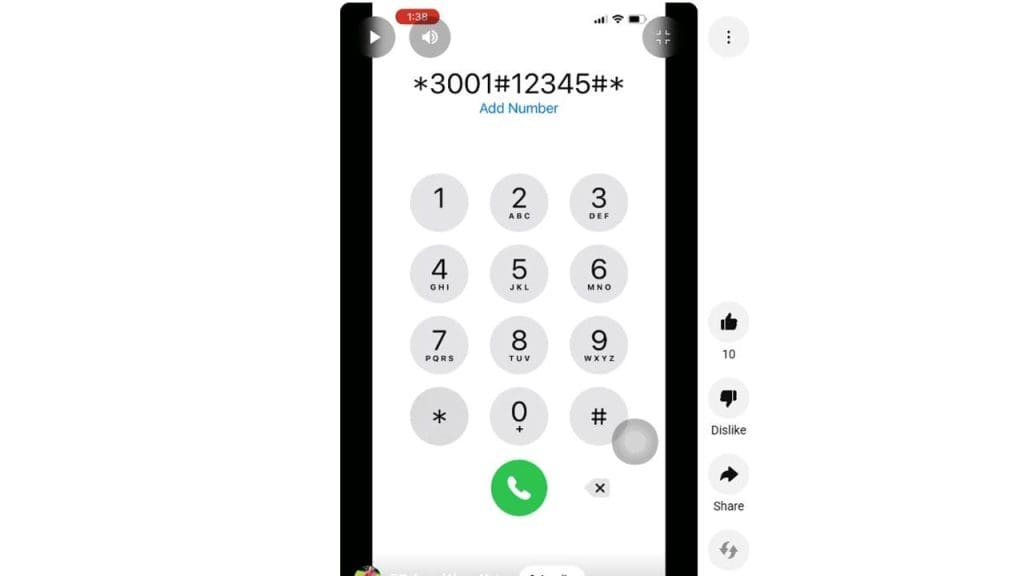
For those who want to delve into the nitty-gritty of their iPhone’s network details, accessing Field Test Mode can be enlightening. By dialing *3001#12345#* and pressing call, you can enter a hidden menu that showcases various technical details about your cellular connection.
This can include signal strength, cell tower information, and more. It’s a great tool for anyone curious about the technical aspects of their device’s connectivity. To exit, simply press the home button.
Check Your IMEI Number
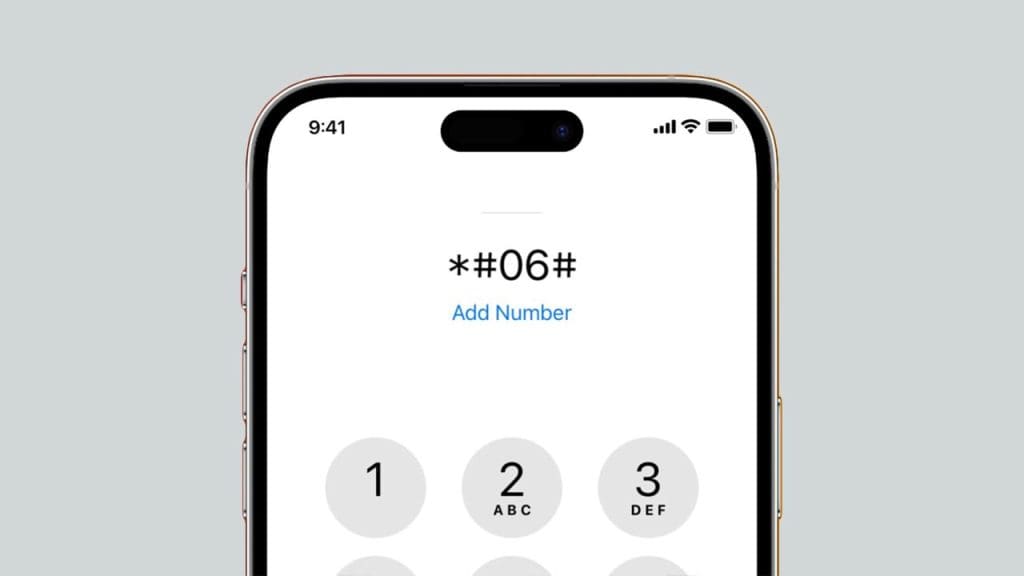
Your iPhone’s International Mobile Equipment Identity (IMEI) number is crucial for several reasons, including identifying your phone if it gets lost or stolen. To quickly find this number, dial *#06#. Your IMEI will instantly appear on the screen, without needing to navigate through the settings menu.
This number is also useful when dealing with carrier-specific issues or warranty claims. For more on hidden iPhone features, check out this Reddit thread.
Hide Your Caller ID
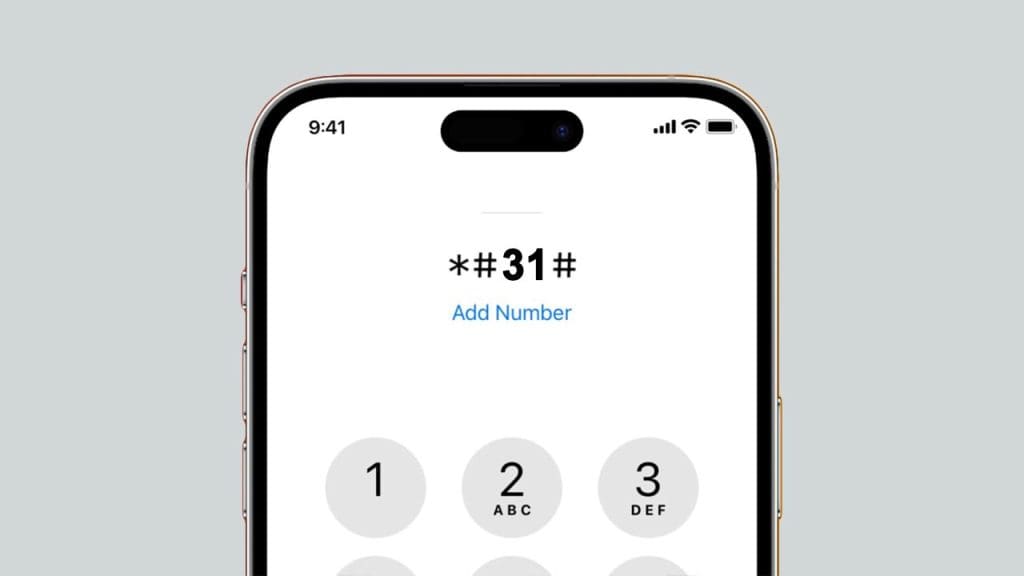
If privacy is a concern, hiding your caller ID is a handy option. By entering *#31# before a phone number, you can make your call appear as “No Caller ID” to the recipient. This feature can be especially useful when contacting unknown numbers or businesses. To change your default settings for all calls, you can navigate to Settings > Phone > Show My Caller ID. For more insights, check out this guide.
Call Waiting Status
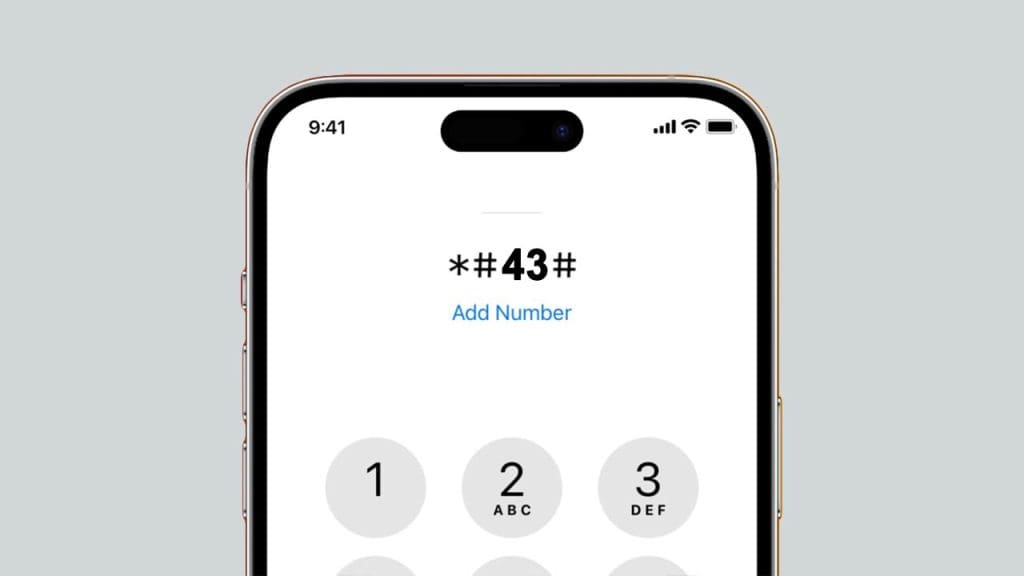
Call Waiting is a feature that allows you to handle multiple calls simultaneously. To check whether this feature is enabled on your iPhone, dial *#43#. This will display the current status of Call Waiting on your device. If you find that it’s not enabled and you wish to activate it, you can do so through your phone settings.
Having Call Waiting enabled ensures you never miss important calls, even when you’re already engaged in another conversation.
Advanced Call Forwarding
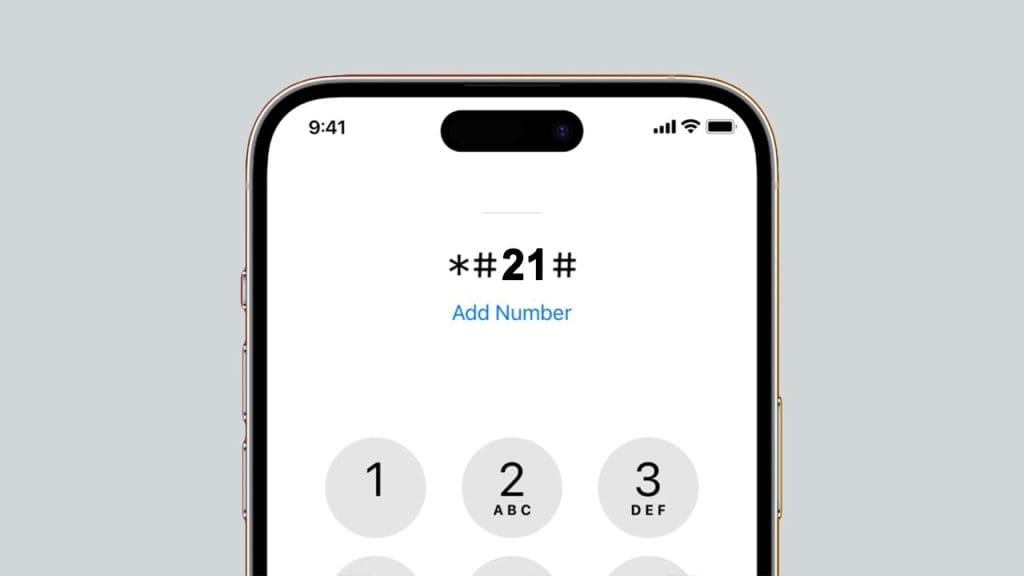
Managing call forwarding can be streamlined with the right codes. To activate call forwarding to a specific number, dial *21*PhoneNumber# and press call. This feature is beneficial when you’re unavailable to take calls on your primary device. You can also deactivate it by dialing #21#. For more details on iPhone secret codes, explore this comprehensive list.
View Your Current Cellular Data Usage
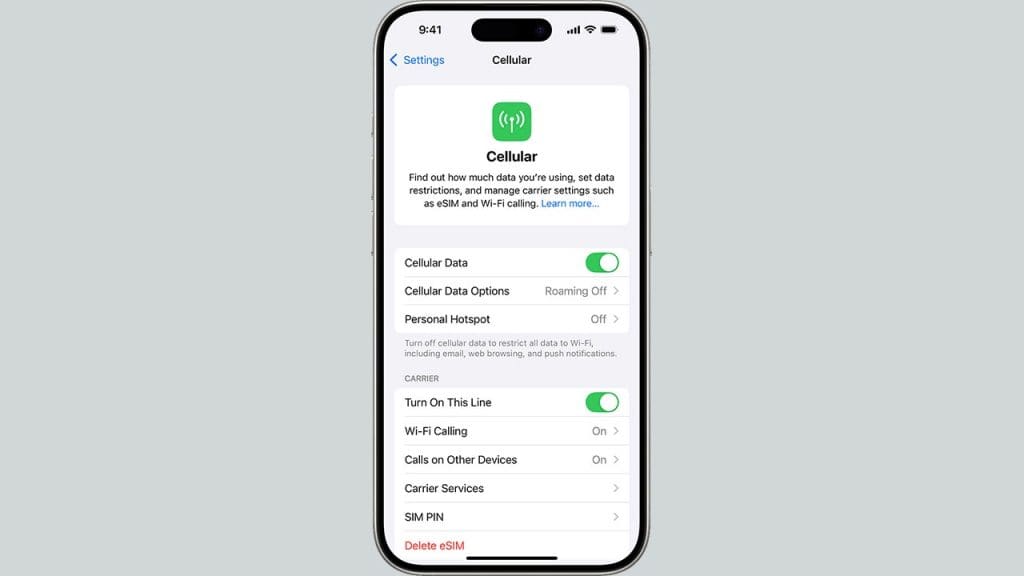
Keeping track of your cellular data usage can prevent unexpected charges on your bill. While iPhones don’t have a specific code to display data usage, you can find this information by going to Settings > Cellular > Cellular Data Usage. Here, you’ll see a breakdown of your data usage for the current period. This feature helps you monitor your consumption and manage your data plan effectively. For more tips on managing your iPhone, check out this detailed study.
Enable/Disable Call Barring
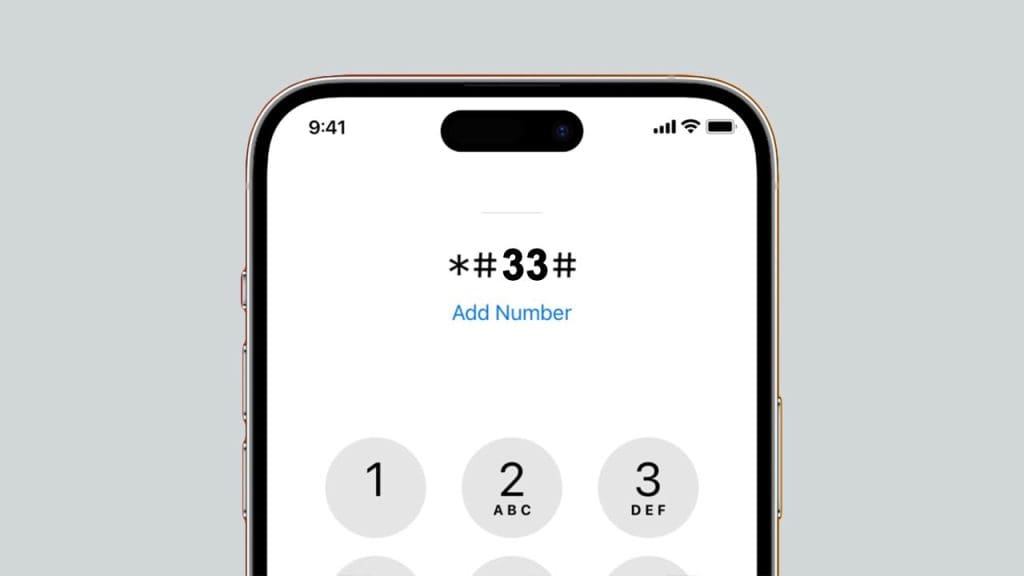
Call barring is a useful feature for preventing unauthorized calls from your device. To check the status of call barring, dial *#33#. To enable or disable it, you’ll need to contact your carrier for specific codes or access through the settings if the feature is supported. This tool is particularly useful for parents or those managing business phones, ensuring that calls can’t be made without permission. For more information, visit this article.
