
Android OS is packed with numerous features, many of which go unnoticed by the average user. The beauty of this operating system is in its versatility and adaptability, offering several hidden gems that can enhance your user experience. Let’s dive into seven of these features that you might have missed.
Customizing your Notification Shade
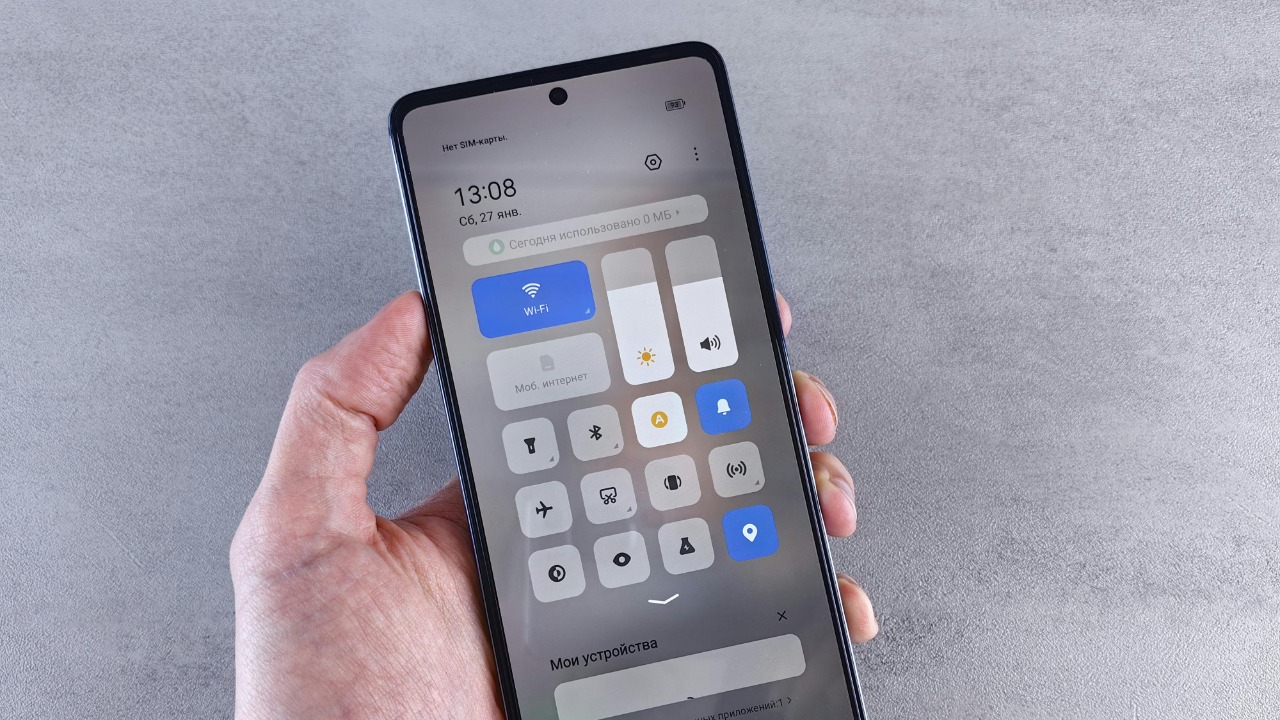
The notification shade is a crucial part of the Android interface, but did you know you can customize it? You can rearrange the quick settings tiles, add new ones or remove those you do not use. Long press on the settings icon in the notification shade and you will be taken to the System UI tuner. Here, you can customize your quick settings to match your usage.
This feature can make your notification shade much more functional, allowing you to access your most frequently used settings with a single swipe. Check out more about it here.
Split-Screen Mode for Multi-Tasking
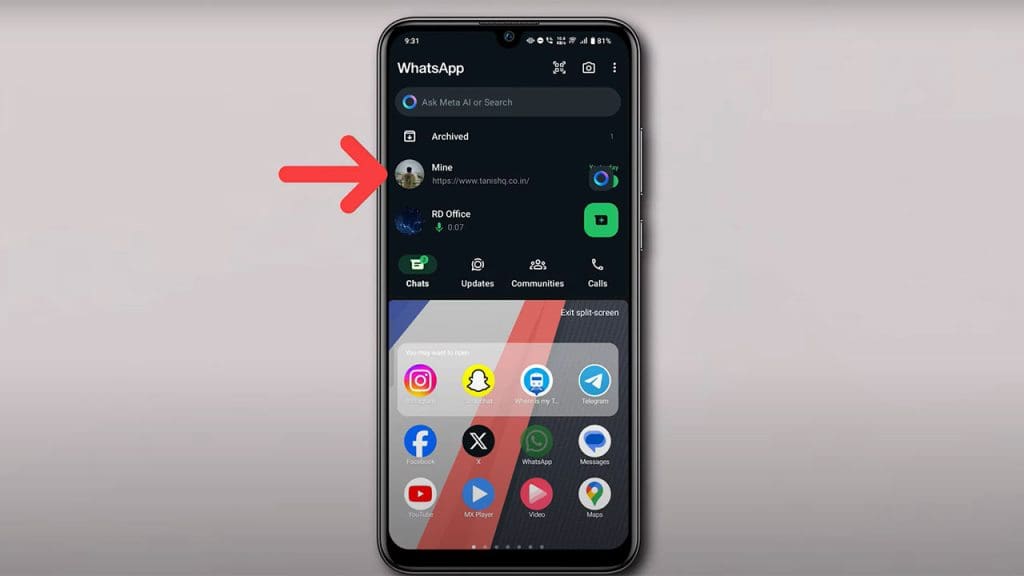
Did you know Android has a built-in split-screen mode? This feature allows you to have two apps open at the same time, which can be a game-changer for multitasking. To activate split-screen mode, simply open the recent apps view and drag one of the apps to the top or bottom of the screen.
This can be especially useful if you need to reference information in one app while working in another, such as taking notes from a webpage or watching a video while texting. Find out more about this useful feature here.
Hidden Game within the Android System
Did you know there’s a hidden game within your Android device? It’s a simple, yet addicting game that can be accessed through the system settings. Simply go to Settings > About Phone > Android version and tap several times on the Android version. A logo will appear and if you long press on it, the game will begin.
It’s a fun little Easter egg that Google has hidden in each Android version, and it’s always exciting to see what they come up with when a new version is released.
Using the ‘Do Not Disturb’ Schedules
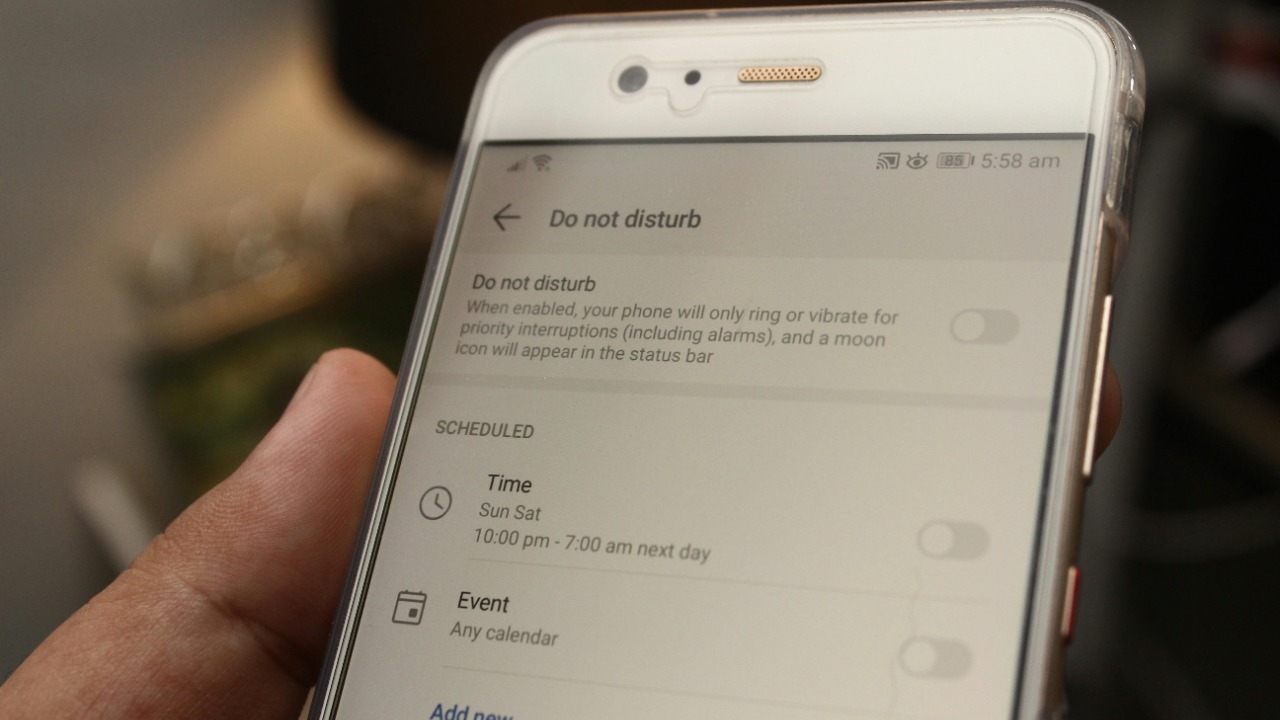
The ‘Do Not Disturb’ feature on Android is a lifesaver when you need some peace and quiet, but did you know you can schedule it? You can set it to automatically turn on during certain times of the day, such as your sleeping hours or important meetings. This way, you won’t be disturbed by unnecessary notifications.
It’s a simple yet effective way to manage your digital wellbeing and ensure you are not constantly bombarded by notifications. Learn more about this feature here.
Activating the Developer Mode for Advanced Settings
Android’s Developer Mode is a treasure trove of advanced settings that can give you more control over your device. To activate it, go to Settings > About Phone > Build number and tap it seven times. You will see a message indicating that you are now a developer.
Be careful with these settings, though, as they can significantly alter the way your device operates. Only change settings you fully understand.
Quick Camera Launch for Instant Photography
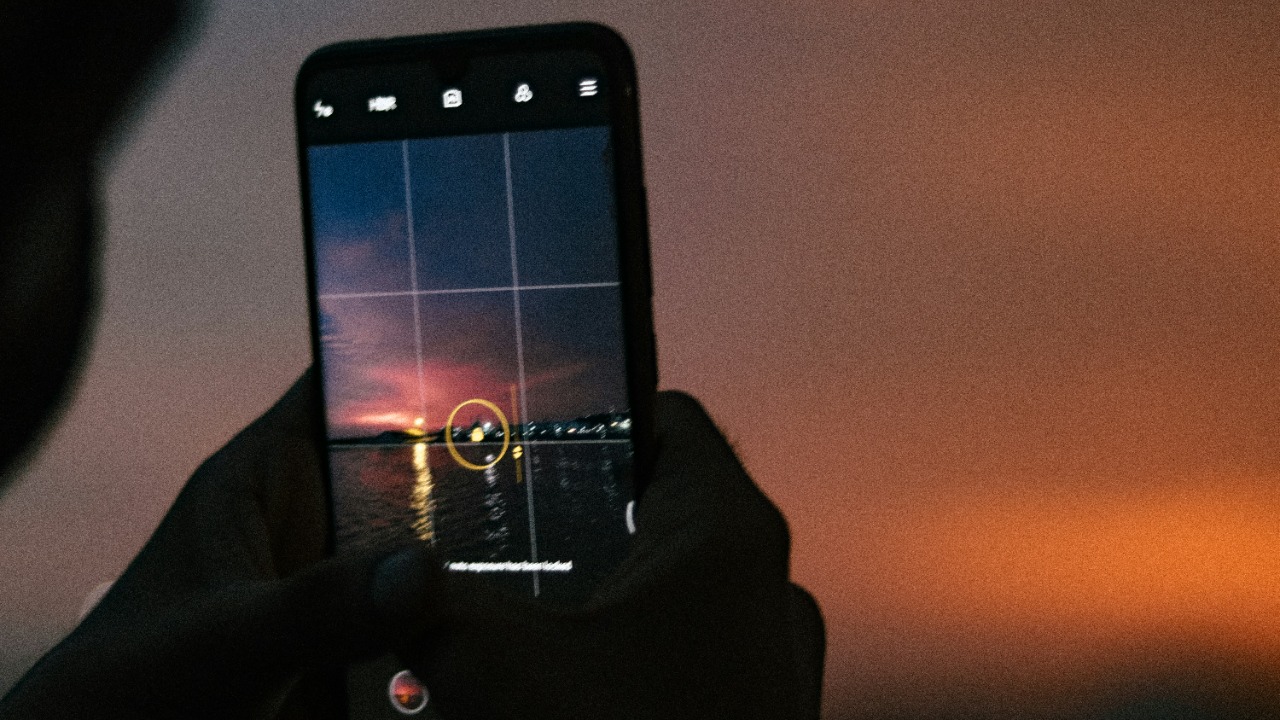
If you’re someone who loves capturing spontaneous moments, the quick camera launch feature on Android is a godsend. By simply double pressing the power button, you can launch the camera app instantly, even from the lock screen. This can help you capture those fleeting moments before they pass.
This feature can make the difference between capturing a perfect shot and missing it completely. Find more about it here.
Tapping into the Power of Google Assistant Voice Commands
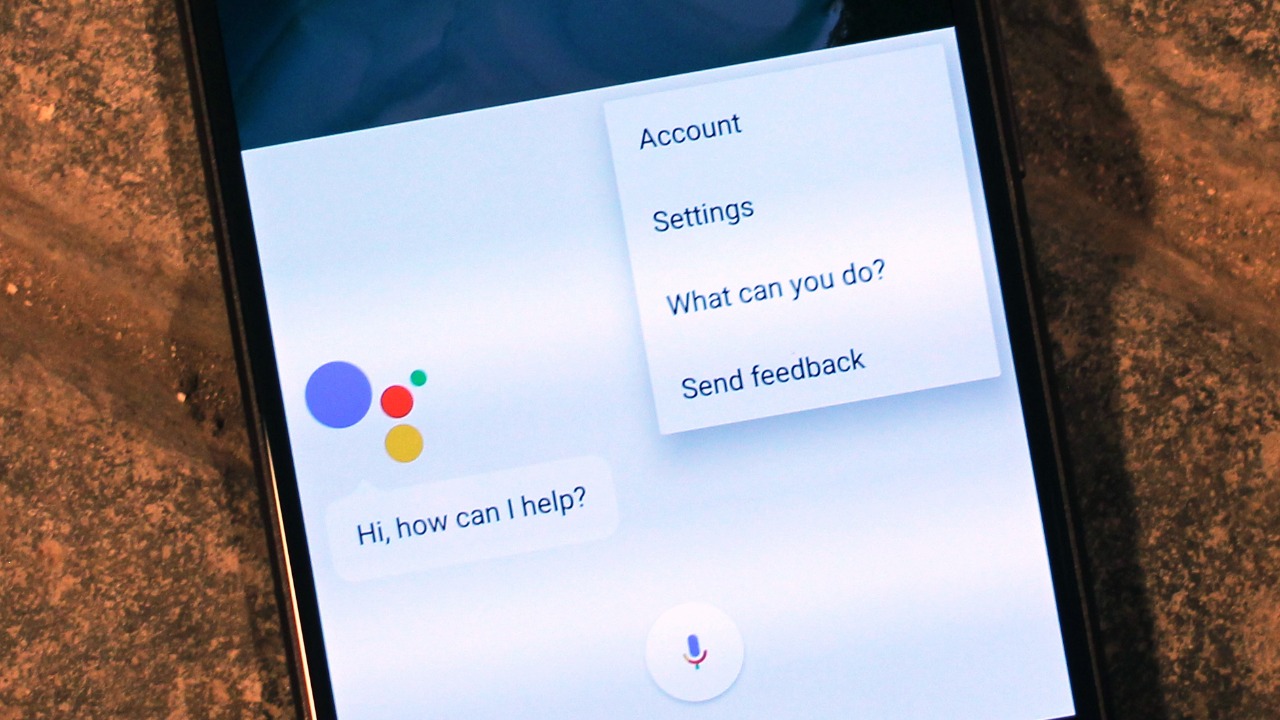
Google Assistant is a powerful tool that can make your life much easier, yet many people do not utilize it to its full potential. You can use voice commands to perform a variety of tasks, such as sending texts, setting reminders, playing music, and even controlling your smart home devices.
Simply saying “Ok Google” followed by your command can save you a lot of time and make your everyday tasks much more efficient. So, start exploring what Google Assistant can do for you.
