In today’s world, the majority of devices we use daily are powered by electricity. What you may not realize is that many of these devices continue to consume energy even when they’re in standby mode. Here are seven devices that sip power when you least expect it.
The Silent Power-Guzzler: Your Television

Your television may seem inactive when it’s turned off, but don’t be fooled. According to research conducted by IEEE, the power consumption in standby mode can be considerable, leading to unnecessary energy expenses. The reason for this is the ‘instant-on’ feature which keeps certain components of the television powered to allow for quicker startup times.
To reduce this power consumption, consider disabling the ‘instant-on’ feature or unplugging your television when not in use. Not only will this save energy, but it will also extend the lifespan of your television.
Standby Sinners: Game Consoles and Their Hidden Energy Consumption

Did you know that game consoles are one of the biggest energy culprits in standby mode? Even when not in use, they continue to consume power for updates and downloads. A study published in ACM Digital Library reveals that modern game consoles can use almost as much energy in standby mode as they do during active gameplay.
To save energy, consider turning off your console completely after use or enabling energy-saving settings. These settings can significantly reduce power consumption without affecting your gaming experience.
The Forgotten Power Sipper: Your Modem and Router
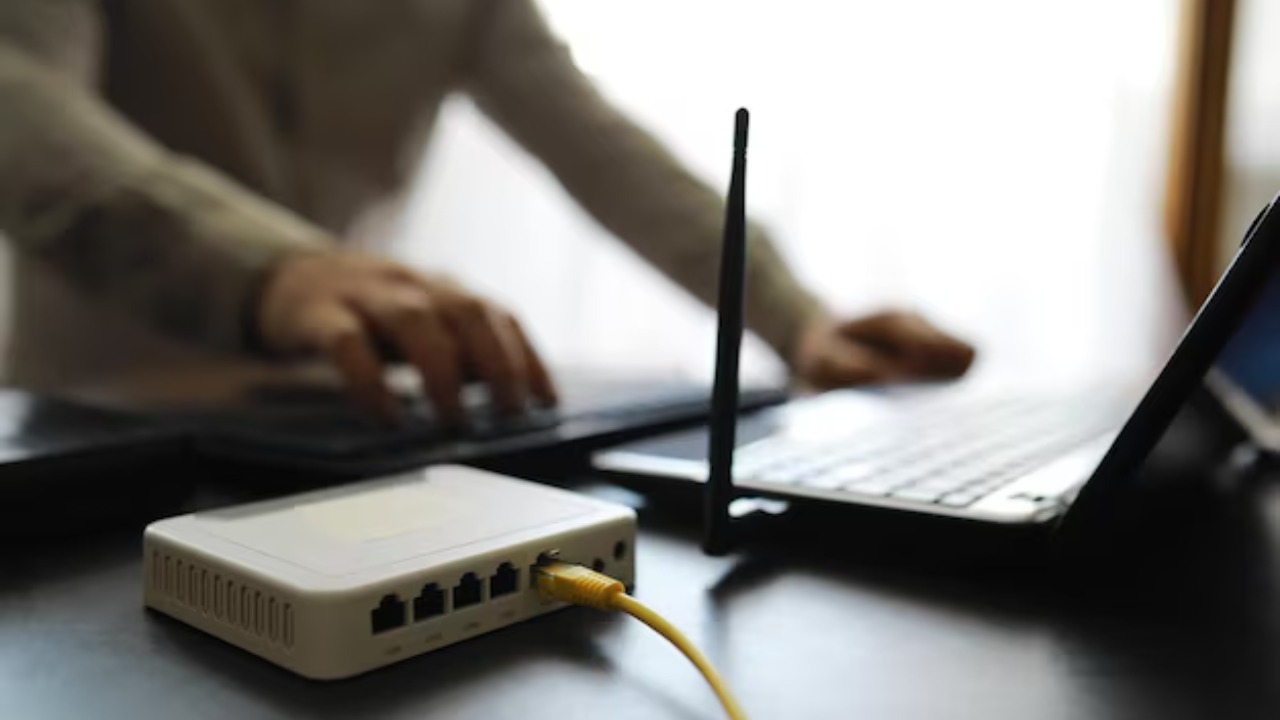
Your modem and router are essential for maintaining an internet connection, but they’re also guilty of consuming power in standby. According to a report by the ACM Digital Library, modems and routers are among the top energy consumers in a typical household.
Consider turning off your modem and router when not in use, especially if you’ll be away from home for extended periods. This can save a significant amount of energy and reduce your electricity bill.
The Always-On Culprit: Your Desktop Computer
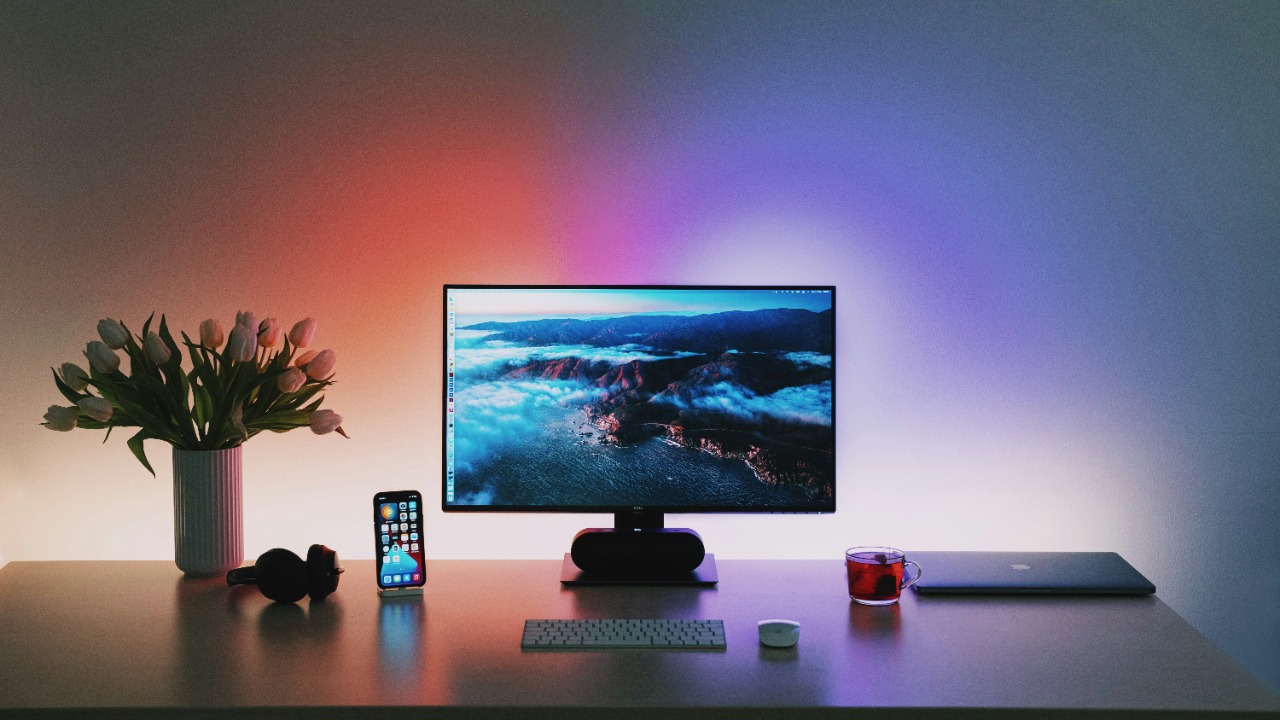
Your desktop computer, even when in sleep mode, continues to consume power. A study published in the ACM Digital Library reveals that a computer in sleep mode can consume up to 30% of its maximum power draw.
To reduce this power consumption, consider shutting down your computer when not in use or adjusting the power settings to optimize energy efficiency.
The Sneaky Energy Drainer: Your Microwave Oven

Even when not heating food, your microwave oven is consuming power. The digital clock and control panel require a constant power supply, making this appliance a silent energy drainer.
To reduce this energy consumption, consider unplugging your microwave when not in use. This simple action can save you a considerable amount on your electricity bill over time.
The Disguised Power Sucker: Your Digital Cable Box
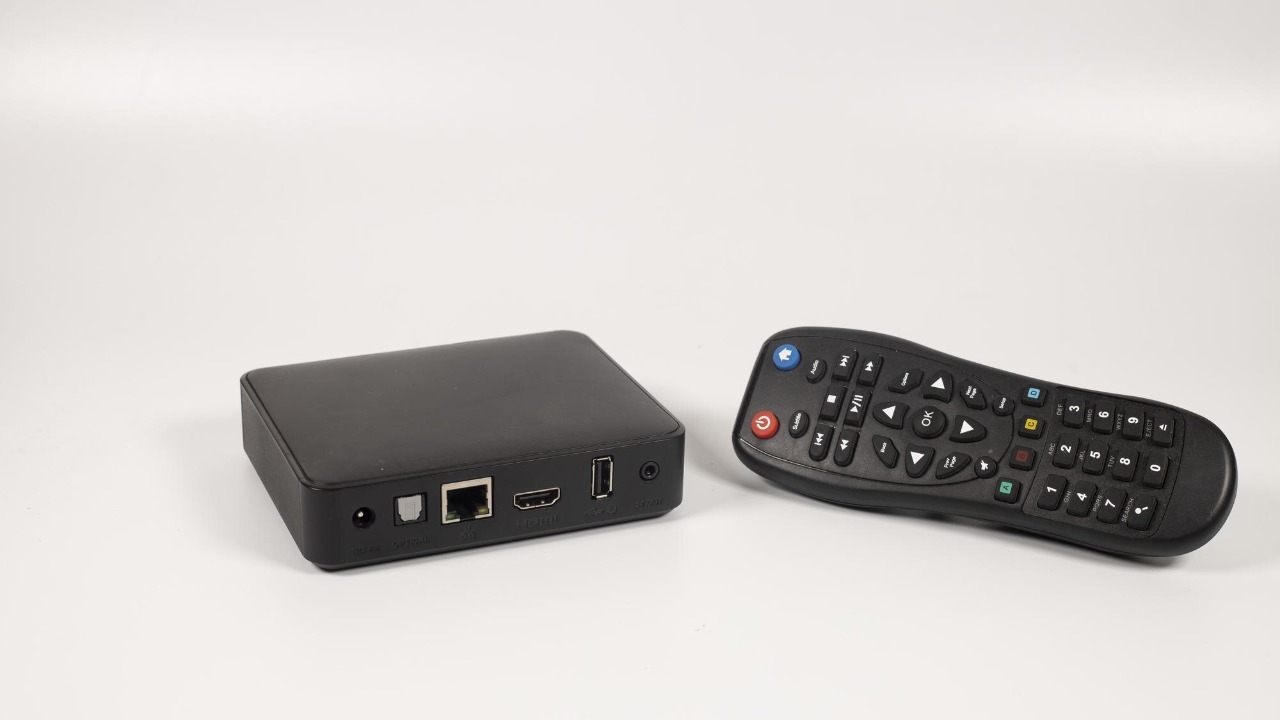
Your digital cable box may appear inactive when your television is off, but it’s still consuming power. This is due to the ‘instant-on’ feature that allows for quick startup times.
To save energy, consider disabling the ‘instant-on’ feature or unplugging your cable box when not in use. Not only will this reduce power consumption, but it will also extend the lifespan of your cable box.
The Unseen Energy Eater: Your Charged Laptop
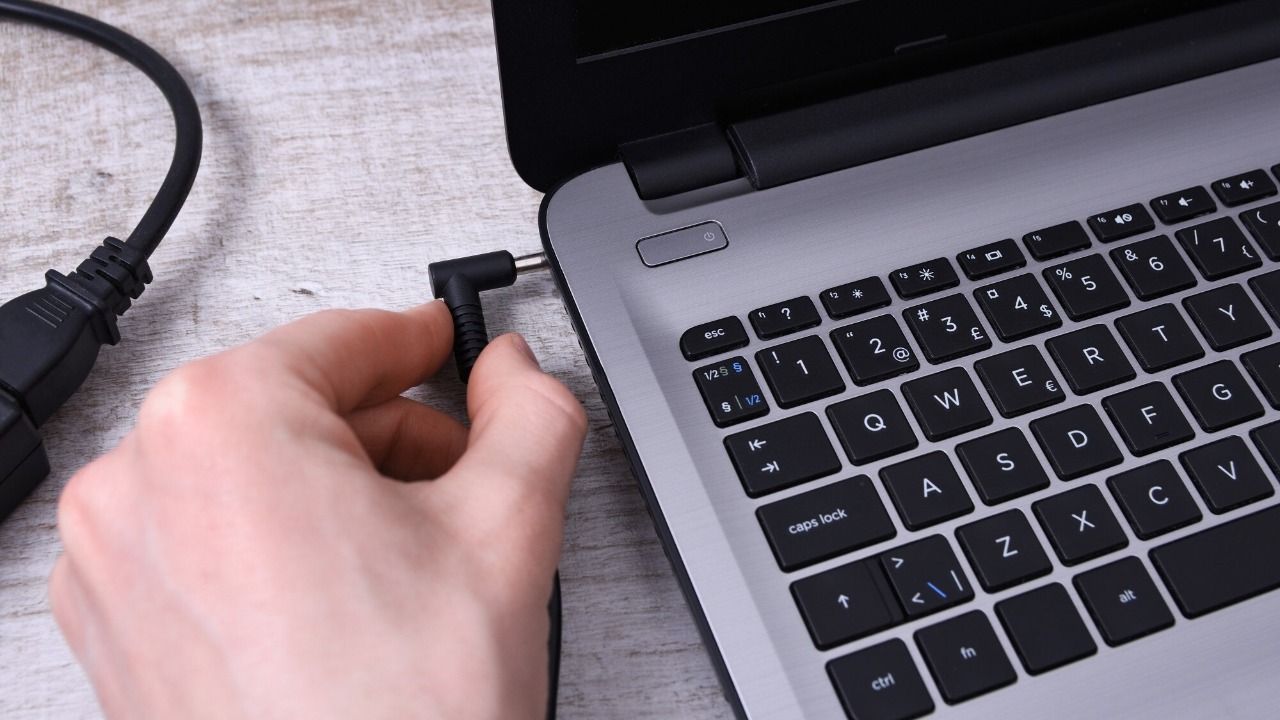
Even when fully charged and not in use, your laptop continues to consume power. This is because the battery management system requires a constant power supply to maintain the battery’s charge.
To reduce this power consumption, consider unplugging your laptop once it’s fully charged. This can save energy and extend the lifespan of your laptop’s battery.
