
With the increasing sophistication of technology, ensuring the security of your devices has never been more crucial. Cameras, whether on your phone, computer, or standalone devices, are particularly vulnerable to hacking. Understanding the signs can help you protect your privacy and maintain control over your digital life.
1. Unusual Indicator Light Activity

If you’ve noticed your camera’s indicator light turning on without your input, this could be a sign of hacking. Most cameras have a light that activates when the camera is in use. If this light is on while you’re not using the camera, it’s a red flag.
Hackers can sometimes gain remote access, and a compromised camera often reveals itself through this subtle sign. To further understand the risks, check out this article by Forbes on smartphone security.
2. Strange Files or Recordings

Finding unexpected files or recordings on your device might indicate that someone else is accessing your camera. These files could contain video or audio clips you didn’t create. Regularly check your device’s storage for unfamiliar files, as they could be the result of unauthorized surveillance. It’s essential to be proactive to prevent potential intrusions.
For more insights, CNET offers useful tips on securing your cameras.
3. Unexpected Battery Drain
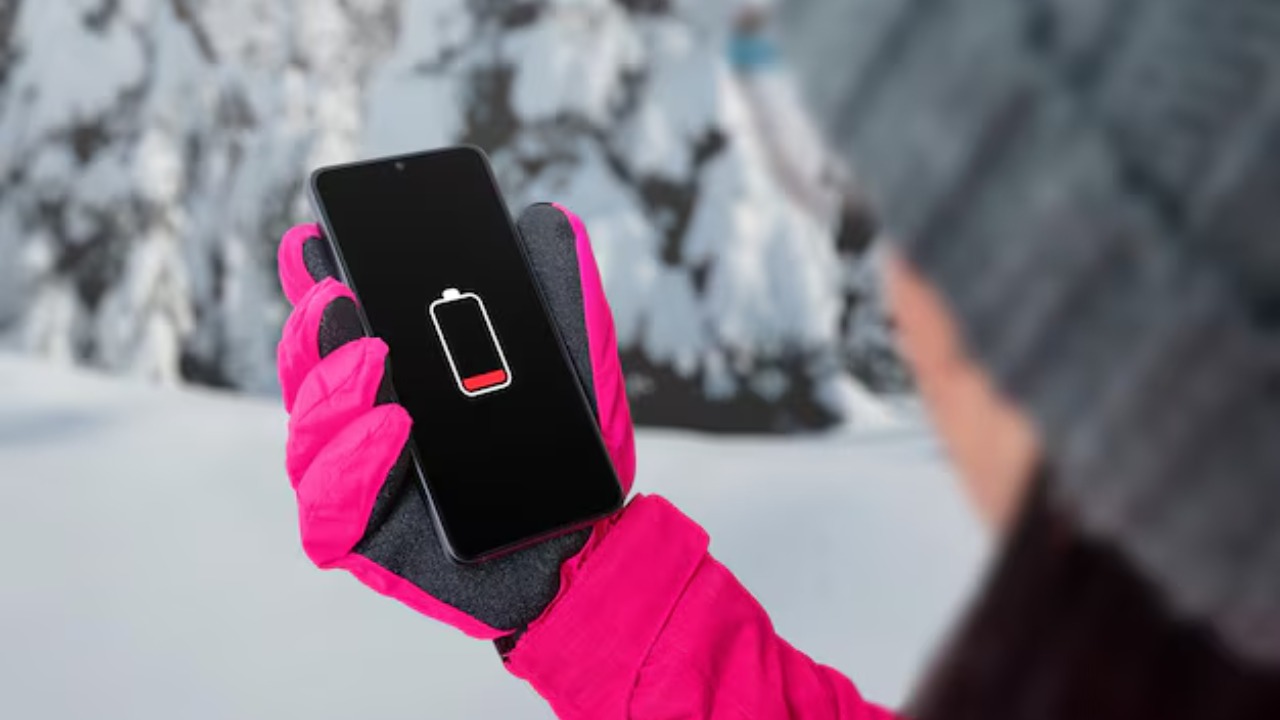
If your device’s battery suddenly drains faster than usual, it might be a sign that your camera is being used without your knowledge. Hacked cameras can run in the background, consuming additional power.
It’s crucial to monitor your battery usage patterns and check for any anomalies. If you notice your battery life taking a hit, it might be time to investigate further and see if your camera is at risk.
4. Increased Data Usage
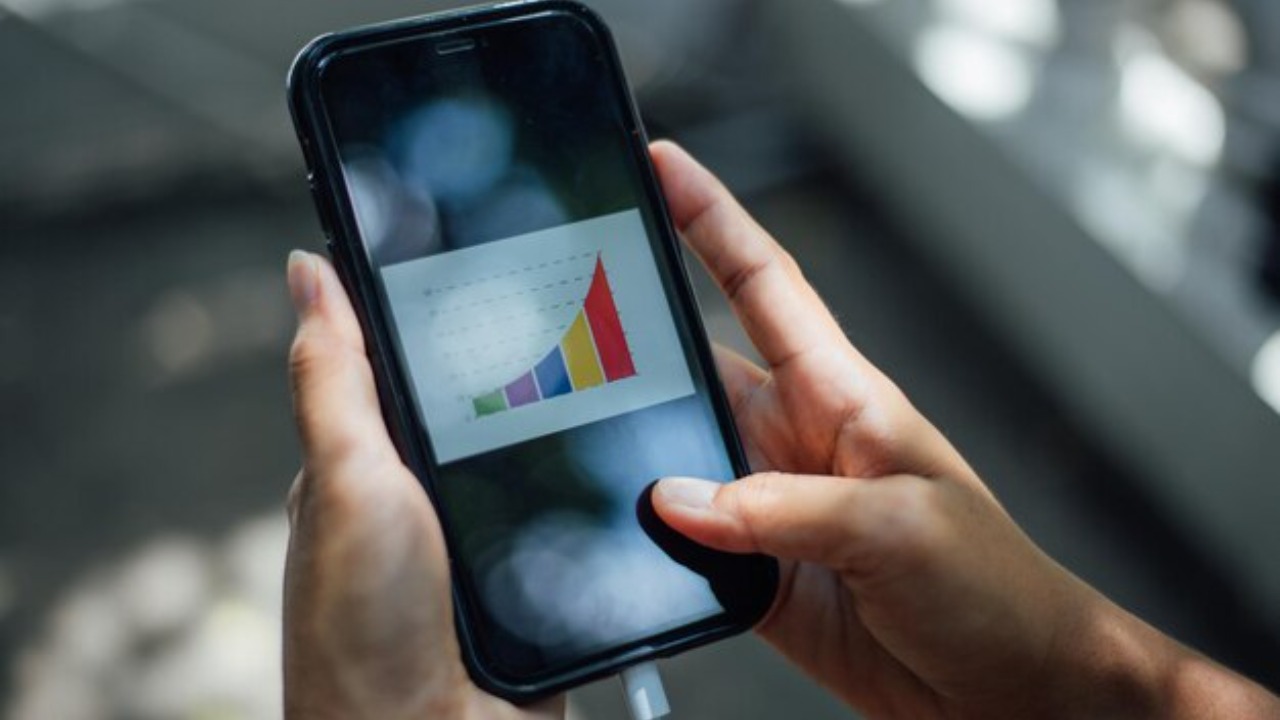
Increased data usage is another potential indicator that your camera is compromised. If your camera is streaming video or audio without your consent, it will consume additional data. Keep an eye on your data usage and look for any unexplained spikes. This could help you identify if your camera is being accessed remotely.
You might find additional guidance on this topic in Asurion’s guide on device security.
5. Unfamiliar Software or Apps
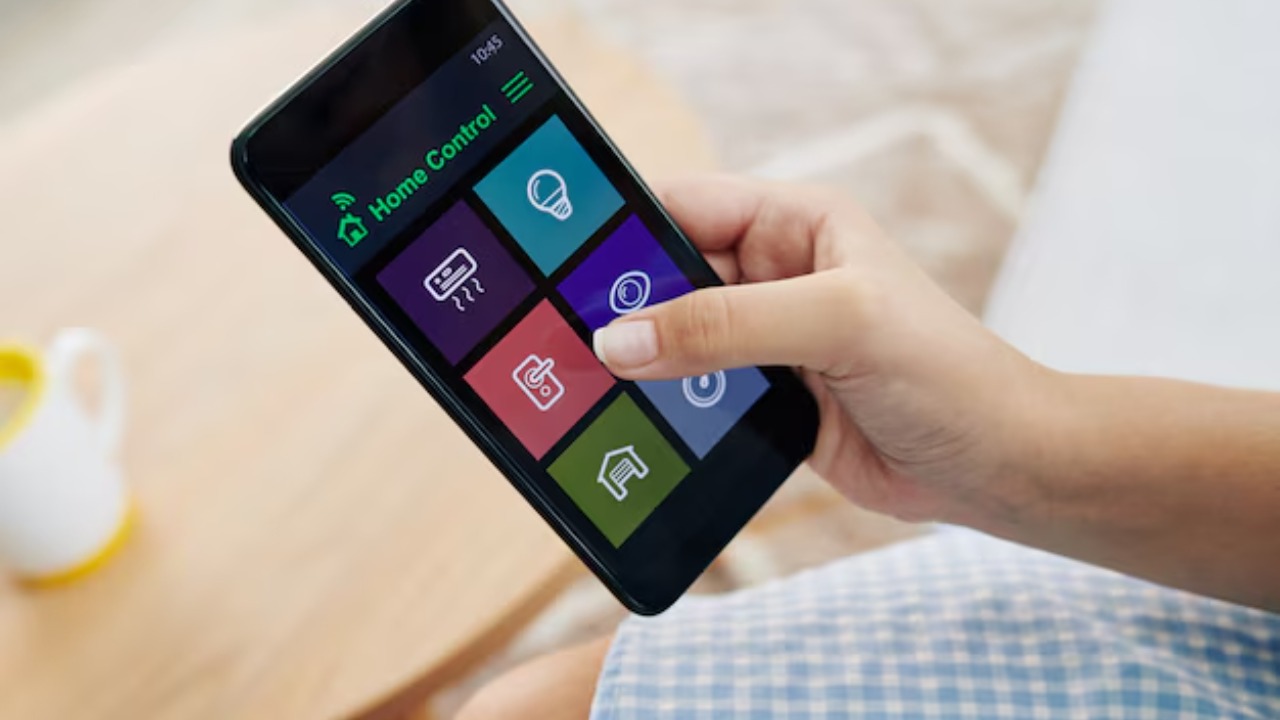
Discovering unfamiliar software or applications on your device can be a sign that something is amiss. Hackers may install software to facilitate remote access to your camera. Regularly review the applications installed on your devices and remove any that you do not recognize.
Being vigilant about the software on your device is a key step in maintaining its security.
6. Device Performance Issues

If your device is slower than usual or experiencing other performance issues, this could be a sign of hacking. Unauthorized applications running in the background can slow down your device’s performance.
It’s essential to regularly update your software and perform security checks to ensure that your device remains secure. For more on how work and personal device monitoring can intersect, this Washington Post article explores the topic in depth.
