
When your Android device’s power button is unresponsive or broken, it can be a frustrating experience. However, there are alternative methods to restart your device without the need for the power button. Here are five ways to reboot your Android device without using the power button.
Restart via the Settings Menu
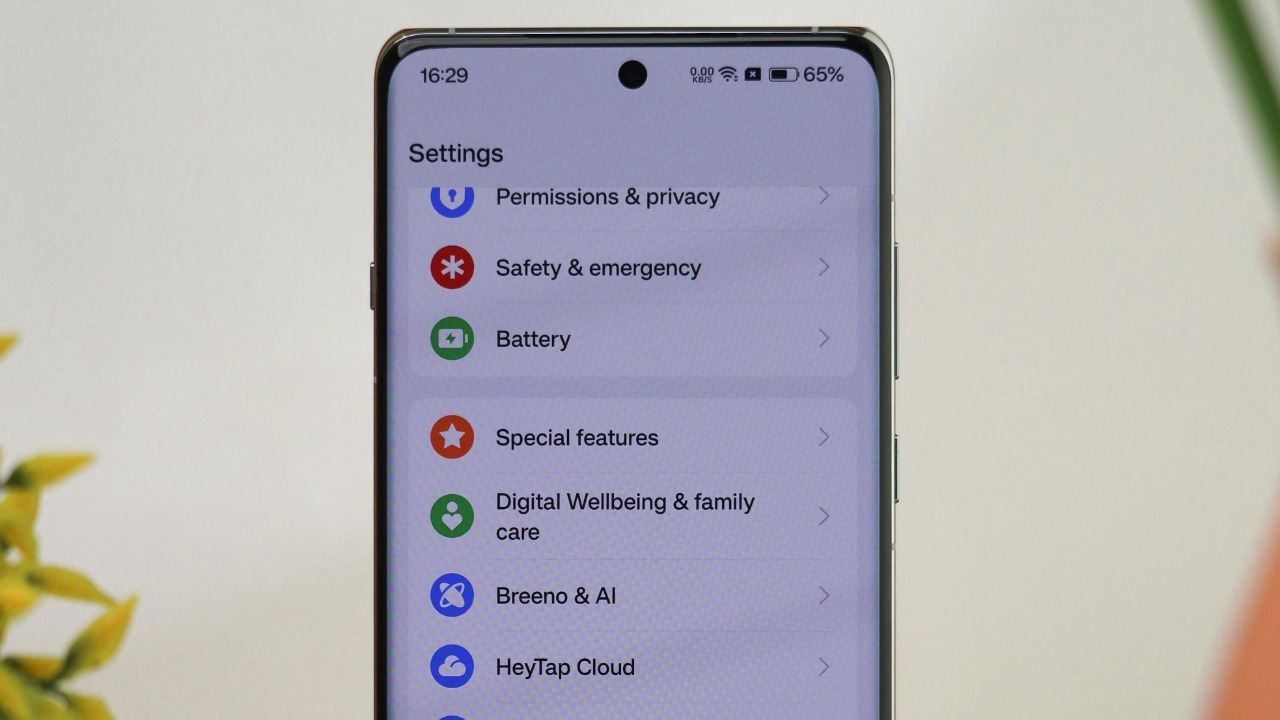
One of the simplest ways to restart your Android device without using the power button is through the settings menu. This method is software-based and does not require any hardware input. To do this, navigate to the settings menu, select ‘System’, then ‘Advanced’, and finally ‘Restart’. This method is straightforward and accessible to all users, regardless of their technical expertise (Online Tech Tips).
Use Volume Buttons for Forced Reboot
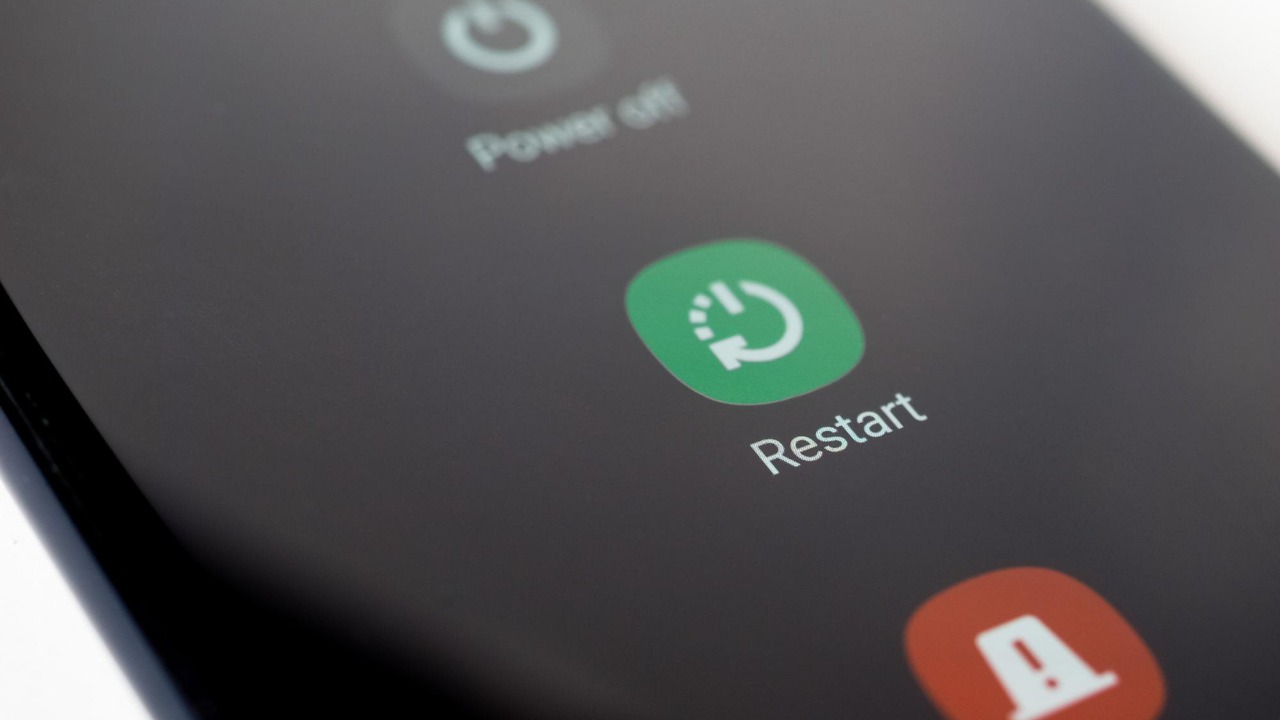
If your device is unresponsive, you can use the volume buttons to force a reboot. This method involves pressing and holding specific volume key combinations to trigger the recovery or reboot menu. This bypasses the need for the power button entirely. However, the exact key combinations may vary depending on your device model, so it’s essential to check your device’s manual or look up the specific instructions online (Yahoo Tech).
Invoke Google Assistant for Restart Command
Another method to restart your Android device without using the power button is by using Google Assistant. By activating the voice assistant and issuing a verbal reboot request, you can shut down and restart your device remotely. This method is particularly useful when your device’s buttons are unresponsive or difficult to press (Business Insider).
Enable Developer Options for ADB Reboot
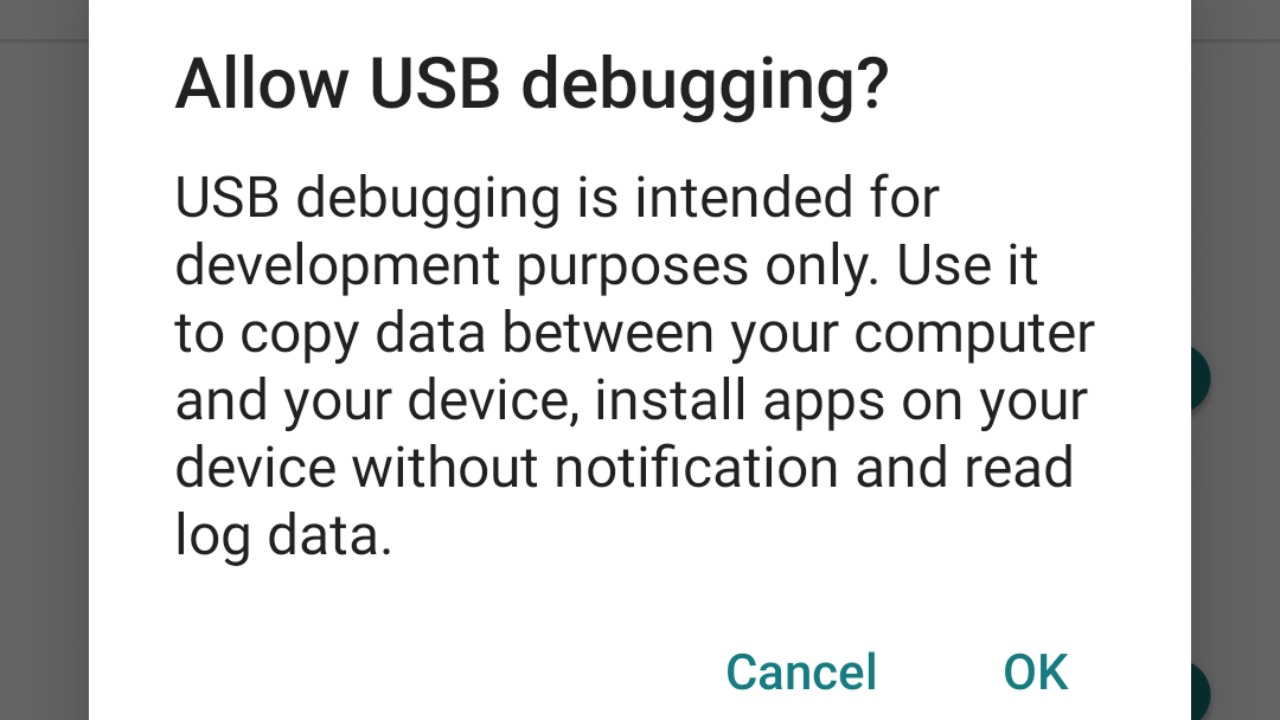
For more advanced users, the Android Debug Bridge (ADB) provides a way to execute a restart command over USB from a connected computer. To use this method, you need to enable Developer Options on your device and install the ADB software on your computer. While this method requires a bit more technical knowledge, it can be a powerful tool for managing your device without relying on the physical buttons (Android Authority).
Access Quick Settings Tile for Power Off
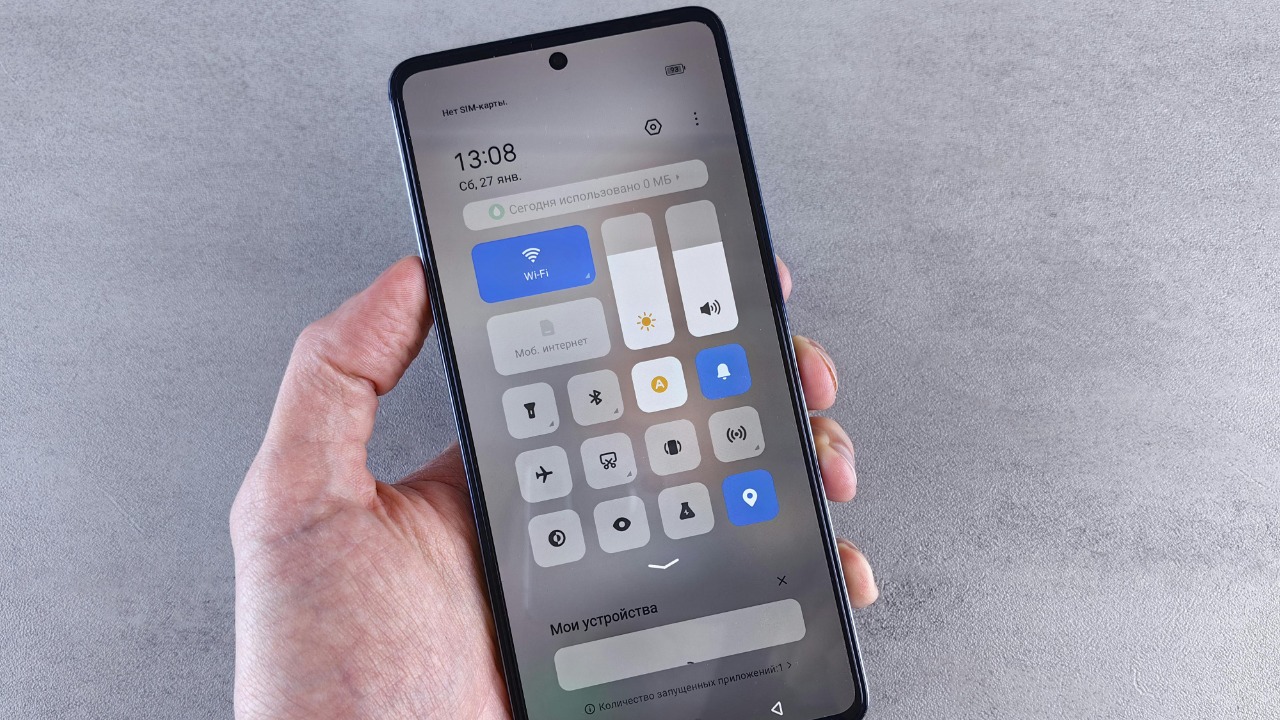
Finally, you can use the Quick Settings tile to power off your device. By swiping down to the notification shade and tapping the power icon, you can select ‘Restart’ from the quick menu. This method is particularly useful if your power button is broken or unresponsive, as it allows you to access the reboot functions through on-screen gestures (Lifewire).
In conclusion, there are several ways to restart your Android device without using the power button. Whether you’re a tech novice or an advanced user, these methods provide alternative ways to manage your device, ensuring that a broken or unresponsive power button doesn’t leave you stranded.
