
Smart TVs have become a staple in modern households, offering a vast array of features to enhance your viewing experience. However, some of these features might be silently draining your TV’s performance and energy. Here are five hidden features that could be impacting your smart TV’s efficiency and how you can tackle them.
Automatic Brightness Adjustment
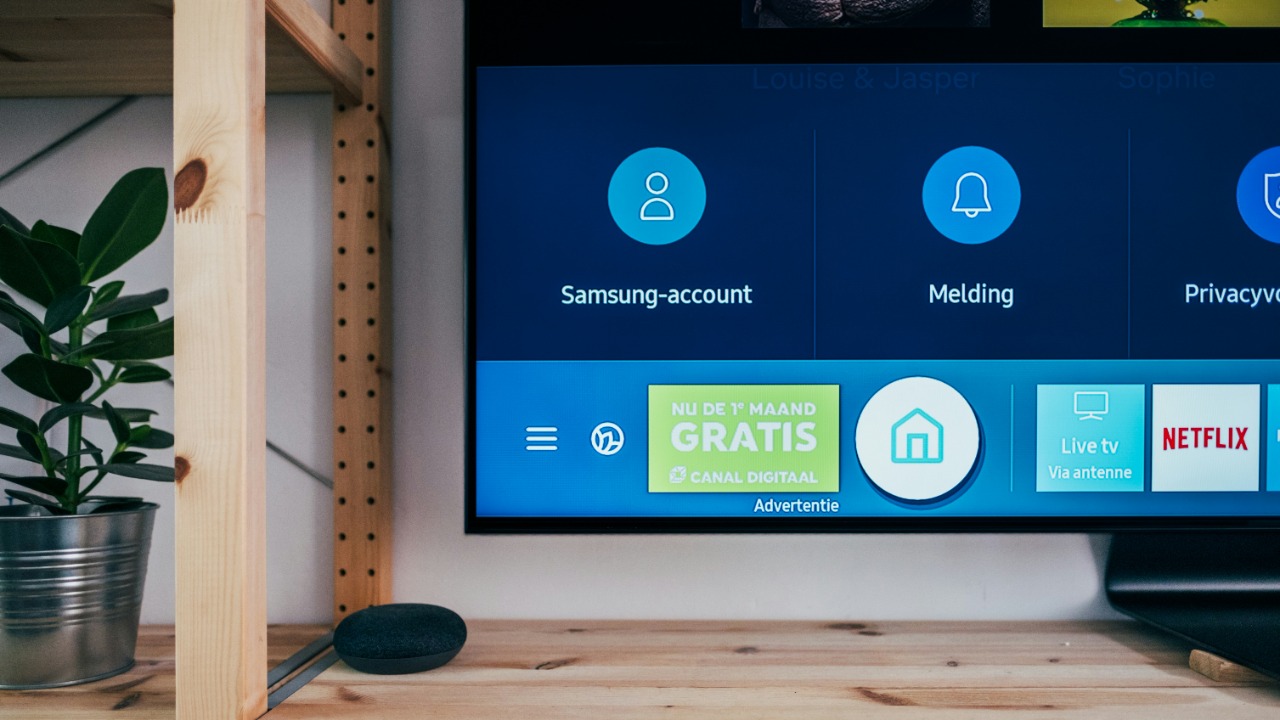
Many smart TVs come equipped with automatic brightness adjustment to optimize viewing based on ambient light. While this feature can enhance your viewing experience, it can also lead to excessive energy consumption as it constantly adjusts the brightness levels.
To manage this, consider manually setting the brightness to a comfortable level. By doing so, you might also extend the lifespan of your TV’s display.
Voice Recognition and Activation
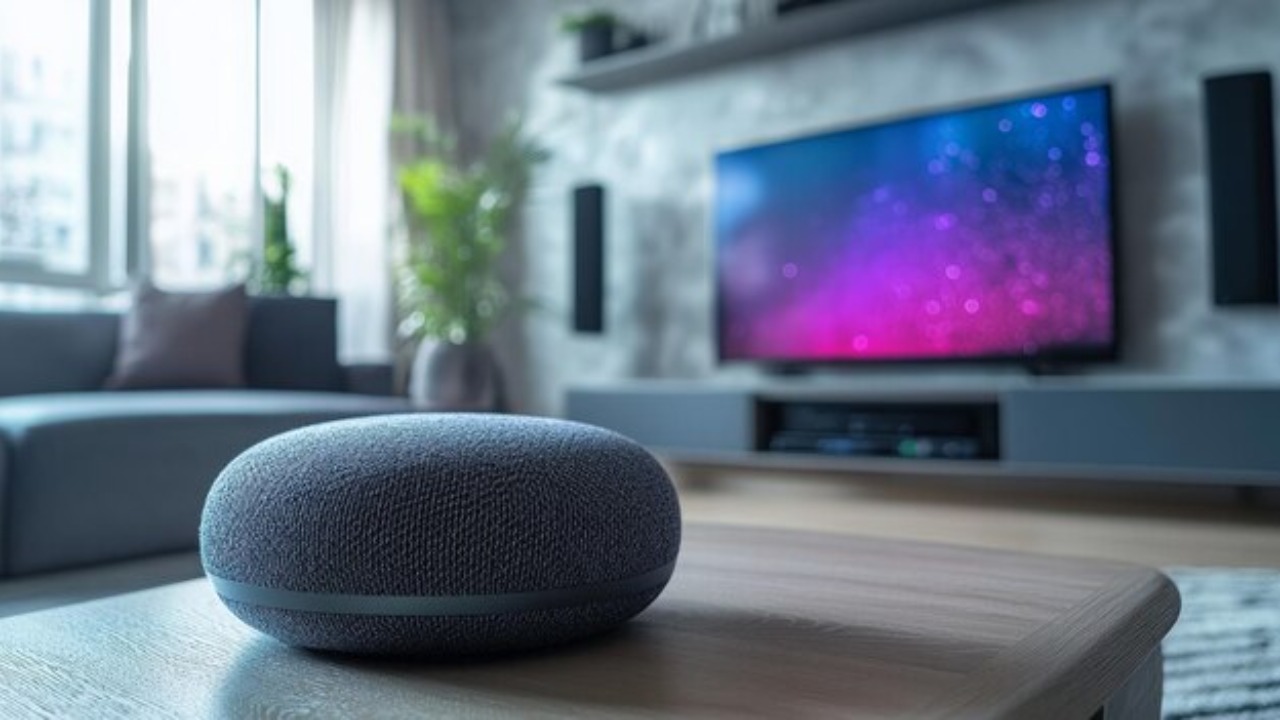
Voice recognition and activation features on smart TVs allow for hands-free control, providing convenience at your fingertips. However, these features often require the microphone to be constantly active, which can increase power usage.
If you find that you rarely use voice commands, it might be worth disabling this feature to conserve energy. Reviewing your TV’s settings can help you determine if this feature is necessary for your usage.
Background App Refresh
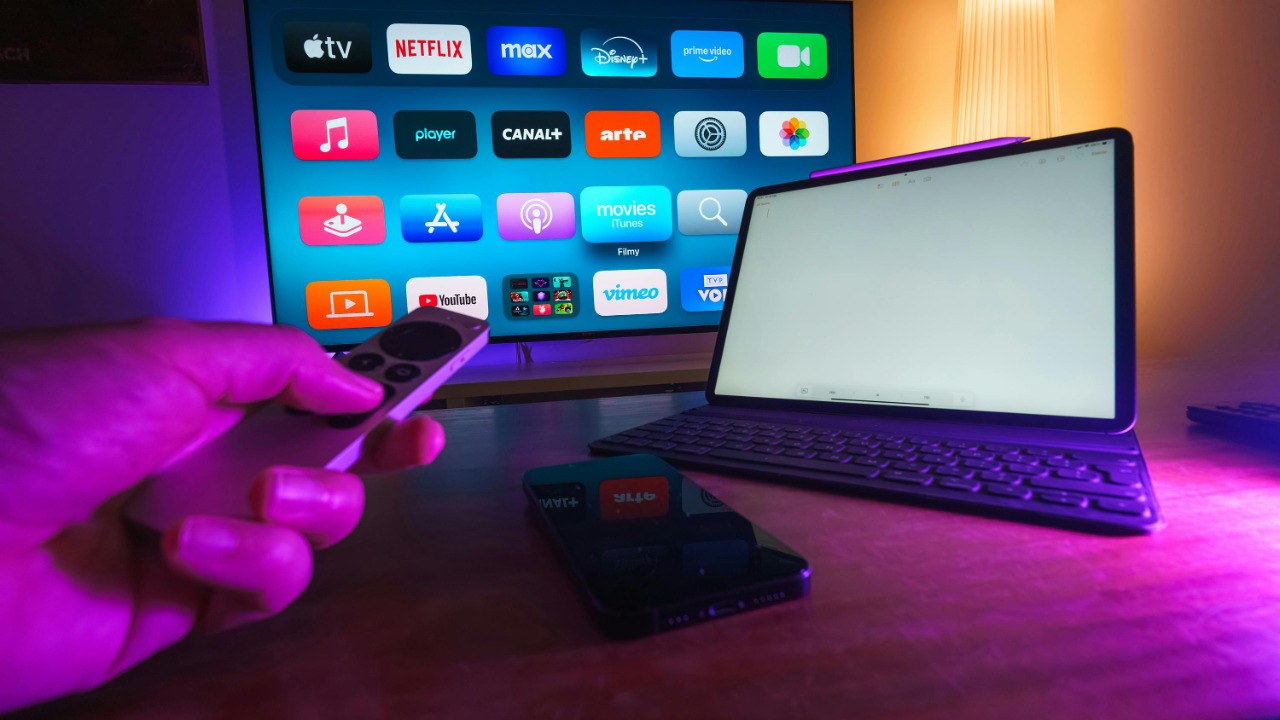
The ability for apps to update and refresh in the background is a common feature in smart TVs, similar to what you might find on smartphones. While this can ensure that your apps are always up to date, it can also lead to increased power consumption and data usage. To mitigate this, you can turn off background app refresh for apps you don’t use frequently, thereby saving both energy and bandwidth.
Enhanced Motion and Picture Processing
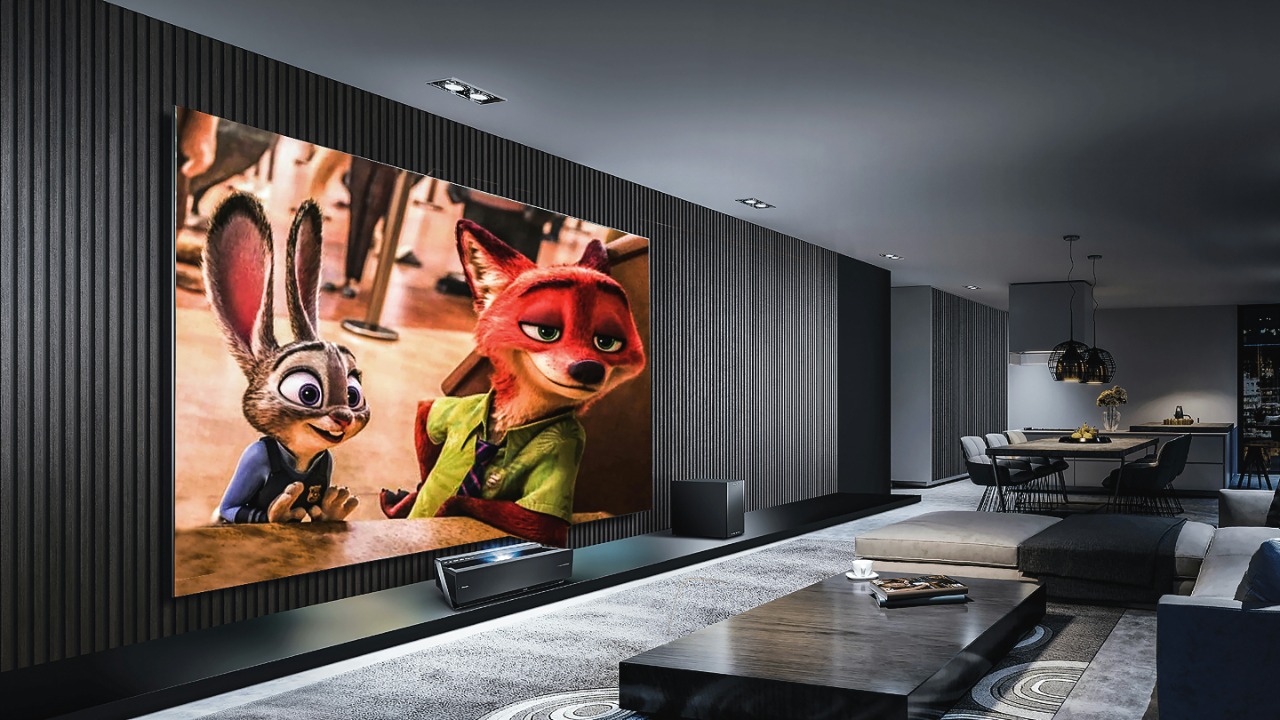
Enhanced motion and picture processing features are designed to smooth out images and improve picture quality, especially during fast-moving scenes. Although these features can make your viewing experience more enjoyable, they also put additional strain on your TV’s processor, leading to higher energy use.
If you notice your electricity bill creeping up, consider disabling these settings to see if it makes a difference in your TV’s energy consumption.
Smart Home Integration
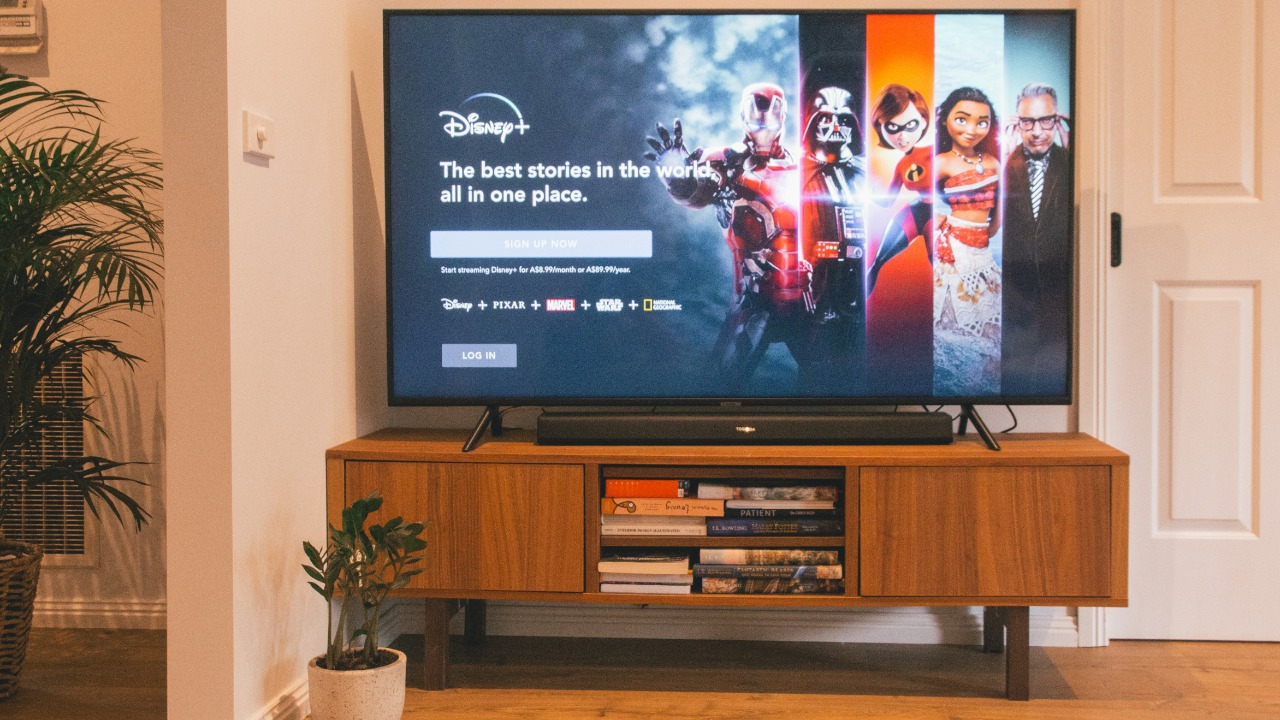
Smart TVs often act as a hub for smart home integration, allowing you to control other devices directly from your TV. While this can be convenient, constantly running smart home applications can drain your TV’s resources. If you have a dedicated smart home hub, you might want to limit these features on your TV to save on processing power and energy.
Reviewing your device settings can help streamline your home’s smart capabilities.
