
USB flash drives are often seen as simple tools for file storage, but their versatility goes far beyond that. These compact devices can serve multiple purposes, making them valuable assets in both personal and professional settings. Let me guide you through five innovative ways to make the most out of your USB flash drives.
Portable Operating System

Imagine carrying your entire computer setup in your pocket. With a USB flash drive, you can install a portable operating system and use it on any compatible computer. This setup allows you to access your personalized environment, complete with your preferred software and settings, without being tied to a single device. Whether you’re traveling or simply prefer flexibility, this is a game-changer.
Setting up a portable OS is straightforward. You can use tools like Rufus or UNetbootin to create a bootable drive with the operating system of your choice. This way, you can ensure that your digital workspace is always within reach, wherever you go. For more details on using external drives for more than just storage, check out this article.
Secure Data Encryption
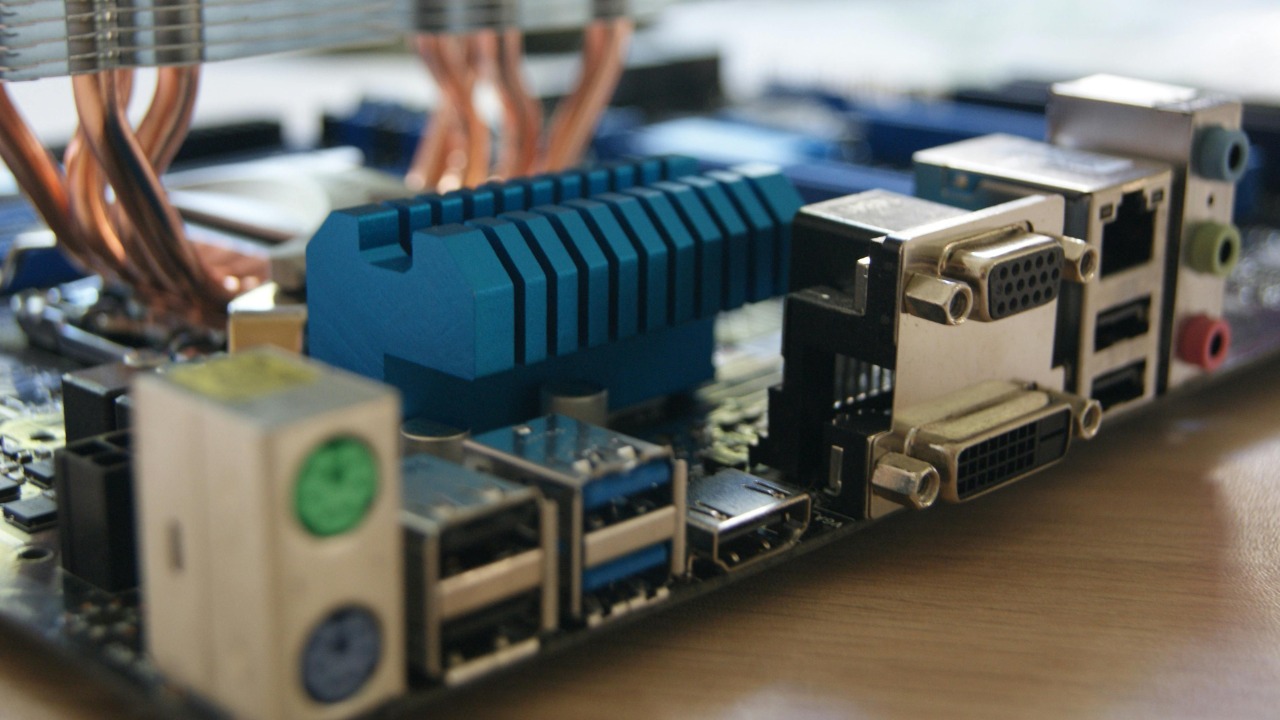
USB drives are not just about convenience; they can also enhance your data security. By encrypting the data stored on your USB, you add a layer of protection against unauthorized access. Whether it’s sensitive work documents or personal information, encryption can safeguard your files.
Tools like VeraCrypt or BitLocker provide robust encryption solutions for USB drives. These programs are user-friendly and offer various security features to suit your needs. If you’re interested in understanding more about digital security, consider exploring this study on the topic.
Media Player for Entertainment

Turn your USB flash drive into a portable media library. Load it with movies, music, or photos, and connect it to compatible devices like TVs or media players. This setup is perfect for road trips, flights, or even just relaxing at home without relying on internet connectivity.
Many modern TVs and media systems come equipped with USB ports, allowing you to plug in your drive and instantly access your media. This approach is not only convenient but also ensures you’re not dependent on streaming services. To explore more creative uses for USB flash drives, visit this guide.
Bootable Rescue Disk
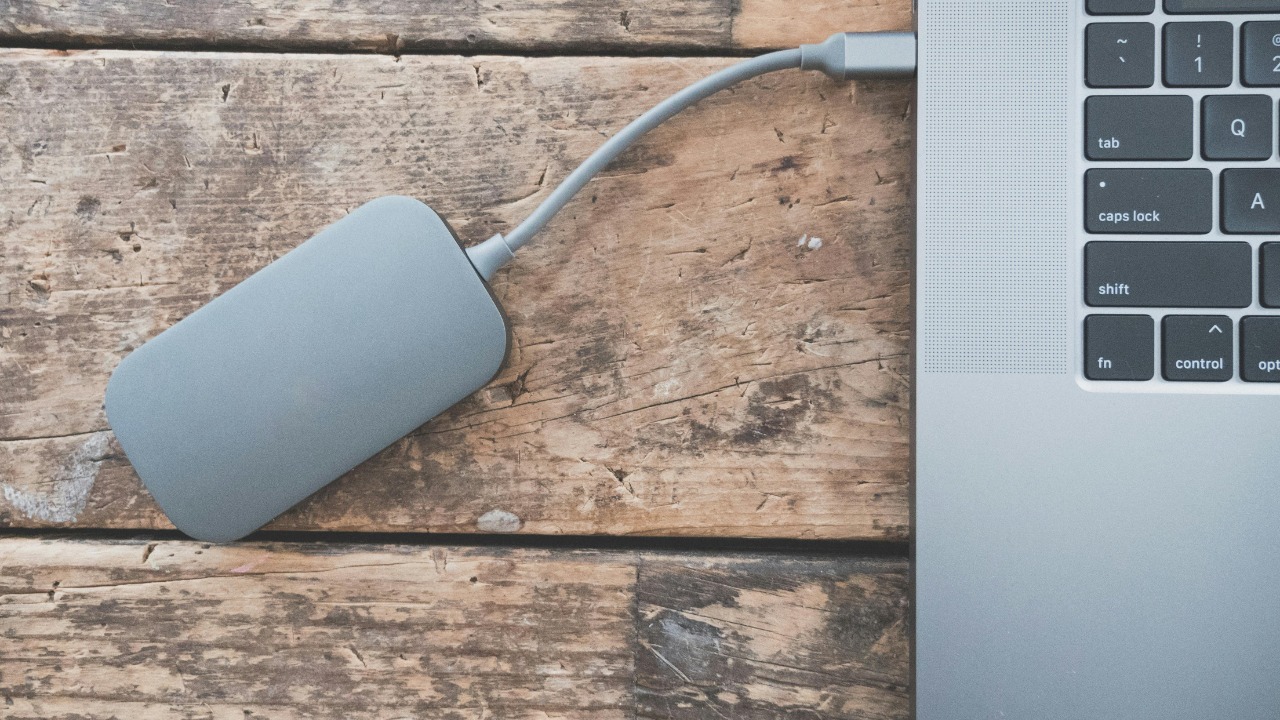
In the event of a computer crash, having a bootable rescue disk can be a lifesaver. A USB flash drive can be transformed into a powerful tool to troubleshoot and repair faulty systems. By installing recovery software, you can diagnose problems and potentially save important files from an unresponsive computer.
There are several free and paid utilities available for creating a bootable rescue disk, such as Hiren’s BootCD or SystemRescue. These tools provide a range of diagnostic features to help you get your system back up and running. For insights into creating effective rescue solutions, take a look at this resource.
Personal Data Backup and Recovery
Regular data backups are essential, and a USB flash drive offers a simple and portable solution. By routinely copying important files to your USB drive, you ensure that your data is safe from hardware failures or accidental deletions.
Most operating systems have built-in backup utilities that can automate this process for you. Additionally, USB drives are perfect for creating a recovery disk that can restore your system in case of a major failure. For more on how to effectively use USB drives for data management, you might find this paper insightful.
