
In today’s digital landscape, protecting personal privacy online is more crucial than ever. With increasing concerns about data breaches and tracking, knowing how to safeguard your browsing habits is essential. Here are some effective browser tricks to enhance your online privacy and keep your personal information safe.
Utilize Incognito or Private Browsing Mode
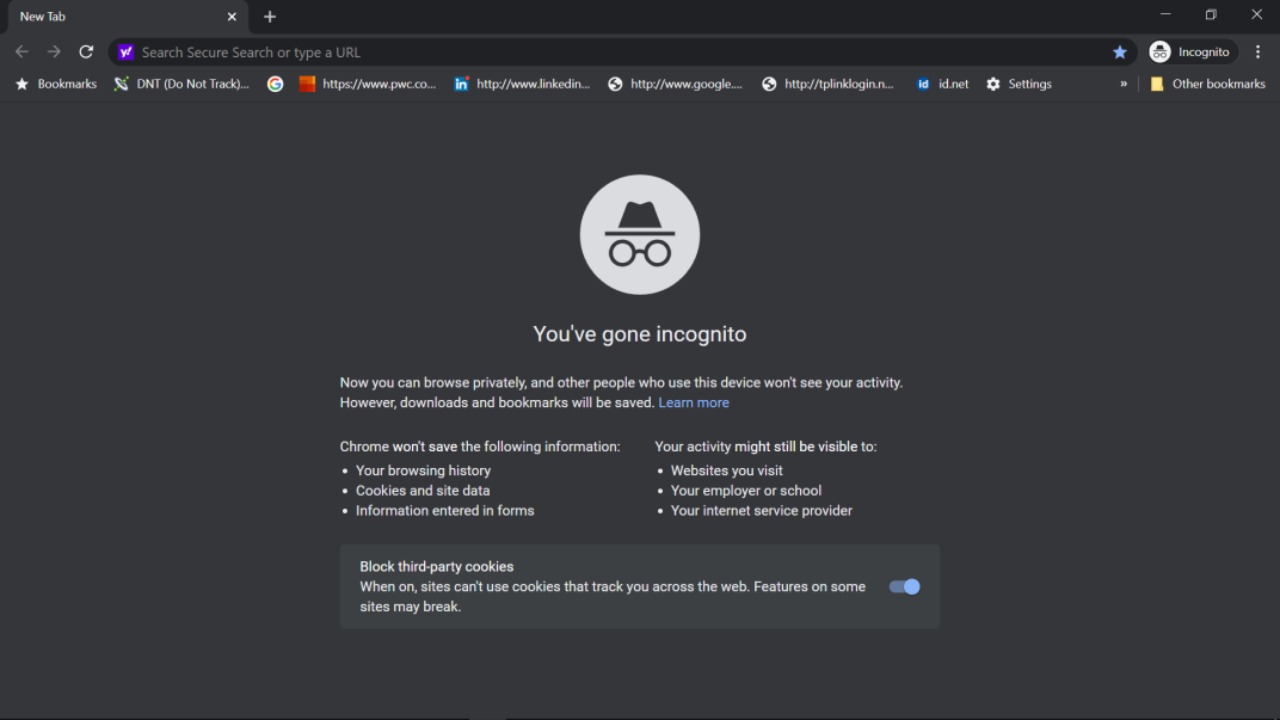
Incognito or private browsing mode is a simple yet powerful way to enhance your online privacy. By activating this feature, your browser will not store your browsing history, cookies, or form data once you close the window. This means that anyone using your device after you won’t be able to see what sites you’ve visited. While this mode doesn’t make you completely anonymous online, it does provide a layer of privacy that can be useful for everyday browsing. For further insights on browser privacy, consider exploring this resource.
Disable Third-Party Cookies
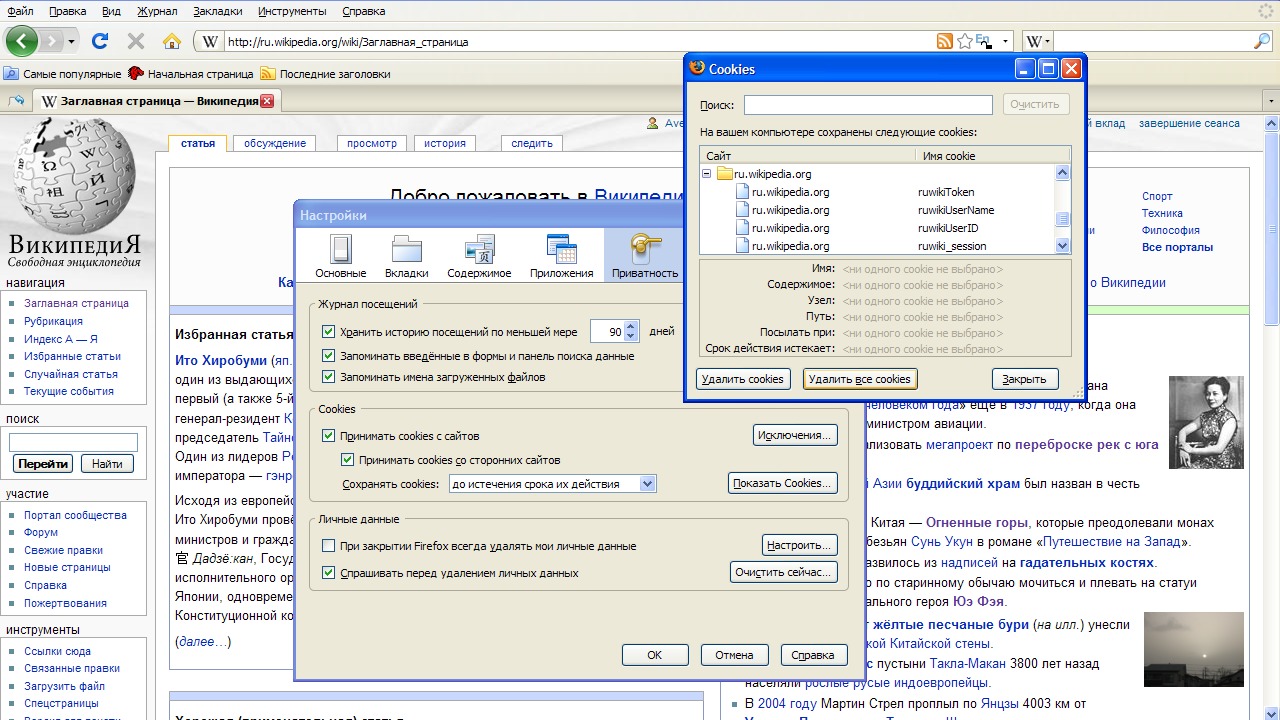
Disabling third-party cookies is an effective way to reduce tracking by advertisers and other entities that aim to collect information about your browsing habits. Third-party cookies are set by websites other than the one you’re currently visiting, often used for tracking and delivering personalized ads. By blocking these cookies, you can significantly limit the data that third-party companies can gather about you. Learn more about the implications of cookies in this study.
Use Privacy-Focused Browser Extensions

Privacy-focused browser extensions can provide an additional layer of security and control over your online activities. These tools can block trackers, manage cookies, and even encrypt your web traffic. Popular extensions such as uBlock Origin, Privacy Badger, and HTTPS Everywhere are excellent choices to enhance your privacy. They work by identifying and blocking tracking scripts and ensuring your connection to websites is secure. For more information on choosing the best browser for privacy, check out this guide.
Regularly Clear Your Browsing Data

Regularly clearing your browsing data, including cache, cookies, and history, is an effective way to maintain your privacy. Over time, accumulated data can be used to track your online habits and preferences. By cleaning this data periodically, you reduce your digital footprint and minimize the risk of unauthorized access to your information. Most browsers allow you to automate this process, making it even easier to stay protected. The research on web privacy underscores the importance of these practices.
Enable Do Not Track Requests

Enabling Do Not Track (DNT) requests is an easy step to enhance your privacy. This feature sends a signal to websites indicating that you do not wish to be tracked. While not all sites comply with DNT requests, it raises awareness and encourages more privacy-conscious practices. Keep in mind that this is just one part of a comprehensive privacy strategy. For a deeper understanding of online tracking and privacy measures, consider reading this document.
