
Android devices come with a plethora of features designed to enhance user experience. However, some of these default settings may compromise your privacy and drain your battery life. Disabling certain features can help you regain control over your device’s performance and security. Here are five Android features that you should consider turning off right away.
App Permissions
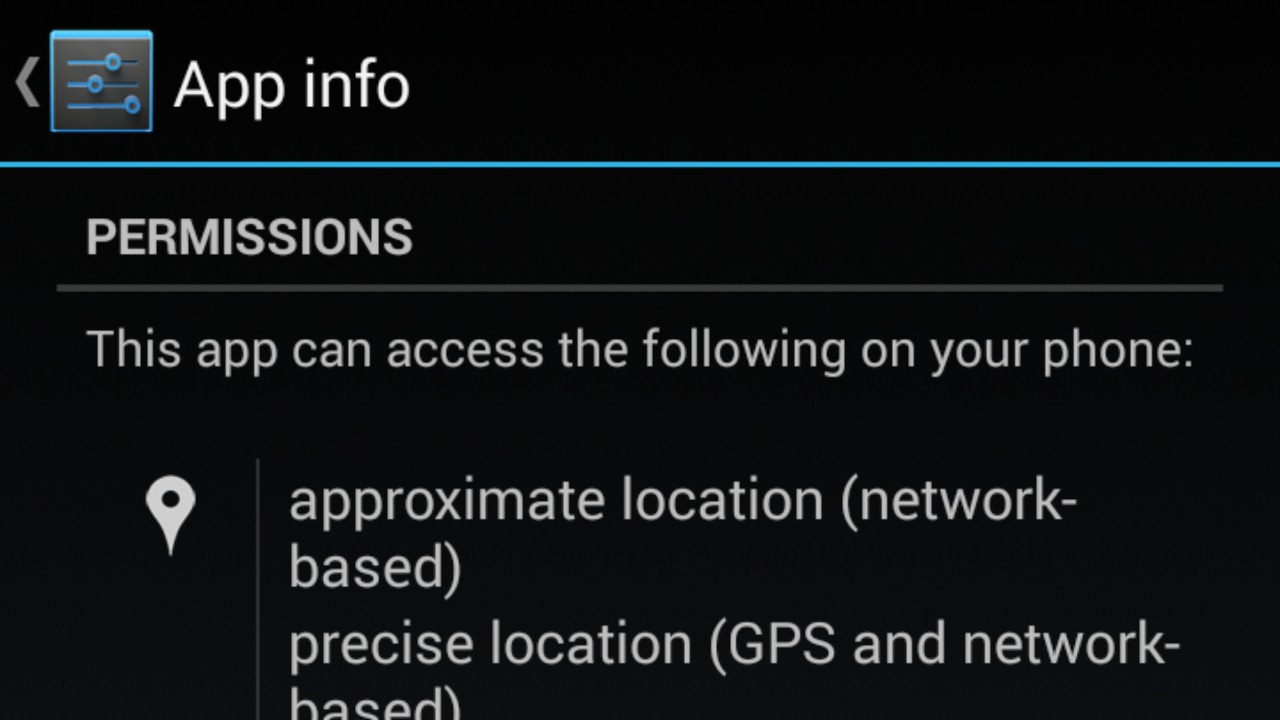
Many apps request permissions that are not necessary for their primary function, posing a potential privacy risk. By reviewing and disabling unnecessary app permissions, you can protect your personal data. Head to your device’s settings, navigate to “Apps & Notifications,” and tap on “Permissions.” Here, you can toggle off permissions that seem excessive, such as access to your camera or microphone. This not only safeguards your data but also improves your device’s overall security.
Background Data Usage

Several apps continue to consume data even when not in active use, leading to unexpected charges and reduced battery life. Disabling background data usage can prevent this. Go to “Settings,” tap on “Network & Internet,” and select “Data Usage.” Here, you can restrict background data for individual apps. This simple step can save you money on your data plan and extend your battery life, allowing your device to run more efficiently.
Location Services
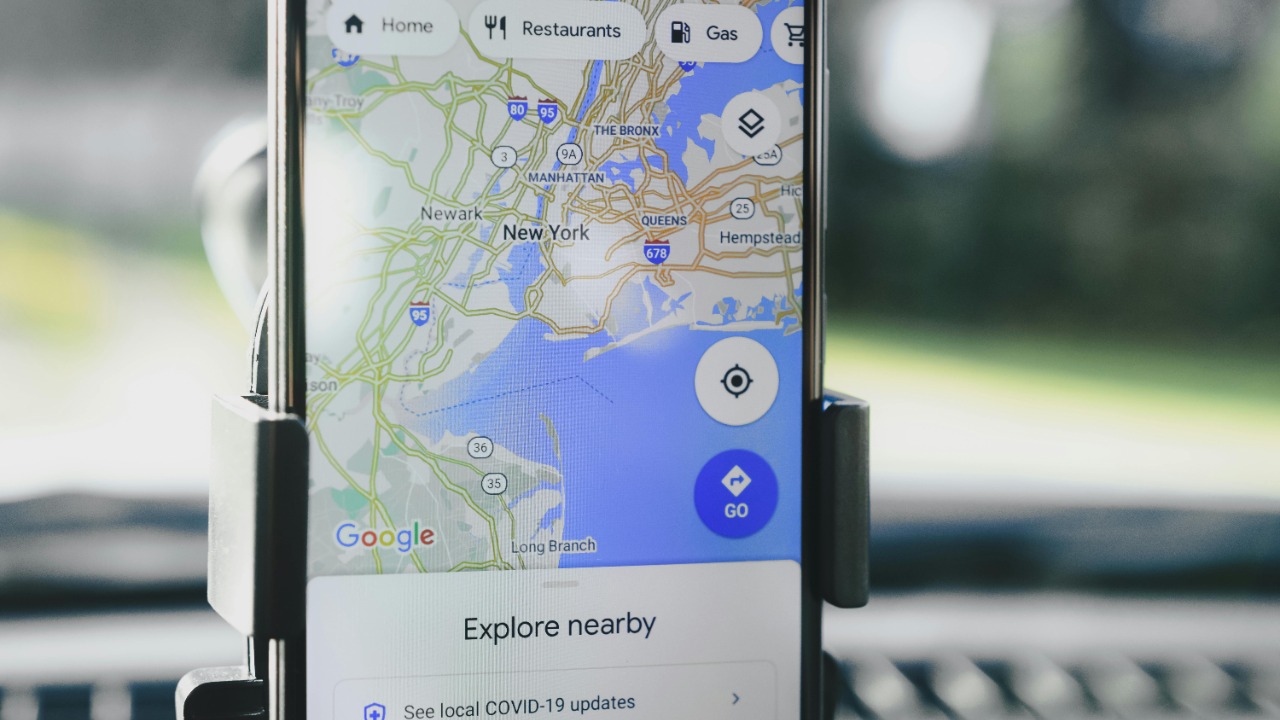
While location services are useful for navigation apps, having them enabled at all times can lead to privacy risks and battery drain. To disable location services, go to “Settings,” select “Location,” and toggle it off. You can also manage location permissions for specific apps to ensure they only have access when absolutely necessary. This practice helps maintain your privacy and optimizes battery performance.
Push Notifications
Constant notifications can be distracting and contribute to battery drain. By managing your push notifications, you can focus better and save battery life. Access “Settings,” tap on “Apps & Notifications,” and choose “Notifications.” Here, you can customize which apps can send notifications and even turn off notifications for less critical apps. This reduces interruptions and helps your device conserve energy.
Auto-Sync

Auto-sync ensures your apps are always up-to-date, but it can consume data and battery power. To disable this feature, go to “Settings,” select “Accounts,” and toggle off “Auto-sync data.” You can also choose to sync specific apps manually. Disabling auto-sync not only conserves battery life but also allows you to control when and how your data is updated, ensuring a more efficient use of your device’s resources.
