
It’s easy to fall for tech myths, especially when they promise better performance or savings. But often, these misconceptions can end up costing you more. Let’s debunk some common tech myths that might be draining your wallet.
1) You Must Always Buy the Latest Smartphone

Many people believe they need the latest smartphone to stay current. However, manufacturers often release new models with only minor improvements. Older models can offer similar performance at a much lower cost. Consider whether the new features are essential for your needs before making a purchase. For more on tech myths, check out this article from PCMag.
2) More Expensive Cables Mean Better Quality

It’s a common belief that pricier cables provide better sound or picture quality. However, most standard cables perform just as well as their expensive counterparts for typical consumer needs. Unless you’re dealing with professional-grade equipment, investing in high-priced cables is often unnecessary. Instead, focus on getting the right type and length for your setup.
3) Anti-Virus Software Is Always Necessary
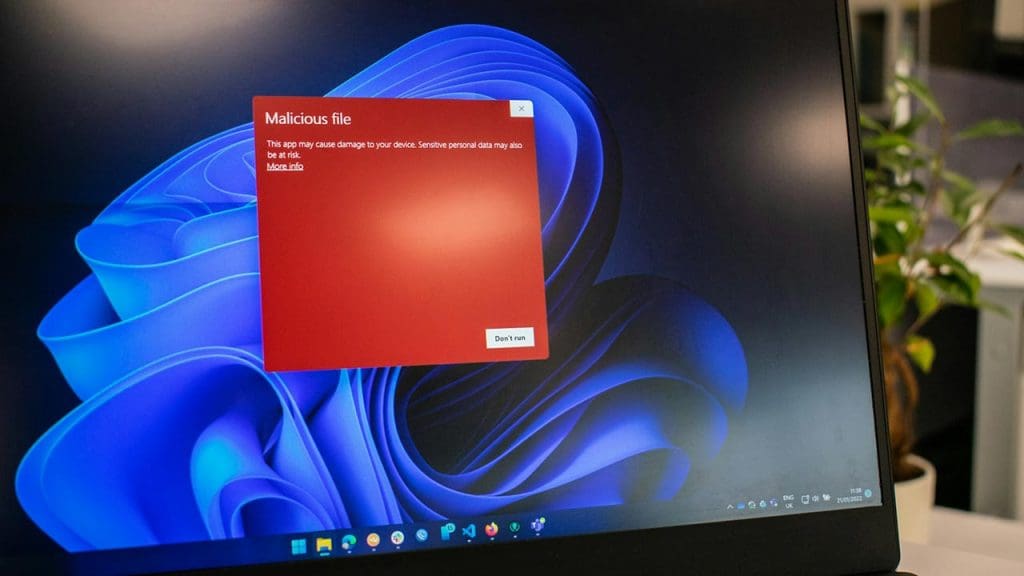
While anti-virus software was once a must-have, built-in protections like Windows Defender and smart browsing habits can be sufficient for many users today. Evaluate your personal needs and consider whether a free or built-in solution can meet them. For more information on tech myths, check out this list of common misconceptions.
4) Laptops Are Always More Expensive Than Desktops

Laptops are often seen as pricier due to their portability. However, desktop setups can include additional costs like monitors, keyboards, and speakers. Depending on your requirements, a laptop might actually be the more cost-effective choice. Always compare the total expenses of both options before deciding.
5) You Need a Professional to Fix Software Issues

While some issues do require professional help, many software problems can be resolved with online resources or built-in troubleshooting tools. Before spending money on a professional, try searching for solutions online or using tools provided by the software itself. You may find it’s simpler than expected.
6) Premium Brands Offer Superior Performance

Brand reputation often leads consumers to believe that premium brands guarantee the best performance. However, many lesser-known brands offer comparable quality at a lower price. It’s important to compare features and read reviews before assuming that a higher price tag ensures better quality. Check out this research paper for insight on brand performance.
7) Factory-Installed Software Is Essential

Pre-installed software, also known as bloatware, often takes up valuable system resources without offering much benefit. Many of these programs can be safely removed or replaced with more efficient alternatives. Evaluate which software is truly necessary and uninstall the rest to improve performance and free up space.
8) Extended Warranties Save You Money

Extended warranties are marketed as a safety net, but they often cover issues already protected by standard warranties or consumer protection laws. Weigh the cost of the warranty against the likelihood of needing repairs. Often, the money spent on extended coverage isn’t justified by the potential savings.
9) More RAM Equals Faster Computers
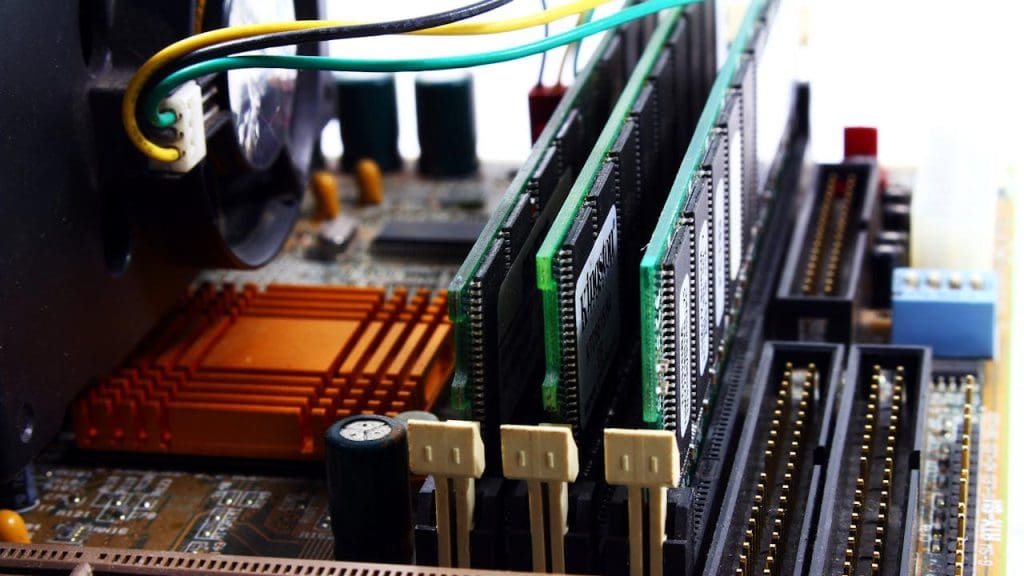
While RAM is important, simply adding more doesn’t always translate to faster performance. The type of tasks you perform and the capabilities of other components like the CPU and SSD also play a significant role. Evaluate your computing needs and current specs before deciding that more RAM is the solution.
10) Data Recovery Is Impossible Without Professionals

Data recovery can often be done with DIY software solutions, especially for minor data loss issues. Before hiring a professional, try software options that offer free trials or have good reviews. However, for critical data or physically damaged drives, professional help might be necessary. For more insights on tech myths, check this blog post from Revolgy.
