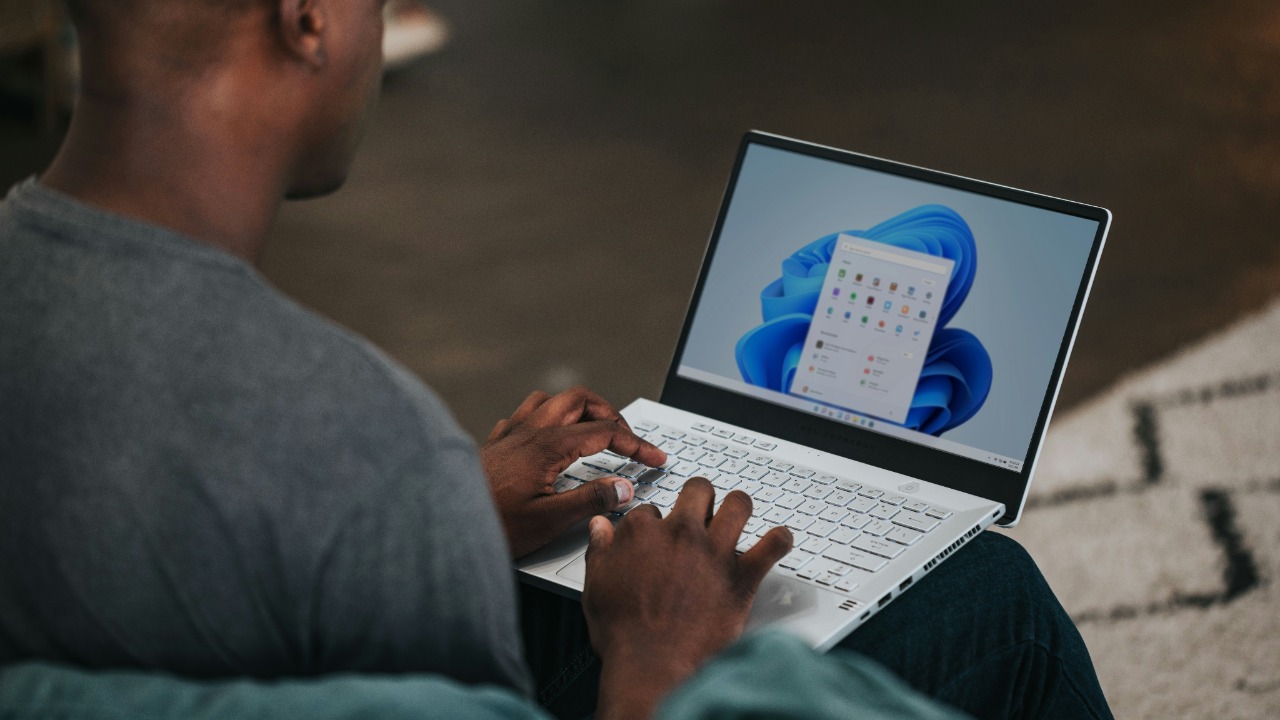

Windows 11 just came in last in a six‑way speed showdown against its own predecessors, a result that seems to confirm every grumble about the operating system feeling heavier and slower. The twist is that the test was run on aging laptops that were never designed for the newest software, which turns the benchmark into a story about trade‑offs between modern features and raw responsiveness on old hardware. I want to unpack what the numbers really say, where the methodology falls short, and what it means if you are still clinging to an older version of Windows on a decade‑old PC.
The viral benchmark that embarrassed Windows 11
The headline result is simple enough: in a direct comparison of six generations of Windows, Windows 11 finished an embarrassing last place across most of the measured tasks. The testing stacked multiple versions of Windows against each other on identical laptops and found that the newest release consistently lagged behind, particularly in everyday workloads that users actually feel, such as booting up, exporting media, and editing video projects, which is why the outcome has resonated so strongly with frustrated upgraders who already feel that Windows 11 is slower than it should be on older machines.
Reporting on the experiment notes that Windows 11 performed pretty badly across most of the tests that were thrown at these laptops, with the gap widening in more demanding workflows where the operating system’s overhead becomes harder to hide, even though the differences were not always dramatic in absolute terms for lighter tasks like basic browsing or office work, which helps explain why some people barely notice a change while others see the new system as a step backward in responsiveness on the same hardware across most of the tests.
Six Lenovo ThinkPads, one aging Core CPU, and a big caveat
The structure of the benchmark is both its strength and its biggest limitation, because every operating system was installed on the same class of aging business laptop. The comparison used Six Lenovo ThinkPad X220 systems, each built around a Core i5‑2520M CPU with 8 GB of RAM and a 256 GB drive, so the only major variable was the version of Windows installed, which makes the relative differences meaningful but also locks the story to a very specific slice of hardware that is more than a decade old.
That choice of platform is exactly what has drawn criticism from some technically minded observers, who argue that putting a modern operating system on old unsupported hardware and then declaring it slower than an older system that was designed for that hardware is hardly a surprise. One widely shared comment summed up the skepticism with a dry observation that So putting a modern OS on a decade‑old laptop and finding it slower than the version that shipped with that machine is about as newsworthy as discovering that the sun rises in the east, which is a fair reminder that benchmarks always reflect the context in which they are run.
Why Windows 8.1 won the race on this hardware
The surprise winner of the showdown was not Windows 7, which many users still remember fondly, but Windows 8.1, a release that was widely criticized for its touch‑first interface yet quietly refined under the hood. In the startup tests, 8.1 won the boot race, helped by the Fast Boot feature that aggressively optimizes the path from power button to desktop, which shows how much low‑level engineering went into that generation even if the tiled Start screen overshadowed it in public perception.
More detailed coverage of the comparison notes that Windows 8.1 and earlier versions that leaned heavily on the traditional Win32 desktop model tended to feel snappier on this Core i5‑2520M platform, while Windows 10 and 11, which carry more modern background services and security layers, struggled to translate their architectural advances into visible speed on a dual‑core chip. The result is a kind of reputational rehabilitation for 8.1, which emerges as the sweet spot between the lighter footprint of older releases and the more aggressive background activity that characterizes the newest ones.
Windows XP’s narrow battery win and the cost of modern features
Battery life is where nostalgia really kicks in, because the oldest system in the lineup, Windows XP, managed to eke out a narrow victory in the endurance test. Reports on the benchmark note that Windows XP was victorious in battery life, although the difference was minor, just a couple of minutes, which suggests that while the older system is leaner, the hardware itself is the dominant factor in how long the ThinkPad X220 can last away from the charger.
Even so, the pattern is hard to ignore when you look at the other end of the chart, because Windows 11 finished last in the battery test, second to last in the audio export test, and last in the video editing test of the six systems, which paints a consistent picture of a modern operating system that expects more headroom than a 2011‑era laptop can comfortably provide. The fact that the margin in battery life was only a couple of minutes does not erase the broader trend that newer software is carrying more background processes, telemetry, and security checks, all of which nibble away at both performance and endurance on constrained hardware.
What the benchmarks actually measured, and what they missed
The test suite focused on practical workloads rather than synthetic scores, which is one of its strengths, because it mirrors what people do on real laptops. The comparison used a mix of tasks such as cold boot timing, exporting audio, rendering video, and running a general benchmark to stress the CPU and storage, which helps explain why the results feel intuitively right to users who notice that Windows 11 can be sluggish when they open a large Premiere Pro project or export a podcast on older laptops.
At the same time, the methodology leaves out entire categories of work where newer systems should shine, such as multi‑core scaling, modern GPU acceleration, and advanced security protections that do not show up in a stopwatch test. Coverage of the experiment itself acknowledges that there are obvious sticking points with the method and that the results are still worth discussing, a nuance echoed in analysis of a popular debloating tool that strips out Windows 11’s AI features, where the very need for such tools underscores how much extra code is now running in the background in the name of productivity and intelligence.
Modern Windows versus old hardware: a predictable clash
When I look at the numbers, the most important context is that Windows 11 is not officially targeted at machines like the ThinkPad X220, which predates the operating system’s hardware requirements by several generations. The test effectively pits a modern platform that expects newer instruction sets, faster SSDs, and more cores against a dual‑core chip that was mid‑range when it launched, so it is not surprising that the older systems, which were tuned for that era, feel more responsive in single‑threaded tasks and lighter workloads that do not benefit from the architectural changes in the latest release.
That is why some of the online reaction has been less about shock and more about a sense of inevitability, with one commenter dryly noting that discovering older operating systems run better on the hardware they were designed for than the newest ones is, in other news, not really news at all. The broader pattern fits with a long history in which Previously Microsoft released a new operating system every 3 to 5 years, from Windows 95 through Vista, 7, 8, 8.1 and currently 10, each time adding features and security layers that inevitably raised the performance bar for older PCs.
The sad reality of modern software bloat
Even with all those caveats, the benchmark taps into a deeper frustration about how modern software seems to demand more and more resources without delivering proportionate benefits in speed. A detailed breakdown of the results describes the outcome as revealing the sad reality of modern software, pointing out that Windows 11 finished last in several key tests and arguing that developers are no longer required to optimise as aggressively when typical new PCs ship with far more CPU and memory headroom than a ThinkPad X220 can offer.
That critique lines up with the rise of tools that promise to strip out unwanted components from Windows 11, including AI features that some users see as unnecessary overhead on machines that are already struggling. Coverage of one such utility notes that you can Read news from 100 titles about these tweaks and that There are obvious sticking points with the method, yet the very popularity of such tools shows how many people feel that the default configuration is doing too much behind the scenes.
Security, support deadlines, and the upgrade dilemma
Performance is only one side of the equation, because older versions of Windows that look good in these benchmarks are also marching toward or already past their support deadlines. Official guidance now lists Recommended paths for users on Windows 10, Windows 8.1 and Windows 7, with a clear preference for a New PC running Windows 11, which is described as the most current version of Windows and is tied to promises of systems that are faster, more powerful, and more secure than the machines that originally shipped with XP or 7.
That puts users in a bind when they see benchmarks where their old favorite outpaces the new release on the same hardware, because the rational choice for security is to move forward even if it means accepting some performance loss on an aging laptop. The twist in the recent test is that it implicitly supports the official recommendation to pair Windows 11 with newer hardware, since the operating system’s design assumes more cores, faster storage, and modern security features that simply are not present on a ThinkPad X220, which is why the same Windows 11 that feels bogged down there can feel perfectly responsive on a current‑generation ultrabook.
What this means if you are still on an older Windows version
If you are running Windows 7, 8.1, or even XP on similar vintage hardware, the benchmark results probably confirm what you already know from daily use, which is that these systems can feel quicker for basic tasks than a fresh Windows 11 install on the same machine. On a Core i5‑2520M with 8 GB of RAM, the lighter footprint of those older releases translates into snappier boot times and less disk thrashing when you open a browser with dozens of tabs or launch a legacy desktop app, which is exactly the kind of workload the ThinkPad X220 was built for in the first place.
The trade‑off is that you are giving up years of security patches, driver improvements, and compatibility updates, and you are increasingly out of step with the software ecosystem that assumes a modern Windows baseline. The six‑way comparison shows that Windows 8.1 and earlier can still hold their own in raw responsiveness on that hardware, but it also underlines how far the platform has moved in terms of expectations, from AI‑assisted features and integrated cloud services to more aggressive security defaults that simply did not exist when XP and 7 were current.
More from Morning Overview