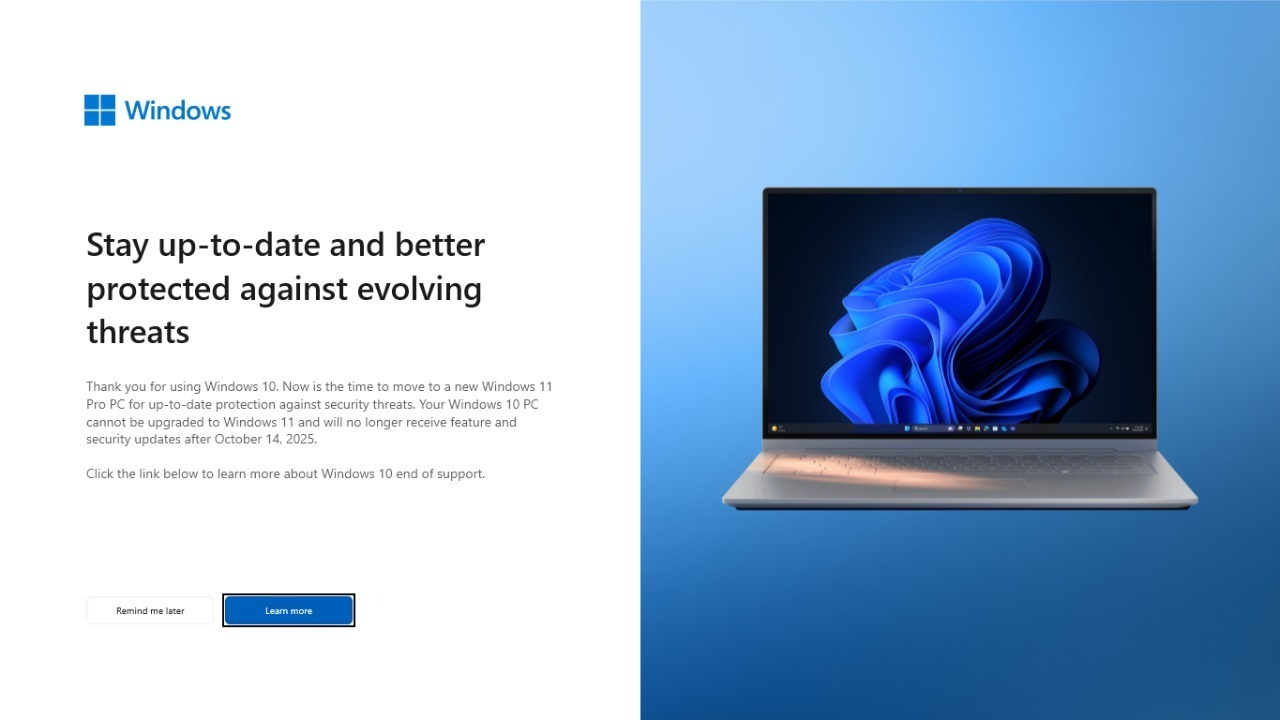

Microsoft is telling Windows 11 users to do something it almost never recommends: roll back a critical security update if their systems start misbehaving. The company has acknowledged that its first big Windows update of the year is causing serious problems, from broken email to black screens and even PCs that may not boot. The message is blunt for anyone affected: do not keep trying to live with a bad patch, remove it before it does more damage.
For home users and IT teams alike, that is a jarring reversal of the usual advice to install every security fix as soon as it appears. It also highlights how fragile modern Windows setups can be when a single flawed update collides with older apps, specialist hardware or long standing workflows. I see three clear lessons emerging: know what this update is, recognize the warning signs quickly and have a safe rollback plan ready before you touch Windows Update again.
What went wrong with January’s Windows 11 update
The trouble centers on the Windows 11 January 2026 security update identified as KB5074109, which Microsoft shipped as part of its regular monthly patches. Instead of quietly tightening defenses, the update has triggered a wave of instability, including black screens, application crashes and systems that freeze or fail to start properly once the patch is installed. Microsoft’s own release health notes, collected in the official Windows message center, frame this as a serious enough issue that the company is actively steering affected users away from the update.
What makes this situation unusual is not just the number of glitches but the type of software it breaks. Microsoft has confirmed that Classic Outlook profiles using POP email accounts and PST data files can hang after installing the January Windows updates, a problem that hits both Windows 11 and older editions such as Windows 10 Enterprise LTSC 2019. In other words, the patch is colliding with long established tools like Classic Outlook and POP mail that many small businesses and power users still rely on every day, rather than only tripping up obscure or outdated programs.
Microsoft’s rare warning: uninstall the update, do not push through
In response, Microsoft has taken the rare step of telling Windows 11 users that if they see these symptoms, they should uninstall the January security update instead of trying to work around it. The company’s public advisory spells out that the KB5074109 patch can lead to black screens, app crashes and other severe instability, and that removing the update is the recommended fix until a corrected version is available. For a vendor that usually urges customers to stay fully patched, this is as close as it gets to saying, whatever you do, do not keep this particular update on a machine that is already showing trouble, a stance echoed in coverage of the uninstall guidance.
Behind that blunt recommendation is a deeper concern that some PCs might not even boot after taking the patch. Microsoft has indicated that it suspects certain systems could fail to start once KB5074109 is installed, which turns a routine security update into a potential support nightmare for anyone without recent backups or recovery media. The company has already pushed an emergency Windows 11 25H2 update, KB5078127, to address some of the fallout, particularly the Outlook issues, but it is still telling users who are already affected by hangs or crashes to remove the original update first. That mix of a quick hotfix and a clear rollback instruction underlines how seriously Microsoft is treating the instability.
Outlook, POP mail and the risk to your data
The most visible casualty of the January update has been email, especially for people who still use Classic Outlook with POP accounts and local PST files. Microsoft has admitted that Classic Outlook profiles configured with POP and PSTs can hang after the January Windows updates, leaving users staring at a frozen inbox and, in some cases, unable to send or receive new messages at all. For anyone who keeps years of correspondence in PST archives, the fear is not just downtime but the possibility of data corruption if Outlook locks up mid write, a risk that Microsoft has acknowledged in its own notes and that security analysts have highlighted when warning that millions of PC may need to remove the update.
Microsoft’s guidance is that affected users should uninstall KB5074109 to restore stability, then apply the emergency KB5078127 update for Windows 11 25H2 once it is available to them. The company has also warned that some apps might misbehave in other ways after the January update, reinforcing the idea that this is not just an Outlook quirk but a broader compatibility problem. For anyone running a mixed environment of Windows 11 and Windows 10 Enterprise LTSC 2019, the message is clear: if Classic Outlook with POP and PSTs is part of your workflow, treat the January patch with extreme caution and be ready to roll it back at the first sign of hangs or unexplained freezes, as detailed in technical reports on the Outlook POP issue.
When a Windows update breaks your hardware
The fallout from flawed Windows updates is not limited to email and office apps. Specialist hardware can also stop working overnight, as owners of professional cutting machines have discovered after recent Windows patches. One support advisory describes a scenario where a Cutter that previously worked without issue will not cut at all after a Microsoft Windows update, leaving production jobs stuck in the queue until the operator can diagnose what changed. The recommended troubleshooting path starts with opening Settings, selecting Windows Update, checking Update history and then drilling into the specific patch that coincided with the failure, a process laid out in detail in the vendor’s Cutter support guidance.
For small shops that rely on a single Cutter to produce signage, decals or packaging, this kind of silent breakage can be just as disruptive as a crashed email client. The pattern is familiar: Windows applies an update in the background, the next job fails, and only then does the operator discover that a driver or communication layer has been altered. The fix often involves rolling back the offending Windows Update, reinstalling device drivers or both, which is why hardware makers increasingly publish step by step instructions that start with identifying and, if necessary, uninstalling the most recent Microsoft Windows patch. The lesson for Windows 11 users is that if a critical piece of equipment suddenly stops responding after an update, the safest first move is to suspect the patch, not the hardware.
How to protect yourself before the next bad patch hits
For anyone running Windows 11 today, the January update saga is a reminder that even official security patches can carry real risk, especially when they interact with older software like Classic Outlook or niche hardware such as a production Cutter. The first line of defense is preparation: keep regular, tested backups of your data, including PST files and configuration settings, so that if an update corrupts a profile or prevents a PC from booting, you can restore quickly. It is also wise to familiarize yourself with the uninstall process for Windows updates, which typically involves opening Settings, choosing Windows Update, reviewing Update history and then selecting the specific patch to remove, so you are not learning those steps under pressure when a system is already unstable.
More from Morning Overview