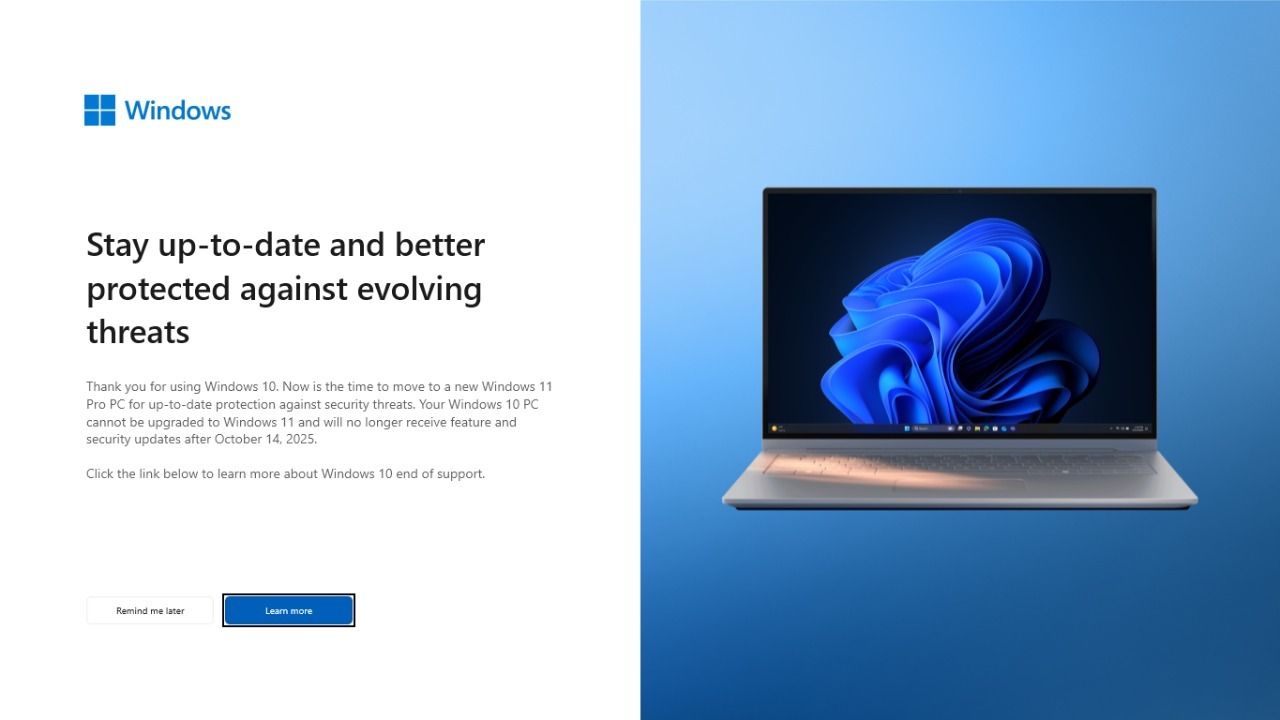

Microsoft’s decision to end support for Windows 10 has turned a routine product sunset into a global infrastructure problem. Hundreds of millions of laptops and desktops that still run the decade‑old operating system now face a stark choice between costly upgrades, paid security patches, or life on an increasingly unsafe internet. The company insists this is a necessary step toward a “new era of computing,” but for many of the roughly 400 million to 1 billion affected PCs, it feels more like a forced march to the checkout.
Windows 10 is now officially out of mainstream support, which means no more free security fixes, feature updates, or technical help for the vast majority of users. Behind that dry lifecycle milestone sits a tangle of security risks, consumer costs, and environmental consequences that will shape how long these machines stay useful, and how many end up on the scrap heap.
What “end of support” really means for Windows 10
Microsoft has confirmed that Windows 10 has reached the end of support, cutting off regular security patches and feature updates for the operating system that powered most PCs for the past decade. The company’s own support pages state that Windows 10 users are now expected to move to a newer device that supports Windows 11 if they want ongoing protection. In practice, that means millions of home users, schools, and small businesses are suddenly running an operating system that vendors and attackers alike know will only get more vulnerable over time.
On Microsoft’s lifecycle page, the company notes that Windows 10 has been the go‑to platform for building and running modern applications for ten years, but it now labels the system as unsupported. A separate support article explains that Windows 10 will no longer receive the technical assistance, feature updates, or security updates that defined its long run, and it frames Windows 11 as a more secure and highly efficient computing experience. That framing is accurate from a security engineering standpoint, but it glosses over the scale of the installed base that is not ready, or not able, to move on.
Hundreds of millions of PCs are staying put
Despite Microsoft’s push, a huge share of the world’s computers are still running Windows 10. One analysis found that 35.43% of Windows PCs worldwide remained on the older system as support ended, exposing more than a third of the ecosystem to escalating threats. Another market snapshot reported that nearly 1 billion PCs were still on Windows 10, and that in July of this year about 50% of all PCs were running it, suggesting that Windows 11 adoption has hit a wall even as the deadline passed.
Hardware makers are seeing the same resistance. Dell executives have said that 500 m compatible PCs have simply chosen not to move to Windows 11, with Dell suggesting that this vast pool of users is ignoring the free upgrade on machines that technically qualify. Dell COO Jeffrey Clarke went further, revealing that 500M compatible PCs are avoiding the new system, a figure cited in a report titled Refuse Windows 11 Upgrade Despite Compatibility. That reluctance is not just about user inertia; it reflects concerns about Windows 11’s stricter hardware requirements, interface changes, and the cost of replacing otherwise functional machines.
Microsoft’s safety net: Extended Security Updates and paid lifelines
To soften the blow, Microsoft has rolled out a patchwork of paid and limited free options that keep Windows 10 on life support for a little longer. On its end‑of‑support page, the company notes that users who are “not ready for a new PC” can subscribe to a program that delivers critical security updates until October 13, 2026, positioning this as a way to extend Windows 10 protection while they plan a transition. A companion section on the same site urges people to back up their files and Backup your current before moving to new hardware, underscoring that Microsoft sees the end of support as a moment to sell fresh machines rather than keep old ones running indefinitely.
The company has formalized this lifeline through the Extended Security Updates program. One consumer‑focused page explains How much Windows 10 ESU will cost and notes that you can enroll at no additional cost if you are syncing settings to a Microsoft account on up to 10 devices, while other users will pay annual fees. Another section defines What Windows ESU is, describing The Extended Security Updates as a way to continue receiving critical and important patches on your Windows 10 device without new features. For organizations, a separate technical brief explains that Extended Security Updates for organizations are available through specific cloud and management services, with The Microsoft Security Response Center defining severity ratings and Device prerequisites that must be met before enrollment.
The security time bomb and hacker upside
Security professionals are blunt about what happens when a platform this large stops getting free patches. One analysis warned that the end of support for Windows 10 is not just an inconvenience for the 35.43% of Windows PCs still on the system, but a multiplier of risk that exposes users and systems to massive threats as new vulnerabilities go unpatched. Another report framed the shift as a gift to attackers, noting that Microsoft Is Abandoning 10 and that Hackers Are Celebrating, because the company will stop supporting the OS and advocacy groups argue that millions of people will be pushed to throw away a working computer and buy a new one.
Consumer‑facing outlets have amplified the alarm. One tabloid‑style warning claimed that a Global Microsoft closure of Windows 10 support means 400million computers will stop working properly and that users are in danger if they do not act soon, even suggesting some gadgets will stop working forever. While that language is exaggerated, the underlying point is valid: once attackers know a platform is frozen, they can stockpile exploits, target laggard users, and count on the fact that many will not pay for ESU or replace their hardware quickly.
Upgrade pressure, e‑waste, and the fight to keep old PCs alive
Microsoft presents the shift as part of “Making the transition to a new era of computing,” with a support guide that explains Making the move from Windows 10 to Windows 11 and urges people to plan before support ends for Windows 10. Enterprise advisers echo that message, with one guide on Jun Windows End of Life Upgrade Paths for Enterprises explaining that many organizations still running Windows 10 in 2026 will need to budget for new hardware if their current PCs cannot support Windows 11. That is a quiet acknowledgment that millions of perfectly serviceable machines, from ThinkPad workhorses to mid‑range Dell Inspirons, will be treated as obsolete because of firmware and chip‑level requirements rather than performance.
Not everyone is accepting that outcome. Advocacy groups have launched campaigns urging Microsoft to extend free support and reduce forced obsolescence. One petition, led by Tell Microsoft to keep Windows 10 alive, highlights the environmental cost of scrapping hundreds of millions of PCs and features organizer Nathan Proctor arguing that Microsoft has officially ended support for Windows 10 even though many devices still work well. Another grassroots effort, branded as End of 10, notes that Extended support for Windows 10 ends on October 13, 2026 and accuses Microsoft of wanting users to buy a new computer, while promoting repair collectives that help people keep older hardware running with alternative operating systems.
More from Morning Overview