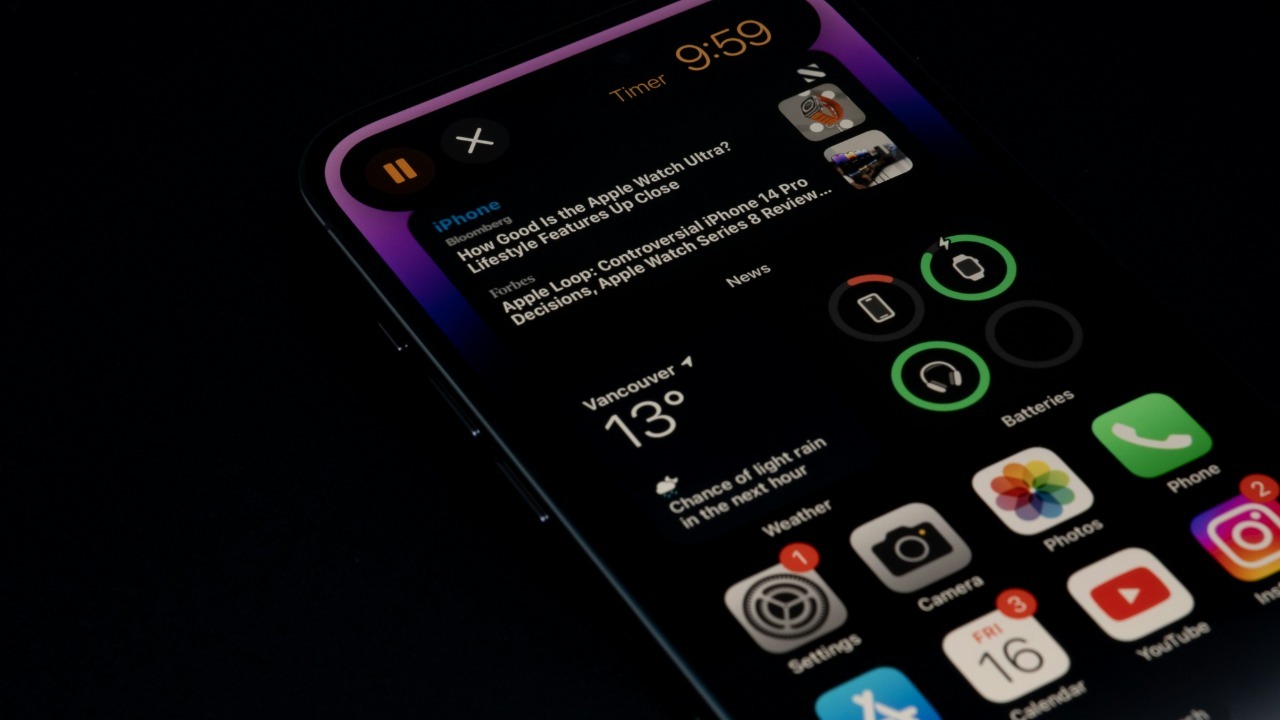

Spam and scam calls have turned the simple act of answering your phone into a risk calculation, but on the iPhone a surprising amount of protection is already built in. With a few quiet tweaks, you can push most robocalls, fraud attempts and random sales pitches out of your daily life without giving up important calls from real people. I use a mix of Apple’s own filters, carrier tools and a couple of carefully chosen apps to keep my line usable again.
The most powerful defenses are not flashy apps but low profile settings that sit deep in the Phone menu and work automatically once you switch them on. They can screen unknown callers with a recorded voice, send suspicious numbers straight to voicemail or a spam list, and lean on your carrier’s own fraud detection to catch bad actors before your phone even rings.
Turn on Apple’s built in call screening and spam filters
Apple has quietly turned the Phone app into a serious call gatekeeper, especially on recent versions of iOS. In the background, your iPhone can use information from Apple Business Connect, supported carriers and third party identification services to label who is calling and whether that number looks suspicious. When call identification is enabled, you start seeing labels like “business” or “possible spam” under incoming numbers, which makes it much easier to decide whether to pick up.
On newer software, Apple goes further and lets you filter unknown and so that calls from numbers your iPhone flags as spam or fraud are silenced and moved to a dedicated list instead of interrupting you. Official guidance underlines that calls from unknown numbers can be screened, silenced or filtered in both the Phone app and FaceTime, and that anything identified as junk is moved to a Spam list rather than deleted, which means you can still review it later in your recent calls if you are worried about missing something important.
Use “Silence Unknown Callers” and the new screening options
For people who are constantly hit by rotating spam numbers, the blunt but effective tool is Apple’s “Silence Unknown Callers” feature. When I enable it, any call from a number that is not in my contacts, recent outgoing calls or Siri Suggestions is muted and sent straight to voicemail, while my iPhone still records it in the recent calls list. Apple’s own instructions describe how calls from unknown numbers are silenced and moved to a Spam list when they are identified as junk, which is exactly the behavior you want for robocalls that never should have reached you in the first place.
Several walkthroughs show the same basic path to turn this on, usually starting with “How to Turn On Silence,” then “Tap the Settings,” go to “Phone Settings” and scroll (often abbreviated as “Scr”) to the Silence Unknown Callers toggle. Apple’s own support pages on how to Manage unknown callers reinforce that you can choose to screen, silence or filter these calls, and that they will still be able to leave a voicemail even when your phone never rings.
Try the newer “Screen Unknown Callers” robot voice
On the latest iOS releases, Apple has added a more nuanced option that sits between blocking everything and letting every unknown number ring. Under the section labeled Screen Unknown Callers in the Phone settings, you see three choices: Never, Ask Reason for and Silence. When I pick Ask Reason for Calling, a robot voice answers unknown callers first and asks them why they are calling, then transcribes their response on my screen so I can decide whether to accept, decline or send them to voicemail.
Guides that walk through how to turn call screening describe the steps in detail, starting with “Tap Settings,” then “Tap Apps,” then “Tap Phone,” before you reach the Screen Unknown Callers section. Other explainers note that this screening feature was Introduced in iOS 26 and that it effectively puts a robot voice between you and unknown callers, which is ideal if you still need to hear from delivery drivers, doctors’ offices or schools but want to keep scammers at arm’s length.
Layer in carrier tools and third party blockers
Apple’s filters work best when they are combined with your carrier’s own spam detection. On Verizon, for example, you can enable Caller ID & Block by turning on the Call Filter switch, which lets the network label and block suspected spam before it hits your phone. The same support guidance notes that Before you begin, the Call Filter switch must be turned on and that Caller ID & Block rely on that setting. It also warns that Silence Unknown Callers or Silence features are enabled, they can affect how these calls appear.
On T Mobile, a similar role is played by its Scam Shield tools, which are designed to identify and block scam likely calls at the network level. Third party apps can add another layer: YouMail, for instance, pitches itself as a way to stop robocalls by routing suspicious calls to a smarter voicemail that can detect when there is a robocall or fraudulent caller on the other line. Another popular option is RoboKiller, which advertises that it can Stop 99% of Robocalls & Texts, has 412K Ratings, an average score of 4.5, is rated 4+ in the Category of Utilities and has a download size of 201.6 MB.
Silence spam without losing real people
The biggest fear I hear from readers is that these aggressive settings will cause them to miss critical calls. Apple’s own documentation on how to Manage unknown callers makes it clear that calls from numbers not in your contacts are still logged and that anything flagged as junk is moved to the Spam list, not erased. A Facebook group post that opens with “Are you tired of getting annoying spam calls on your iPhone? Well, you’re in luck! Apple has a secret feature that can help block …” walks through the same point, stressing that when you go to Settings, Phone, Silence Unknown Callers, those callers will still be able to leave a voicemail.
Real world testers have found that a more drastic but effective approach is to rely heavily on contacts and let the system handle everything else. One detailed how to piece on Blocking spam on iOS Devices notes that, however effective individual number blocking might be, spammers simply jump to new numbers, so the more sustainable fix is to silence or screen any caller not in your contacts list. That approach is echoed in community advice on Reddit, where one user in an Oct thread suggests turning on silence unknown numbers in settings so that if a random number calls you, it will go straight to voicemail.
More from Morning Overview