
Airports have become bustling hubs of connectivity, with travelers often relying on available amenities to stay charged and connected. However, the Transportation Security Administration (TSA) has issued a caution against using public USB charging stations at airports. This article explores the reasons behind this warning and how travelers can protect their devices from potential security threats.
The Risks of Using Public USB Charging Stations
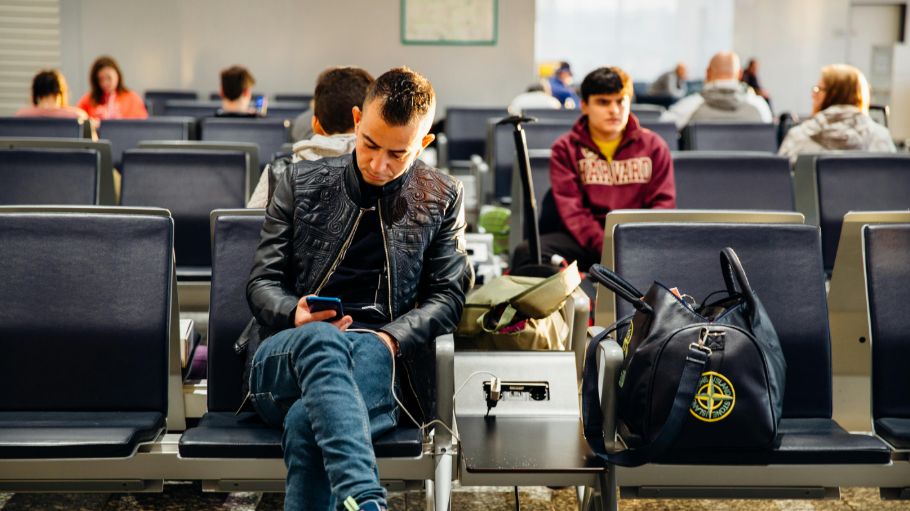
Public USB ports can pose significant security risks, primarily through data theft and malware infections. When travelers plug their devices into these ports, they may unknowingly expose their data to malicious actors who have compromised the ports. These attackers can install data-stealing malware that transfers sensitive information from the device once connected.
One of the most concerning threats is known as “juice jacking.” This technique involves cybercriminals exploiting USB charging stations to extract data or install malware on unsuspecting users’ devices. By masquerading as legitimate charging stations, attackers can easily gain access to personal and confidential information.
There have been several real-life instances where travelers have fallen victim to such data breaches. In some cases, individuals found their devices infected with malware shortly after using public USB ports, leading to unauthorized access to their personal data. These incidents highlight the importance of being cautious when charging devices in public spaces.
Why the TSA is Sounding the Alarm
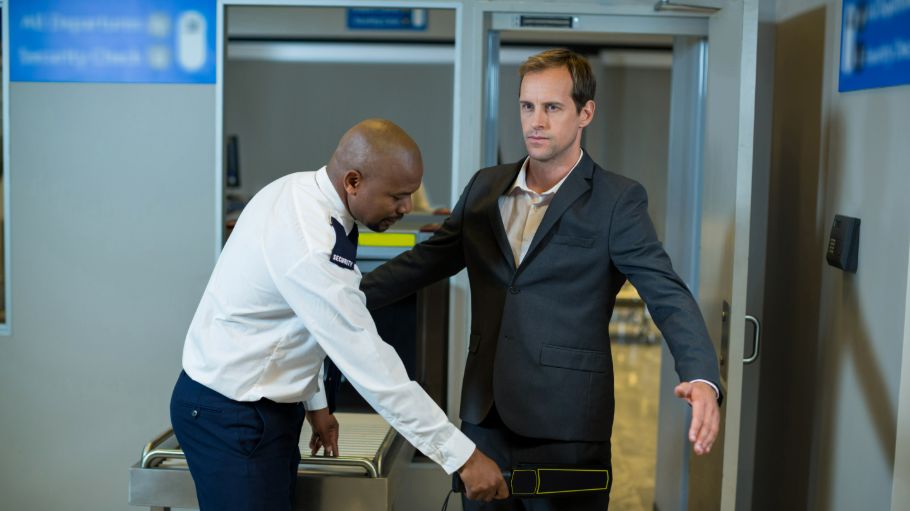
The TSA has increasingly focused on cybersecurity, recognizing its critical role in safeguarding travelers. As cyber threats become more sophisticated, the agency aims to raise awareness about potential risks associated with public USB ports. By issuing warnings, the TSA emphasizes the necessity of cybersecurity in public spaces, especially in high-traffic areas like airports.
Recent alerts from the TSA and cybersecurity experts have highlighted the dangers of using public USB ports. These advisories serve as a reminder to travelers about the potential consequences of neglecting cybersecurity measures. With the rise of cybercrime, protecting personal information has never been more crucial.
Travelers are encouraged to remain vigilant and proactive in safeguarding their devices and data. By following the TSA’s guidance, individuals can significantly reduce the risk of falling victim to cyber threats while on the go.
Safe Alternatives for Charging Devices While Traveling
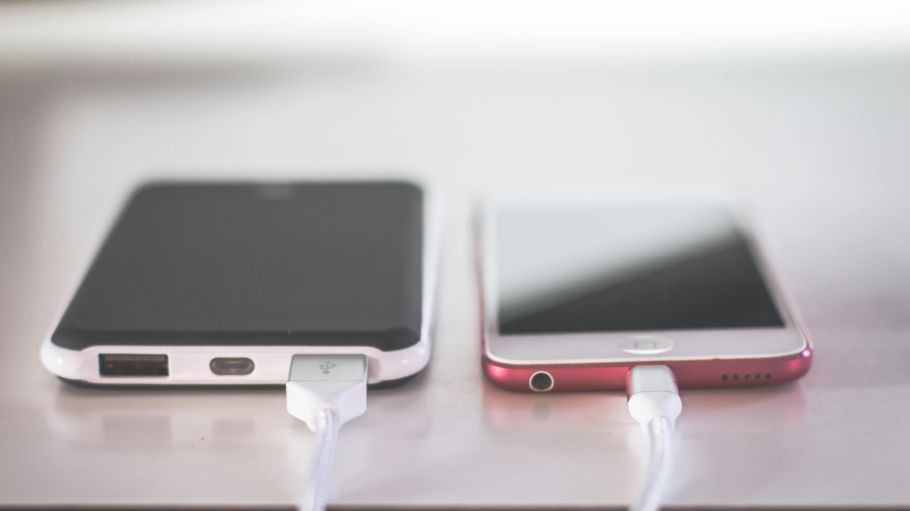
To protect against the risks posed by public USB ports, travelers can consider carrying portable power banks. These devices offer a reliable and safe way to recharge phones and other gadgets without the need to connect to potentially compromised public ports.
Another secure option is to use traditional AC power outlets with personal charging equipment. This method minimizes the risk of data theft, as it involves only the electrical component of charging and sidesteps the data transfer capabilities of USB ports.
For those who frequently travel, investing in USB data blockers can be a wise choice. These small devices act as a barrier, preventing any data transfer while allowing the device to charge. This added layer of security can provide peace of mind for travelers concerned about cyber threats.
Steps Travelers Can Take to Protect Their Devices
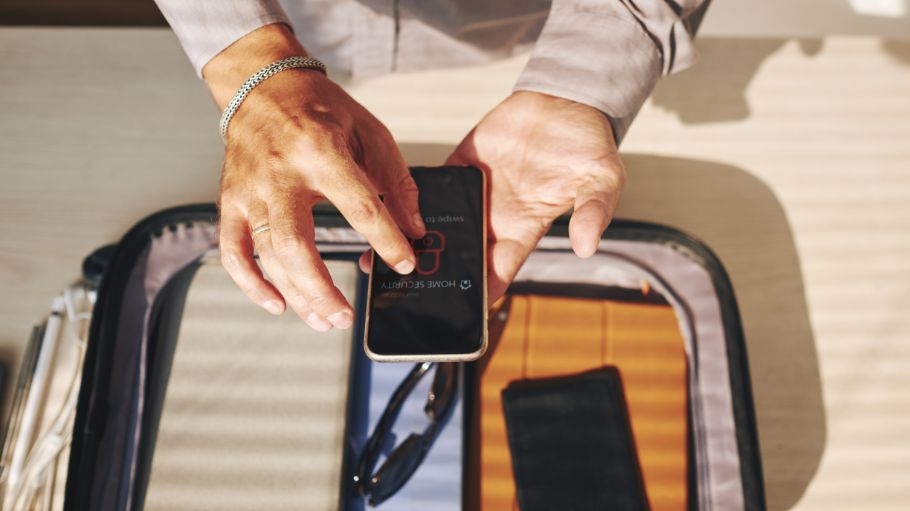
Keeping devices updated with the latest software and security patches is essential in defending against potential threats. Regular updates ensure that any vulnerabilities are addressed promptly, reducing the risk of exploitation by cybercriminals.
Travelers should also avoid connecting their devices to any unfamiliar or untrusted USB ports or cables. By exercising caution and using only personal, trusted equipment, individuals can significantly lower the risk of data theft or malware infections.
Lastly, staying informed about cybersecurity threats and practicing caution when using public charging facilities is crucial. By understanding the risks and taking preventive measures, travelers can better protect their devices and personal information while navigating busy airports.
