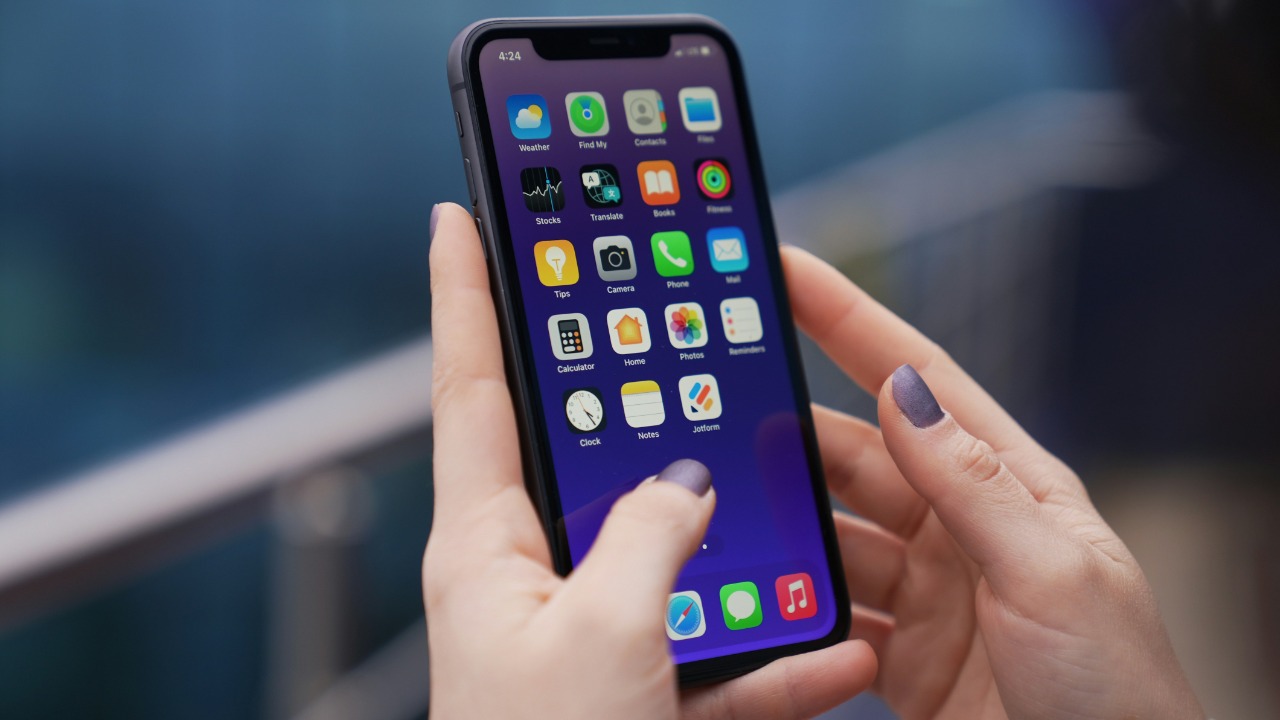

Apple is putting a firm end date on its legacy smart home system and has started sending what amounts to a final warning to people who still have not upgraded the Home app’s underlying architecture. If those households do not move to the newer platform in time, they risk losing access to core controls for lights, locks, cameras, and other accessories. The change has been years in the making, but the tone of the latest communication makes clear that the grace period is almost over.
The company is now spelling out that support for the old framework will stop and that some devices and software versions will simply no longer be allowed to manage a Home setup. For anyone who has been tapping “later” on upgrade prompts, the window to act is closing fast, and the consequences will be felt across every iPhone, iPad, Mac, and hub tied to that home.
What exactly is changing inside Apple Home
At the heart of the warning is a structural shift in how Apple’s platform talks to your accessories, not just another cosmetic app refresh. The company has rebuilt the Home architecture so that automation, remote access, and features like camera recording and Activity History sit on a more modern infrastructure that is designed to be faster and more reliable than the original HomeKit framework. That deeper change is why Apple is treating this as a one‑time migration rather than a routine software update, and why it is prepared to cut off the legacy system entirely once the transition is complete.
Official documentation describes the move as an upgrade to a “new version” of Apple’s home platform, with a dedicated support page explaining how the updated architecture affects accessories, shared households, and older devices that can no longer participate in a home once it has been migrated. Apple’s own guidance on the new architecture underlines that this is a platform‑level change, and separate reporting notes that the revamped system underpins features like improved camera performance, more responsive automations, and a more robust foundation for future standards.
The hard deadline and Apple’s final warning emails
Apple has now tied that architectural shift to a specific cutoff, confirming that support for the previous version of Apple Home will end on February 10, 2026. After that date, homes that are still running the legacy architecture will no longer be supported, and Most of the visible impact will fall on households that rely on older devices as primary controllers or hubs. Apple has been clear that the newer infrastructure is already live and that Most users who have accepted earlier prompts are already on the modern system, but the remaining holdouts are now being told that the clock is ticking.
In recent days, Apple has backed up that deadline with direct outreach, emailing Users who are still on the old setup to warn that their access to the entire Home platform could be blocked if they do not upgrade in time. One such message explicitly frames itself as a second and final notice, telling Users that failing to move off the legacy architecture could leave them unable to control accessories, view cameras, or access Activity History once support is withdrawn. Those details are reflected in reports on Apple’s February 10 deadline and in coverage of the warning emails that highlight how bluntly Apple is now spelling out the risk to Users who ignore the upgrade.
How Apple got here: a long runway for legacy homes
The looming cutoff did not come out of nowhere. Apple first introduced the new architecture in late 2022, then paused and relaunched it after early issues, and eventually announced that support for the old system would end in the fall of 2025. That plan shifted again when Apple decided to extend the life of the legacy framework, pushing the end date into early 2026 so that more households could complete the migration without losing access to their smart homes. The company’s decision to move the deadline reflects both the complexity of the change and the scale of the installed base that still depended on the original HomeKit design.
Reports from late 2025 noted that Apple Home Users running the old framework had been given extra months to upgrade before losing the ability to control connected accessories, and that Apple would end support for the old Home architecture on February 10, 2026 after that extension. One analysis of the extension described how Apple Extends the Support Deadline into Feb 2026, while another LinkedIn post spelled out that Apple will end support for the old Home architecture on that date and pointed Users to the path in the app under Home Settings and Software Update. Those accounts, including coverage of the deadline extension and a note that Apple Extends the Support Deadline into Feb, show that the company has been signaling this shift for more than a year before resorting to final warnings.
Who is affected and which devices are at risk
The impact of the cutoff will not be evenly distributed. Most households that keep their iPhones, iPads, and Macs reasonably up to date have already accepted the architecture upgrade prompt and will barely notice the deadline pass. The real friction lies with homes that still rely on older hardware or software, such as an aging iPad left on a shelf as a dedicated controller or a Mac stuck on an outdated version of macOS that cannot understand the new Home data model. Once a home is migrated, those older devices will simply be unable to participate in that Home, even if they can still run the app itself.
Community discussions have already surfaced confusion about which operating system versions will remain compatible, with one Comments Section exchange clarifying that macOS 13.1 and later are supported and that Sequoia, identified as macOS 15, is not required for the new architecture. Apple’s own support materials and user reports also stress that this was Much more than a normal software update, and that Most users could just tap an update button while a smaller group must weigh the cost of replacing older gear. Those nuances show up in threads on Comments Section posts about macOS 13.1 and Sequoia, as well as in coverage that describes how Much of the user base can upgrade easily while a subset faces tougher choices.
How to upgrade your Home setup before the cutoff
For anyone still on the legacy system, the path to safety runs through the Home app itself. On an iPhone, the process starts on the main Home tab, where you tap the More button in the top corner, open Home Settings, and then look for the Software Update section that controls the Home architecture. If the home has not yet been migrated, there should be a clear prompt to Upgrade, and accepting it will begin the one‑time process of moving accessories, automations, and permissions to the new infrastructure. Apple’s own step‑by‑step instructions for Upgrade to the new version of Apple Home on iPhone walk through this flow and emphasize the sequence of On the Home tab, tapping More, then Home Settings, and finally the option to Tap Software for the Home update.
Apple is also nudging people from multiple angles, including in‑app banners and the direct emails that warn Users of the impending deadline. One report notes that Apple is sending out an urgent warning to Users still running the legacy architecture within the Home app, explaining that support for the old system will end and that the modern platform relies on this modern infrastructure for features like secure remote access. Another highlights that Apple is reminding Users that Support for the previous version of Apple Home will end and that they should open the Home app, tap Upgrade Now, then follow the prompts. Those details are reflected in coverage of how Shalom Levytam described Apple’s urgent messaging, in a separate note that Apple is sending those warnings to Home Users, and in guidance that Support for the old Apple Home will end and that people should tap Upgrade Now, then follow the prompts.
More from Morning Overview