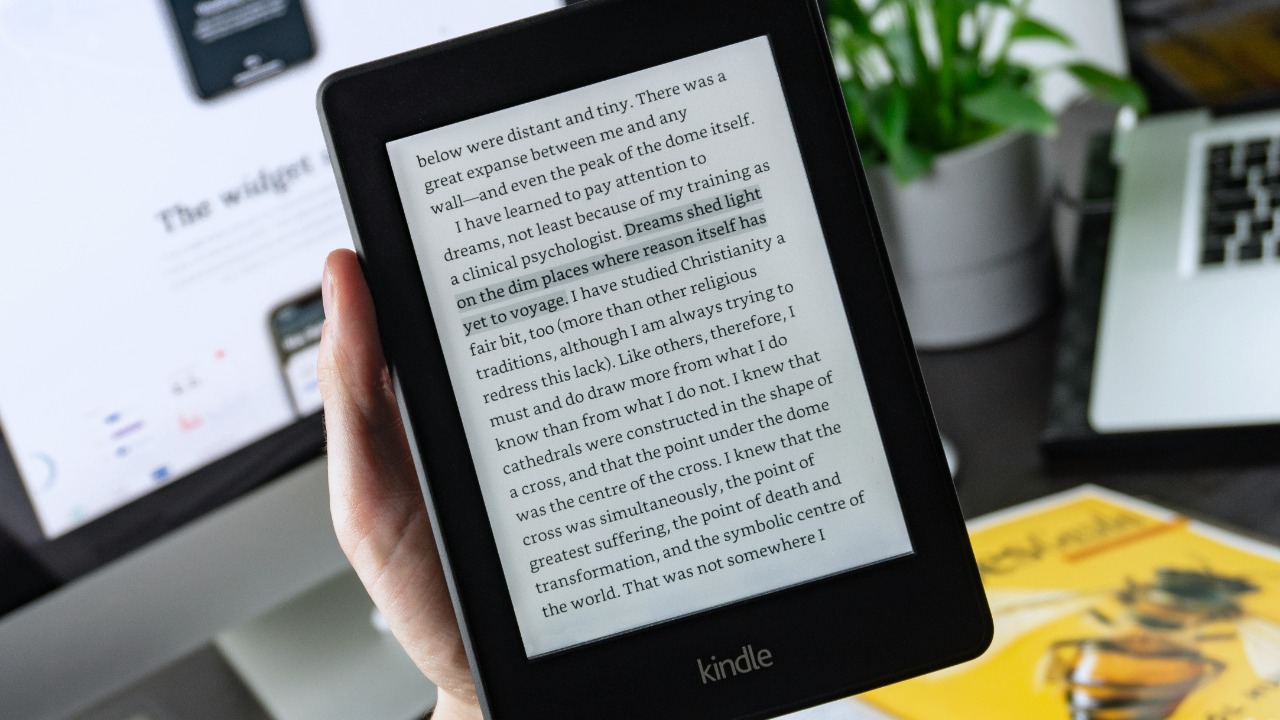

Old Kindles rarely die, they just drift into drawers. With a little planning, I can turn that obsolete e-reader into a smart, low-power tool that earns its space again, from an open-source reading machine to a smart home dashboard or even a device ready for responsible trade-in.
Transform Your Old Kindle into an Open-Source Reader
Transform Your Old Kindle into an Open-Source Reader is the most powerful way to extend the life of an obsolete device, because it replaces a locked-down system with flexible, community-driven software. Detailed guides on how to transform an old, obsolete Kindle into the ultimate open-source reader explain how to jailbreak the device, install custom firmware, and connect it to open ecosystems such as Calibre libraries or OPDS catalogs. One walkthrough on how to turn an old, obsolete Kindle into the ultimate open-source reader shows that once the Kindle is opened up, I can load alternative reading apps, change fonts and layouts far beyond the stock options, and even sync with self-hosted book servers instead of relying on a single store. By shifting control from a proprietary platform to open tools, the Kindle becomes a long-term reading appliance that is less vulnerable to store shutdowns or account issues.
Once the Kindle is running open-source software, I can treat it as a dedicated portal for formats that the original firmware handled poorly, such as certain EPUB variants, comics, or technical PDFs. The same guide on how to turn an old, obsolete Kindle into the ultimate open-source reader notes that this approach can also unlock features like custom screensavers, alternative dictionaries, and experimental web readers that pull from open archives. For readers who care about digital ownership, this matters: instead of being tied to a single vendor’s cloud, I can keep my library on a home server or a laptop and still enjoy the Kindle’s e-ink screen. The broader trend toward open hardware and software, visible in projects that repurpose everything from routers to game consoles, shows that an aging Kindle is not just “old tech” but a capable front end for open content, provided I am comfortable following technical instructions and accepting the usual risks of jailbreaking.
Upcycle Your Kindle with Creative DIY Projects
Upcycle Your Kindle with Creative DIY Projects focuses on turning a forgotten reader into something visually striking or functionally novel, using both software tweaks and light hardware work. A guide to the top 5 projects to upcycle your old Kindle highlights that some projects work entirely on the software end, while others involve physical modifications, and notes that Some of these ideas can “re-kindle” enthusiasm for a device that might otherwise be recycled. Typical projects include converting the Kindle into a static art display that cycles through black-and-white illustrations, building a wall-mounted calendar that pulls from online feeds, or creating a distraction-free writing companion by pairing the Kindle with a Bluetooth keyboard. Another collection of ideas on how to upcycle your Kindle emphasizes that even simple changes, such as custom screensavers or minimalist home screens, can make the device feel purpose-built for a single task instead of a general reader that no longer sees daily use.
Creative reuse is not limited to Kindles, and broader lists of ways to repurpose older tablets show how similar thinking can apply across devices. A rundown of the 6 best ways to repurpose your old iPad tablet, for example, suggests turning a retired slate into a kitchen reference screen, a dedicated music controller, or a smart home dashboard, and those same roles can inspire Kindle projects that lean on its low power draw and e-ink readability. When I adapt those concepts to an e-reader, I might build a permanent recipe board that syncs over Wi-Fi, a monochrome photo frame that rotates family images, or a bedside information panel that shows a daily agenda without the glare of an LCD. The stakes are practical as well as creative: every successful upcycling project keeps a device out of the waste stream, reduces demand for new hardware, and gives technically curious owners a low-risk platform for experimenting with code, 3D-printed mounts, or home automation integrations.
Use Your Kindle as a Smart Home Control Hub
Use Your Kindle as a Smart Home Control Hub adapts techniques originally developed for low-cost tablets to the unique strengths of an e-ink screen. A detailed walkthrough on how to turn an Amazon Fire tablet into a smart home control hub shows how a cheap, always-on device can display tiles for lights, thermostats, cameras, and media systems, often using dashboards from platforms like Home Assistant or web-based control panels. While a Kindle e-reader runs different software than a Fire tablet, the underlying idea is the same: mount a small screen in a central location, keep it plugged in, and dedicate it to a single dashboard that controls the home. Owners who have jailbroken their Kindles or enabled experimental browsers can point the device at a local web interface, creating a monochrome but highly legible control surface that uses almost no power when the screen is static.
There is growing evidence that e-ink devices work well as ambient smart home displays. One enthusiast described how a 10-year-old Kindle, purchased used for about 30 dollars, became the perfect smart home device to stay up to date with ambient data such as weather, calendar entries, and system status, arguing that the Kindle’s low refresh rate is acceptable for information that changes slowly. That same logic applies when I configure a Kindle to show a grid of buttons for scenes like “Movie Night” or “Away,” or to display a persistent overview of door locks and sensors. Compared with a phone or full tablet, a Kindle used as a hub is less tempting to pick up and scroll, which can reduce distraction in shared spaces. For smart home stakeholders, from hobbyists to integrators, this repurposing path demonstrates that not every dashboard needs a new, power-hungry screen; an older Kindle can serve as a stable, glanceable interface that complements voice assistants and mobile apps.
Repurpose Your Kindle for Everyday Digital Tasks
Repurpose Your Kindle for Everyday Digital Tasks builds on practical suggestions that show how an e-reader can handle more than novels. A guide outlining 4 Ways to Repurpose an Old Kindle eReader explains that I can Turn It Into a Smart Home Display, Make an E-Paper Clock, Jailbreak It for Full Control, or Trade It In, and those options map neatly to everyday needs. Turning the device into a smart home display or e-paper clock gives it a permanent role on a desk or wall, showing time, weather, or calendar entries without the distractions of a phone. Jailbreaking for full control, as described in that same overview of Ways to Repurpose an Old Kindle, opens the door to additional daily uses such as a dedicated RSS reader, a minimalist email checker, or a long-form article terminal that syncs with services like Pocket or Wallabag. Each of these roles leans on the Kindle’s strengths: long battery life, high-contrast text, and a form factor that is comfortable to hold for extended periods.
Other device reuse guides reinforce how single-purpose setups can extend hardware lifespans. A list of clever uses for an old smartphone, for instance, recommends turning retired handsets into security cameras, baby monitors, or music remotes, showing that focused roles often work better than trying to mimic a brand-new flagship. Similarly, a breakdown of 5 clever ways to reuse USB flash drives suggests dedicating small drives to tasks like portable app kits or secure password storage, rather than leaving them idle. When I apply that mindset to a Kindle, I might assign it to one or two daily tasks, such as a distraction-free reading queue or a permanent to-do list display, instead of expecting it to replace a modern tablet. The broader implication is that everyday digital workflows do not always require new hardware; by matching an old Kindle’s capabilities to specific, low-intensity tasks, I can reduce electronic waste and keep my primary devices free for work that truly needs their speed and color screens.
Trade In or Recycle Your Old Kindle Responsibly
Trade In or Recycle Your Old Kindle Responsibly is the final smart option when repurposing is not practical, and recent reporting shows that structured programs make this easier than many owners realize. Guidance on how to recycle or trade in your old tech explains that major retailers accept a wide range of devices, from tablets and e-readers to laptops and phones, and often provide store credit or gift cards in return. In that overview of how to recycle or trade in your old tech, the program details emphasize that devices are evaluated for reuse, refurbishment, or responsible recycling, with materials like metals and plastics recovered when a product cannot be resold. For a Kindle that is too damaged to jailbreak or upcycle, handing it to a certified program ensures that batteries and electronic components are processed safely instead of ending up in household trash. This matters not only for environmental reasons but also for data security, because trade-in and recycling partners typically wipe or destroy storage as part of their intake process.
Device makers themselves also run trade-in schemes that complement retailer programs. An explanation of what happens to old devices after customers complete an Amazon Trade-in notes that returned hardware may be refurbished for resale, used for parts, or recycled according to established standards, depending on its condition. For Kindle owners, that means a straightforward path to convert an unused reader into credit toward a newer model or a different category of device, while ensuring that the old unit is handled responsibly. Broader tech coverage has repeatedly stressed that keeping gadgets in circulation longer, whether through resale or refurbishment, reduces the environmental footprint associated with manufacturing new products. When I weigh the options, the decision tree becomes clear: if my Kindle still works, I can try open-source firmware, DIY projects, smart home roles, or everyday digital tasks; if it does not, I can rely on trade-in or recycling programs to close the loop, turning a drawer-bound gadget into either a second life for someone else or raw material for future devices.
More from MorningOverview