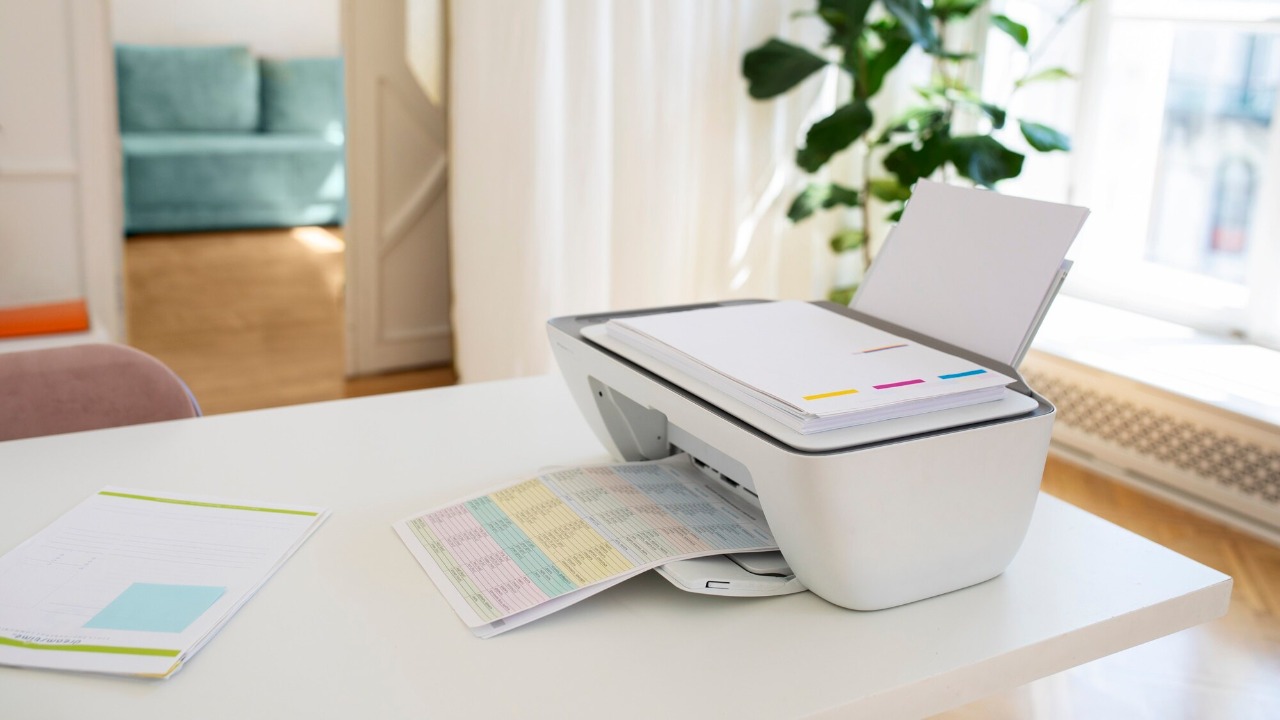

With the increasing integration of technology into our daily lives, even seemingly innocuous devices like printers can become sources of privacy concerns. While they are essential office tools, printers can also serve as silent data collectors. Here’s how your printer might be keeping tabs on you.
1. Tracking Your Print Jobs

Many modern printers come equipped with software that records every print job sent to them. This data often includes the document’s metadata, such as the file name, date, and time of printing. While this feature is intended to help with troubleshooting and managing print resources, it also means that every document you print is logged somewhere.
Such logs can be accessed by network administrators or potentially by malicious actors if your network security is compromised. This tracking can sometimes extend to the content of the documents themselves, raising further privacy issues. If you’re curious about how employers can monitor such activities, this article provides a comprehensive overview.
2. Collecting Usage Data

Printers often gather data on how they are used, which can include the frequency of printing and types of documents printed. Manufacturers argue that this data helps them improve printer performance and user experience. However, it also means that your printer usage habits are being monitored and potentially shared with third-party companies.
While this might seem harmless, the accumulation of such data can paint a detailed picture of your daily activities, especially in a professional environment. For those interested in the security implications of such data collection, this paper offers a detailed analysis.
3. Monitoring Network Activity

When connected to a network, printers can monitor and log network activity. This is usually done to manage connectivity issues and ensure smooth operation. However, this capability also means that sensitive information passing through the network can be intercepted and logged by the printer.
Network monitoring can inadvertently provide insights into users’ online behavior and interactions, posing a potential risk to privacy. For those looking to understand more about digital privacy concerns, this article explores similar issues in other smart devices.
4. Storing Personal Information
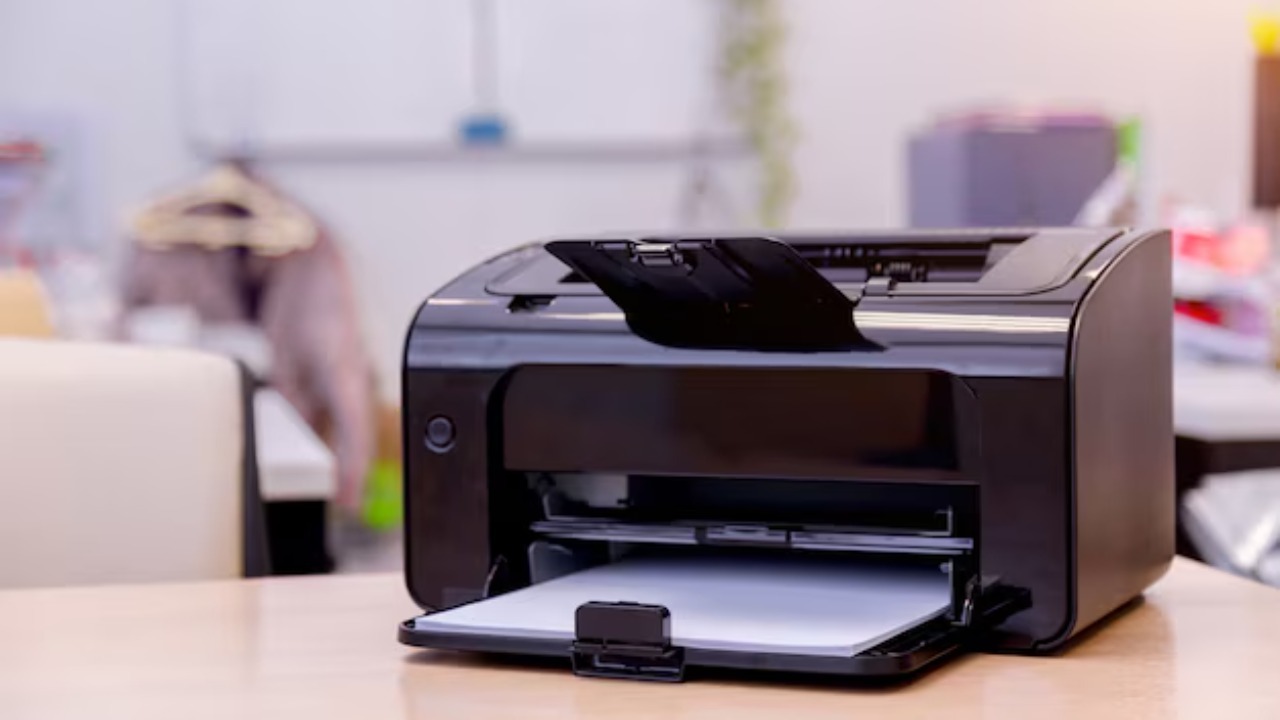
Printers with built-in memory or storage can retain documents, user credentials, and other personal information. This storage is often used to speed up repeated tasks or store frequently printed documents. However, without proper security measures, this data can be accessed by unauthorized users.
It’s essential to regularly clear the printer’s memory and ensure that robust security policies are in place to protect stored data. More insights into how devices store and handle personal information can be found in this study.
5. Sending Error Reports to Manufacturers
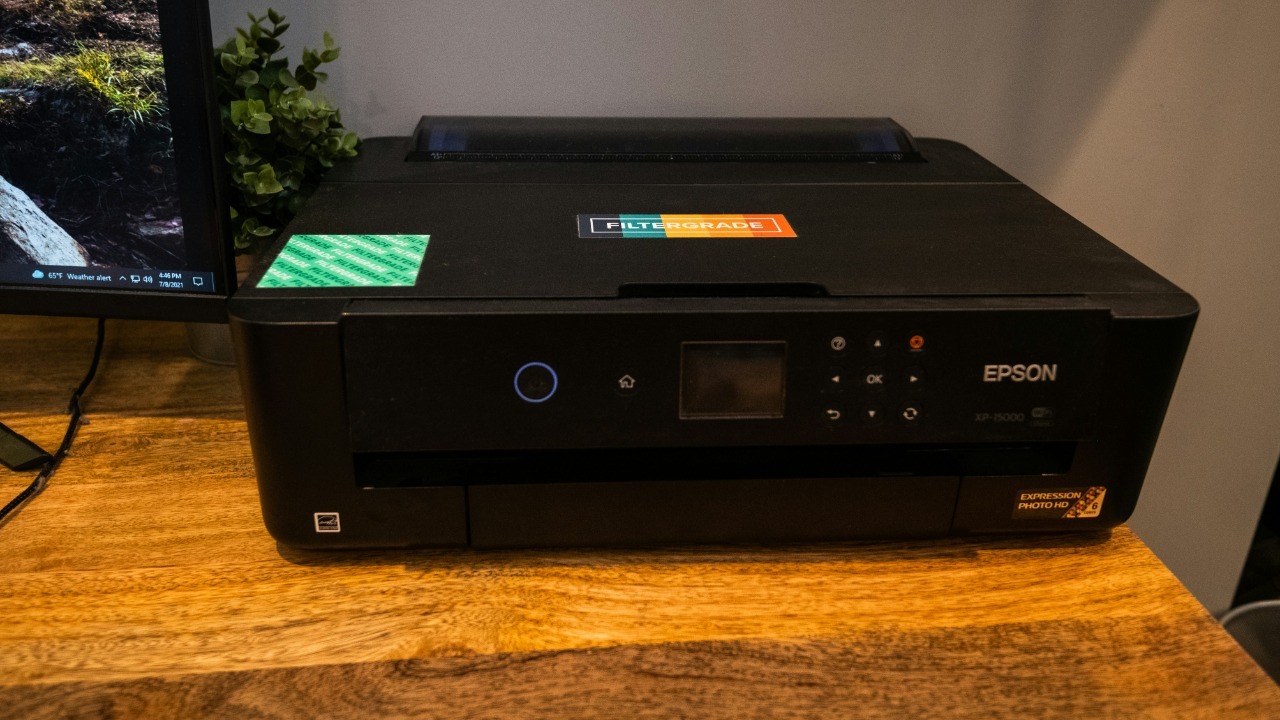
Many printers automatically send error reports and diagnostic data to manufacturers to help them identify and fix issues. While this feature is useful for improving device reliability, it also involves transmitting data that could include sensitive information.
These reports can sometimes contain snippets of documents or other data that you might not want to be shared outside your network. To safeguard your privacy, consider disabling automatic error reporting if possible, or ensure that the data being sent is anonymized.
6. Recording Location Data

Printers connected to the internet might also collect and store location data. This is particularly true for mobile printing features that allow you to print documents remotely. While convenient, this functionality can inadvertently disclose your location or the location of your network.
Ensuring that location services are disabled when not needed can help protect your privacy. It’s also wise to review the printer’s privacy settings and understand what data is being shared and stored.
7. Logging User Access

Printers often log user access to track usage and manage permissions. This log typically includes user IDs, access times, and the types of tasks performed. While this information is useful for managing printer access, it also means that there’s a detailed record of who printed what and when.
Such logs can be exploited if they fall into the wrong hands, so it’s important to ensure that access logs are kept secure and reviewed regularly. This practice helps to prevent unauthorized access and maintains the integrity of your data.
8. Capturing Device Metadata
Beyond document content, printers can capture and store metadata from devices that connect to them. This metadata can include device types, operating systems, and unique device identifiers. While this information is primarily used for compatibility and troubleshooting, it also poses a privacy risk. Understanding the types of metadata your printer collects and how it’s used can help mitigate potential risks. Regularly updating printer firmware and reviewing privacy settings are crucial steps in protecting your device and personal information.