
Streaming videos, sharing updates, navigating roads, attending virtual meetings, exploring augmented reality, tuning into music, or editing photos and videos—these everyday smartphone activities may be consuming more battery life than gaming. Understanding which apps are most demanding on your battery can help you manage your phone’s power more effectively. Here are seven types of apps that might be draining your battery faster than you’d expect.
Streaming Video Services
Streaming video services like Netflix and YouTube are notorious for their heavy battery consumption. The constant need to download and display high-definition video content, often accompanied by audio, requires a significant amount of power. Moreover, these apps keep the screen active for extended periods, which is one of the most power-hungry components of any smartphone.
Using these apps on mobile data networks can further exacerbate battery drain. They require a continuous internet connection to buffer and stream content, which can quickly deplete your battery. If you’re curious about which apps might be affecting your battery life the most, you can find more information on Android Authority.
Social Media Platforms

Social media platforms such as Facebook and Instagram are often open in the background, frequently updating to deliver real-time notifications. This continuous fetching of data puts a strain on your device’s resources, leading to a quicker battery drain. Features like auto-playing videos and location services can also add to the power consumption.
Even when not actively used, these apps tend to run background processes to keep you updated with the latest posts and messages. This constant activity can lead to significant battery usage over time. For a more technical dive into how apps consume battery, check out this academic study.
GPS Navigation Apps
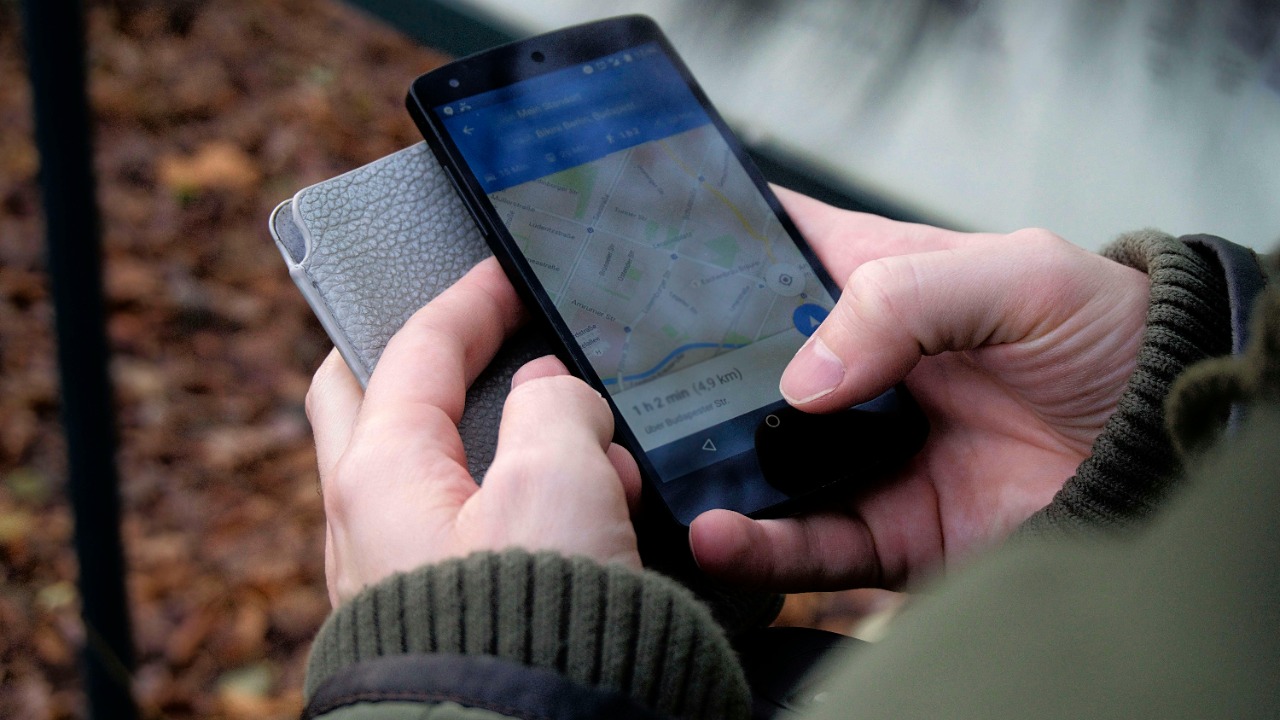
Navigation apps like Google Maps and Waze are essential tools for many, but they are also some of the most power-draining apps on your phone. These apps continuously use your phone’s GPS to track your location, which requires a substantial amount of energy. In addition, they often download map data and traffic updates, which can further deplete your battery.
Driving with navigation apps over long distances can quickly drain your phone’s power, especially if your screen brightness is set high for better visibility. For those who frequently use navigation apps, it’s wise to carry a car charger to keep your phone powered during long drives.
Video Conferencing Tools
In the era of remote work, video conferencing tools like Zoom and Microsoft Teams have become indispensable. However, these apps are also heavy on battery usage due to the simultaneous use of the camera, microphone, and network connectivity required for video calls.
Prolonged video calls not only drain the battery but can also cause your phone to heat up, leading to potential performance issues. Lowering video quality settings or connecting to a Wi-Fi network instead of using mobile data can help mitigate some of the battery drain associated with these apps.
Augmented Reality Apps

Augmented reality (AR) apps, such as Pokémon GO and AR-based shopping apps, use advanced technologies that demand significant processing power. These apps overlay digital information onto the real world, requiring continuous camera use and complex computations, which can quickly sap your battery.
Since AR apps often rely on GPS, camera, and internet connectivity simultaneously, they can be among the most demanding on your device’s power. If you’re interested in understanding more about the battery drain caused by such technologies, this IEEE article delves into the specifics.
Music Streaming Services
Music streaming apps like Spotify and Apple Music are popular for listening on the go, but they can also contribute to battery drain. Streaming music requires a constant internet connection, and the app may continue to run in the background, even when you’re not actively using it.
Downloading playlists for offline listening can help reduce battery usage, as it eliminates the need for constant data streaming. Additionally, using wired headphones instead of Bluetooth can conserve battery life, as wireless connections typically use more power.
Photo and Video Editing Apps

Photo and video editing apps, such as Adobe Photoshop Express and iMovie, are resource-intensive due to the complex editing processes they perform. Rendering high-quality images and videos requires significant processing power, which can rapidly deplete your battery.
These apps often demand substantial memory and processing resources, leading to increased energy consumption. If you’re experiencing unusual battery drain, it might be worth checking if these apps are running in the background. For further insights into battery performance issues, you might find this Android Police article insightful.
