
For artists who want their work to stay fully human made in 2026, AI free apps are becoming a deliberate creative choice rather than a limitation. I focus here on five powerful tools that keep every brushstroke, vector point, and polygon under your control, while still matching the polish of trendier AI driven platforms.
Krita
Krita is a flagship open source painting studio that appears prominently in roundups of AI free apps for digital art. Its brush engine, layer system, and color management are built for concept artists and illustrators who want the responsiveness of natural media without algorithmic shortcuts. Unlike tools that lean on generative fills, Krita keeps every mark tied to your stylus input, which matters for artists who sell commissions or need to prove authorship.
The same ecosystem that adds AI to other tools treats Krita as a counterweight, with some lists of AI tools even flagging “Krita with GMIC Plugin” as a separate, optional path. I see that as proof of its flexibility: you can extend it if you choose, but the default workflow is entirely manual. For painters moving from traditional canvases to tablets, that balance of control and extensibility is a key reason to start here.
GIMP
GIMP is repeatedly described as the “Best Graphic Design Program for Free” for Windows, macOS, and Linux, and that reputation carries real weight for artists who need Photoshop style power without AI filters. Its layer masks, blend modes, and precise selection tools give you full editorial control over every pixel. Instead of one click sky replacements or generative object inserts, you build composites by hand, which keeps the creative decision making transparent.
Lists of free graphic design consistently place GIMP alongside Canva and other big names, but its open source roots make it especially attractive to artists wary of data harvesting. Because the project is community driven, new features tend to prioritize user requested workflows rather than AI experiments. For illustrators and photographers who want to document a clean, reproducible editing pipeline, that philosophy is increasingly important.
Inkscape
Inkscape is the vector counterpart to GIMP, highlighted in guides to Free Graphic Design that emphasize scalable illustration. It specializes in SVG based drawing, giving logo designers and typographers precise control over nodes, paths, and curves. Because it avoids AI assisted layout or auto tracing by default, every Bézier handle you move is a conscious design choice, which is crucial when clients expect exact brand geometry.
Coverage of apps to keep often mentions tools like Procreate, Cara, Rebelle, and Clip Studio Paint, and Inkscape fits naturally into that same ethos on the vector side. I find it especially valuable for illustrators who need print ready assets that can be reworked years later without quality loss. In a landscape where AI generators can mimic styles, owning clean, editable vector source files becomes a practical safeguard.
Blender
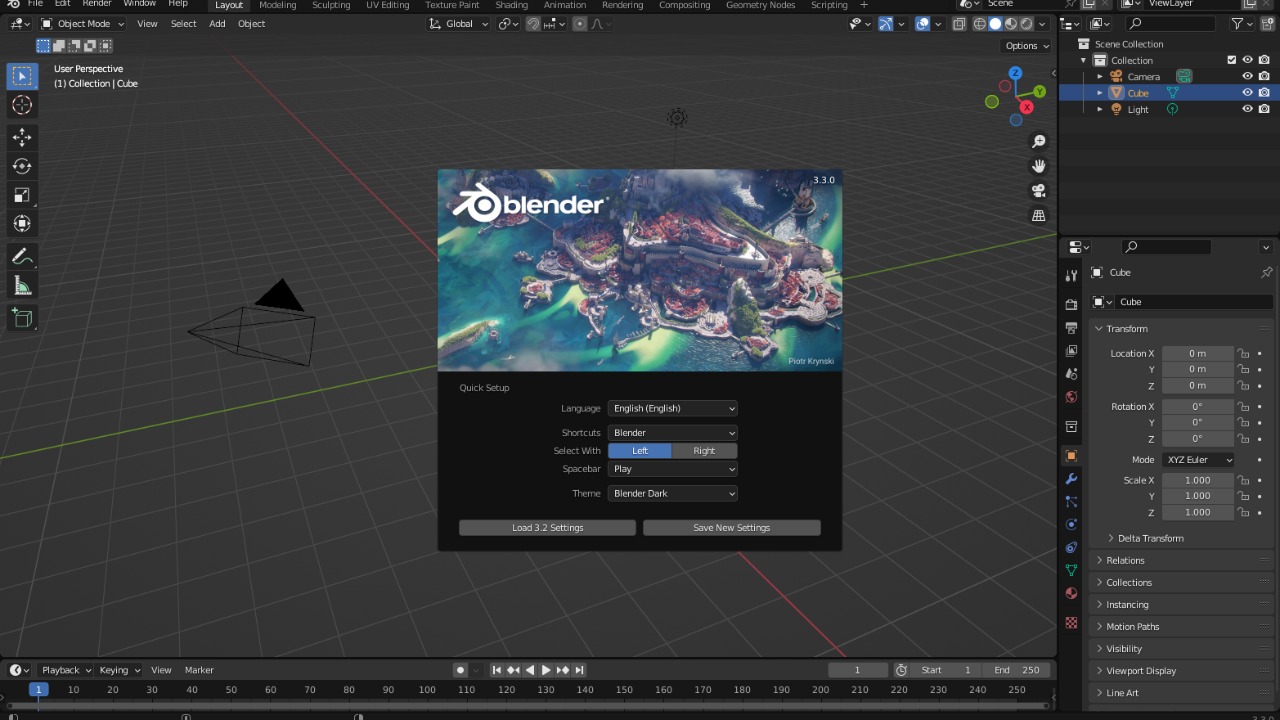
Blender stands out in lists of Midjourney alternatives because it offers a complete 3D creation suite without relying on text prompts. Modeling, rigging, animation, and rendering all happen through direct manipulation of meshes and keyframes. For artists who might otherwise be tempted by AI image generators, Blender provides a way to build cinematic scenes and characters from scratch, while keeping full authorship over topology and lighting.
Roundups of free tools frequently list Blender alongside 2D apps like Krita and GIMP, underscoring how it anchors many professional pipelines. I see its node based shading and compositor as especially important for AI cautious artists, because they encourage learning the underlying physics of light rather than outsourcing that logic to a model. The result is a deeper, transferable skill set that is harder for automated systems to replace.
MediBang Paint
MediBang Paint targets comic and manga creators who want cloud sync and asset libraries without surrendering control to generative systems. Its panel tools, screentone brushes, and text balloons are designed for fast, manual layout rather than AI written dialogue or auto completed pages. When reviewers test AI photo enhancers, they often note that manual drawing apps like MediBang still pair well with those editors, because artists can integrate enhanced photos into hand drawn spreads.
Social posts about AI free art and threads on CreativeBloq feeds show how strongly illustrators value that separation between enhancement and authorship. I view MediBang’s cloud features as a practical bridge for teams that want modern collaboration while keeping storyboards, line art, and color work entirely human made. For independent manga artists in particular, that mix of portability and control can be the difference between a sustainable series and creative burnout.
More from Morning Overview