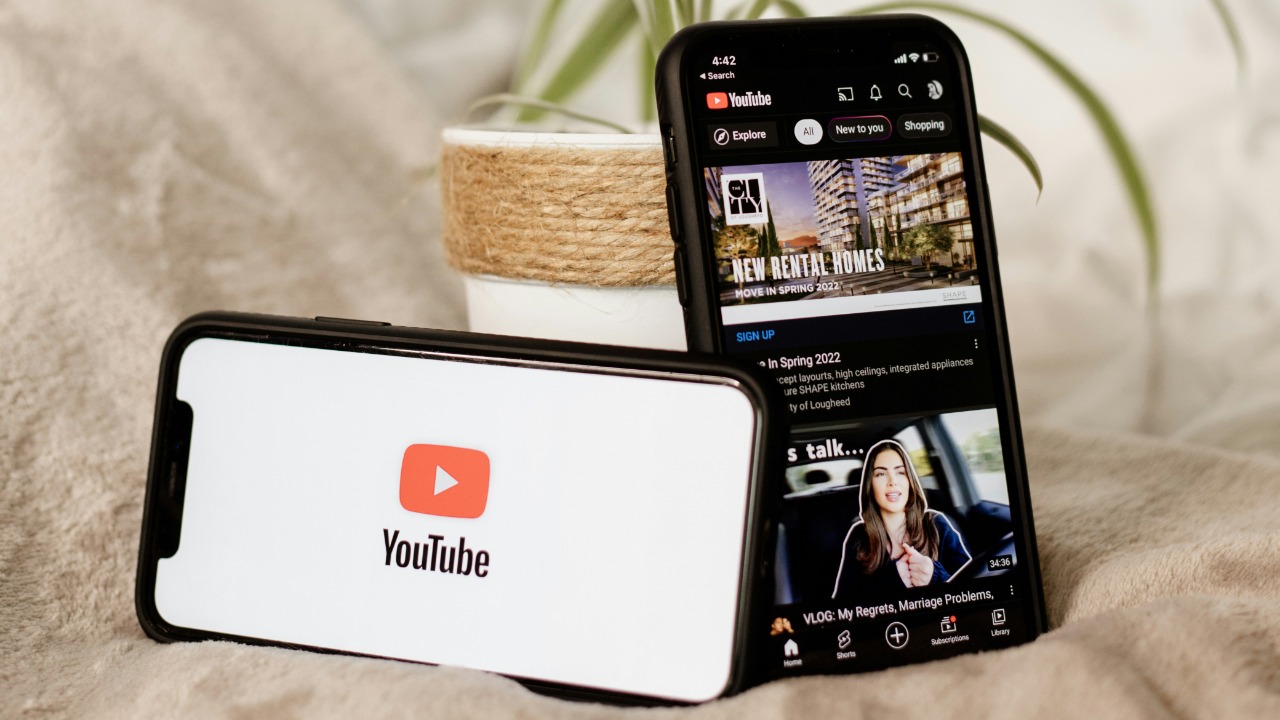

YouTube’s latest search update finally gives viewers a clean way to sidestep the endless scroll of Shorts and focus on longer videos again. Instead of treating short clips and traditional uploads as one undifferentiated feed, the platform now lets people filter out vertical snippets when they search, making it far easier to escape the short-form rabbit hole and find the kind of content they actually came for.
The change sounds simple, but it rewrites how search works on one of the internet’s biggest video platforms and answers years of complaints from users who felt trapped in a format they never asked for. It also signals that YouTube is willing to rebalance its TikTok-style ambitions with a more old-school promise: when you search for something, you should be able to control what you get.
What exactly YouTube changed in search
The core shift is that YouTube’s advanced search filters now treat Shorts as a distinct content type that can be actively excluded. Previously, the search bar would happily mix vertical clips into almost any query, even when someone clearly wanted a full tutorial or review, and there was no official way to tell the algorithm to stop. That gap pushed viewers toward unofficial tricks and browser hacks, because for years the default experience buried longer videos among the Shorts clutter that dominated results.
With the new controls, YouTube has added a dedicated Shorts option inside its content filters so that users can either focus on those quick clips or hide them entirely. The company has described this as part of a broader update to search that introduces Dedicated Content Types, which means Shorts now sit alongside other formats instead of being blended invisibly into every search. In practice, that turns what used to be a one-size-fits-all feed into something closer to a menu, where viewers can decide whether short-form video belongs on their plate at all.
How the new Shorts filters work in practice
From a user’s perspective, the change shows up in the familiar row of filters that appears after running a search. Where the “Type” menu once focused on broad categories like channel or playlist, it now includes a Shorts toggle that can be set to show or hide vertical clips. YouTube has explained that this new Type option is designed to give people a straightforward way to keep Shorts out of search results when they are looking for something more substantial, which is especially useful for topics like software tutorials or product breakdowns that work poorly in sixty seconds.
The update is part of a wider refresh of the search interface that also tweaks how results can be sorted. Earlier changes replaced the old “Relevance” label with a Popularity option, signaling that YouTube wants to surface videos that are actually being watched rather than just matching keywords. Combined with the Shorts filter, that means a viewer can now search for a topic, sort by what is resonating with others, and still avoid being pulled into a vertical feed they never intended to open.
Why this matters after years of frustration
The new controls land after a long stretch in which viewers had almost no official way to push back against Shorts. For years, people who wanted to avoid vertical clips had to rely on community workarounds, from browser extensions to elaborate search operators, because the default search bar kept mixing in short videos even when they were irrelevant. Guides like The New Way to manage Shorts described how users tried to filter results manually, underscoring how much effort it took to escape the format’s grip.
That frustration spilled into social spaces where people compared notes on how to disable Shorts entirely. In one Comments Section devoted to digital minimalism, users traded tips about tools like Revanced and other unofficial clients that promised to strip out short-form content. Another thread titled “You CAN turn off YouTube Shorts! But there’s a catch” described how even when someone managed to hide Shorts on a desktop browser, the change would not reliably carry over to their phone. The new filters do not erase that history, but they finally give those same users a native control that does not depend on hacks or third-party apps.
What YouTube is promising with the update
On YouTube’s side, the company is framing the change as a direct response to viewer feedback about search quality. In a recent explanation of the update, the platform said it had “added a new Shorts filter” to the advanced tools so that people can choose whether short videos appear when they look for something, regardless of the format they ultimately prefer. That commitment is echoed in a Japanese-language post that confirms the company has now made it possible to filter Shorts out of search results entirely, not just de-emphasize them.
Other coverage of the rollout notes that YouTube introduced these advanced filters earlier in Jan as part of a broader effort to give users more control over what appears in their feeds. One report described how the company will now let people explicitly exclude Shorts from search results, treating that choice as a first-class setting rather than a hidden preference. Another analysis framed the update as a fix for viewers who were Tired of Shorts flooding search, suggesting that YouTube is finally acknowledging that not every session should start with a vertical clip.
How users are already bending the tools to their will
Even with the new filters, viewers are not abandoning their own tactics for taming Shorts. Some people still prefer to strip short-form content out of their experience entirely, especially on mobile, where the vertical feed is most aggressive. A popular tutorial from Aug walks through how to “disable” Shorts on iPhone and Android by using a mix of settings tweaks and interface tricks, conceding that there is not a perfect solution but showing how to get rid of most of them in practice, and that video has become a reference point for users who want to disable Shorts as much as possible.
On Reddit, people are also experimenting with more drastic steps to keep short-form video at bay. One user in the LinusTechTips community described how, after deleting most social media apps from their phone in an effort to limit exposure to short content, they managed to remove Shorts from the YouTube home page and only see them if they deliberately scroll to the very bottom, a strategy detailed in a post that begins with the word After. In another Comments Section discussing the new filters, users celebrated the change but also argued that They should go further, calling for options like sorting subscriptions alphabetically and more granular control over recommendations. Those reactions suggest that while the new filters finally make Shorts easier to escape, the appetite for deeper customization on YouTube is only growing.
More from Morning Overview