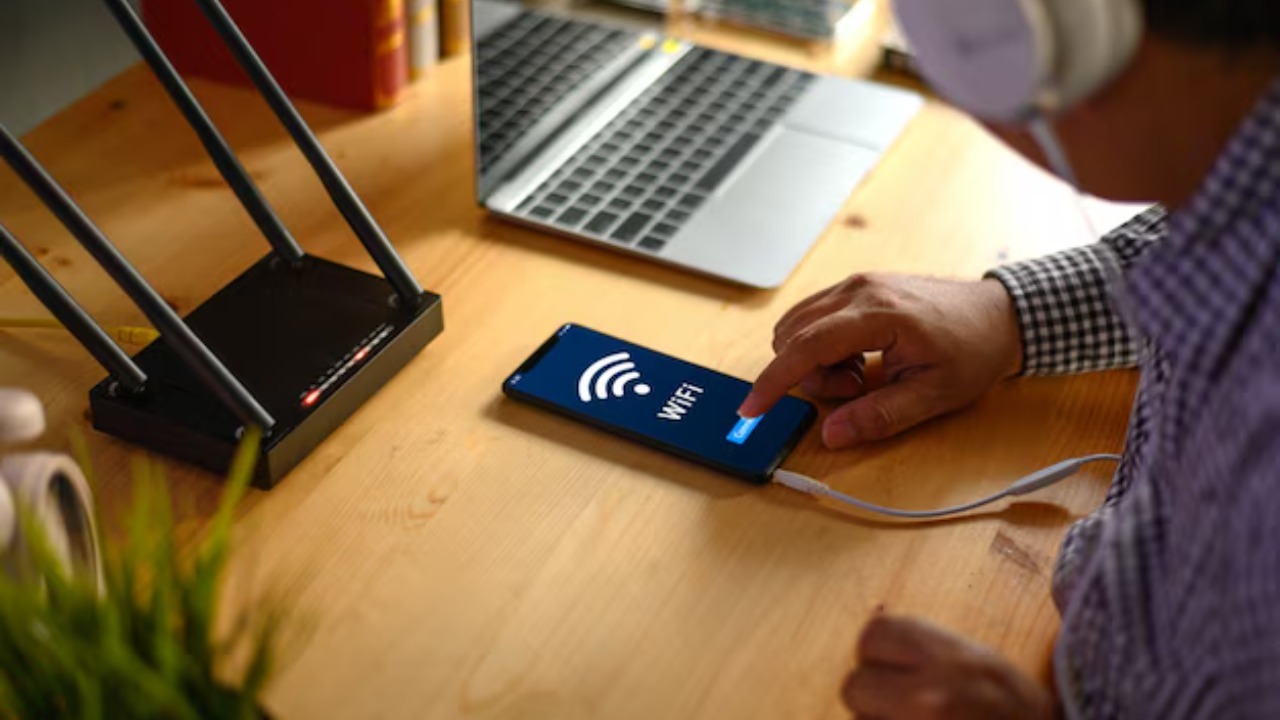

Home Wi-Fi used to buckle only when someone hit play on Netflix. Now it can grind to a halt because a dozen “smart” gadgets are quietly chattering in the background. If your lights, cameras and speakers are all fighting for airtime, the fix is less about turning things off and more about changing how your network is structured so every device gets a fair shot at the signal.
I see the same pattern in crowded homes again and again: the problem is not raw speed from the provider, it is a single overworked router trying to juggle too many connections at once. With a few targeted upgrades and some smarter placement of gear, you can often rescue a struggling network without ripping out every gadget that makes your home feel modern.
Why your smart home is suffocating the signal
Most people assume Wi-Fi collapses because of “interference” from neighbors or microwaves, but the more common culprit in gadget-heavy homes is airtime exhaustion. Every camera, thermostat and speaker takes a turn talking to the router, and once you cross a certain threshold, the radio spends so much time managing chatter that useful traffic crawls. One detailed account of a congested network described how it was simply “Time for a change in architecture” after the owner realized the real issue was airtime, not noise, and that “Unfortunately, the only fix for airtime issues is to spend money” on a better setup that could handle the load, a conclusion that only became clear when You dug into how the network behaved under stress.
Router hardware limits make this worse. A major networking guide notes that typical Consumer models are comfortable with around 20 to 50 devices, while higher end or business gear can stretch to 100 or more, depending on how those devices use the network. A home with a couple of laptops and a console will be fine, but add multiple 4K TVs, several smart speakers, a doorbell camera and a cluster of sensors, and you are suddenly asking an entry-level router to behave like enterprise equipment. At that point, even simple tasks like loading email can feel like wading through molasses.
Not all gadgets are equal bandwidth hogs
Before ripping out half your smart home, it helps to understand which devices actually strain the connection. High resolution video is the main villain: Smart TVs, streaming sticks and security cameras that push High resolution video, especially 4K and HDR, demand a large, steady stream of data that can easily crowd out lighter traffic. A single 4K stream from a living room TV, another from a bedroom, and a couple of cloud-connected cameras can saturate both your broadband line and the wireless airtime, even if the rest of your devices are barely sipping data.
By contrast, some gadgets barely register. A breakdown of common devices points out that Smart Bulbs are Relatively low bandwidth, since They mostly wait for a tiny signal to turn on or off. Sensors, locks and many plugs behave the same way. The real problem is not that you have 40 devices, it is that a handful of them are constantly streaming or syncing large files while everything else waits in line behind them.
The simple fixes you should try before spending big
There are a few low cost steps I recommend before anyone reaches for a new router. The first is a digital spring cleaning: one practical guide suggests you Conduct a kind of network audit, because it is easy to forget how many devices are quietly connected. Log into your router, list every phone, tablet, TV, camera and smart appliance, and disconnect anything you no longer use, like an old tablet or a retired streaming stick. Fewer idle devices means fewer background updates and less chatter that can clog the air.
Next, move the heaviest hitters off Wi-Fi entirely. The same advice stresses that you should Lean on Ethernet for anything that stays put, like a PlayStation 5, an Xbox Series X, a desktop PC or a 4K streaming box. Every wired connection frees up wireless airtime for devices that cannot use a cable, such as phones and battery powered sensors. A separate troubleshooting guide on overloaded networks notes that if firmware is current and basic tweaks are not enough, it can be time to consider a new router or even a Jun era 2 to 3 node mesh network, but those upgrades work best once you have already trimmed unnecessary wireless load.
When you really do need new hardware
Sometimes, though, the honest answer is that your current router is out of its depth. A device calculator from a major networking brand is blunt: Yes, too many devices can slow down your Wi-Fi, and Just like a road with too many cars, the network becomes congested until you either reduce traffic or add more lanes. That is where mesh systems come in: instead of one overworked box in a hallway closet, you spread two or three nodes around the home so each room has its own strong signal and the backhaul between them can carry traffic more efficiently.
User review analysis of popular systems highlights how a well designed mesh kit such as an Amazon eero package can dramatically improve reliability in smart homes, especially when paired with advanced settings like parental controls and device prioritization. Real world experiences echo the earlier “Time for a change in architecture” lesson: once the network is split into multiple access points, the same number of devices suddenly behaves, because each node handles a smaller slice of the load and the radios spend less time shouting across the house and more time moving data.
Planning for Wi-Fi 7 without wasting money
Even with a better layout, it is worth thinking about the next generation of Wi-Fi so you do not buy gear that will feel dated too soon. A technical overview explains that What Is WiFi 7, also known as IEEE 802, and Why Everyone Is is that it significantly boosts throughput and reduces latency, particularly in dense environments with many devices. Another comparison of What Wi Fi 7 Brings Over Wi Fi 6E notes that the new standard uses wider channels and more efficient ways of packing data, which boosts overall throughput and helps keep multiple high bandwidth streams flowing at once.
At the same time, a separate guide that asks whether WiFi 7 or WiFi 6E is right for you underlines that the real question is Home Really Need right now. As 2026 gets closer, it argues that many households will be well served by current WiFi 6E mesh systems for the next few years, especially if they are mainly streaming video and running typical smart home gear. In other words, the fix for your overloaded network is more likely to be a solid WiFi 6 or 6E mesh with good placement than a bleeding edge WiFi 7 router that still sits alone in a corner.
Smarter buying and smarter settings
Once you stabilize the network, it pays to be more selective about what you add to it. Retail platforms now lean on extensive Product data to surface how gadgets behave in real homes, and digging into reviews can reveal whether a particular camera or doorbell is notorious for buggy Wi-Fi behavior. When you are comparing a new smart display or security kit, look beyond features and price, and pay attention to how often buyers mention connection drops or constant firmware updates, both of which translate into more wireless noise.
On the configuration side, many modern routers and mesh kits include Quality of Service tools that let you prioritize critical devices. A practical guide to managing heavy hitters notes that Many routers include QoS controls so you can give work laptops or video calls priority over a background TV stream, which gives the network breathing room when everything is busy. If you are shopping for a new mesh kit, user focused roundups of reliable systems point out that some packages, such as those built around Jan era models, are chosen using a clear methodology that weighs long term reliability and advanced settings like parental controls, which can double as traffic shaping tools when you need to keep kids’ streaming from overwhelming everything else.
When free tweaks are not enough
There is a limit to what settings and decluttering can do. A detailed personal case study of a congested home network ends with the author admitting it was simply Time for a new architecture, and that “Unfortunately” nothing short of replacing the main unit solved the problem. That experience matches what I see in homes where a single all in one modem router from an internet provider is trying to serve dozens of devices across multiple floors. At some point, the only realistic fix is to split the load across multiple radios and give each floor or wing its own access point.
When you reach that stage, it is worth thinking about how many devices you plan to add over the next few years. A smart home that already includes a video doorbell, two 4K TVs, a handful of cameras and a dozen low bandwidth sensors will only grow as you add more appliances, from connected fridges to EV chargers. Shopping tools that aggregate multiple product listings, and even a second product comparison, can help you zero in on routers and mesh kits that are explicitly rated for higher device counts, so you are not back in the same congested place a year from now.
For anyone still hoping to avoid new hardware entirely, there are a few last resort tweaks. A practical smart home guide notes that your network gets overcrowded when too many devices share the same band, and suggests simple changes like moving some gadgets to 5 GHz, turning off rarely used guest networks and adjusting channel selection, all of which can help if you Jul want to avoid spending money right away. If those steps still leave you with buffering and dropouts, the verdict is clear: it is not that you own too many smart gadgets, it is that your Wi-Fi needs to be smart enough to handle them.
More from Morning Overview