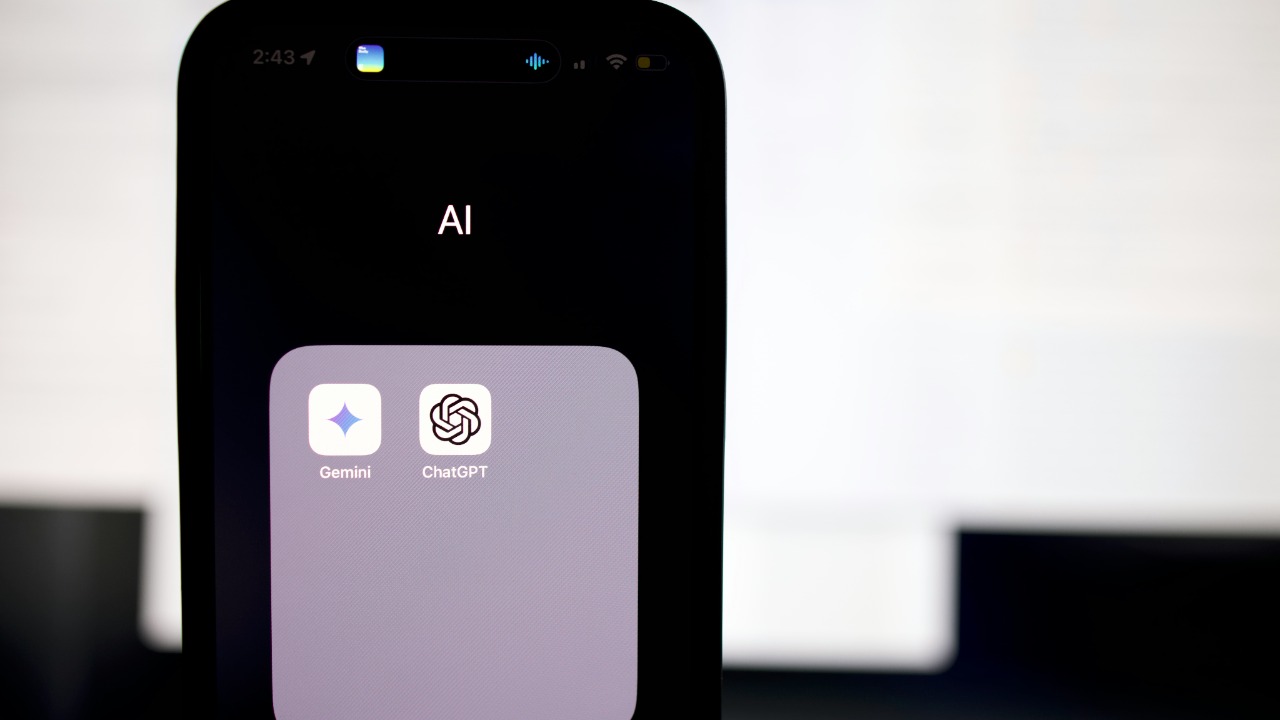

OpenAI’s new ChatGPT App Store is turning a single chatbot into a control panel for the rest of your digital life. Instead of copying text between tabs or juggling browser extensions, you can now trigger specialized apps, pull in files, and act on results without ever leaving the chat window. The shift is subtle in the interface, but it fundamentally changes what “using ChatGPT” means, especially for people who want to turn conversations into concrete workflows.
What started as a text box is becoming a hub where third party tools, cloud storage, and even advertising experiments plug into one conversational surface. I see this as less of a cosmetic upgrade and more of a platform moment, the point where ChatGPT stops being just a model and starts behaving like an operating system for tasks.
From chatbot to app platform
The core change is structural: ChatGPT now includes a built in app directory that behaves like an internal marketplace for approved tools. Instead of manually connecting services one by one, I can browse a curated list of apps, add the ones I need, and then call them in conversation as naturally as I would ask a colleague for help. One detailed community playbook describes it as a built in app directory inside ChatGPT where I can browse, add, and use approved apps and connected services to search, reference, or sync info, which captures how deeply this is wired into the product rather than bolted on as an afterthought.
OpenAI has quietly turned that directory into a full fledged store, with a central hub where users can browse and use all available applications directly inside the interface. Reporting on the rollout notes that OpenAI has now launched a full fledged app store for ChatGPT where users can browse and use all available applications in one place, a clear signal that this is meant to be a persistent layer of the product rather than a limited beta. The result is that ChatGPT is no longer just a single tool, it is a launcher for many tools that share the same conversational front end.
The Major Highlights: how the App Directory actually works
Under the hood, the App Store is organized around what OpenAI calls the App Directory, a new central hub to browse and launch tools within the bot’s own user interface. Instead of hunting through settings, I can open this directory, search for a capability like translation or project management, and install an app that exposes those functions as simple chat commands. An early breakdown of the launch lists The Major Highlights as including an App Directory that acts as a central hub to browse and launch tools within the bot’s UI, which matches what power users are already seeing in practice.
For developers, this is not just a storefront, it is a distribution channel. The same overview points out that Developer focused features sit alongside the App Directory, giving builders a way to publish tools that can be invoked in natural language and even chain together actions like turning a product recommendation into an actionable shopping cart in the same window. That combination of App Directory and Developer tooling is what makes the store feel like a platform rather than a static catalog, because it invites a growing ecosystem of specialized apps that all speak the same conversational protocol.
Real context Apps and the end of copy paste workflows
The most important shift for everyday users is that apps can now work with real context instead of isolated prompts. In practice, that means I can be in the middle of a long product spec, a messy research thread, or a planning conversation and then call an app that reads the entire exchange, pulls in relevant data, and acts on it without forcing me to restate everything. One detailed guide explains that real context Apps can pull from the ongoing conversation and from connected services to surface focused outputs instead of walls of text, which is exactly what people who live in long chats have been asking for.
Because the App Store is a built in app directory inside ChatGPT, these context aware tools can also search, reference, or sync info from external accounts without leaving the chat. The same playbook notes that it is a built in app directory inside ChatGPT where you can browse, add, and use approved apps and connected services to search, reference, or sync info, which turns the chat window into a kind of universal adapter for the rest of your digital stack. In workflow terms, that means fewer browser hops, fewer manual exports, and more time spent refining the actual work instead of shuffling data between services.
File search apps and the rise of the everything app
One of the clearest examples of these new workflows is file search. Instead of uploading documents one by one, I can connect storage services and let specialized apps handle retrieval and summarization. Reporting on the App Store’s early ecosystem highlights that File search apps pull from Google Drive or Dropbox, which means a single chat can now reach into two of the most common cloud storage platforms and surface exactly the slide deck, contract, or research note I need.
That kind of deep integration is why some observers describe the App Store as a step toward an “everything app,” a single surface that sits on top of multiple services. When File search apps pull from Google Drive or Dropbox, the chat interface stops being a static inbox for text and becomes a live index of my working life. In practical terms, I can imagine a product manager asking ChatGPT to “find the latest 2024 roadmap in Drive, compare it to last quarter’s Dropbox notes, and draft an update,” all inside one thread, with the file apps quietly doing the heavy lifting in the background.
THESE APPS and the new multitasking mindset
The App Store is also changing how casual users think about ChatGPT, especially as short video explainers walk through concrete examples. One widely shared clip spells out that ChatGPT just got a major upgrade and that You can now use real apps like calendar tools, note takers, and focus helpers directly in the chat, framing the shift as a move from a single purpose chatbot to a multitasking assistant. The creator leans on the phrase THESE APPS to emphasize that the value is not abstract AI magic but specific, recognizable tools that slot into daily routines.
That framing matters because it nudges people to see ChatGPT as a place where they can stay focused with fewer distractions instead of a novelty tab they open and close. In the same reel, the narrator highlights how THESE APPS help You stay focused with fewer distractions by keeping planning, execution, and follow up in one conversational flow, which is exactly the kind of small but meaningful productivity gain that tends to drive adoption. When I can schedule a meeting, summarize a document, and set a reminder without context switching, the chat window starts to feel less like a chatbot and more like a command center.
Why OpenAI is pushing deeper integrations
OpenAI’s strategy here is not just about convenience, it is about embedding ChatGPT into the tools people already use so it becomes a background presence rather than a destination website. That logic was made explicit when the company acquired technology aimed at bringing ChatGPT closer to Apple’s ecosystem. In explaining the move, OpenAI’s Vice President Nick Turley said the acquisition pushes ChatGPT beyond text based responses and into experiences that can be woven directly into the tools people already use, a clear statement that the goal is ambient assistance rather than isolated chats.
That same rationale underpins the App Store: instead of forcing users to learn a new interface for every integration, OpenAI is betting that a single conversational layer can sit on top of calendars, documents, and creative apps. When a senior leader like Vice President Nick Turley frames the strategy around moving beyond text based responses and into tools people already use, it reinforces the idea that the App Store is not a side project but a core pillar of how ChatGPT will show up on phones, laptops, and eventually inside operating systems. The more deeply those integrations run, the more likely it is that ChatGPT becomes the default way people ask software to do things.
Advertising experiments inside the ChatGPT ecosystem
As ChatGPT turns into a platform, OpenAI is also testing how monetization fits into a conversational environment that now includes third party apps. One early signal is a dedicated “ChatGPT Advertising” app that has appeared in Apple’s TestFlight program, which is typically used for pre release testing. A detailed account of the experiment notes that ChatGPT is exploring monetization when it understands you best by embedding promotional content directly into conversations, with the TestFlight app framed as a step toward a full launch for free users in 2026, which hints at how ads might eventually coexist with the App Store.
That timing matters because it suggests that by the time the App Store ecosystem matures, there will also be a parallel track for sponsored experiences that live inside the same chat surface. If ChatGPT is exploring monetization when it understands you best, as the TestFlight description puts it, then the combination of personal context, app usage patterns, and conversational history could shape which promotions appear and how they are triggered. For developers, that raises the prospect of new discovery channels or revenue sharing models inside the App Directory, while for users it raises familiar questions about how much targeting they are comfortable with in a tool that now sits at the center of their workflows.
What new workflows actually look like
Put together, these pieces unlock workflows that would have been awkward or impossible in the old, single model ChatGPT. I can imagine a marketing lead starting a campaign brief in chat, then calling a research app that pulls competitive decks from Google Drive, a file search app that surfaces historical performance reports from Dropbox, and a planning app that turns the final plan into calendar events and task lists. Because the App Store lives inside a built in app directory, each of those tools can read the same conversation, share context, and hand off outputs without forcing the user to re explain the goal at every step.
On the personal side, the same structure makes it easier to run life admin in one place. A user could ask ChatGPT to review a lease PDF stored in Drive, compare it to a previous contract in Dropbox, and then schedule a reminder to renegotiate before renewal, all while staying in a single thread that feels like a chat with a very capable assistant. When real context Apps can pull from ongoing conversations and connected services, and when File search apps pull from Google Drive or Dropbox, the line between “talking to an AI” and “using your computer” starts to blur in a way that feels less like a gimmick and more like a new default.
More from Morning Overview