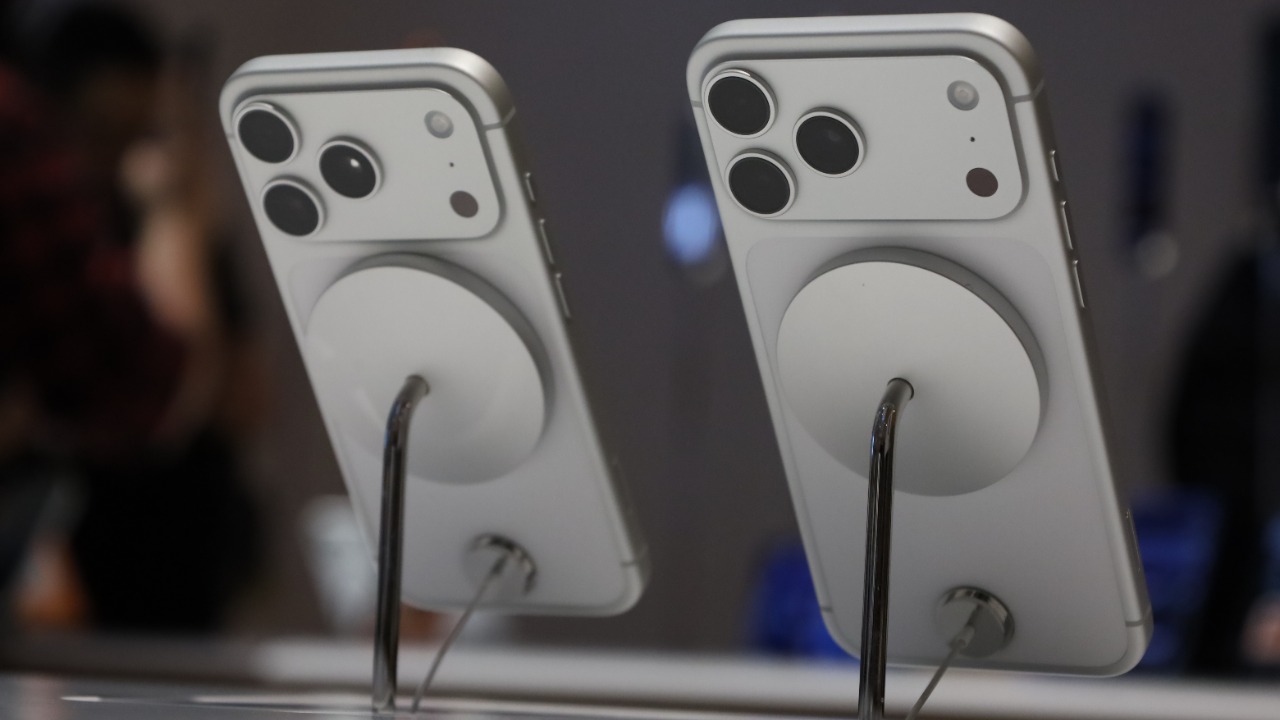

Apple has quietly pushed out a major iPhone software refresh, catching many users off guard with a wave of new tools, tweaks, and under‑the‑hood fixes. Branded as iOS 26.2, the release builds on the company’s broader iOS 26 overhaul and is already rolling out to millions of compatible devices worldwide.
Rather than a routine bug‑fix patch, this point update delivers meaningful upgrades to everyday apps, system intelligence, and performance, turning what looked like a mid‑cycle maintenance release into a substantial free upgrade for anyone with a supported iPhone.
What iOS 26.2 actually is and why it matters
Apple is treating iOS 26.2 as the second major follow‑up to its latest iPhone operating system, not just a minor stability patch. It arrives on the heels of the broader iOS 26 platform, which Apple framed as a way to “elevate the iPhone experience” with deeper intelligence, redesigned core apps, and tighter integration across devices, and this new version extends that philosophy with targeted refinements that users will feel immediately in day‑to‑day use. By packaging these changes into a free software download, Apple is effectively giving existing hardware a mid‑life upgrade without asking anyone to buy a new phone.
The company’s own description of iOS 26 highlighted system‑wide enhancements to communication, creativity, and personalization, positioning the software as a generational step for compatible iPhones rather than a cosmetic refresh, and iOS 26.2 builds directly on that foundation with additional features and fixes that ride on the same core platform improvements first laid out in Apple’s iOS 26 announcement. For users, that means the surprise update is less about a single headline feature and more about a collection of practical upgrades that make the device feel faster, smarter, and more secure.
How the update is rolling out to millions of iPhones
From a distribution standpoint, iOS 26.2 is designed to land on a vast installed base in a very short window. Apple signaled that the update would arrive as the second major point release since iOS 26 debuted in Septemb, and guidance shared ahead of launch indicated that compatible iPhones would see the download appear in Settings over a tight release period rather than a slow, staggered rollout. That approach reflects Apple’s confidence in the stability of the build and its desire to get key fixes and enhancements into users’ hands quickly.
Anyone with a supported device can trigger the installation by heading to Settings, tapping General, then choosing Software Update, where the iPhone checks Apple’s servers for the new firmware and begins the download once iOS 26.2 is available for that region and model. The company’s own pre‑release messaging emphasized that this is the second major point update to iOS 26 and that there are at least 15 notable changes bundled inside, a level of substance that justifies the prominent placement in the Software Update screen and the push notifications many users are already seeing as Apple prepares the 26.2 rollout.
The headline features hiding inside iOS 26.2
While Apple often focuses its marketing on big tentpole features at the start of a software cycle, point releases like iOS 26.2 tend to be where the company quietly ships the quality‑of‑life improvements that power users notice first. Early breakdowns of the update highlight a mix of new capabilities and refinements, from smarter system behavior in everyday apps to more granular controls that give users better command over notifications, privacy, and device performance. For many people, these subtle changes will matter more than any single flashy addition, because they touch the routines of messaging, browsing, and media playback dozens of times a day.
One of the most striking aspects of iOS 26.2 is the sheer breadth of tweaks packed into a single point release, with coverage pointing to at least 15 distinct changes and improvements that range from interface polish to deeper functional upgrades. A detailed walkthrough of the software underscores that this is not a token patch but a feature‑rich update, with the version number 26.2 repeatedly called out as a marker for users who want to be sure they are running the latest build before exploring the new options and behaviors documented in a comprehensive 26.2 feature tour.
Why this feels like a “blockbuster” free upgrade
For many iPhone owners, the surprise is not that Apple shipped another update, but that this one feels unusually generous for a mid‑cycle release. Commentators have already described iOS 26.2 as a “blockbuster” free upgrade, pointing to the combination of new features, under‑the‑hood optimizations, and bug fixes that collectively make the device feel refreshed without any new hardware. That perception matters, because it shapes how quickly users move to install the software and how much goodwill Apple earns from people who might otherwise be wary of big updates.
The sense of scale around this release is reinforced by coverage aimed squarely at everyday users, with one prominent rundown urging, “Own an iPhone? You’ll definitely want to check for a major update from Apple,” before walking through the main additions and improvements in iOS 26.2. That framing, which explicitly calls out the update as a must‑install for anyone who fits the description “Own an iPhone? You’ll definitely want to check for a major update from Apple,” captures how this software drop is being positioned less as a quiet maintenance release and more as a substantial, no‑cost enhancement to millions of existing phones.
How iOS 26.2 builds on Apple’s broader iOS 26 vision
To understand why iOS 26.2 feels so consequential, it helps to look back at the ambitions Apple set for iOS 26 itself. The company framed the original release as a comprehensive rethinking of the iPhone experience, with a focus on smarter system intelligence, richer communication tools, and more expressive ways to personalize the device. That meant deep changes to core apps, new frameworks for developers, and a host of privacy and security updates that touched nearly every corner of the operating system, setting a high bar for any subsequent point releases.
Within that context, iOS 26.2 reads as a natural extension of the same strategy rather than a detour. The update refines the behaviors introduced in the main release, smoothing out rough edges and expanding on features that were already in place, which is exactly what users expect when a platform matures over its first year. Apple’s own language around iOS 26 emphasized elevating the experience across communication, creativity, and intelligence, and the new point release slots into that narrative by tightening the integration and performance of the capabilities first outlined in the company’s original iOS 26 overview.
Who should install it right away and who might wait
For most iPhone owners, the calculus around iOS 26.2 is straightforward: if the device is compatible and there are no mission‑critical apps with known issues, installing sooner rather than later is the safest path. The update folds in security patches alongside its feature additions, and it is rare for Apple to ship a point release with this many user‑facing changes without also addressing vulnerabilities and stability problems discovered since the last version. Users who rely heavily on built‑in apps like Messages, Safari, and Photos are especially likely to benefit from the refinements, which tend to reduce glitches and improve responsiveness in the places people notice most.
There are, however, always edge cases where a more cautious approach makes sense. Enterprise deployments that manage fleets of iPhones, for example, may prefer to test iOS 26.2 on a small subset of devices before green‑lighting a wider rollout, particularly if they depend on specialized line‑of‑business apps that may not have been validated against the new version. Power users who rely on niche utilities or accessories can also justify waiting a few days to see if any compatibility issues surface, even as the broader user base moves quickly to adopt the update once it appears in the Software Update panel as part of the 26.2 release window described in Apple’s rollout guidance.
How to prepare your iPhone before updating
Even when an update is widely recommended, a bit of preparation can make the process smoother and reduce the risk of headaches. I always advise starting with a full backup, either to iCloud or to a computer, so that if anything goes wrong during installation you can restore your data and settings without drama. It is also worth checking that your iPhone has enough free storage to download and unpack the iOS 26.2 installer, since low space can stall the process or force the system to offload apps and media unexpectedly.
Battery level and connectivity matter as well. Plugging the phone into power and connecting to a stable Wi‑Fi network before tapping “Download and Install” helps avoid mid‑update interruptions that can extend the installation time or, in rare cases, cause the device to hang on the Apple logo. Once those basics are covered, the actual update process is largely hands‑off, with the iPhone handling the download, verification, and multiple reboots needed to apply the 26.2 firmware and bring the device back up to the lock screen ready for use.
What to look for after installing iOS 26.2
After the update completes, the first thing I recommend is a quick tour of the apps and settings you use most, both to confirm that everything still behaves as expected and to spot any new options that might be worth enabling. Many of the most useful additions in point releases like iOS 26.2 are tucked away in submenus or toggles, so it pays to spend a few minutes exploring sections like Notifications, Privacy, and Accessibility, where Apple often introduces new controls without fanfare. Checking your favorite third‑party apps for updates in the App Store is also smart, since developers frequently push optimizations timed to major iOS releases.
Performance and battery life are the other key areas to monitor over the first day or two. It is normal for an iPhone to feel slightly warm and for battery usage to spike immediately after a big update, as the system re‑indexes content and re‑optimizes apps in the background, but that should settle down relatively quickly. If things still feel sluggish or power‑hungry after a couple of days on iOS 26.2, a simple restart or a reset of settings can often clear up lingering issues, and in more stubborn cases a clean restore from the backup you made before updating can help the device take full advantage of the improvements documented in the detailed 26.2 feature breakdown.
What this surprise update signals about Apple’s iPhone strategy
Beyond the immediate benefits, iOS 26.2 offers a window into how Apple now thinks about the iPhone’s life cycle. By packing a substantial number of user‑facing changes into a free point release, the company is reinforcing the idea that software, not just hardware, is where much of the long‑term value of an iPhone resides. That approach helps keep older devices feeling current for longer, which in turn supports Apple’s broader ecosystem strategy by keeping people engaged with services and apps even if they are not upgrading their phones every year.
It also underscores how central iOS 26 has become to Apple’s narrative about the future of the iPhone, with each subsequent update, including 26.2, serving as another step in a rolling evolution rather than a one‑time overhaul. The company’s own framing of iOS 26 as a way to elevate the experience across communication, creativity, and intelligence set expectations that the platform would continue to grow and refine over time, and the surprise scale of this latest update suggests that Apple is prepared to use point releases aggressively to deliver that evolution to millions of users at once, without waiting for the next full version number to justify meaningful change.
More from Morning Overview